
Can MiniMax H3 Generate Video with Audio?
Learn how MiniMax H3 audio-video generation may work, what to test, and why native audio still needs production QA.
Overview
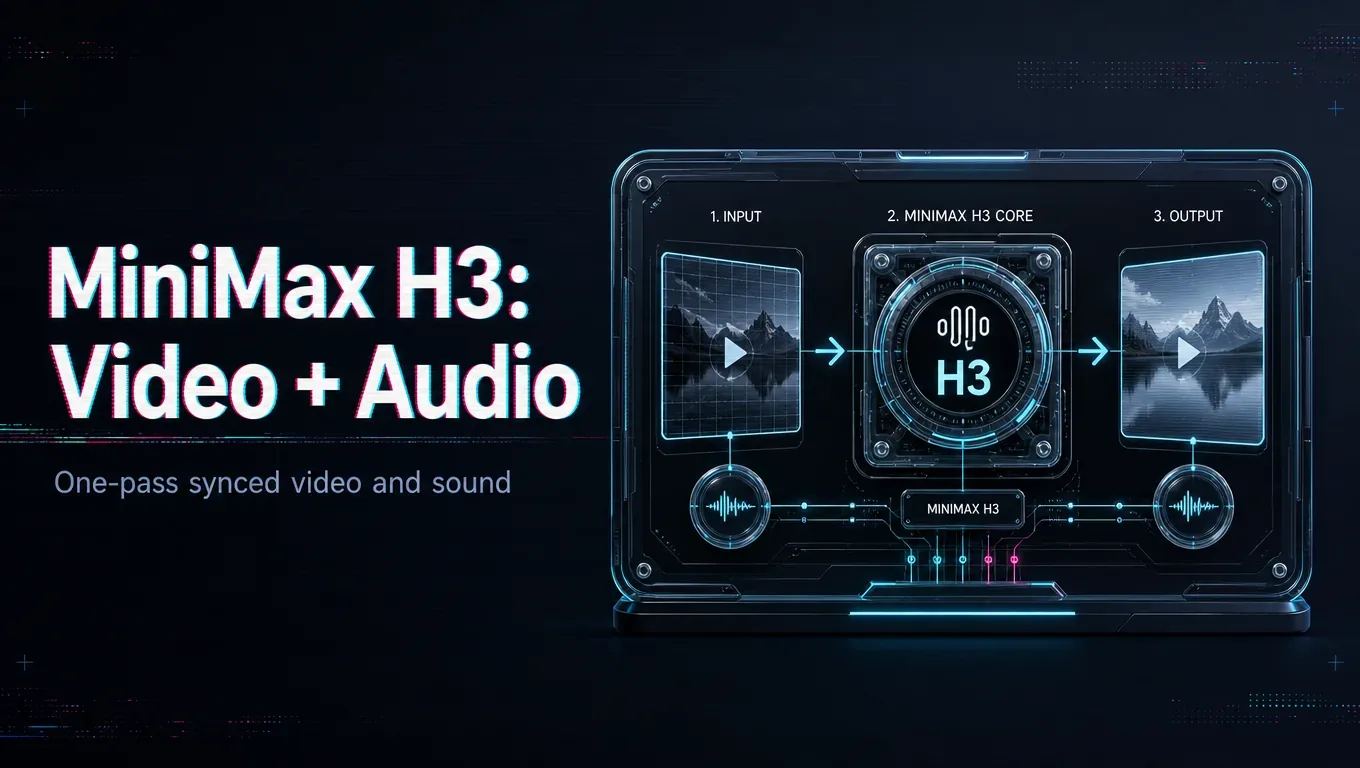
Yes. Native stereo audio is one of MiniMax H3’s headline features: it generates sound together with the video in a single pass, rather than needing a separate text-to-speech or scoring step. The audio can include dialogue, sound effects, and ambient room tone. Source note: Verified 2026-08-06 against the MiniMax official H3 blog, MiniMax Video Generation API docs, and Hugging Face MiniMax-H3 model page.
That changes a typical workflow. For many clips — a quick ad, a social spot, a mood test — you get picture and synchronized sound from one generation, which removes a whole pipeline stage. Describe the audio in your prompt as deliberately as the visuals: name the ambient soundscape, any specific sound events, and the dialogue tone if speech is involved.
Set expectations by content. Ambient sound and simple audio tend to be reliable; precise lip-synced dialogue over a longer clip is the hardest case and can drift, so test your specific lines before depending on them. Keeping clips short helps sync hold.
Native audio can replace a separate TTS-and-lip-sync stage when it holds up, but validate quality on your own hardest lines before retiring a fallback. This capability runs through the current hosted API.
/filters:quality(82)/media/images/c347367a-a007-4466-b8f7-d37f5fb52819.webp)
/filters:quality(82)/media/images/cd4db796-7728-45fb-8267-6813ed28e173.webp)
/filters:quality(82)/media/images/1791535252286714222_v4jvJT2a.webp)
/filters:quality(82)/media/images/1791451065663755033_qNqAKS1a.webp)
/filters:quality(82)/media/images/1791359984291066138_tW5eOX6f.webp)
/filters:quality(82)/media/images/1773962750383987480_n3hqzHRZ.webp)