
Can MiniMax H3 Do Image-to-Video?
See how MiniMax H3 image-to-video works, why first-frame control matters, and when it beats text-only generation.
Overview
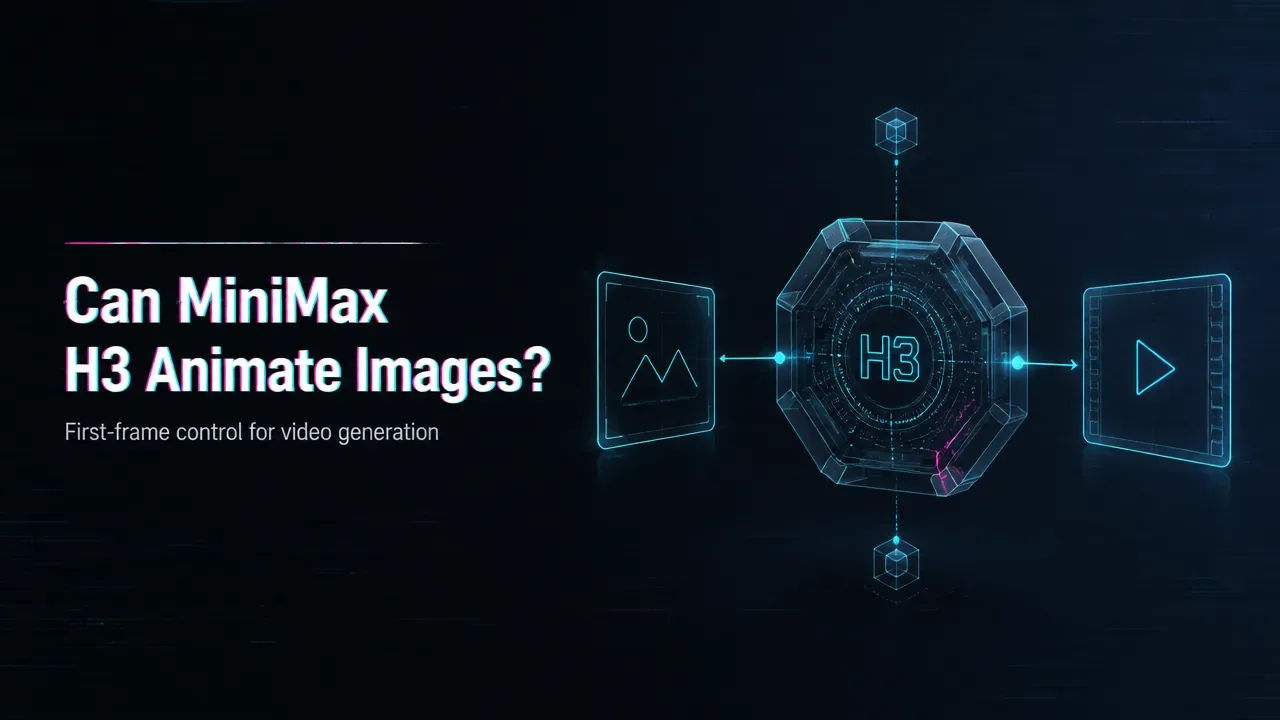
MiniMax H3 is searched heavily for image-to-video because teams want to animate an existing frame, product shot, character, or design asset. Confirm the current provider route first, since accepted image formats, file size, aspect ratio, and duration rules can differ.
Source note: Verified 2026-08-06 against the MiniMax official H3 blog, MiniMax Video Generation API docs, and Hugging Face MiniMax-H3 model page.
Image-to-video is more controlled than text-to-video. The starting image anchors the subject, composition, style, and brand details, while the prompt describes how motion should unfold. That makes it useful for e-commerce product clips, app promos, character tests, thumbnail-to-motion workflows, and creative automation systems. It is still not magic preservation: logos, hands, product geometry, readable text, and exact materials should be tested with real assets. In an API setting, the important implementation pieces are media upload or URL handling, prompt structure, task status, output storage, and cost tracking. WaveSpeedAI can position this as a production workflow where teams test MiniMax H3 beside other image-to-video models without changing the application layer each time.
Choose image-to-video when visual continuity matters more than pure imagination. It gives the model a concrete visual anchor.
For production, keep a small benchmark set of brand images and compare usable outputs before routing real user jobs. Track when the model preserves identity and when it invents new details.
/filters:quality(82)/media/images/c347367a-a007-4466-b8f7-d37f5fb52819.webp)
/filters:quality(82)/media/images/cd4db796-7728-45fb-8267-6813ed28e173.webp)
/filters:quality(82)/media/images/1791535252286714222_v4jvJT2a.webp)
/filters:quality(82)/media/images/1791451065663755033_qNqAKS1a.webp)
/filters:quality(82)/media/images/1791359984291066138_tW5eOX6f.webp)
/filters:quality(82)/media/images/1773962750383987480_n3hqzHRZ.webp)