
How Can I Track Generation Cost per User, Model, and Retry in an AI SaaS?
Track AI generation cost accurately with request, attempt, model, status, estimate, and billing fields for every tenant and retry.
Overview
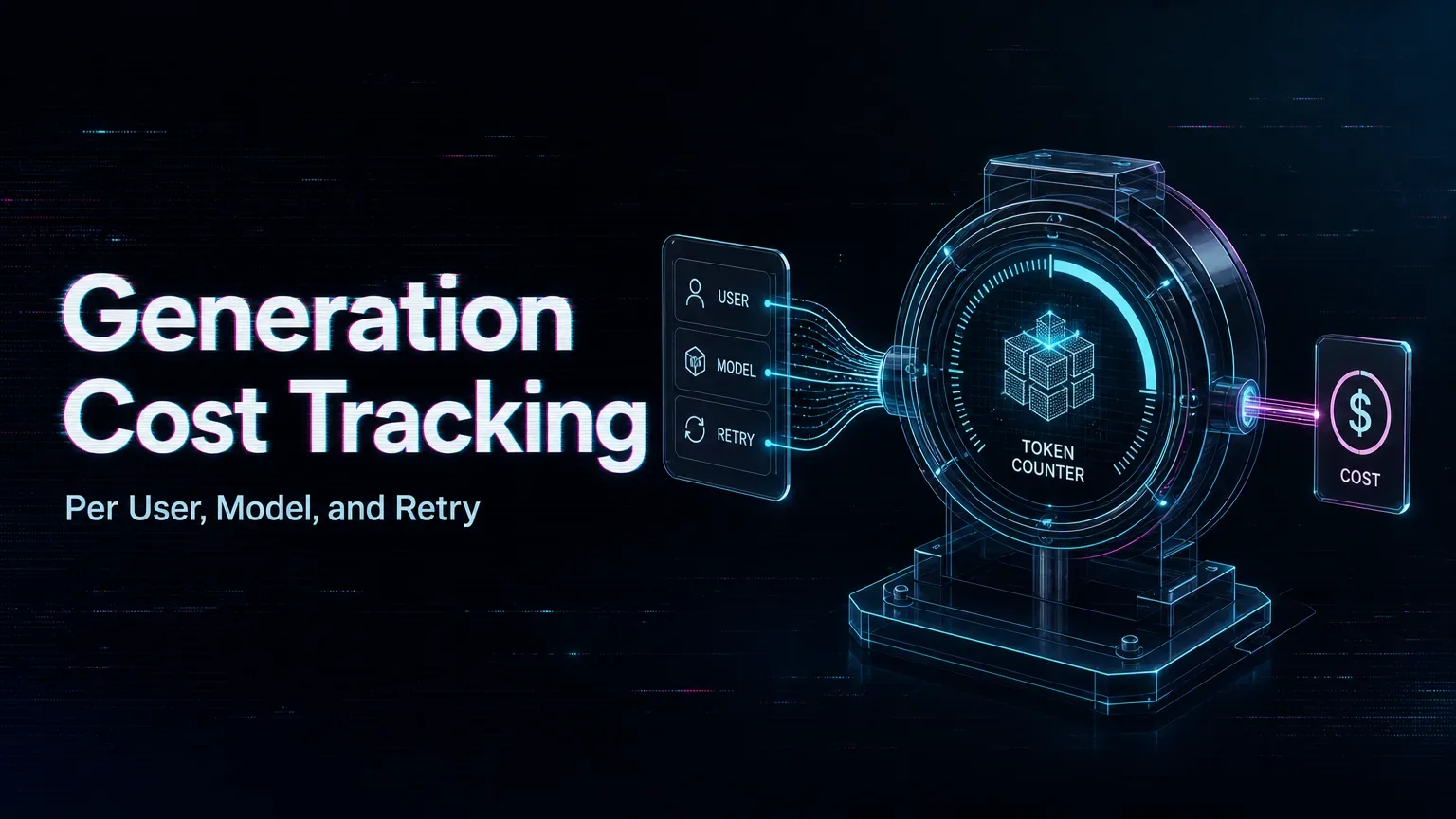
Track cost at the attempt level, then roll it up to the user’s original request. One user action may create several provider attempts because of retries or fallback routing. If you store only the final successful job, your dashboard will understate cost and make failure-heavy models look cheaper than they are.
Use two linked records
The request record should contain tenant ID, user ID, product feature, plan, creation time, and final user-visible outcome. Each attempt should contain request ID, provider, model ID and version, parameter hash, task ID, status, timestamps, retry reason, estimated cost, and billed cost.
At submission time, capture any cost estimate actually shown by the current model interface or endpoint. If no estimate is available, leave the field unknown rather than calculate it from an assumed rate. Reconcile final cost only from account records your team can access, and retain the retrieval date with that value.
Do not overwrite a failed attempt when a retry succeeds. Keep both rows and classify technical failure, safety refusal, cancellation, timeout, and completed-but-rejected output separately.
Measure cost that matches the business
Report cost per request, per accepted asset, per active user, and per tenant. Add retry cost rate and fallback cost rate. “Cost per successful API call” is less useful when customers judge usable clips.
Turn the ledger into control
Set alerts for sudden attempt growth, rejected-output cost, and margin by feature. Cost observability should drive routing and product limits, not just month-end accounting.
/filters:quality(82)/media/images/5f15570a-6a68-432e-a6f1-1dcbf799ba81.webp)
/filters:quality(82)/media/images/b73c2438-6bdd-4b80-a229-8d71d8f819cf.webp)
/filters:quality(82)/media/images/427fd9f2-347d-4f86-a2d5-aee110cda01d.webp)
/filters:quality(82)/media/images/1773962750383987480_n3hqzHRZ.webp)
/filters:quality(82)/media/images/43fa0e7f-a0db-48d7-9bab-921d1225db30.webp)
/filters:quality(82)/media/images/5799ff56-3a73-40ca-a666-e4965d878496.webp)