
How Do I Remove a Sora Watermark from a Video?
Remove a Sora watermark only from video you are permitted to edit, then inspect repaired frames, preserve the source, and confirm publication rights.
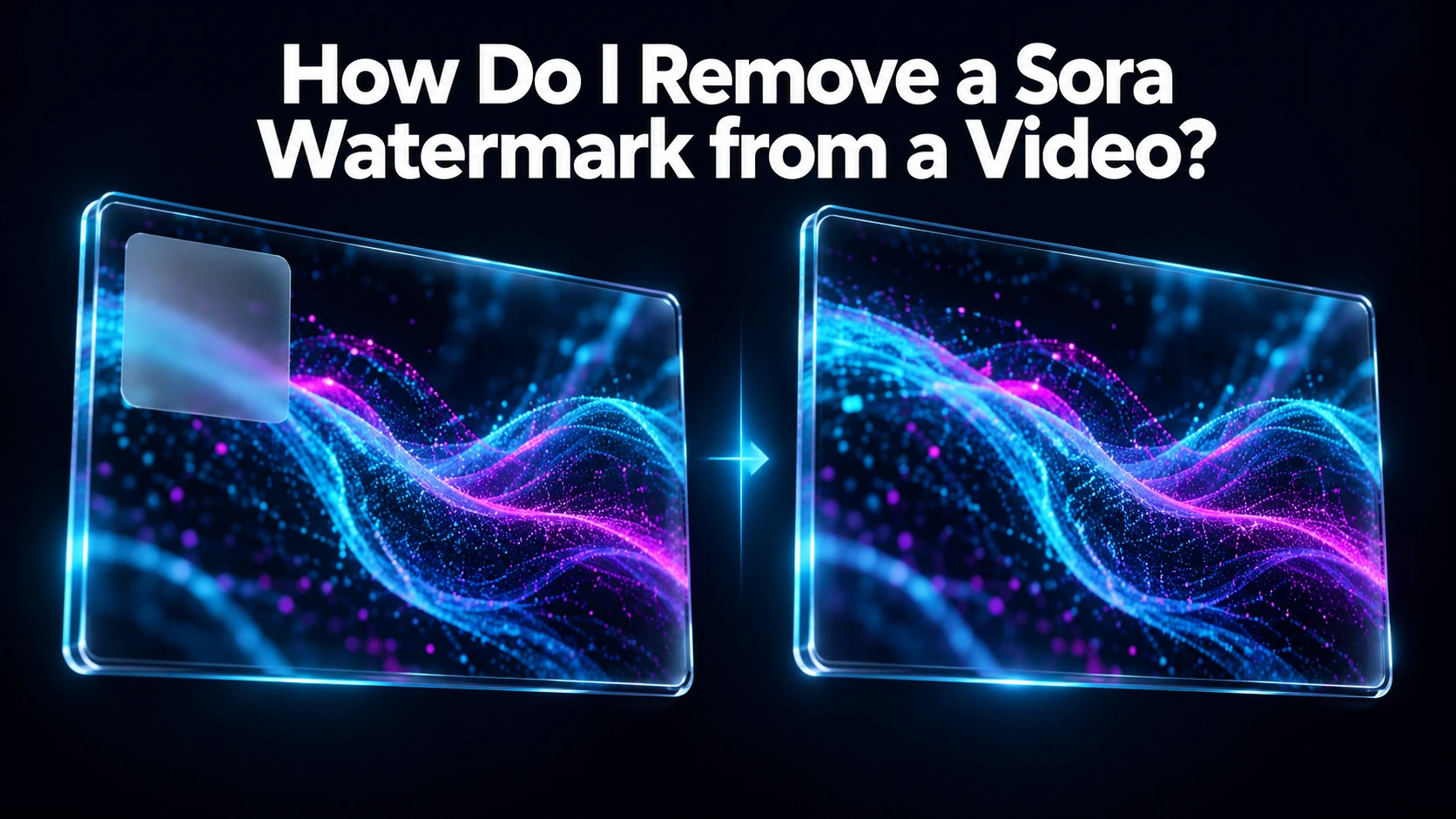
Overview
If you have the right to edit the Sora clip and remove its watermark, a video watermark-removal tool can attempt the cleanup; it cannot guarantee an invisible result or change the clip’s license. WaveSpeedAI publishes a general video watermark remover and a Sora-specific landing page, but that page does not claim official OpenAI affiliation.
The short path is: confirm you may edit the clip under the source platform’s terms; open WaveSpeedAI’s video watermark remover or Sora-specific page and supply the authorized original; mark or select the watermark using that tool’s current controls; then inspect and download the repaired result. A visible mark may be a provenance or platform condition, and the tool does not waive it. Work from the highest-quality source and inspect frames where the mark crosses moving objects.
Do not promise perfect restoration. Inpainting may leave blur, flicker or missing detail, so compare the cleaned clip with the original at normal playback speed and at key frames. Keep the unaltered source and an edit record for internal review.
For commercial delivery, get the final asset approved under the applicable source, model and ad-platform terms. This is a conceptual tool answer, not a bypass for access restrictions or an assurance of lawful reuse.
If the mark covers a face, label or moving boundary, set an explicit rejection threshold before processing. Manual editing may be safer when repair artifacts could change a frame’s meaning or misrepresent the original footage. Review the full clip after export, including its unchanged audio track.
Source: WaveSpeedAI video watermark remover; WaveSpeedAI Sora watermark remover page; WaveSpeedAI Acceptable Use Policy. Source check: 2026-09-29.
/filters:quality(82)/media/images/c347367a-a007-4466-b8f7-d37f5fb52819.webp)
/filters:quality(82)/media/images/cd4db796-7728-45fb-8267-6813ed28e173.webp)
/filters:quality(82)/media/images/1791535252286714222_v4jvJT2a.webp)
/filters:quality(82)/media/images/1791451065663755033_qNqAKS1a.webp)
/filters:quality(82)/media/images/1791359984291066138_tW5eOX6f.webp)
/filters:quality(82)/media/images/1773962750383987480_n3hqzHRZ.webp)