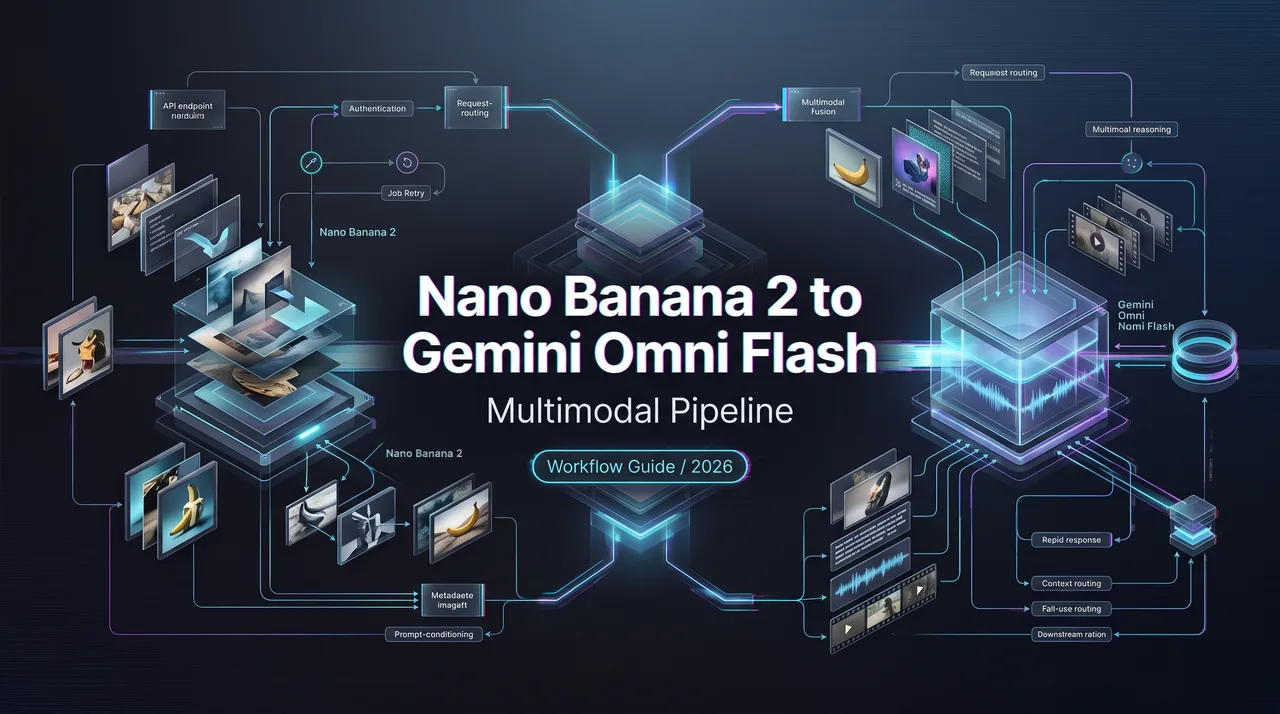
Nano Banana 2 to Gemini Omni Flash Pipeline
Nano Banana 2 pipeline guide for teams turning reference images into video workflows with Gemini Omni Flash, Flow, or other video models.
A video pipeline usually breaks before the video model starts running. The still image is approved too loosely, the product angle is “close enough,” the character face is not locked, and then animation makes every small uncertainty louder.
That is the real reason to put Nano Banana 2 at the front of an AI image to video workflow: it should produce the controlled reference asset before Gemini Omni Flash, Google Flow, or Luma Dream Machine takes over motion.
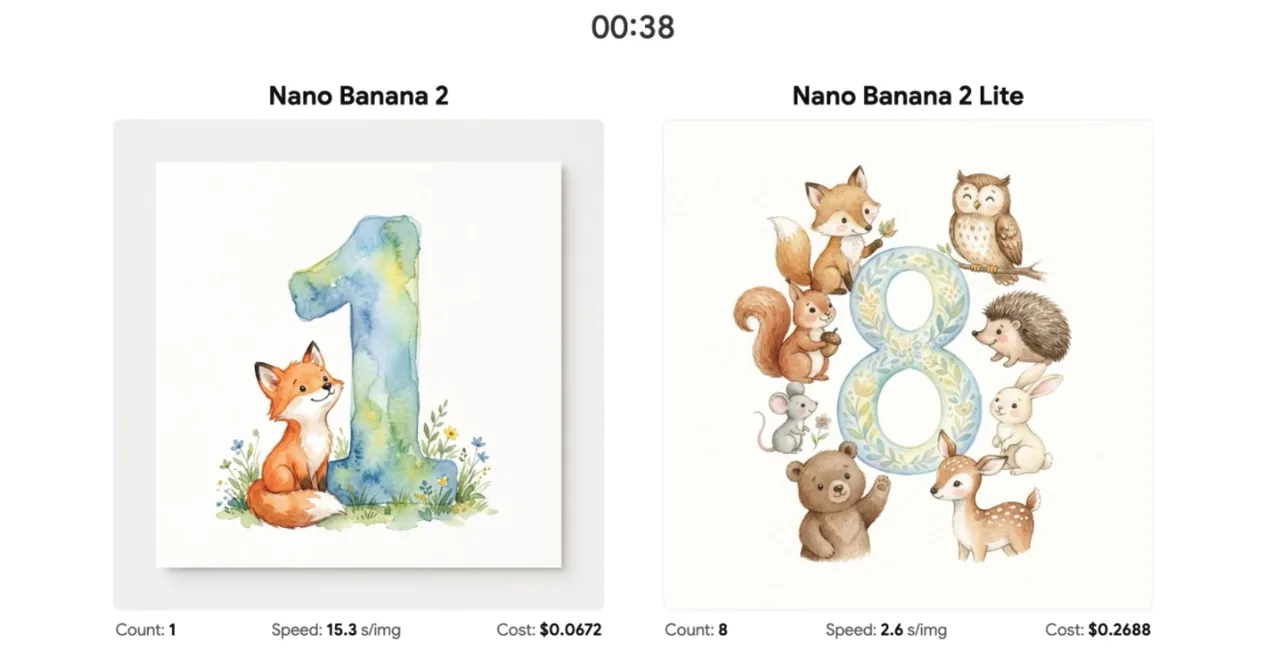
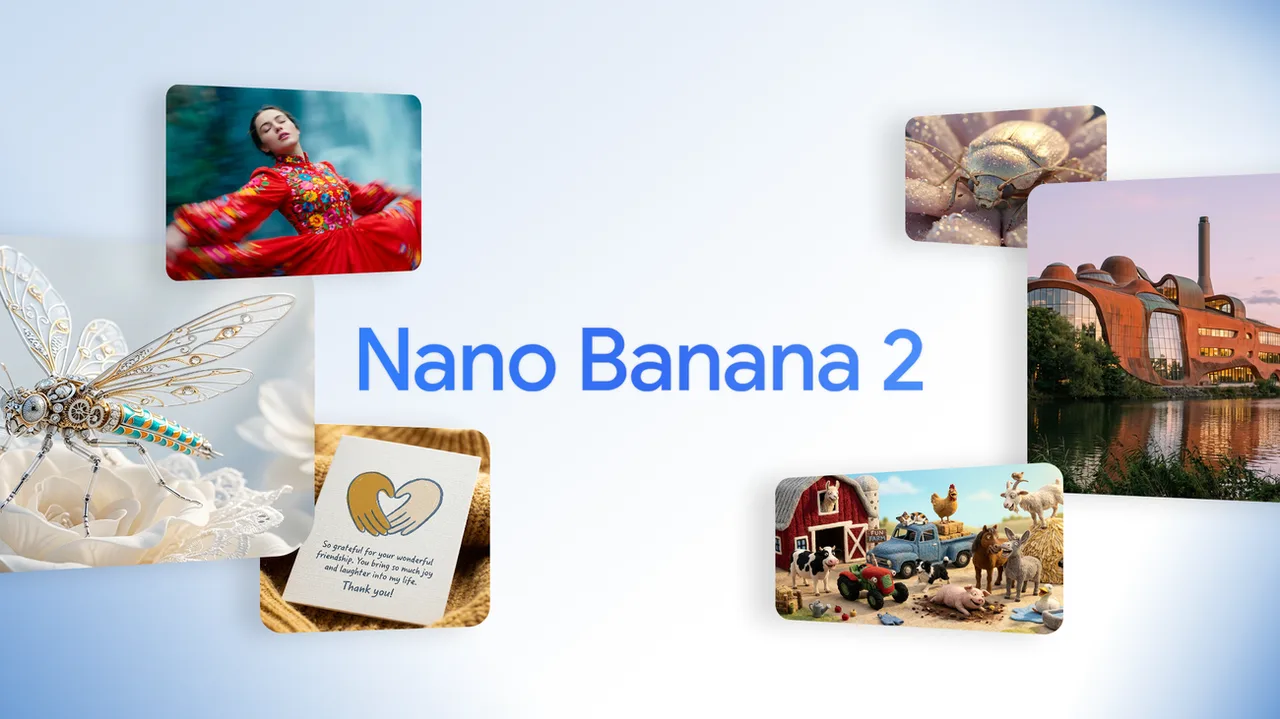
Google has described a Nano Banana 2 Lite image handoff into Gemini Omni Flash in its official announcement, but for production teams the takeaway is not the demo itself. The takeaway is the handoff contract: what the image model must finish, what the video model is allowed to change, and what review metadata has to follow the asset into the next job.
Why Nano Banana 2 Belongs in Image-to-Video Pipelines
Reference images, product shots, character sheets, and visual drafts
For campaign automation teams, Nano Banana 2 is most useful before animation begins. The upstream image stage can produce reference frames, product compositions, character sheets, packaging variations, background drafts, and visual options for creative review. That matters because video generation usually amplifies whatever ambiguity exists in the input.
If a product label is slightly wrong in the still, animation will not fix it. If a character’s jacket, face shape, or prop changes across image drafts, video output may make that inconsistency more visible. This is why the image step needs its own acceptance criteria.
Google’s Gemini image generation docs now separate Nano Banana 2 and Nano Banana 2 Lite as image models with different production profiles. I would keep that distinction in the routing layer. Use the family name in planning, but pin the exact model ID in configuration, job logs, and asset records.
What the image model should finish before video generation begins
The image model should finish identity, composition, aspect ratio, visible text, product state, and review intent before any video job starts. A still image is cheaper to inspect than a failed animation batch. It also gives creative, legal, and product teams a stable object to approve.
For product work, that means the image record should include the source prompt, reference inputs, model ID, prompt version, generated asset ID, aspect ratio, review status, and any rights notes. For character work, it should include the approved sheet or hero frame that future video prompts must follow. For ad work, it should include channel intent, such as vertical short, square social unit, or landscape cutdown.
Good enough for moodboarding is not good enough for animation. The handoff image should answer: what object or person must stay stable, what can move, what must never change, and what is still open to interpretation.
Handing Images to Video Models
Gemini Omni Flash, Google Flow, Luma Dream Machine, and fallback choices
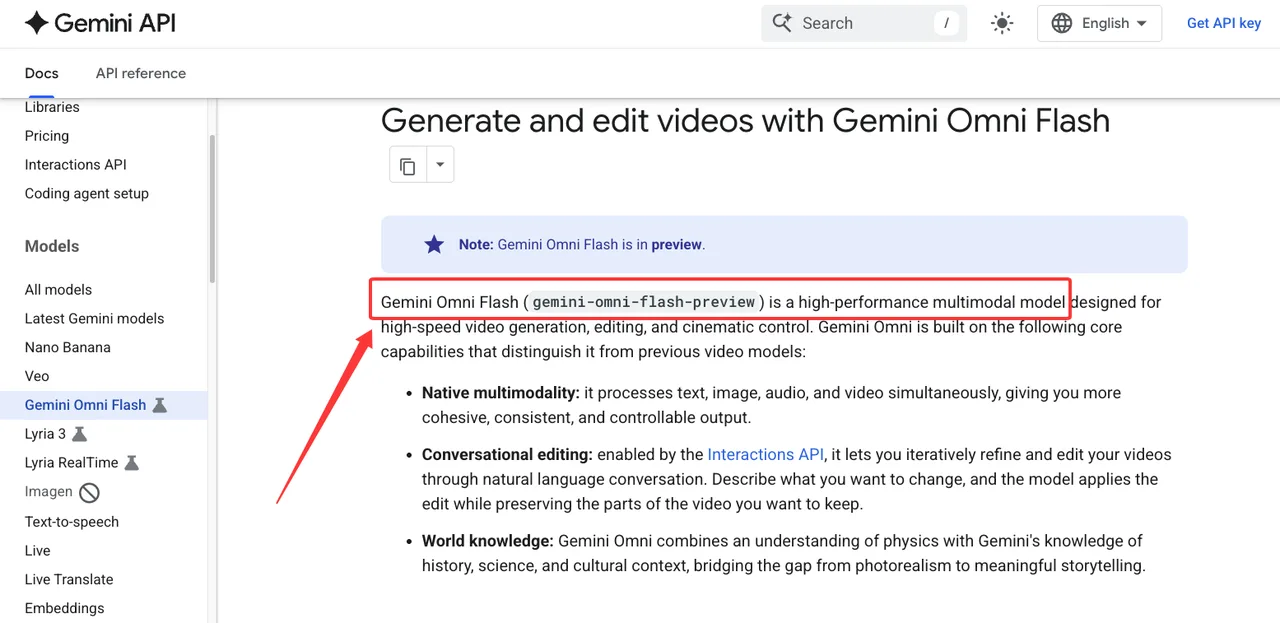
Gemini Omni Flash belongs downstream in this article, not at the center. Google positions it as a multimodal generation model in the Gemini Omni Flash guide, and the useful production pattern is to treat it as one possible animation target for approved image assets. Google Flow is another downstream surface, especially when a team wants a creative workspace rather than only an API queue. Google’s Flow feature matrix is the type of page I would check before deciding whether a workflow depends on Flow, Gemini API access, or both.
Luma Dream Machine is a separate downstream choice. Its video generation docs make it relevant for image-conditioned video jobs where teams want an alternate animation provider, a fallback route, or a comparison lane. I would not write this as “which model is better.” I would write it as routing policy.
The fallback decision should depend on job type. A brand character loop may need reference stability. A product reveal may need strict composition control. A social variant batch may accept more variance if it clears review. A production queue needs more than one downstream option when launches are tied to fixed campaign dates.
Prompt continuity, aspect ratio, motion brief, and asset metadata
The handoff from Nano Banana 2 to video generation needs a motion brief, not just a prompt. The brief should state camera movement, subject movement, background movement, duration target, framing lock, forbidden changes, and acceptable variation. If the image is a product shot, the video prompt should not re-describe the product loosely. It should point back to the approved image record.
Aspect ratio is another place where pipelines fail quietly. If the reference image is square and the campaign needs vertical video, the team either needs to generate the image in the target frame or approve a crop policy before animation. Fixing this after video generation wastes review time.
Asset metadata should travel with the job. At minimum, keep source image ID, model ID, prompt version, reference image IDs, downstream video model, job status, retry count, reviewer, and final export IDs. The point is not paperwork. The point is being able to explain which approved image became which video, and why a given output was accepted, rejected, retried, or routed to another model.
Production Workflow Design
Batch image generation before animation
I would batch image generation before animation, then narrow the set. This gives reviewers a cheaper surface for taste, brand fit, product accuracy, and legal clearance. Only approved images should enter the video queue.
A practical batch plan starts with prompt libraries and campaign templates. Each image job gets a campaign ID, variant ID, model ID, prompt version, target channel, and reviewer state. Rejected images need rejection reasons that the prompt team can use later: wrong logo, weak product resemblance, bad hand pose, text error, off-brand palette, unstable character, or unusable crop.
This also keeps Nano Banana 2 from becoming a hidden dependency. If a later video looks wrong, the team can inspect whether the issue came from the reference image, the motion prompt, the video model, the review gate, or the export step. That is the difference between a model experiment and a production pipeline.
Review gates, versioning, failed video jobs, and model switching
A production workflow needs gates before and after animation. The image gate checks subject, brand, product, composition, rights, and channel fit. The pre-motion gate checks whether the brief is specific enough for a downstream model. The video gate checks identity drift, motion artifacts, text changes, unsafe content, and campaign suitability.
Versioning needs to cover both images and videos. If image version A-14 becomes video versions V-14a, V-14b, and V-14c, the review tool should show that lineage without making someone reconstruct it from filenames. Failed video jobs should keep their error state, provider, input asset, retry count, and failure class. Do not delete failed runs just because they are ugly. They are useful operational data.
Model switching should be controlled by policy. Switch when a provider is unavailable, when a job class repeatedly fails, when a channel needs a different output profile, or when the creative team has approved an alternate route. Do not switch models silently inside a campaign. Silent switching makes review feedback less useful and incident review harder.
FAQ

Who owns asset lineage when reference images become video inputs?
Asset lineage should have one accountable owner, usually the production platform or campaign automation owner, with creative and legal as named reviewers. Creative owns whether the asset fits the brief. Legal or brand governance owns rights and release concerns. The platform owner owns the record that connects prompt, image, video job, reviewer decision, and final export.
How should intermediate images be labeled in review tools?
Intermediate images should be labeled as production candidates, not final assets. I would include campaign ID, variant ID, source model, model version or model ID, prompt version, reference set, aspect ratio, review status, rights status, and downstream use. A reviewer should be able to tell whether an image is a draft, an approved reference, a rejected candidate, or a frozen input for video generation.
What campaign risk should freeze the pipeline before launch?
Freeze the pipeline when identity, product accuracy, rights, or claim compliance becomes unclear. Also freeze when model switching changes output behavior inside an approved campaign, when failed jobs cluster around the same asset class, or when reviewers cannot trace a final video back to its approved reference image. Nano Banana 2 can make the still-image stage more controllable, but the launch risk sits in the full chain from image approval to final video export.
Previous posts: