
Seedream 5.0 Pro to Magnific: ComfyUI Handoff
Seedream 5.0 Pro workflow for handing edited assets to Magnific and controlled ComfyUI enhancement stages.
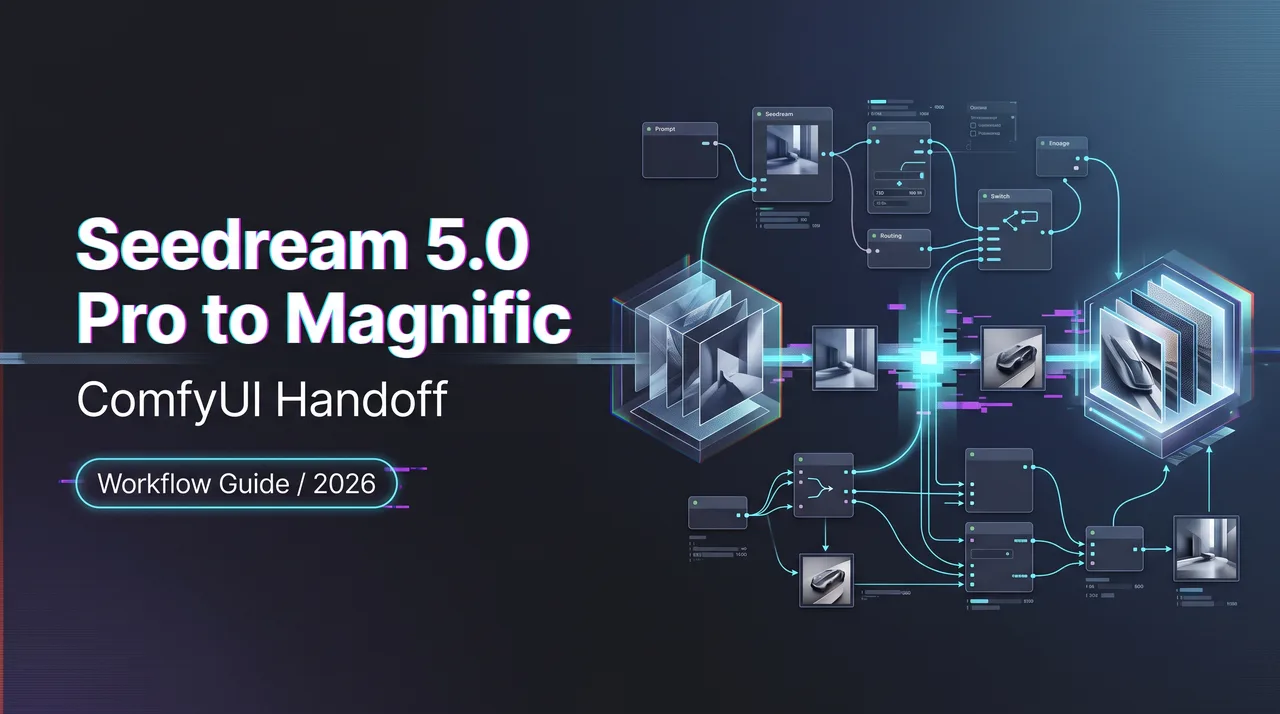
I paused here because the image looked approved, but the asset was not ready. That is the point where Seedream 5.0 Pro stops being a generation question and becomes a handoff question. The image may already have the right composition, character, product shape, lighting direction, and client-approved intent. Sending it into Magnific or a ComfyUI enhancement workflow is not “make it better.” That sentence is too loose. Loose sentences create loose files.
This page documents the enhancement handoff: what leaves generation, what enters enhancement, what must stay unchanged, and how to catch visual drift before an approved image quietly becomes a different asset.
Define the Enhancement Handoff
What leaves Seedream and what enters the enhancement stage
The handoff starts with one approved source image, not a folder full of maybes.
That sounds obvious. It usually is not. In real production folders, I often see “final,” “final-upscale,” “final-new,” and “client-final-v3” sitting beside each other like a small crime scene. So my first rule is boring: only one file is the source master for enhancement.
For a Seedream output, the export package should include:
- The approved image file.
- The exact prompt or generation instruction.
- Reference images used in the generation stage.
- The selected aspect ratio and output size.
- Any masks, edit regions, or crop boundaries.
- A short approval note: what is approved, and what cannot change.
The last item matters most. Enhancement tools are not mind readers. If the client approved the jacket texture but not the background, write that down. If the product silhouette is locked, write that down. If the face is approved but skin texture can be cleaned, write that down.
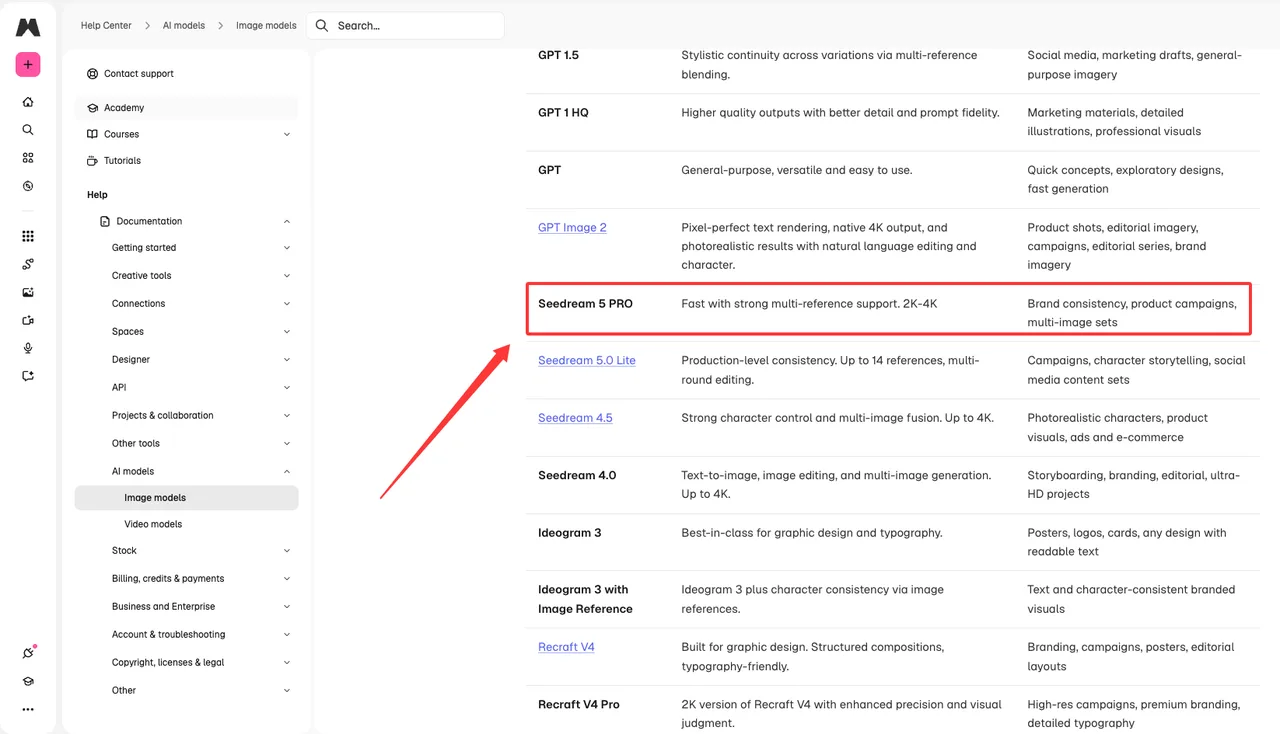
Current public model documentation should also be checked before publish. Magnific’s own image model reference lists Seedream 5 PRO as fast, multi-reference capable, and positioned for 2K-4K brand/product work in its image models documentation. That is useful routing evidence. It is not a substitute for checking the exact model panel, export format, and account-level limits in the production environment on the day you publish.
That is where my data ends.
Preserve references, dimensions, masks, and approved visual intent
The enhancement stage should receive context, not just pixels.
A clean handoff folder usually has four parts:
| Handoff item | Why it matters |
|---|---|
| Source master | The approved generation result, untouched |
| Reference pack | Character, product, brand, or style references |
| Intent note | What must stay fixed vs what can improve |
| Enhancement log | Magnific or ComfyUI settings used after approval |
The intent note is not decoration. It is the contract between generation and enhancement.
For example, “increase detail” is too vague. Better: “*recover fabric weave and product label sharpness; do not alter face shape, logo position, bottle silhouette, background layout, or color palette.*”
That sentence is longer. Good. The process was long.
Seedream-to-Magnific Workflow
Select outputs for enhancement rather than regeneration
The main mistake is using enhancement to avoid making a selection.
If five Seedream outputs are still competing, stay in generation. If one output has already passed composition and intent review, move to enhancement. Magnific should not be the place where the team keeps deciding what the image is.
I use three gates before sending an image forward:
- Composition is approved.
- Identity or product structure is approved.
- Only resolution, texture, sharpness, noise, or local detail still needs work.
If the image fails one of those gates, I regenerate or edit upstream. Enhancement cannot reliably fix a wrong pose, a wrong product geometry, or a weak art direction without creating a new image. Sometimes it gets lucky. I do not build workflows around luck.
Magnific’s own Image Upscaler docs separate Creative mode from Precision mode. That split is the right mental model. Creative mode can add or reinterpret detail. Precision mode is for faithful scaling. The handoff owner needs to decide which mode is allowed before the file moves.
Control detail recovery, upscale strength, and visual drift
Upscaling is not neutral. It changes the image.
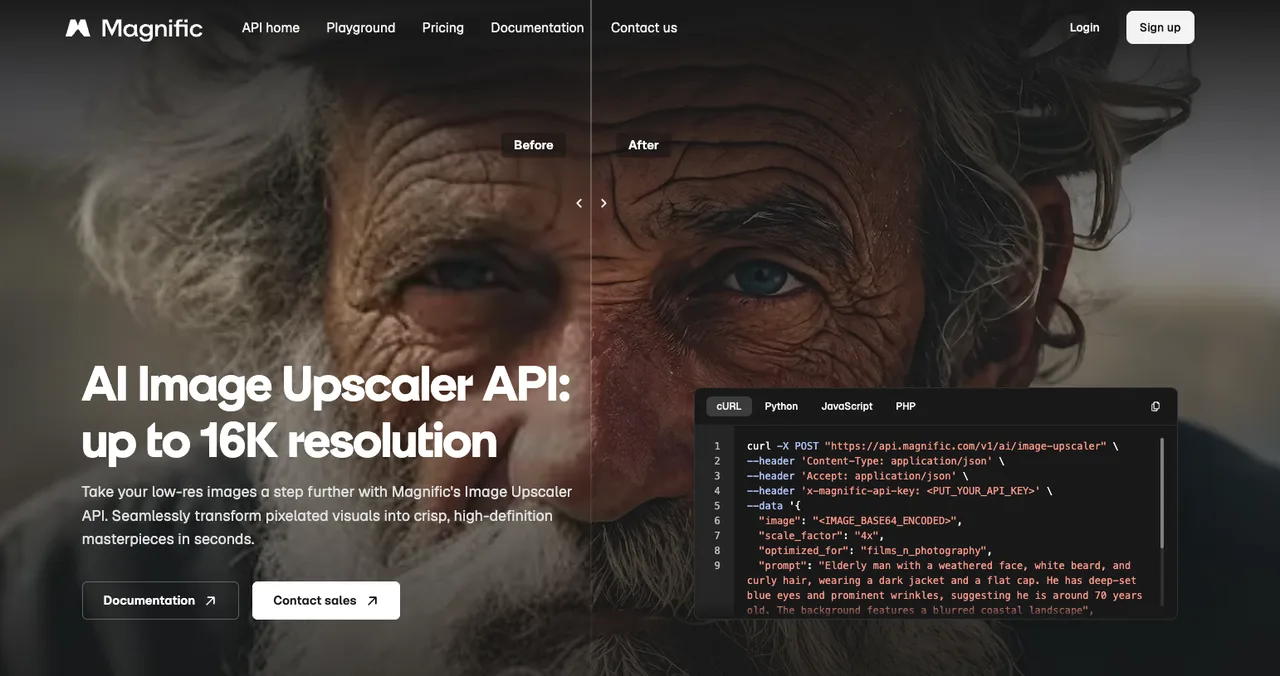
In Magnific, that change can be controlled, but only if the settings are treated as production variables. The public API example exposes parameters such as scale_factor, creativity, hdr, resemblance, fractality, and engine in the Image Upscaler API. Those are not just knobs. They are handoff records.
For approved assets, I separate enhancement into three lanes:
| Lane | Use when | Main risk |
|---|---|---|
| Conservative upscale | Product, face, logo, packaging, client-approved layout | Output may stay slightly soft |
| Controlled detail recovery | Fabric, hair, material texture, environment detail | Added texture may look plausible but false |
| Creative enhancement | Concept art, stylized key visuals, exploratory campaign assets | Visual intent can drift |
The safest starting point is conservative. That does not mean weak. It means the approved structure survives.
For client-facing work, I usually run one low-strength pass first. Then I compare. If the enhanced output changes the product edge, facial geometry, logo spacing, text layout, or approved color relationship, I stop. A prettier wrong image is still wrong.
Hypothesis confirmed. Enhancement fails when nobody writes down what “same image” means.
ComfyUI as the Control Layer
Reproducible enhancement nodes, versioning, and batch handling
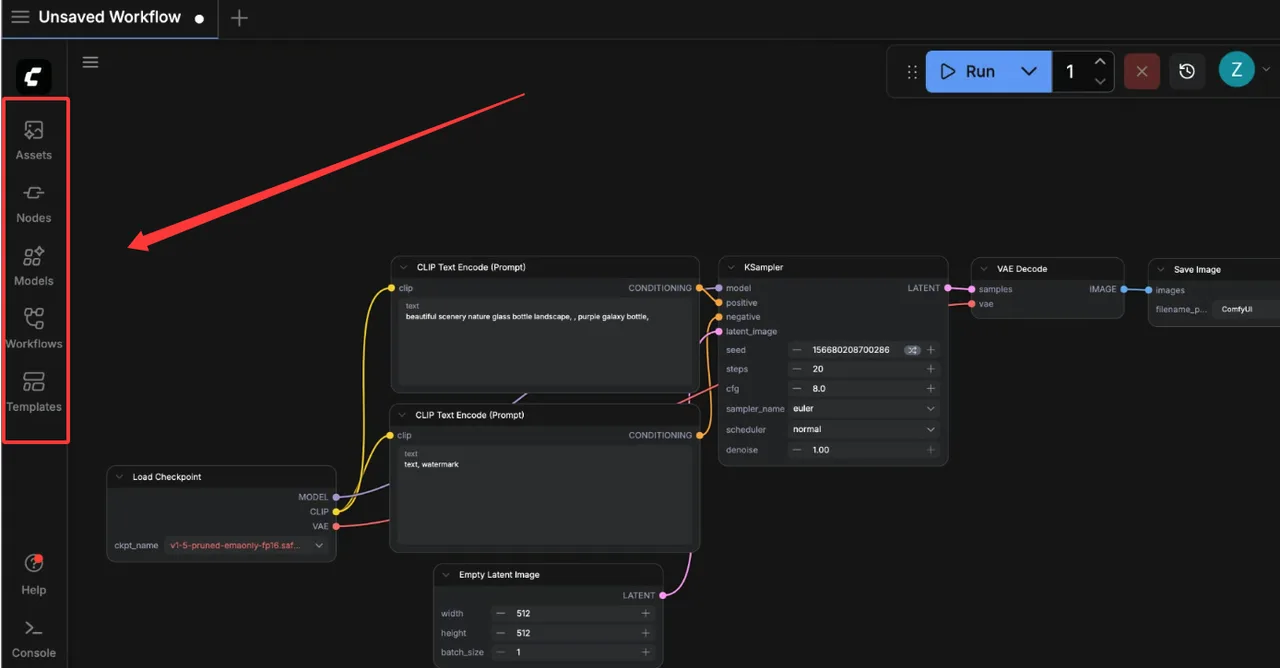
ComfyUI is useful here because it turns enhancement into a repeatable graph instead of a private sequence of clicks.
The official ComfyUI repository describes it as a modular node graph system for visual creation, with support for images, videos, 3D, audio, API nodes, queueing, workflow JSON, and loading workflows from generated PNG/WebP files in its ComfyUI GitHub README. For handoff, the important part is not that it has many nodes. The important part is that a graph can be saved, repeated, inspected, and versioned.
A reproducible enhancement workflow should record:
- Source image path or asset ID.
- Upscale node and model.
- Denoise, sharpen, CFG, sampler, seed, or equivalent controls.
- Any mask or region-specific enhancement.
- Output filename convention.
- Workflow JSON version.
- Custom node versions.
- Reviewer and approval status.
Batch handling needs one extra rule: do not batch the first pass.
Run one representative asset. Compare it. Adjust. Then run a small batch. Compare again. Only then run the full set. One fewer switch. Sounds small. Adds up fast.
The ComfyUI interface docs also show local assets, workflow history, workflow panels, node libraries, and saved workflows as first-class parts of the workspace in the ComfyUI interface overview. That is why I use it as a control layer. The enhancement record is visible enough that another person can audit it later.
Failure routing when enhancement changes approved details
Every enhancement workflow needs a failure route.
Not a vague “review needed” comment. A real route.
I use four labels:
- Pass: enhanced output preserves approved intent and improves delivery quality.
- Re-run: settings were too strong or too weak, but source image is still valid.
- Mask and isolate: only one region needs enhancement; full-frame pass causes drift.
- Return upstream: the issue cannot be fixed by enhancement without changing the image.
The fourth label saves time. It also saves arguments.
If Magnific changes facial identity, product proportions, brand marks, or approved text, that is not an enhancement failure only. It is a routing failure. The image should go back to Seedream or the original editing stage, not be pushed through stronger upscaling until it looks expensive.
Same with ComfyUI. If a node chain improves texture but alters approved composition, the graph needs a branch: one version for faithful upscale, one for creative exploration. Do not mix those outputs in the same approval folder. Future you will not remember which one was safe. Future you is busy.
Handoff QA
Compare source, enhanced output, and delivery asset
QA needs three files on screen:
- Source master.
- Enhanced output.
- Delivery asset.
The source master tells you what was approved. The enhanced output tells you what the enhancement tool changed. The delivery asset tells you what the client, printer, marketplace, or campaign system will actually receive.
I compare in this order:
- Structure: pose, silhouette, crop, layout, product geometry.
- Identity: face, character, logo, packaging, brand elements.
- Detail: skin, fabric, metal, glass, surface grain, edges.
- Color: palette, contrast, saturation, local hue shifts.
- Delivery: file size, dimensions, format, naming, folder location.
Detail comes third on purpose. If the structure changed, I do not care how good the texture looks.
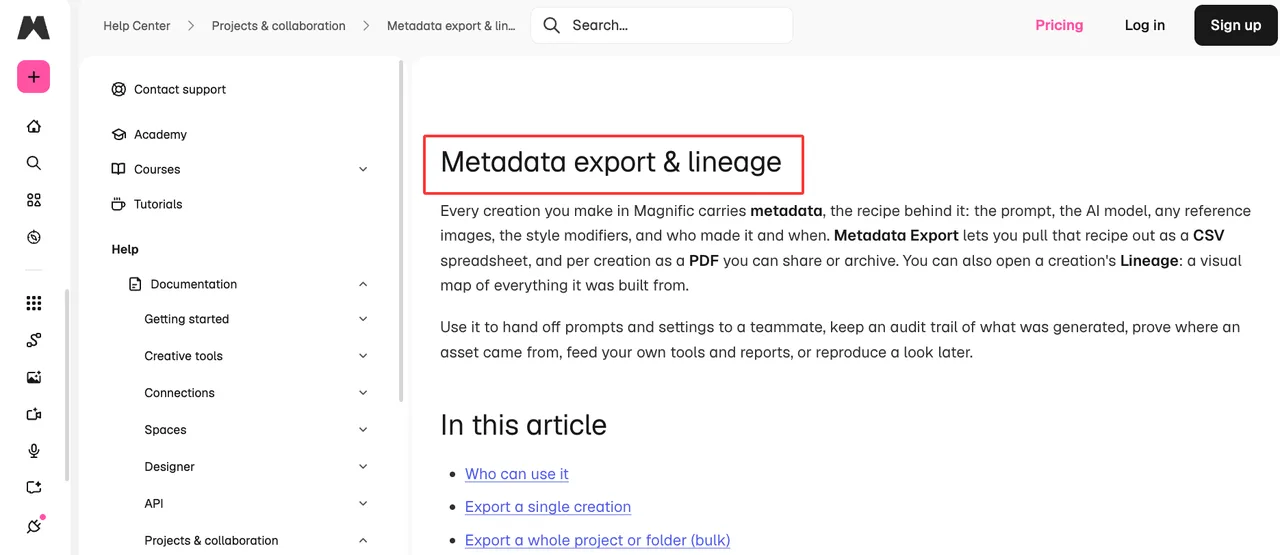
For asset handoff, Magnific’s metadata and lineage docs are worth checking because they describe exporting prompts, models, references, settings, creation history, and lineage records through metadata export and lineage. Whether your team uses that exact export or its own tracker, the principle is the same: provenance has to travel with the asset.
Preserve provenance and approved master files
The approved master should never be overwritten.
I keep it read-only inside the project folder and create enhancement derivatives from it. File names should make the chain obvious:
campaign-hero_source-approved_2026-07-14.pngcampaign-hero_magnific-precision-2x_v01.pngcampaign-hero_comfyui-mask-upscale_v02.pngcampaign-hero_delivery_4k_client-approved.png
This is not elegant. It works.
The provenance record should include who approved the source, who ran enhancement, which settings were used, what changed, and which file became the delivery asset. If the project later needs a revised crop, legal review, or marketplace resubmission, that record prevents guessing.
Tools that survive in a workflow share one trait: they do not create hassle. Provenance is part of that.
FAQ
Who owns the master asset after the enhancement handoff?
The approved source master should remain owned by the production owner or project owner, not by the enhancement operator.
The operator can create derivatives, but the source master is the decision anchor. If the enhanced result is rejected, the team returns to that source. If the enhanced result is approved, the delivery asset becomes the new approved output, but the source master still stays archived.
For Magnific AI usage, ownership and commercial-use language should be checked against the current plan and legal terms before delivery. Public docs may say one thing. Contract terms may say another. Better than making something up.
How should client-specific exceptions be documented?
Write them as constraints, not comments.
Bad: “Client likes softer skin.”
Better: “For this client, do not increase pore texture or under-eye contrast. Keep skin detail softer than default enhancement. Product label sharpness can increase.”
That kind of exception belongs in the handoff note, the ComfyUI workflow comment, and the final QA record. If it only lives in Slack, it does not exist when the next batch runs.
Which team resolves disagreements over the approved visual?
The team that owns visual approval resolves intent. The enhancement team resolves method.
If creative direction says the face must stay unchanged, enhancement does not get to override that because a higher-detail output looks better. If enhancement finds that the approved file is too low-resolution for delivery, the issue goes back to creative or production routing.
The decision split is simple:
- Creative owner decides what must stay true.
- Enhancement owner decides whether the current file can technically meet delivery requirements.
- Production owner decides whether to rerun, mask, upscale, or return upstream.
That keeps the ComfyUI enhancement workflow from becoming a quiet second art direction round.
Conclusion
A Seedream 5.0 Pro image is not ready for delivery just because it looks good. It is ready when the approved intent, source file, references, enhancement settings, QA result, and delivery asset can all be traced.
That is the handoff.
Magnific can recover detail. ComfyUI can make the process reproducible. Neither one should be allowed to silently change what was already approved.
Run the enhancement. Compare the files. Preserve the master. That is enough.
Previous posts:
Related Articles
/filters:quality(82)/media/images/1773962750383987480_n3hqzHRZ.webp)
Seedance 3.0 Rumors: Native Audio-Video Sync, Multi-Shot Storytelling, and What to Expect
GPT Image 2.6: What Is Confirmed, What Is Rumor, and What to Build On Today
Pika H3 Flex Explained: What It Is and How to Try the H3 Family via API
Seedream 5.5: What to Expect, and How to Get Ready
AI Lip Sync Dialogue Scenes with Seedance 2.5: Prompts and Settings