Consistent Characters in AI Video: A Shot Workflow
Consistent characters in AI video require a reference kit, stable shot inputs, and a review loop. Use this workflow to catch identity drift across scenes.
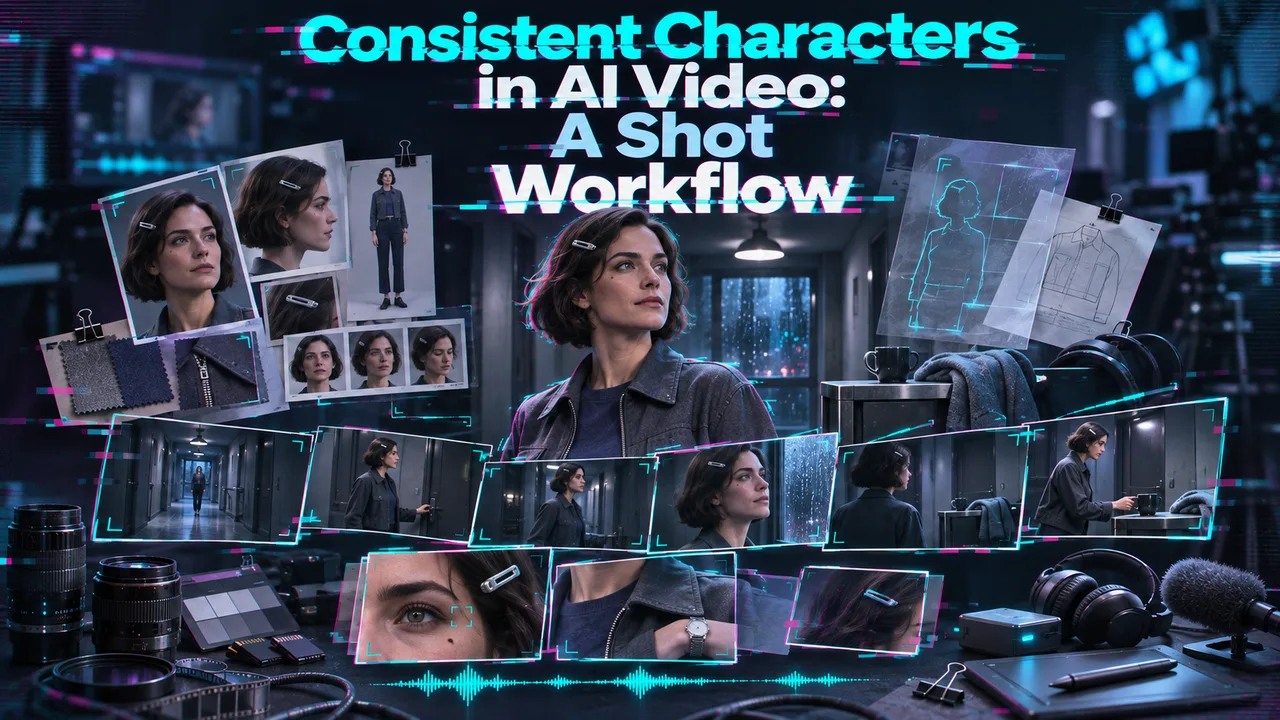
Hello, I’m Dora. I stop at the cut when a recurring character becomes someone else. Shot one has the approved face; Shot three has a narrower jaw and a coat without its collar. Each clip might pass alone. Together, they fail.
For a high-volume video team, consistent characters in AI video depend on shot inputs and review decisions. This note covers references and drift; the wider AI filmmaking workflow handles story and assembly.
Build a Reusable Character Reference Kit
I want an approved identity before the first video request. One portrait is a weak kit for a sequence with a profile turn and full-body shot. These character reference images set the standard. A generated frame may guide the next shot, but it does not redefine the face.
Take Mara, a fictional character used throughout this example:
| Approved asset | Detail it carries | Reason to reject it |
|---|---|---|
| Front portrait | Hairline, eye spacing, face shape | Heavy filter or obscured cheek |
| Three-quarter view | Nose and jaw from an angle | Different haircut or apparent age |
| Full-body view | Build and olive coat silhouette | Conflicting collar, color, or shoes |
The identity line: “Mara: oval face, short dark curls, small scar above the left eyebrow, olive coat with a high collar.” Every detail can be checked. “Cinematic woman” cannot. If the portraits disagree, settle the kit first.
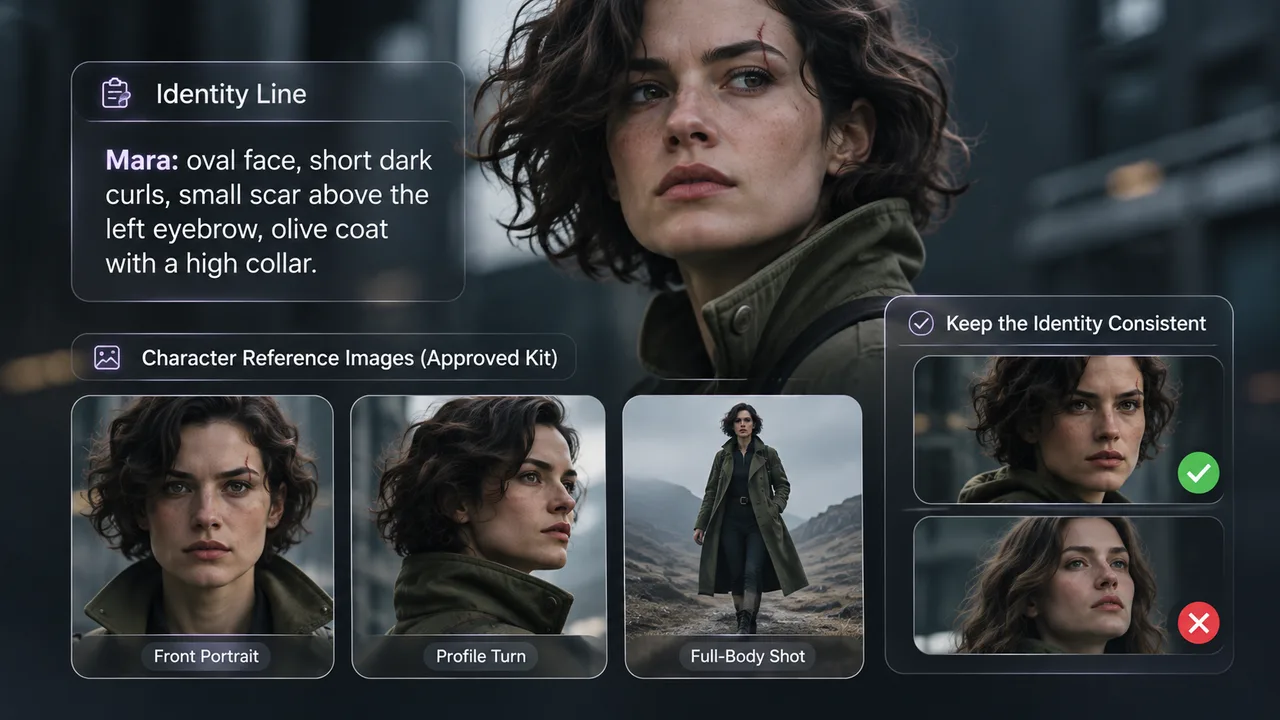
Name each asset by character, view, and version. A new costume needs its own approved image; keep the face source. The Vidu 2.0 reference-to-video route I checked requires images and accepts one to three; Vidu’s API reference allows up to three images for a temporary subject. Each image needs a job. The distance between choice freedom and choice fatigue is short.
Keep Identity Details Stable Across Shot Prompts
The identity line stays fixed. Action, location, and camera direction change after it. Rewriting both person and scene obscures the cause of drift.
Shot A: “Mara, oval face, short dark curls, scar above left eyebrow, olive high-collar coat. Medium shot beside a train door. Static camera.”
Shot B: “Mara, oval face, short dark curls, scar above left eyebrow, olive high-collar coat. Close-up through the train window. Slow push-in.”
Both requests use the same approved face image. The different view is intentional; a different jaw is not.
For this fictional shot set, I log the reference version, route, prompt, ratio, duration, and any seed. I treat the seed as a comparison aid, never an identity guarantee. Copying the record makes pass two legible: one changed input, one new output.
In a reference-to-video workflow, image and motion inputs need separate jobs. The MiniMax H3 Highspeed route I checked has reference_images for up to nine stills and reference_videos for up to three clips; MiniMax’s H3 documentation also describes those media limits for Ref2VA. The prompt says which image defines Mara and which clip guides movement. These fields cannot certify the resulting face or describe every other route.
Generate and Compare a Small Shot Set
Mara’s review set has a medium shot, a close-up with a head turn, and a wider shot elsewhere. The route and approved face source stay fixed. Each request and result keeps its shot ID. The character survives these changes of view or fails.
I review at normal speed, then pause at the first clear face, largest turn, and cut. The comparison is with the kit, not merely the previous clip. Hairline, scar, collar, and silhouette each pass or fail. A few wrong frames at the edit still fail. Good camera motion can distract from them.
In a fictional two-pass review, A and B pass. C has a new hairline and no collar. Its movement works; the shot fails. Pass two keeps A and B, then reruns C with the approved three-quarter view, same identity line, and the same turn. C2 restores the hairline but still loses the collar. The note reads: “A: pass. B: pass. C: fail—face, costume. C2: hold—face passes, costume fails.”
That “hold” matters. Multi-shot character continuity is an acceptance decision. A repair can move the defect from face to clothing. It remains a defect.
How Do You Repair Character Drift?
I look for the first failed shot and frame, then compare it with the kit and last accepted shot. A shifting jaw calls for the three-quarter reference or a smaller turn. A missing collar calls for clearer costume input. Merged faces call for separate references and simpler blocking.
I change one input at a time. Changing reference, prompt, duration, and camera together hides what helped. Runway’s image-to-video guide describes extracting a clip’s last frame for the next generation. That frame still needs a check against the original kit. Chaining a distorted face can preserve the distortion.

For AI video character consistency, the useful repair target is the earliest visible deviation. If the face repeatedly fails when it turns away and returns, an over-the-shoulder cut or shorter move may keep the scene intact. The shot plan is allowed to change when the identity will not hold.
Where Do Reference Methods Still Fail?
They fail when the reference is unclear or the shot hides identity. Fast rotation, occlusion, extreme lighting, and distant framing reduce what a reviewer can see. A good still says little about expression, hands, voice, or motion through a full clip.
Input type matters. A first frame, subject reference, and motion clip do different jobs. I cannot infer two-character reliability from the number of image slots. The footage has to show both faces staying separate when the characters cross paths.
FAQ
Can a previous video clip serve as the next shot’s character reference?
Yes, if the route accepts a reference video, or if an approved frame can be extracted for an image route. The frame must still match the original kit. MiniMax H3 Ref2VA accepts up to three reference clips; that capacity says nothing about whether a drifting face in clip one will be corrected in clip two.
Does changing aspect ratio weaken identity consistency?
It can, when the new crop removes the face, hair, or costume cues used for review. The new ratio is a separate shot condition. Keep the face large enough to inspect; a narrower crop by itself is not evidence of identity drift.
Can one model request track two distinct characters?
Sometimes. Give each character a separate approved reference and a named role, then inspect both faces. Two image slots mean two files can be submitted. They say little about a crossing move or crowded frame.
Which current routes accept multiple character reference images?
As of November 2026, two routes I checked accept multiple images: Vidu 2.0 takes one to three images, and MiniMax H3 Highspeed takes up to nine reference_images. The latter also accepts up to three reference_videos; the Vidu 2.0 route I checked does not expose that field. These limits are route-specific, not measured two-character success rates. This conclusion has an expiration date — models update fast. Check the selected endpoint and provider terms before commercial use.
What permission is needed to use a real person’s likeness?
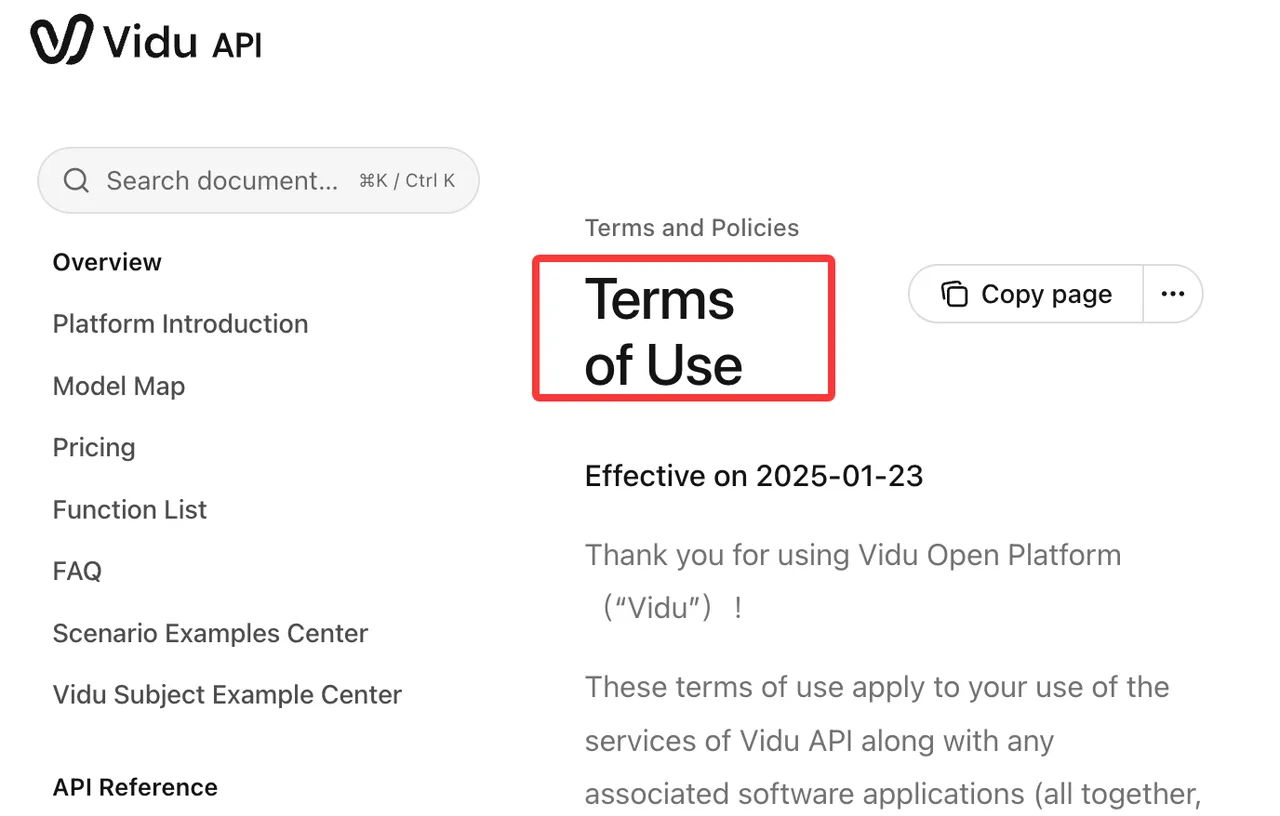
Get the person’s consent and the rights to submit the source material and use the output. Vidu’s API terms require rights and consents for inputs. MiniMax’s terms point users to separate terms for the service they use. Keep the permission record with the reference assets and intended use; the hosting platform may have additional requirements. This is general product information, not legal advice. Check current platform policy and local rules, and consult a qualified professional about a specific release.
Conclusion
For consistent characters in AI video, I keep the kit beside the shot record and decide from the footage what reaches the edit. Two passes should leave an accept, repair, or reject note for each shot. If the required turn or crop keeps breaking the face, the shot or route changes. The edit should not have to hide a different person.
Previous posts:
Related Articles

Best AI Video Generation APIs for a First Build

Kling Image 4.0 Preview Ranks Sixth on the Artificial Analysis Image Leaderboards

AI Video Cost: Budget Retakes, Audio, and Final Edits
Higgsfield Pricing: Credits and Video Cost Checks
Higgsfield Cinema Studio Review: Controls and Workflow