AI Filmmaking: From Storyboard to Multi-Shot Video
AI filmmaking for production teams: turn a shot list into reference frames, generate clips one at a time, and check continuity before the final edit.

The fourth clip looks ready: a commuter opens a red umbrella and leaves a tram stop in the rain. Then the editor places it after shot three. The umbrella has a different handle, the rain has stopped, and the commuter exits on the wrong side of the frame. Each clip works alone. The cut does not.
That cut is the test for an AI filmmaking workflow. Consider a proposed 20-second short built from a team’s cleared performer portrait, tram-stop photograph, and umbrella image. A commuter arrives as rain begins, finds the umbrella, opens it, and walks away. This four-shot planning example follows the work from script to export; it is not a reported production.
Define the Story and Shot List
Write the action in one sentence: A commuter reaches an empty tram stop, finds a red umbrella, and leaves under it as the rain grows heavier. The sentence fixes the order of events. It gives the team a reason to reject a beautiful shot that makes the action harder to follow.
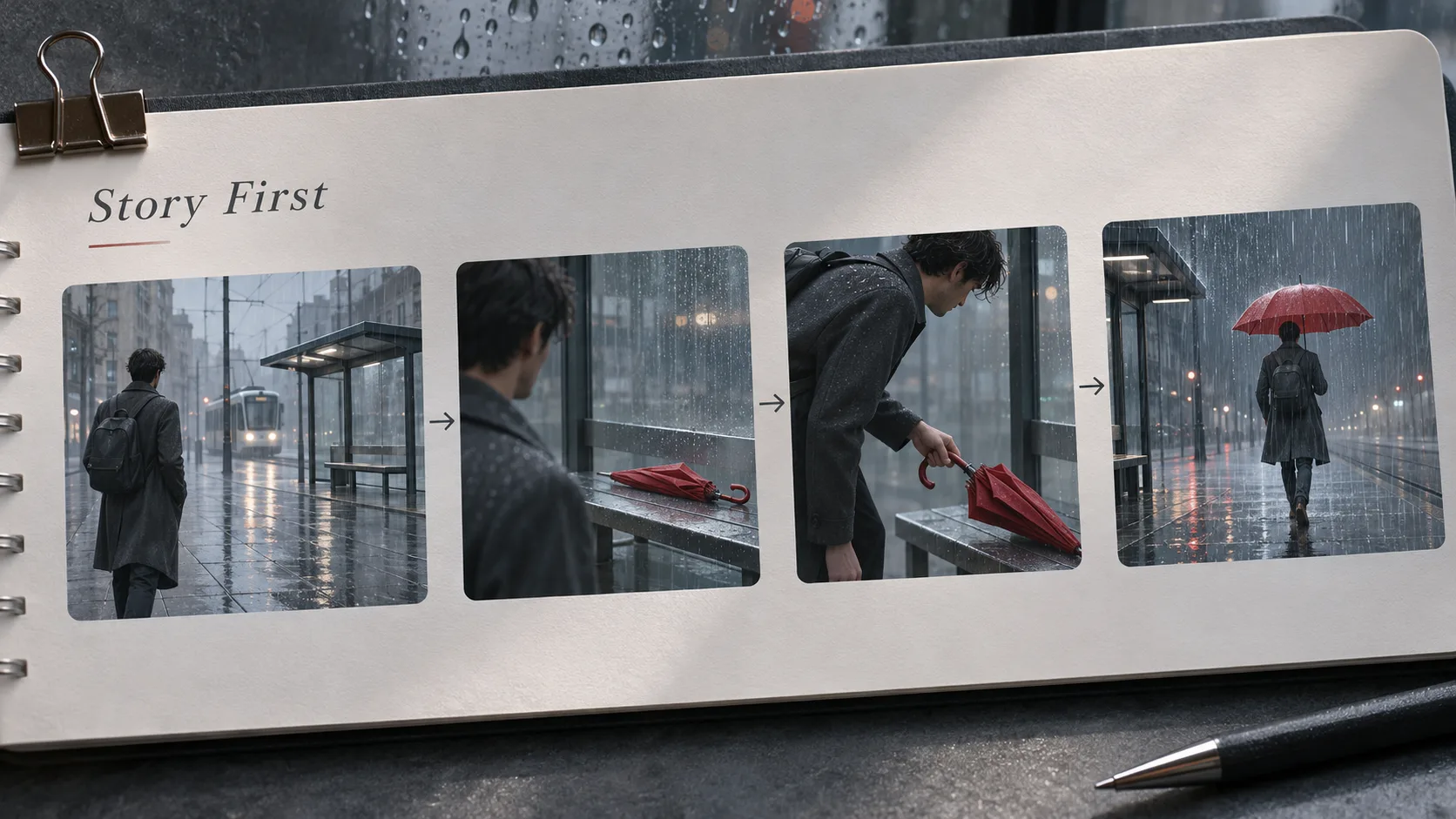
| Shot | Story beat | Planned frame | Continuity checkpoint |
|---|---|---|---|
| 1 | The commuter arrives | Wide; enters from screen left | Closed umbrella sits on the bench’s right end |
| 2 | They notice it | Medium; looks toward the bench | Coat, umbrella position, and direction of gaze match |
| 3 | They pick it up and open it | Close; one clear hand action | Same curved handle; rain grows heavier |
| 4 | They leave | Wide; exits screen right | Umbrella is open; coat and location still match |
Set a target duration, delivery aspect ratio, and frame rate on the shot sheet. Give each shot one camera move for the first pass. Add the sounds the editor will need: footsteps, first raindrops, the umbrella opening, then traffic under the final wide shot.
Shot three carries the most fragile action. The hand must take the umbrella from its established position and open the same object. I would approve that beat as storyboard frames before rendering the other shots at full quality. If the action is unclear in stills, motion will make the mistake more expensive to locate.
Build a Reference Set for People and Places
Put the cleared source files in one shared folder: performer portrait, full-body view in the navy coat, empty tram-stop plate, and umbrella photograph. Keep untouched originals. Working crops should carry the shot number and aspect ratio in their filenames.
Make an approved first frame for each shot. On a separate reference sheet, record the details that will be visible across cuts: coat collar, red curved handle, clock above the bench, wet pavement, and left-to-right travel. Track the prop’s state as well: closed on the bench in shots one and two, being opened in shot three, open in shot four.
One person can remember parameters. A team cannot. Save each approved frame with its source versions and shot instruction. The operator making shot four should not have to guess which of several umbrella images appears in shot three.
Keep the performer reference consistent, while allowing each shot its own composition. Character identity deserves its own close review, but this film also depends on the prop, location, weather, and screen direction surviving the handoff.
Turn Storyboard Frames into Video Shots
Animate the approved frames individually. The prompt for shot two describes a glance toward the bench and a small camera move. Shot three’s prompt describes the hand reaching, gripping the curved handle, and opening the umbrella. Let the starting frame carry the approved appearance; use the prompt to direct movement.
Some image-to-video routes accept both a first and last frame. Google’s Veo guidance documents an optional ending image alongside the start image. An approved end frame could help shot three finish with the umbrella open and positioned for shot four. Check the chosen route’s input and duration rules before preparing those frames.
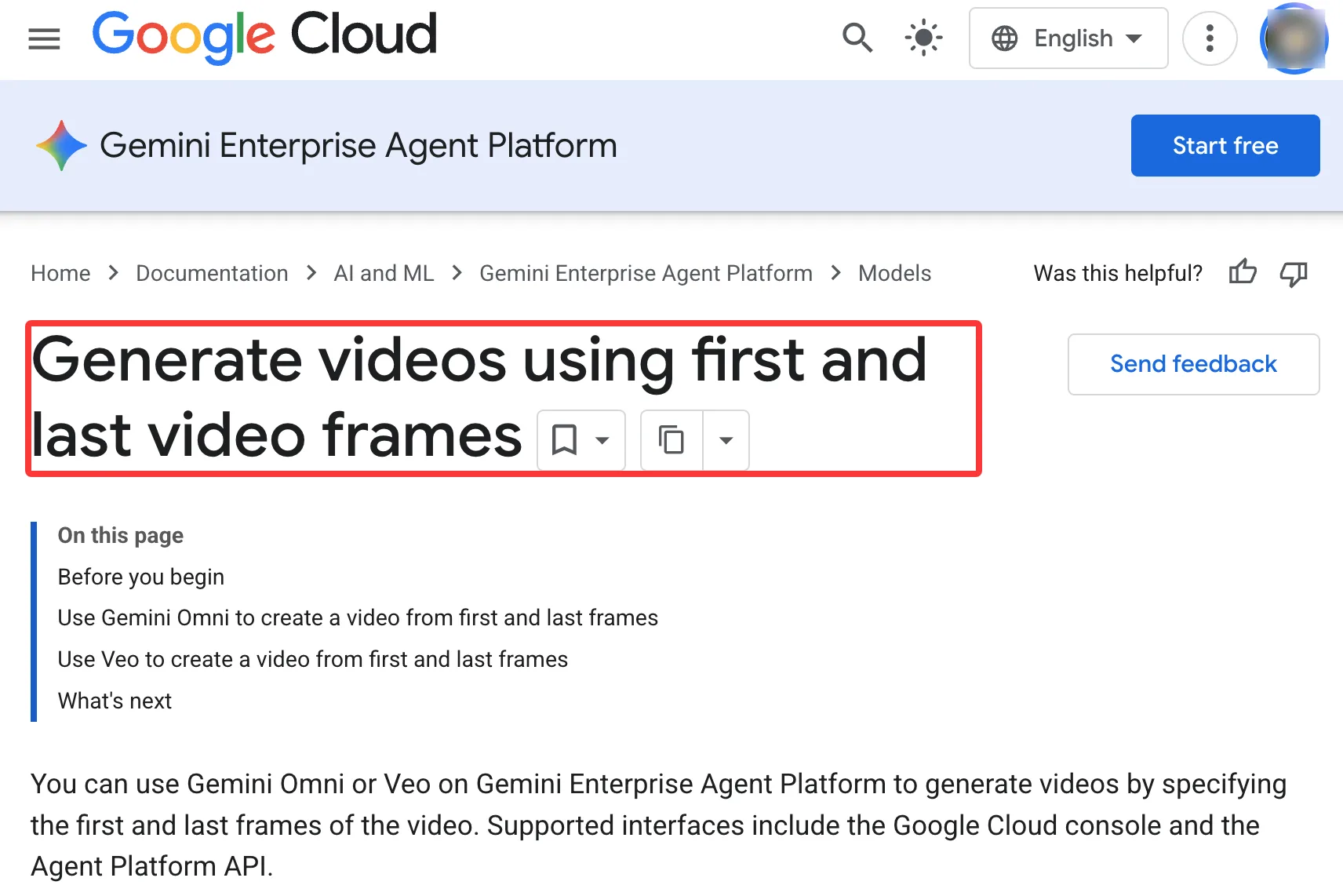
A rough multi-shot request is another way to test pacing. Runway’s custom multi-shot recipe accepts an ordered list of three to five shots. For this short, I would still keep the per-shot frames and instructions: the team needs to inspect the umbrella handoff and replace one failed shot without rebuilding every accepted clip.
Save the input frame, prompt, model and version, task ID, and output under each shot number. Review a first pass at a resolution sufficient to judge motion. If the umbrella changes shape halfway through shot three, stop there. Simplify the hand action or revise its frame before generating shot four around the wrong prop.
Review Continuity Before Assembly
Put the four rough clips in story order. Pause on the last clear frame of one shot and the first clear frame of the next. Does the commuter look toward the umbrella before picking it up? Does shot three lift it from the bench’s right end? Does shot four begin with the same open umbrella?
Assign each defect to the step that can fix it. A wrong first frame goes back to the storyboard. A prop that changes during motion needs a simpler or shorter generation. A correct action that feels abrupt may need only a different cut point.
A good single output does not mean the production workflow is ready. Watch the sequence at normal speed after checking its frames. Rain that drops to silence at a cut can make one location feel like two. Accept a take when it helps the full action read clearly, and record why the others were rejected. The editor needs an approved sequence, not a folder of competing “final” files.
Edit, Export, and Record the Limits
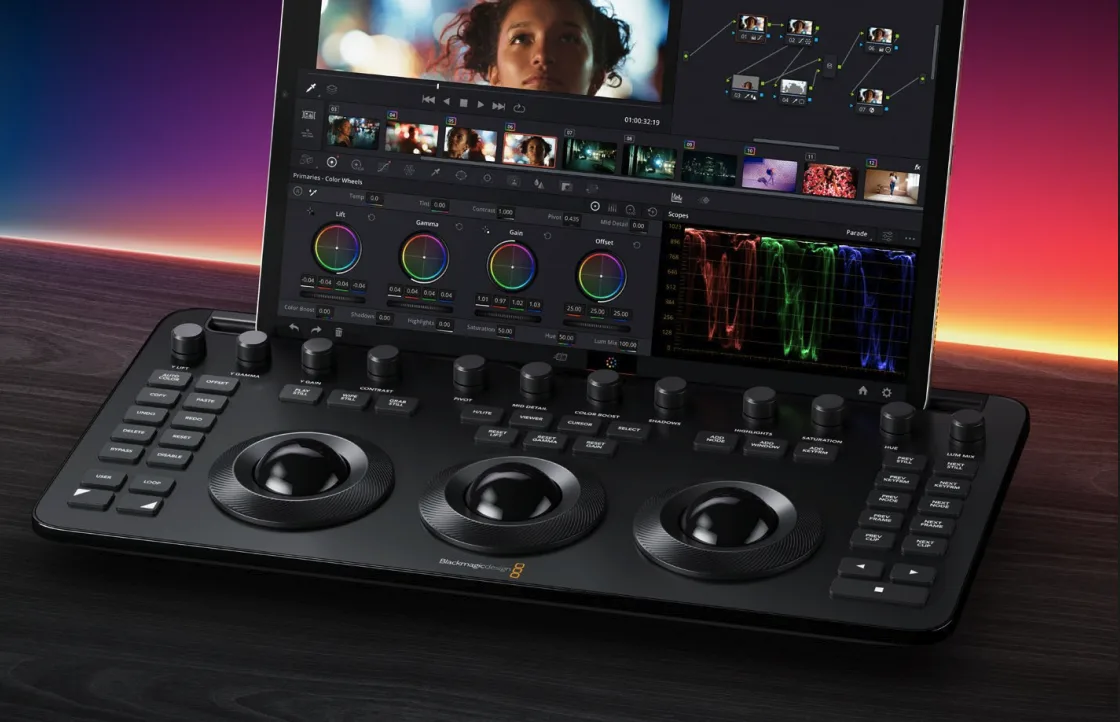
Set the delivery frame rate for the timeline, then place the accepted clips in story order. Mixed source rates can share a sequence: Adobe’s mixed-frame-rate guidance explains how Premiere conforms clips while maintaining playback speed. Inspect the hand opening the umbrella and any camera pans after that adjustment. Changing a clip’s interpreted rate can change its duration and audio.
Trim unwanted opening and closing frames. Build rain and traffic as a controlled sound bed across the cuts, even if individual clips contain generated audio. If sound must be separated from a mixed clip, treat the result as an estimate. Blackmagic’s Music Remixer documentation describes splitting music into basic stems; it does not recreate the original recording tracks.
Export a review copy and collect corrections by timecode. Then export the delivery file and archive the edit project, approved frames, final clips, prompts, task IDs, and clearance records. Before release, the responsible professionals should check the selected model’s commercial terms, permission to use the performer’s likeness, and disclosure requirements in each distribution region.
FAQ
Can a clip be extended without rebuilding its starting frame?
Yes, if the selected route accepts an existing video for extension. Review the join and the new ending. For a deliberate cut to another angle, make a separate approved starting frame.
How should mixed frame rates be handled in one timeline?
Choose the delivery timeline rate first, then inspect how each source clip plays in it. Keep the original rates in the shot record. Check fast movement, pans, audio sync, and cut points before export. Change clip interpretation only when a change in playback speed is intended.
Can native audio be separated into stems before editing?
A mixed soundtrack can be split into estimated components; the original stems cannot be recovered from the mix. Extract the clip’s audio and use source separation where it helps. Listen for dialogue, music, or effects leaking between the results. Keep separately recorded tracks untouched when the team has them.
How are jobs resumed after a failed render?
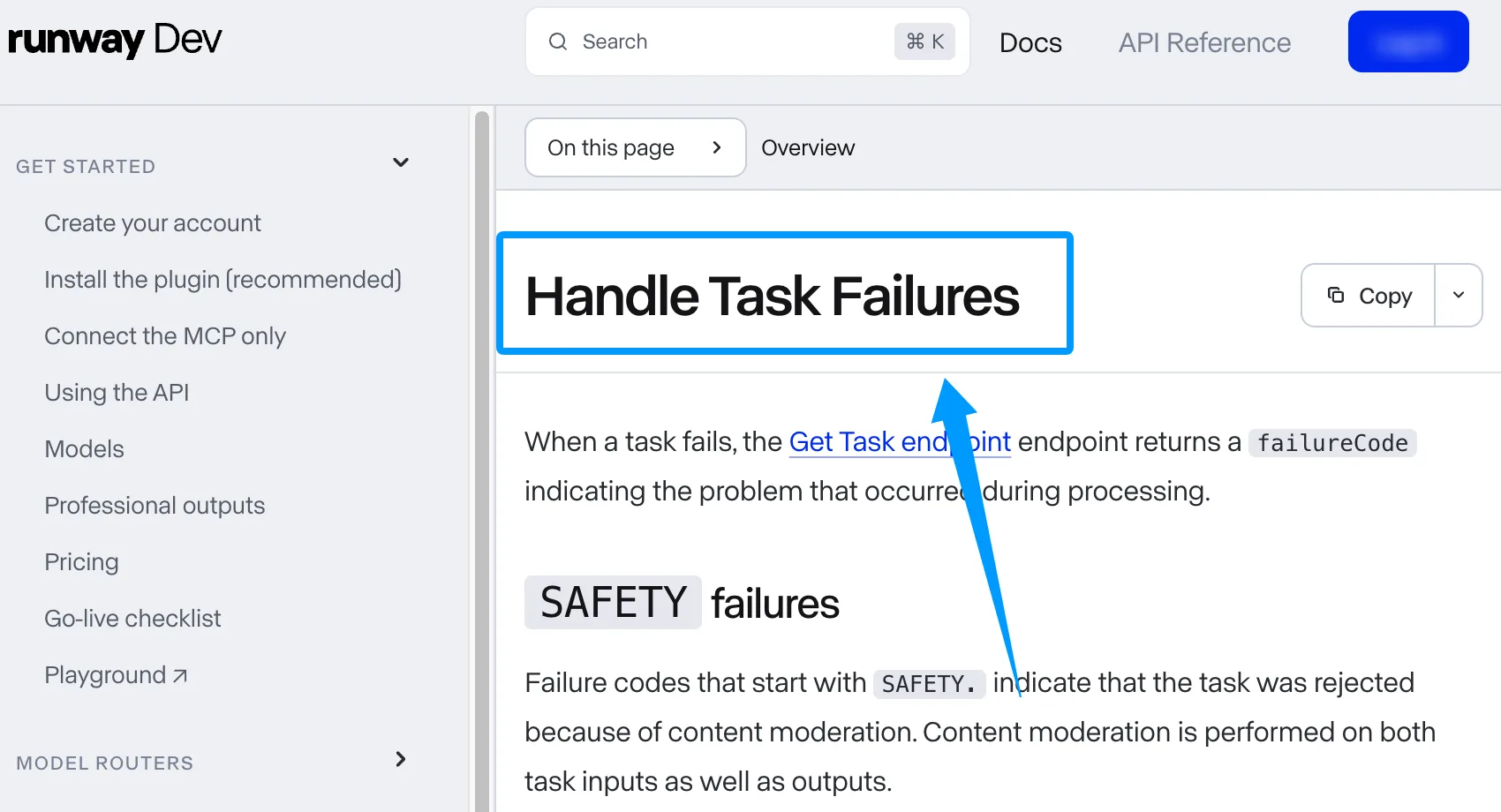
Retrieve the existing task by its ID and inspect its status first. A failed task generally needs a corrected request and a new submission rather than continuing from the frame where it stopped. Runway’s task-failure guidance shows how a failure code can identify an input or moderation problem. Preserve the failed task record beside the replacement so the team knows what changed.
Can approved storyboard frames be reused at a new aspect ratio?
Yes, after reframing and approving them for the new canvas. A vertical crop of shot one might remove the umbrella; a wide crop of shot four might expose part of the location the team never established. Check the performer, prop, and exit path in each revised frame before generating a new version.
Conclusion
Make the rough four-shot cut before investing in polished renders. Record which defects need a revised frame, a new generation, or only an edit. That decision record lets the next operator carry the same AI filmmaking workflow from storyboard to delivery without reconstructing the film from memory.
Previous posts:
Related Articles

A2E AI Pricing 2026: Plans, Credits, Free Tier and Limits
Akool Pricing 2026: Plans, Credits, Free Plan and Limits
DreamFace Pricing 2026: Plans, Free Tier, Credits and Limits
Dreamina Pricing 2026: Plans, Credits, Free Daily Credits
Google Flow Pricing 2026: Plans, Credits, Free Tier and Limits