Image Upscaler Collection API
6 社の提供元による 14 の画像超解像エンドポイント — WaveSpeedAI(Standard、Ultimate、Real-ESRGAN)、Topaz Labs(Upscale、Generative、Creative、Transparent)、Clarity AI(Creative、Crystal、Flux、Pro)、Recraft(Creative、Crisp)、Pruna AI — すべて 1 つの WaveSpeedAI API キーで利用できます。目標解像度(最大 16×)、スタイルの維持、プロンプトによる仕上げ、1 回あたりのコストで選べます。
6 社にまたがる 14 のエンドポイント。拡大率は、軽いテクスチャーディテールの補正(Recraft)から、フォトリアルな 16×(Clarity AI Pro)まで幅広く、Topaz は 2K、4K、8K の出力を目標にします。大量のカタログ作業にはコスト重視のバリアントを、元画像の品質や人物の同一性の維持が重要なときはより大きなアーキテクチャーを選べます。ラインナップ全体でリクエストの形式は共通で、請求アカウントもレート制限も 1 つです。




概要
Image Upscaler Collection APIについて
Image Upscaler Collectionでできること、WaveSpeedAIのモデルラインナップにおける位置づけ、そして多くのチームに選ばれる理由。
Image Upscaler CollectionはWaveSpeedAIのAI高画質化モデルで、WaveSpeedAIのREST APIから利用できます。6 社の提供元による 14 の画像超解像エンドポイント — WaveSpeedAI(Standard、Ultimate、Real-ESRGAN)、Topaz Labs(Upscale、Generative、Creative、Transparent)、Clarity AI(Creative、Crystal、Flux、Pro)、Recraft(Creative、Crisp)、Pruna AI — すべて 1 つの WaveSpeedAI API キーで利用できます。目標解像度(最大 16×)、スタイルの維持、プロンプトによる仕上げ、1 回あたりのコストで選べます。
6 社にまたがる 14 のエンドポイント。拡大率は、軽いテクスチャーディテールの補正(Recraft)から、フォトリアルな 16×(Clarity AI Pro)まで幅広く、Topaz は 2K、4K、8K の出力を目標にします。大量のカタログ作業にはコスト重視のバリアントを、元画像の品質や人物の同一性の維持が重要なときはより大きなアーキテクチャーを選べます。ラインナップ全体でリクエストの形式は共通で、請求アカウントもレート制限も 1 つです。
WaveSpeedAIのImage Upscaler Collectionファミリーには、Upscale-Imageのワークフローをカバーする14個のRESTエンドポイントがあります。各バリアントには、それぞれ独自の料金、パラメーター、作例があります。入力の種類と本番環境の制約に合うものを選ぶか、同じAPIキーで複数を呼び出して、多段階のパイプラインを組み立ててください。
WaveSpeedAIの他の1,000以上のAIモデルと同じAPIキー、請求アカウント、レート制限の枠組みでImage Upscaler Collectionを実行できます。ベンダーごとの設定も、プロバイダーごとのSDKも、ベンダーごとのレート制限も不要です。1つの連携で、テキストから画像、テキストから動画から、音声合成、3D生成、高画質化、編集まで、すべてカバーできます。
エンドポイント
Image Upscaler CollectionのAPIエンドポイント一覧
WaveSpeedAIで現在利用可能なImage Upscaler Collectionのエンドポイントは14個です。ワークフローに合ったバリアントを選んでください。
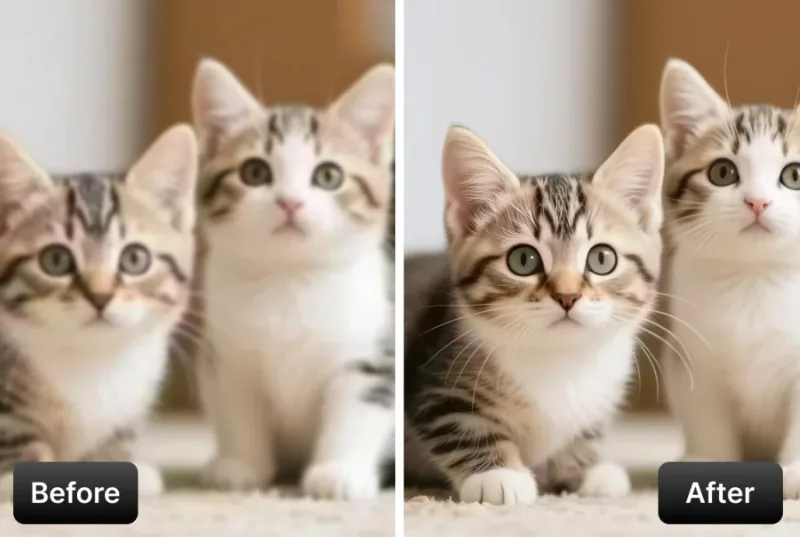
Image Upscaler
AI Image Upscaler that enhances image resolution to 4K or 8K while improving detail and clarity for photos and graphics. Ready-to-use REST inference API, best performance, no coldstarts, affordable pricing.

Ultimate Image Upscaler
Ultimate Image Upscaler is the most advanced AI enhancer that reimagines fine detail while upscaling images to 4K or 8K. Ready-to-use REST inference API, best performance, no coldstarts, affordable pricing.
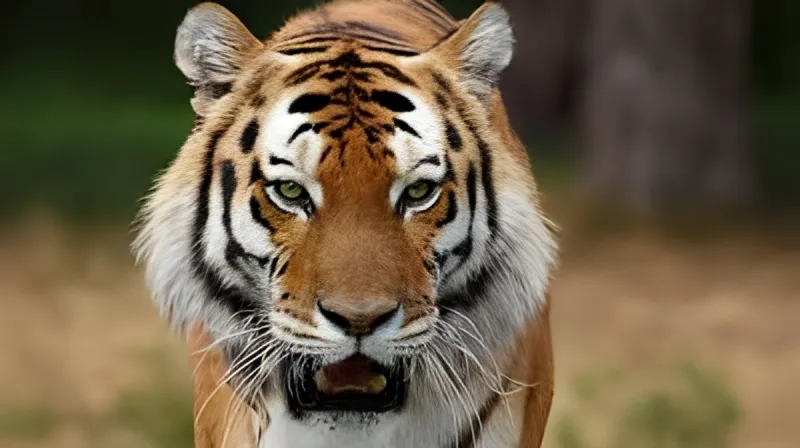
Real Esrgan
Real-ESRGAN delivers high-quality image super-resolution with optional face correction and adjustable upscale factors. Ready-to-use REST inference API, best performance, no coldstarts, affordable pricing.
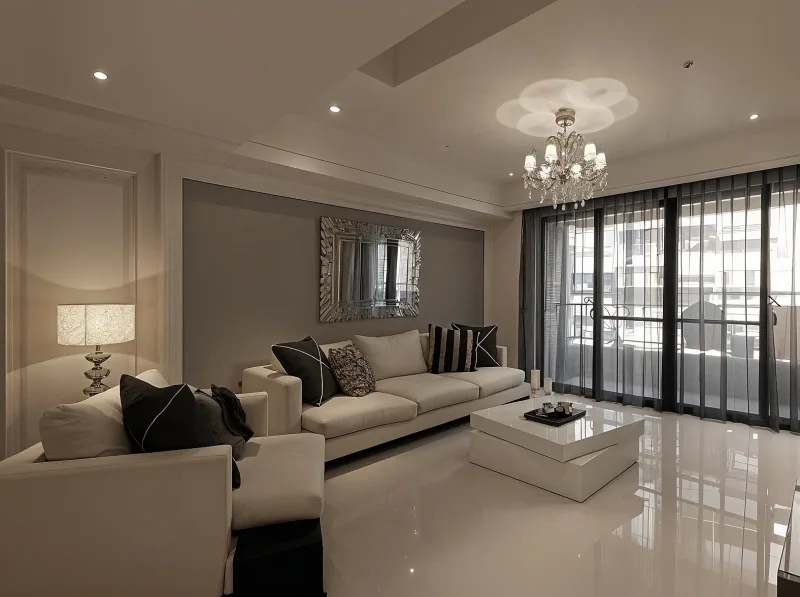
Creative Upscaler
Creative Upscaler enlarges images with style and detail control, restoring photos or adding micro-textures for portraits and anime. Ready-to-use REST inference API, best performance, no coldstarts, affordable pricing.

Crystal Upscaler
Clarity AI Crystal Upscaler boosts image resolution with AI upscaling and adjustable detail for portraits and landscapes. Ready-to-use REST inference API, best performance, no coldstarts, affordable pricing.
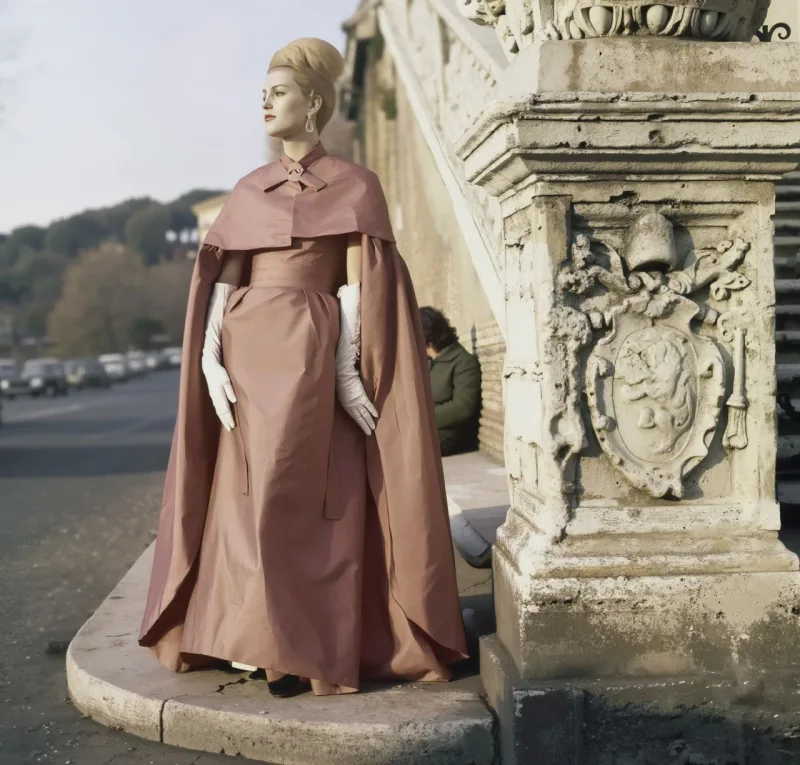
Flux Upscaler
Clarity AI Flux Upscaler sharpens images while preserving natural textures and edges, with prompt-guided refinement and LoRA support. Ready-to-use REST inference API, best performance, no coldstarts, affordable pricing.
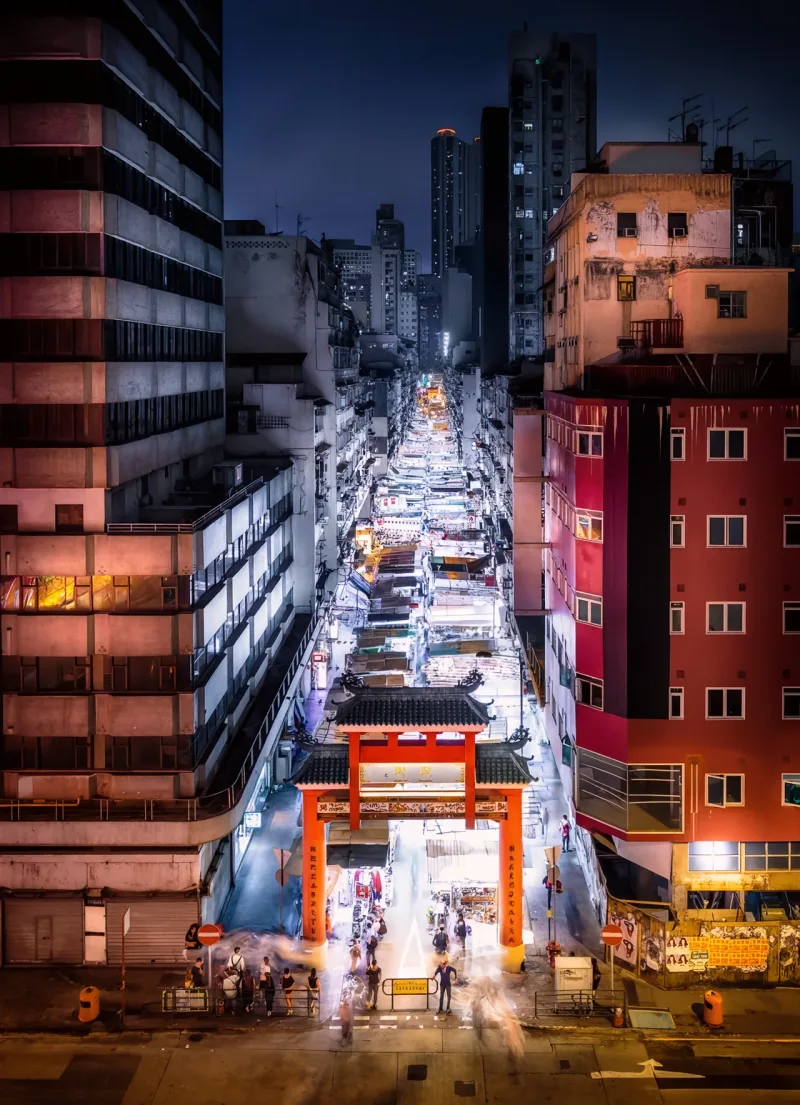
Pro Upscaler
Clarity Pro Upscaler is a photorealistic image upscaler from Clarity AI with identity preservation, creative detail control, and up to 16x scaling. Ready-to-use REST inference API, best performance, no coldstarts, affordable pricing.

Recraft Creative Upscale
Recraft Creative Upscale refines textures and fine details, adding depth and polish to complex elements—not increasing resolution. Ready-to-use REST inference API, best performance, no coldstarts, affordable pricing.
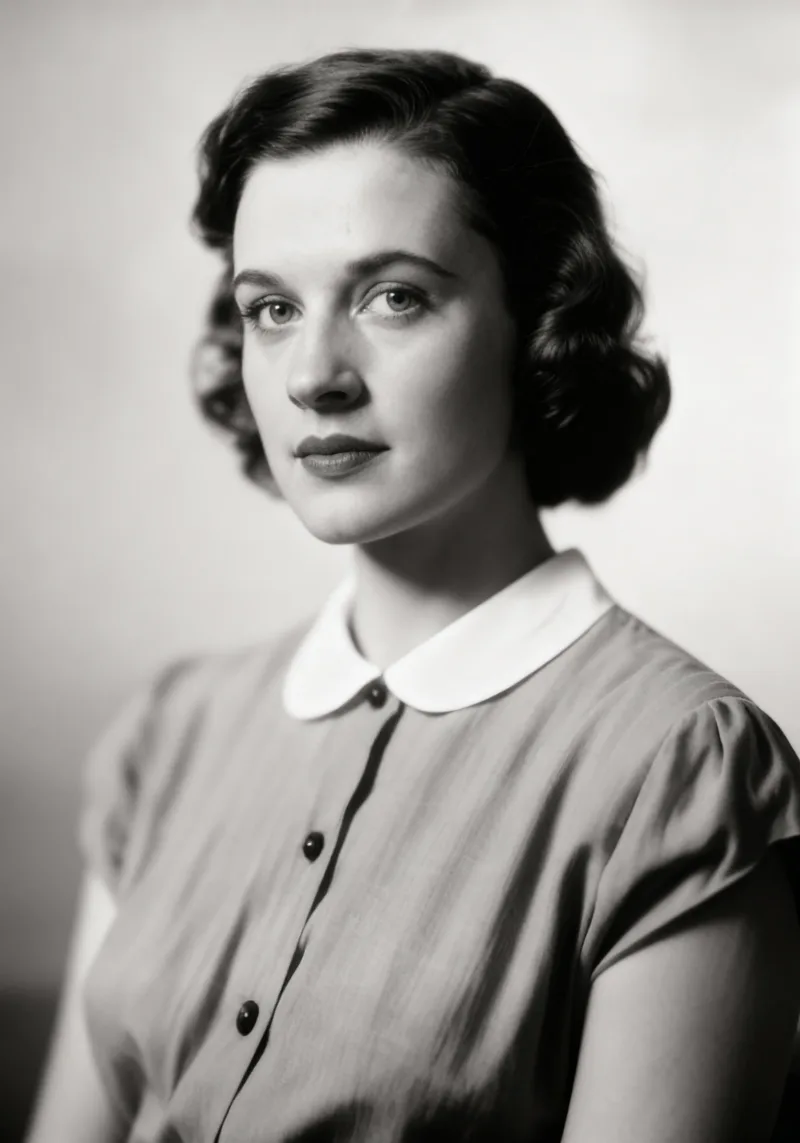
Recraft Crisp Upscale
Recraft Crisp Upscale enhances textures, fine details, and facial features to add depth beyond simple resolution boosts. Ready-to-use REST inference API, best performance, no coldstarts, affordable pricing.
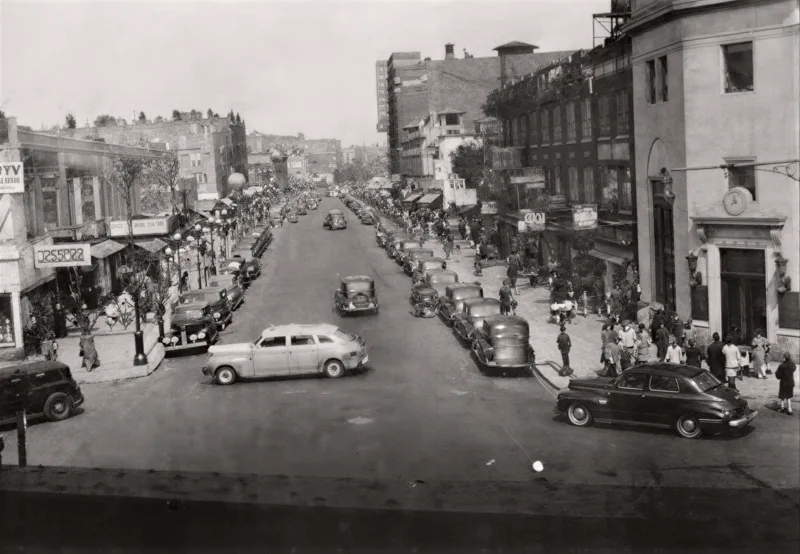
P Image Upscale
Pruna AI P-Image Upscale is a fast AI image upscaling model that enhances image resolution and improves visual detail. Ready-to-use REST inference API for product photos, portraits, design assets, e-commerce images, social media visuals, and image enhancement workflows with simple integration, no coldstarts, and affordable pricing.
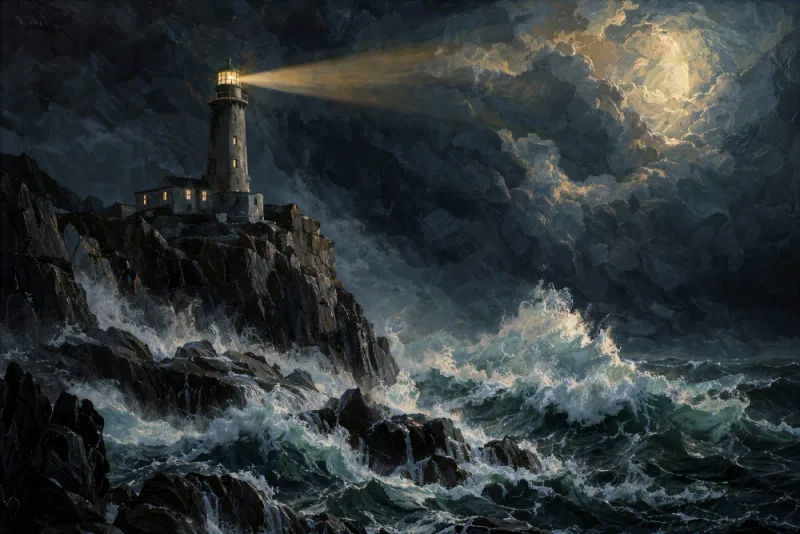
Image Upscale Creative
Topaz Image Upscale Creative enhances AI-generated images with Topaz Bloom, creatively reconstructing and adding new visual detail for concept art, marketing visuals, creative assets, and production workflows. Ready-to-use REST inference API, best performance, no coldstarts, affordable pricing.
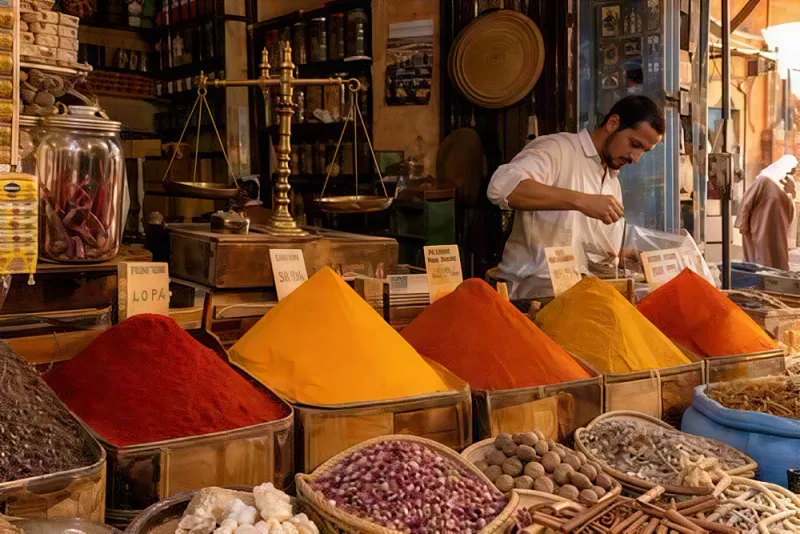
Image Upscale Generative
Topaz Image Upscale Generative upscales and restores images with Topaz Wonder, Recover, and Redefine models, improving resolution, reconstructing detail, and repairing low-quality imagery for creative assets, photography, design, and production workflows. Ready-to-use REST inference API, best performance, no coldstarts, affordable pricing.
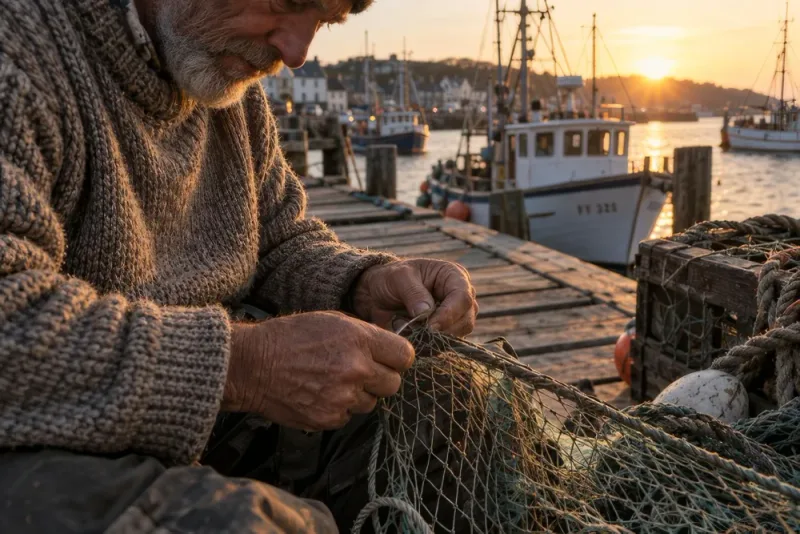
Image Upscale
Topaz Image Upscale enlarges photos and images to 2K, 4K, or 8K using precise, non-generative Topaz upscaling models, preserving original visual content while improving resolution and clarity for photography, product images, creative assets, and production workflows. Ready-to-use REST inference API, best performance, no coldstarts, affordable pricing.
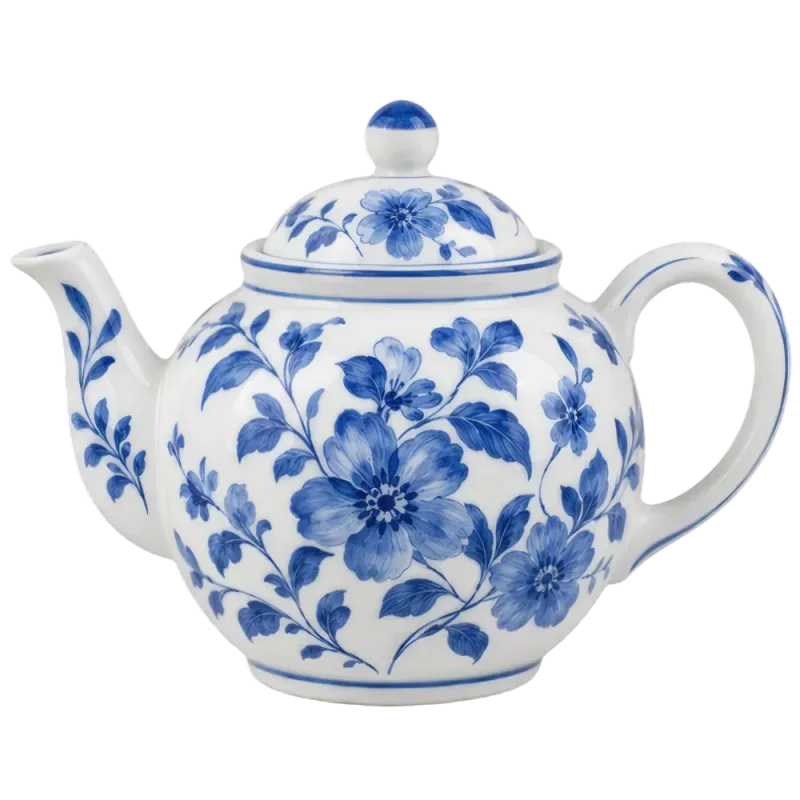
Image Transparent Upscale
Topaz Transparent Image Upscale enlarges transparent PNG images while preserving the alpha channel, clean edges, and transparency for logos, product assets, graphics, design elements, and production workflows. Ready-to-use REST inference API, best performance, no coldstarts, affordable pricing.
作例
Image Upscaler Collectionの実力を見る
Image Upscaler Collection APIで実際に生成された出力です。動画にカーソルを合わせるとプレビュー、クリックすると原寸のビューアで開きます。
使い方
Image Upscaler Collection APIの使い方
登録から生成完了まで4ステップ。Python、Node.js、cURLの完全なサンプルは、下のAPIセクションにあります。
- 01
APIキーを取得
WaveSpeedAIのアカウントに登録し、ダッシュボードからAPIキーをコピーします。新規アカウントには無料のスタータークレジットが付くので、課金が始まる前にプレイグラウンドを数十回実行できます。
- 02
予測を送信
入力をJSONとしてhttps://api.wavespeed.ai/api/v3/wavespeed-ai/image-upscalerにPOSTします。エンドポイントはすぐに予測IDを返します。生成は非同期なので、推論中に接続を開いたままにする必要はありません。
- 03
完了までポーリング
https://api.wavespeed.ai/api/v3/predictions/{request_id}/resultにGETします。completedなら出力を返し、failed、cancelled、timeout、deletedならエラーで停止し、それ以外のステータスの間はポーリングを続けます。
- 04
出力URLを読み取る
ステータスが"completed"になったら、data.outputs[0]からURLを読み取ります。URLは、WaveSpeedAIのCDN上にある生成されたメディアを指します。呼び出したImage Upscaler Collectionのバリアントに応じて、画像、動画、音声、3Dファイルのいずれかです。
活用例
Image Upscaler Collectionで作れるもの
開発者やクリエイターがImage Upscaler Collection APIでよく使うワークフロー。
AI生成画像の後処理
多くのAI画像モデルは、ネイティブで1K〜2Kで出力します。wavespeed-ai/image-upscaler は、生成画像を納品解像度に引き上げる、標準的な2×/4×の後処理です。より高い精細さが必要なら wavespeed-ai/ultimate-image-upscaler に切り替えてください。リクエスト形式は同じで、1回あたりは遅くなりますが、より綺麗な出力が得られます。
Clarity Pro による16×のフォトリアルなアップスケール
clarity-ai/pro-upscaler は、アイデンティティを保ち、創造的なディテールを制御できる、最大16×のフォトリアルな超解像を提供します。このコレクションで最大の拡大率です。ポートレート、アーカイブの映画スチル、被写体のアイデンティティを失わずに大幅な拡大が必要な素材に便利です。
プロンプトによる調整(Clarity Flux)
clarity-ai/flux-upscaler は、自然なテクスチャとエッジを保ちながら画像を鮮明にし、プロンプトによる調整と LoRA に対応しています。元画像と一緒にテキストプロンプトを受け付ける、このコレクションで唯一のエンドポイントで、アップスケールの過程でスタイルを制御したいときに便利です。
創造的なディテール制御(Clarity Creative + Crystal)
clarity-ai/creative-upscaler は、写真を復元し、ポートレートやアニメ向けの微細なテクスチャを加えます。clarity-ai/crystal-upscaler は、ポートレートや風景向けに、調整可能なディテールで解像度を高めます。ディテールを純粋に復元するのではなく、一部を合成したい場合に選びます。
解像度を変えずにテクスチャを磨く(Recraft)
recraft-ai/recraft-creative-upscale と recraft-ai/recraft-crisp-upscale は、テクスチャ、細部、顔立ちを精緻にします。解像度を大きく上げるのではなく、奥行きと仕上げを加えます。元画像がすでに目標の解像度で、シャープさと素材の再現性を高めたい場合に便利です。
顔補正つきの Real-ESRGAN
wavespeed-ai/real-esrgan は、任意の顔補正と調整可能な拡大率を備えた、高品質な超解像を提供します。定番のオープンソースのアップスケーラーのアーキテクチャを、自前のGPUをホストする手間なく、RESTエンドポイントとして使えます。
コストを抑えた大量処理のパイプライン(Pruna)
pruna-ai/p-image/upscale は、高速でコストを抑えた画像アップスケーラーです。カタログの全写真やAI生成のサムネイルをすべてアップスケールするような、大量のクリーンアップのパイプラインで、大規模なアーキテクチャの精細さの上限までは必要ない場合に使います。
ECサイトのカタログ画像
商品写真を、Retinaディスプレイやズーム表示向けに4Kへアップスケールします。コストを抑えた大量のカタログ処理には wavespeed-ai/image-upscaler または pruna-ai/p-image/upscale、絶対的な解像度より商品の素材感の再現性が重要な場合は recraft-ai/recraft-crisp-upscale を使います。
写真の復元とアーカイブ
古い写真、低解像度の写真、圧縮された写真を、個人のアーカイブ、博物館のデジタル化、歴史的なコンテンツの公開のために、4K/8Kに引き上げます。アイデンティティを保つポートレートには clarity-ai/pro-upscaler、微細なテクスチャを合成したい場合は clarity-ai/creative-upscaler、アーカイブのポートレートには顔補正つきの wavespeed-ai/real-esrgan を使います。
印刷・大判の準備
ポスター、看板、印刷用の出力に向けて、ディテールを保ったまま4Kや8Kに引き上げます。高品質な納品には wavespeed-ai/ultimate-image-upscaler または clarity-ai/pro-upscaler、大量のパックショットの準備にはコストを抑えた階層を使います。
コツ
Image Upscaler Collectionのプロンプトのコツ
Image Upscaler Collectionからより良い出力を得るための実践的なアドバイス。本番のパイプラインで高画質化モデル全般に通用するパターンに基づいています。
- 01
目標解像度だけでなく、元画像の種類でモデルを選ぶ
AI生成の画像なら wavespeed-ai/image-upscaler または wavespeed-ai/ultimate-image-upscaler、ポートレートやアイデンティティが重要な画像なら clarity-ai/pro-upscaler(アイデンティティを保つ16×)または wavespeed-ai/real-esrgan(顔補正)、プロンプトによる調整なら clarity-ai/flux-upscaler、解像度を変えずにテクスチャを磨くなら recraft-ai/*、カタログの大量クリーンアップなら pruna-ai/p-image/upscale を使います。
- 02
目標を満たす最小の拡大率を選ぶ
ほとんどの素材には2×が最適です。4×は、元画像の圧縮アーティファクトを増幅します。8×と16×は、看板、大判、ポートレートの拡大専用です。コストを抑えたモデルでは4×を超えると効果が薄れ、より高い拡大率に向けて調整されているのは clarity-ai/pro-upscaler です。
- 03
元画像がきれいなほど、出力もきれい
元画像の強い圧縮は、どのモデルを選んでもアップスケールで増幅されます。元のデータ(TIFF、カメラのRAWファイル、可逆圧縮のPNG)が入手できるなら、それを入力にしてください。このコレクションのどのアップスケーラーも、よりきれいな元画像で結果が向上します。
- 04
スタイルを制御したいときは Clarity Flux を使う
clarity-ai/flux-upscaler は、このコレクションで唯一、元画像と一緒にテキストプロンプトと LoRA を受け付けるエンドポイントです。ディテールを受動的に復元するのではなく、アップスケールの過程でスタイル(「よりくっきり、より写真的に、アニメ調を抑えて」など)をガイドしたいときに便利です。
- 05
コストを抑えた大量処理には Pruna または Standard を使う
pruna-ai/p-image/upscale と wavespeed-ai/image-upscaler は、コストを抑えた階層です。AI生成のサムネイルすべて、カタログの写真すべてのような、大量のアップスケールに便利です。Ultimate、Clarity Pro、顔補正つきの Real-ESRGAN は、納品品質の出力のために取っておいてください。
- 06
AI生成の納品パイプラインに組み込む
多くのAI画像モデルは、ネイティブで1K〜2Kで出力します。アップスケーラーを2×または4×の後処理として使い、生成画像を納品解像度に引き上げます。標準的なパイプラインは、生成、アップスケール、書き出しで、ショットごとの必要に応じて、コレクションのエンドポイントを使い分け、1つのバッチ処理として実行します。
- 07
適切な形式で再書き出しする
アップスケール後は、下流で必要な形式に再エンコードしてください。ウェブでの納品にはJPEG、透過にはPNG、印刷にはTIFFです。各アップスケーラーの生の出力は通常問題ありませんが、急いでエンコードすると、そこで品質が落ちる可能性があります。
料金
Image Upscaler Collection APIの料金
料金は出力ごとです。最終的な請求額は、各バリアントのプレイグラウンドで設定するパラメーター(解像度、長さ、出力数、参照入力)に応じて変わります。
| エンドポイント | タイプ | 最低料金 |
|---|---|---|
| wavespeed-ai/ | upscale-image | $0.01 |
| wavespeed-ai/ | upscale-image | $0.06 |
| wavespeed-ai/ | upscale-image | $0.0024 |
| clarity-ai/ | upscale-image | $0.05 |
| clarity-ai/ | upscale-image | $0.03 |
| clarity-ai/ | upscale-image | $0.20 |
| clarity-ai/ | upscale-image | $0.03 |
| recraft-ai/ | upscale-image | $0.25 |
| recraft-ai/ | upscale-image | $0.004 |
| pruna-ai/ | upscale-image | $0.005 |
| topaz/ | upscale-image | $0.10 |
| topaz/ | upscale-image | $0.10 |
| topaz/ | upscale-image | $0.10 |
| topaz/ | upscale-image | $0.10 |
API
Image Upscaler Collection APIを呼び出す
wavespeed.ai/accesskeyでAPIキーに登録し、RESTで予測を送信します。プレイグラウンドでは、入力の組み合わせに応じて、そのまま貼り付けられるサンプルが生成されます。
POSThttps://api.wavespeed.ai/api/v3/wavespeed-ai/image-upscaler
# 1. Submit the prediction.
SUBMIT_RESPONSE=$(curl --silent --show-error --fail-with-body \
  -X POST "https://api.wavespeed.ai/api/v3/wavespeed-ai/image-upscaler" \
  -H "Content-Type: application/json" \
  -H "Authorization: Bearer $WAVESPEED_API_KEY" \
  -d '{
    "image": "https://interactive-examples.mdn.mozilla.net/media/cc0-images/painted-hand-298-332.jpg",
    "target_resolution": "4k",
    "output_format": "jpeg"
}')

TASK=$(printf '%s' "$SUBMIT_RESPONSE" | jq 'if has("data") then .data else . end')
PREDICTION_ID=$(printf '%s' "$TASK" | jq -r '.id')
if [ -z "$PREDICTION_ID" ] || [ "$PREDICTION_ID" = "null" ]; then
  printf 'Submission response did not contain a prediction id
' >&2
  exit 1
fi
RESULT_URL="https://api.wavespeed.ai/api/v3/predictions/$PREDICTION_ID/result"

# 2. Poll until the prediction finishes.
while true; do
  RESPONSE=$(curl --silent --show-error --fail-with-body "$RESULT_URL" \
    -H "Authorization: Bearer $WAVESPEED_API_KEY")
  RESULT=$(printf '%s' "$RESPONSE" | jq 'if has("data") then .data else . end')
  STATUS=$(printf '%s' "$RESULT" | jq -r '.status')
  case "$STATUS" in
    completed) printf '%s\n' "$RESULT" | jq '.outputs'; break ;;
    failed|cancelled|timeout|deleted) printf '%s\n' "$RESULT" | jq . >&2; exit 1 ;;
    *) sleep 2 ;;
  esac
done
const submitUrl = "https://api.wavespeed.ai/api/v3/wavespeed-ai/image-upscaler";
const apiKey = process.env.WAVESPEED_API_KEY;
if (!apiKey) throw new Error('Set WAVESPEED_API_KEY');
async function requestJson(url, options = {}) {
const response = await fetch(url, options);
if (!response.ok) throw new Error(await response.text());
return response.json();
}
// 1. Submit the prediction.
const body = await requestJson(submitUrl, {
method: "POST",
headers: {
"Authorization": `Bearer ${apiKey}`,
"Content-Type": "application/json",
},
body: JSON.stringify({
"image": "https://interactive-examples.mdn.mozilla.net/media/cc0-images/painted-hand-298-332.jpg",
"target_resolution": "4k",
"output_format": "jpeg"
}),
});
const task = body.data ?? body;
const resultUrl = `https://api.wavespeed.ai/api/v3/predictions/${task.id}/result`;
// 2. Poll until the prediction finishes.
while (true) {
const resultBody = await requestJson(resultUrl, {
headers: { "Authorization": `Bearer ${apiKey}` },
});
const result = resultBody.data ?? resultBody;
if (result.status === "completed") {
console.log(result.outputs);
break;
}
if (["failed", "cancelled", "timeout", "deleted"].includes(result.status)) throw new Error(JSON.stringify(result));
await new Promise(resolve => setTimeout(resolve, 2000));
}import json
import os
import time
from urllib.request import Request, urlopen
api_key = os.environ["WAVESPEED_API_KEY"]
headers = {"Authorization": f"Bearer {api_key}", "Content-Type": "application/json"}
payload = {
"image": "https://interactive-examples.mdn.mozilla.net/media/cc0-images/painted-hand-298-332.jpg",
"target_resolution": "4k",
"output_format": "jpeg"
}
def request_json(url, data=None):
request = Request(url, data=data, headers=headers, method="POST" if data else "GET")
with urlopen(request) as response:
return json.load(response)
# 1. Submit the prediction.
body = request_json("https://api.wavespeed.ai/api/v3/wavespeed-ai/image-upscaler", json.dumps(payload).encode())
task = body.get("data", body)
result_url = f"https://api.wavespeed.ai/api/v3/predictions/{task['id']}/result"
# 2. Poll until the prediction finishes.
while True:
result_body = request_json(result_url)
result = result_body.get("data", result_body)
status = result.get("status")
if status == "completed":
print(result.get("outputs", []))
break
if status in {"failed", "cancelled", "timeout", "deleted"}:
raise RuntimeError(result)
time.sleep(2)比較
Image Upscaler Collectionと他モデルの比較
WaveSpeedAI上の類似モデルではなくImage Upscaler Collectionを選ぶべきケース。
Image Upscaler Collection vs Desktop upscaling apps
デスクトップ版のアップスケーラーには、ローカルの GPU と席ごとのライセンスが必要です。Image Upscaler コレクションは、Topaz 自身のアップスケールモデルを含む 14 のモデルから選べる REST API で、クラウドパイプライン、バッチ処理、SaaS 連携に向いており、コストと精細さの間で柔軟に階層を選べます。
Image Upscaler Collection vs Self-hosted Real-ESRGAN
Real-ESRGAN はオープンソースなので、自前のGPU基盤でセルフホストできます。wavespeed-ai/real-esrgan は同じモデルをホスト型のエンドポイントとして提供し、インフラの手間を省きます。GPUインスタンスの稼働時間と運用の負担を含めた総コストでは、通常こちらが有利です。
Image Upscaler Collection vs Magnific AI
Magnific は、インタラクティブに使うウェブアプリです。このコレクションはAPIファーストで、バッチ処理、自動化されたパイプライン、SaaS連携に向いています。clarity-ai/pro-upscaler は、Magnific が得意とする16×のフォトリアルな用途を、API料金でカバーします。
Image Upscaler Collection vs Single-model upscaler pipeline
パイプラインを1つの画像アップスケーラーに固定すると、コストと精細さに応じた階層の選択ができず、処理能力が逼迫したときの代替もなく、元画像の種類に応じたモデル選択もできません。互換性のある14のエンドポイントがあれば、元画像(AI生成、ポートレート、アーカイブ)、目標の拡大率(2×〜16×)、1回あたりのコストに応じて、下流のコードを書き直さずに振り分けられます。
FAQ
Image Upscaler Collection API — よくある質問
料金、ライセンス、連携など、WaveSpeedAIでImage Upscaler Collectionを実行する際のよくある質問。
Image Upscaler Collection APIとは何ですか?
Image Upscaler Collectionは、WaveSpeedAIのupscalerモデルで、WaveSpeedAI上でREST APIとして提供されています。6 社の提供元による 14 の画像超解像エンドポイント — WaveSpeedAI(Standard、Ultimate、Real-ESRGAN)、Topaz Labs(Upscale、Generative、Creative、Transparent)、Clarity AI(Creative、Crystal、Flux、Pro)、Recraft(Creative、Crisp)、Pruna AI — すべて 1 つの WaveSpeedAI API キーで利用できます。目標解像度(最大 16×)、スタイルの維持、プロンプトによる仕上げ、1 回あたりのコストで選べます。プログラムから呼び出すことも、上にリンクされたプレイグラウンドで試すこともできます。
Image Upscaler Collection APIはどう呼び出しますか?
WaveSpeedAIのアカウントに登録し、/accesskeyからAPIキーをコピーして、入力をJSONとしてhttps://api.wavespeed.ai/api/v3/wavespeed-ai/image-upscalerにPOSTします。エンドポイントは予測IDを返します。結果のエンドポイントを約2秒ごとにポーリングし、長時間かかるタスクでは間隔を広げ、終端ステータスになったら停止してください。本番運用向けのPython / Node.js / cURLのサンプルは上にあります。
Image Upscaler Collection APIの料金はいくらですか?
Image Upscaler Collectionは$0.0024からです。実際の料金は、設定するパラメーター(解像度、長さ、出力数、参照入力)に応じて変わります。プレイグラウンドの「生成」ボタンの横に表示されるリアルタイムの料金プレビューで、現在の入力での正確な料金を確認できます。
Image Upscaler Collectionにはどのバリアントがありますか?
WaveSpeedAIでは、14個のImage Upscaler Collectionエンドポイントが利用可能です:wavespeed-ai/image-upscaler, wavespeed-ai/ultimate-image-upscaler, wavespeed-ai/real-esrgan, clarity-ai/creative-upscaler, clarity-ai/crystal-upscaler, clarity-ai/flux-upscaler, clarity-ai/pro-upscaler, recraft-ai/recraft-creative-upscaleほか。各バリアントには、専用のプレイグラウンドページと料金があります。
Image Upscaler Collectionの出力を商用利用できますか?
商用利用の権利は、WaveSpeedAIのモデルライセンスに従います。WaveSpeedAIのほとんどのモデルは出力の商用利用を認めています。具体的なライセンスの概要は各モデルのプレイグラウンドページで、プラットフォーム全体の条件はWaveSpeedAIの利用規約でご確認ください。
なぜ直接ではなくWaveSpeedAIでImage Upscaler Collectionを使うのですか?
Image Upscaler Collectionと、他のプロバイダーの1,000以上のAIモデルを、1つのAPIキー、1つの請求アカウントで利用できます。ベンダーごとのSDK設定も、個別のレート制限も、ベンダーごとの連携コードの書き直しも不要です。料金は、通常WaveSpeedAIの直接のAPIと同等かそれ以下です。
提供元
WaveSpeedAIについて
WaveSpeedAIにおけるImage Upscaler Collectionと、WaveSpeedAIのモデルラインナップ全体を手がけるチーム。
WaveSpeedAI は、ByteDance、Google、OpenAI、Alibaba、Kuaishou、ElevenLabs をはじめ、主要プロバイダーと数十の独立系ラボの1,000以上のAIモデルを、1つのAPIキー、1つの課金アカウント、1つのレート制限のもとでホストする推論プラットフォームを運営しています。WaveSpeedAI は、制作パイプライン向けに調整した自社モデル(画像・動画アップスケーラー、ウォーターマーク除去、Animate、InfiniteTalk)も提供しています。
WaveSpeedAIでImage Upscaler Collectionを使った開発を始めよう
登録時に無料のスタータークレジットを進呈。WaveSpeedAIをはじめ、あらゆるプロバイダーの1,000以上のAIモデルを、1つのAPIキーで。