Add your photo
Choose, drop or paste a selfie, a group shot, a pet or a landscape. Add up to 20 at once.
/filters:quality(82)/media/images/eb45dfbd-7df7-42dc-811a-6a4af5593d00.webp)
 BeforeAfterAnime
Pick a style and AI redraws your selfie, pet or travel photo as cartoon art, right in your browser.
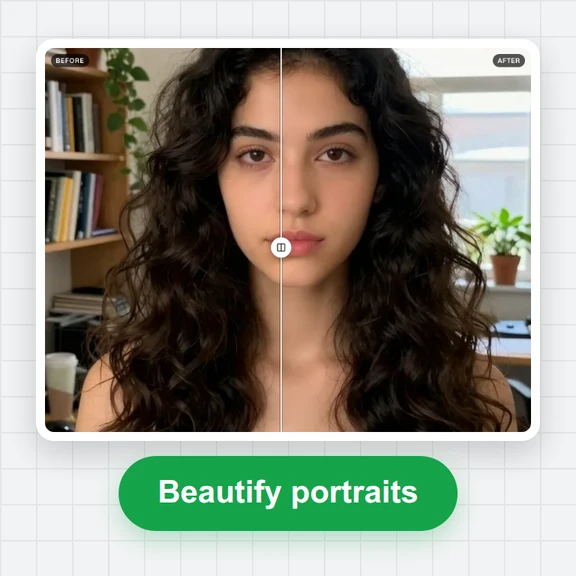
Set the strength, compare before and after, and save it for your profile picture, story or wallpaper.
Selfies, friends, pets and places all work. Add one photo or up to 20.
Tap a photo to open it with a style that suits it, then try the others.
Choose, drop or paste a selfie, a group shot, a pet or a landscape. Add up to 20 at once.
Anime, Pastel, Comic or Sketch. Drag the slider to compare and set the strength to taste.
Download a JPG, PNG or WebP, or a ZIP of the whole batch, ready to share.
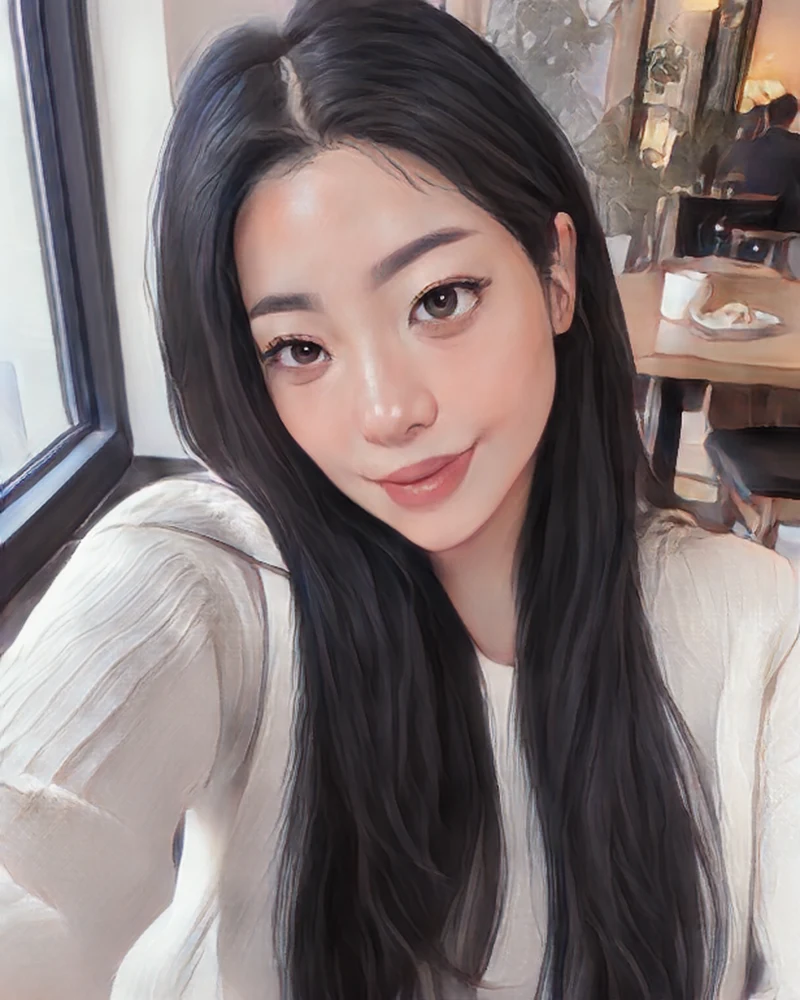
Clean lines, glowing skin and big bright eyes: the classic anime avatar look, lovely for selfies and couples.
A soft, dreamy painted portrait in gentle colors, perfect for profile pictures and aesthetic stories.
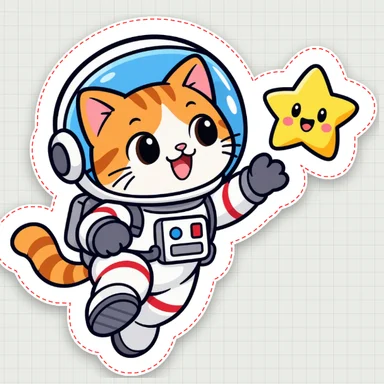
Bold outlines and flat colors, like a frame from a web comic. Fun for friends, pets and group photos.
A hand-drawn pencil sketch in black and white, great for gifts, cards and art prints.
Faces looking toward the camera in soft daylight give the cutest anime and pastel results.
Switching styles takes a few seconds, so compare all four on the same photo before you save.
Around 70% keeps more of your real colors and details; 100% gives the full cartoon look.
High keeps finer lines and textures for wallpapers and prints; Fast is perfect for quick avatars.
Create anime characters, avatars and animated clips from a prompt or your photo with WaveSpeed AI.
Restyle your photo in any art style you describe, from watercolor to 3D animation.
Bring your cartoon to life as a short animated clip.
Turn your character into a 3D figure.
$1 in free credits for eligible new accounts. No card needed. Generators have separate account and credit requirements. The photo to cartoon converter is free.
Add your photo, pick Anime, Pastel, Comic or Sketch, and the AI redraws it in a few seconds. Set the strength, compare before and after, then download it.
Yes. Cartoonize as many photos as you like, with no account, no watermark and no limit.
No. The AI runs in your browser, so your photos stay on your device. The first time you use an AI style, your browser downloads it once (about 2.3 MB) and keeps it for next time.
Yes. Choose the Anime or Pastel style for a soft, flattering avatar, then save it as a JPG or PNG for your profile picture.
Yes. Pets, city streets, beaches and mountains all turn into charming cartoon scenes. Comic gives bold outlines and Anime gives painted skies.
Yes. Add up to 20 photos, pick a style and download them all as a ZIP in one tap.
Up to twice the size the style is drawn at: about 2000 pixels on the long side with High detail, and the sketch keeps up to 2048 pixels. Choose JPG, PNG or WebP.
Free, private and no sign-up. Your photos never leave your device.
/filters:quality(82)/media/images/1791123751656780930_IfFPY7R0.webp)
/filters:quality(82)/media/images/1791123737177812425_RjKT3cku.webp)
/filters:quality(82)/media/images/1791123748309870128_xlkNgK8N.webp)
/filters:quality(82)/media/images/1791123738630744263_oR09R0aj.webp)
/filters:quality(82)/media/images/1791177033162457776_uQ09OY7g.webp)
/filters:quality(82)/media/images/1791123734319125607_JdnwGPY7.webp)
/filters:quality(82)/media/images/1791123746355630206_udnxGPY7.webp)
/filters:quality(82)/media/images/1791123744771362580_yC0sPezZ.webp)
/filters:quality(82)/media/images/1791123738606970169_5KIR1ais.webp)
/filters:quality(82)/media/images/1791123748197655725_EUmuFNW6.webp)