Set the parameters
The box sample starts with its sizes at the top: width, depth, height, wall, corner radius and lid clearance.
Describe a part with a few parameters, such as width, wall thickness or clearance, and OpenSCAD builds the model in your browser.
Start from the parametric box with lid, set your sizes and download an STL or 3MF ready for your slicer.
The box sample starts with its sizes at the top: width, depth, height, wall, corner radius and lid clearance.
It renders again a moment after each change; the preview shows its size in millimetres.
Download STL or 3MF for your slicer, and save the .scad file to change the sizes later.
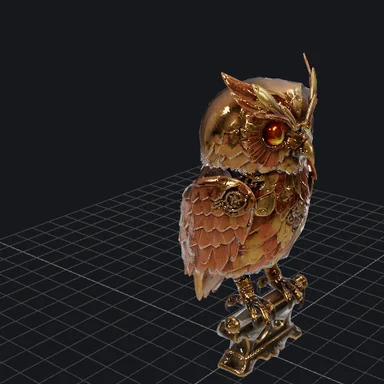
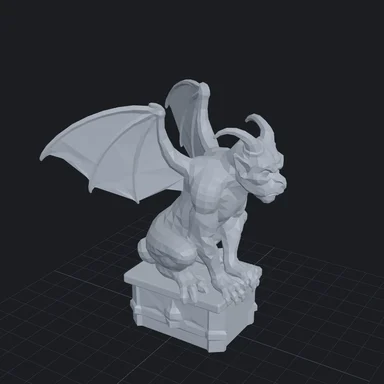
Turn a picture or a prompt into a 3D model with WaveSpeed AI, or make images for your project.
Create reference images and textures.
Make a video of your design.
Turn a picture into a 3D model.
$1 in free credits for eligible new accounts. No card needed. Generators have separate account and credit requirements. The OpenSCAD online is free.
A model described by code with named sizes. Change a size and the whole model is rebuilt to match, so one file makes a box of any size.
Not to change the samples: their parameters are named and commented at the top. Writing new shapes uses the OpenSCAD language.
OpenSCAD has no units; slicers read STL and 3MF values as millimetres, so the samples are written in millimetres.
No. OpenSCAD runs in your browser and nothing is sent to a server.
Yes, free with no sign-up and no limits.
Parametric OpenSCAD models · STL and 3MF for printing · Runs in your browser