Pick a language
Choose JavaScript, TypeScript, HTML/CSS/JS, SQL or Lua. Each one opens with a working example.
Write code, press Run and see the output right away: console logs, tables, errors with line numbers.
Build a web page with a live preview, practise SQL on a real SQLite database, or try Lua. Nothing to install.
Choose JavaScript, TypeScript, HTML/CSS/JS, SQL or Lua. Each one opens with a working example.
Type in the editor or open a file. Highlighting, indentation and closing brackets help as you go.
Press Run or Ctrl+Enter to see the output. Save the file or copy a link to share your code.
A few things that make writing and testing code here easier.
In JavaScript and TypeScript you can write await outside a function, so trying out fetch-free async code is quick.
Pass an array of objects to console.table() to see it as a table you can download as CSV.
Put your CREATE TABLE and INSERT statements at the top: every run builds the database again, so results are repeatable.
Types are removed before the code runs, so a type mistake won't stop the program. Use it to try out syntax and logic.
An endless loop never freezes the page: press Stop or Esc and run again.
Lua integers here are 32-bit, so very large whole numbers are best written as decimals.
Create images, short clips and 3D models for your app, game or website with WaveSpeed AI.
Make icons, illustrations and screenshots for your app.
Turn a screenshot into a short promo clip.
Turn a picture into a 3D model for your game.
$1 in free credits for eligible new accounts. No card needed. Generators have separate account and credit requirements. The code runner is free.
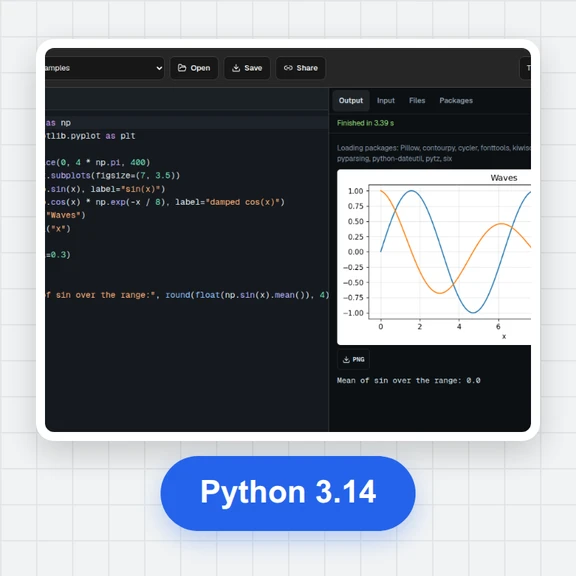
JavaScript, TypeScript, HTML/CSS/JS with a live preview, SQL on SQLite, and Lua 5.3. For Python, use the free online Python compiler.
Yes. It is free, with no sign-up, no limits on runs and no watermark on anything you save.
In your browser, inside a sandbox that has no access to this site's cookies or storage. Your code isn't sent to a server to run.
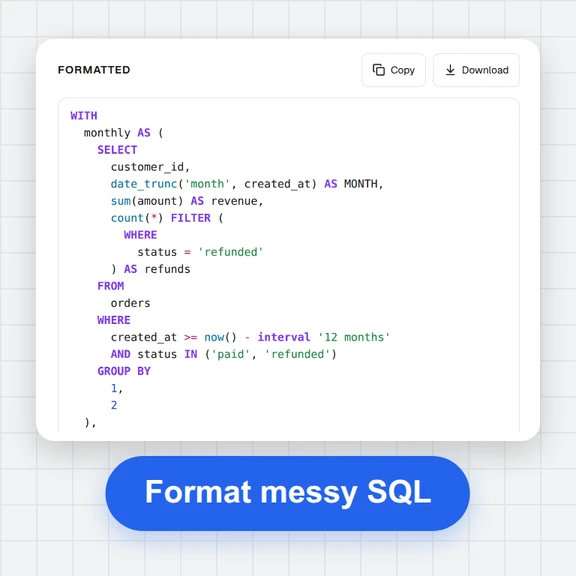
Yes. Write CREATE TABLE, INSERT and SELECT statements and see each result as a table. SQLite supports joins, window functions, recursive CTEs and JSON functions.
Pick HTML/CSS/JS. Edit the HTML, CSS and JS tabs and the preview updates as you type; console messages from the page appear under it.
Press Share to copy a link. The code is stored in the link itself, so whoever opens it sees the same code in the editor.
Yes. Your code for each language is saved in this browser and comes back when you return. Use Save to keep a file on your device.
Pick a language, press Run and see the result in a second.
/filters:quality(82)/media/images/1791123751656780930_IfFPY7R0.webp)
/filters:quality(82)/media/images/1791123737177812425_RjKT3cku.webp)
/filters:quality(82)/media/images/1791123748309870128_xlkNgK8N.webp)
/filters:quality(82)/media/images/1791123738630744263_oR09R0aj.webp)
/filters:quality(82)/media/images/1791177033162457776_uQ09OY7g.webp)
/filters:quality(82)/media/images/1791123734319125607_JdnwGPY7.webp)
/filters:quality(82)/media/images/1791123746355630206_udnxGPY7.webp)
/filters:quality(82)/media/images/1791123744771362580_yC0sPezZ.webp)
/filters:quality(82)/media/images/1791123738606970169_5KIR1ais.webp)
/filters:quality(82)/media/images/1791123748197655725_EUmuFNW6.webp)