Add a short clip
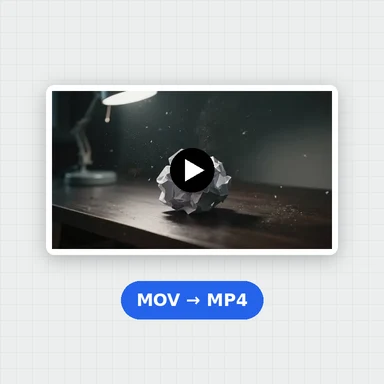
Drop, paste or choose a video up to 30 seconds: MP4, MOV, WebM or MKV.
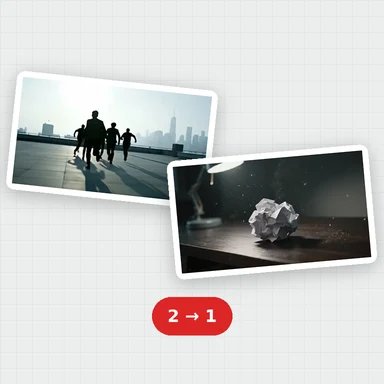
The AI estimates how everything moves between two frames and draws the frame halfway, for every pair in your clip.
You get twice the frame rate at the same speed, with the sound kept and nothing uploaded.
Drop a video here, or paste it
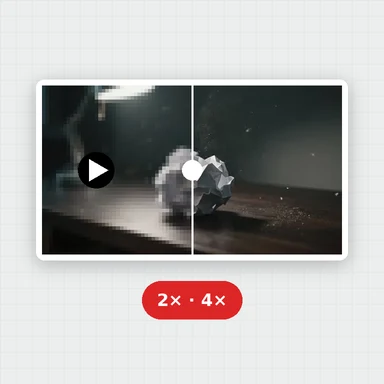
MP4, MOV, WebM or MKV · Up to 30 s and 500 MB · Nothing is uploadedEach example opens the first 4 seconds of a 24 fps AI-made clip. Press the button to make it 48 fps and compare.
Drop, paste or choose a video up to 30 seconds: MP4, MOV, WebM or MKV.
A new frame is made between every two frames on your graphics chip, with a live preview and the time left.
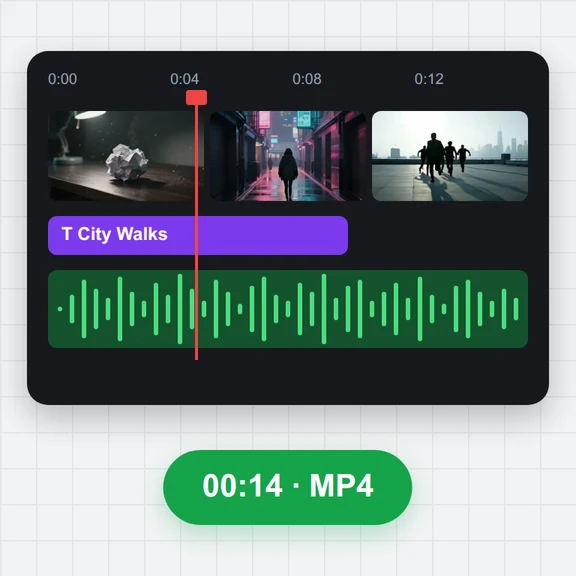
Compare with the original and download it at twice the frame rate, same speed, sound kept.
Create short videos from a prompt or a still image with WaveSpeed AI, then double their frame rate here.
Make the first frame or a cover image for your video.
Turn a prompt or a picture into a short video clip.
Turn a picture into a 3D model you can spin and render.
$1 in free credits for eligible new accounts. No card needed. Generators have separate account and credit requirements. The video FPS increaser is free.
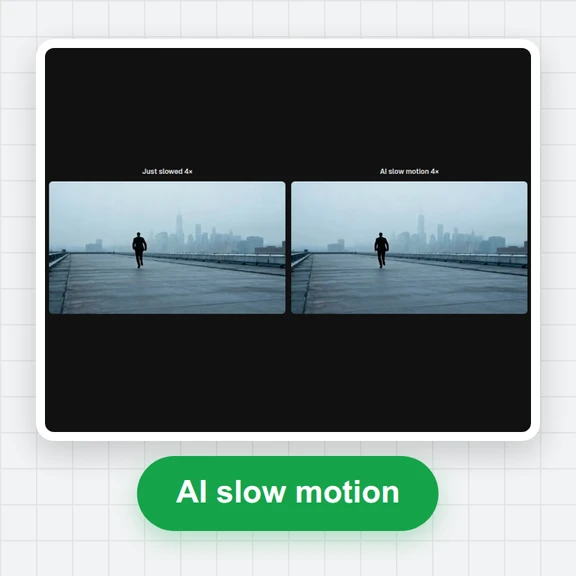
Making new frames between existing ones. Instead of repeating or blending frames, the AI follows the motion between two frames and draws what lies halfway, so movement looks smoother.
One between every two frames: a clip with N frames comes back with 2N − 1 frames at twice the frame rate. The original frames are kept as they are.
Smooth, steady motion works best. Very fast motion can show soft edges in the new frames, and at a hard cut the frame between two different shots is a mix of both.
Yes. No sign-up and no watermark, and it runs on your graphics chip in the browser, so your video stays on your device.
Motion-aware · 2× frame rate · No upload
/filters:quality(82)/media/images/1791123751656780930_IfFPY7R0.webp)
/filters:quality(82)/media/images/1791123737177812425_RjKT3cku.webp)
/filters:quality(82)/media/images/1791123748309870128_xlkNgK8N.webp)
/filters:quality(82)/media/images/1791123738630744263_oR09R0aj.webp)
/filters:quality(82)/media/images/1791177033162457776_uQ09OY7g.webp)
/filters:quality(82)/media/images/1791123734319125607_JdnwGPY7.webp)
/filters:quality(82)/media/images/1791123746355630206_udnxGPY7.webp)
/filters:quality(82)/media/images/1791123744771362580_yC0sPezZ.webp)
/filters:quality(82)/media/images/1791123738606970169_5KIR1ais.webp)
/filters:quality(82)/media/images/1791123748197655725_EUmuFNW6.webp)