Add a short clip
Drop, paste or choose a video up to 30 seconds: MP4, MOV, WebM or MKV.
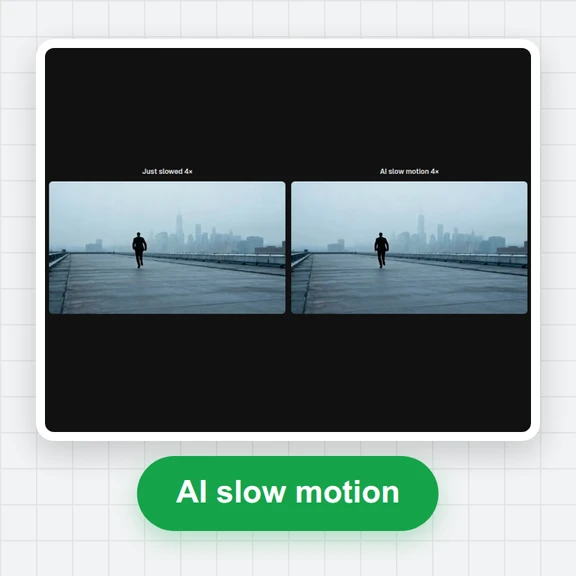
Drop a 30 fps clip and get 60 fps back: AI makes a new frame between every two frames instead of repeating them.
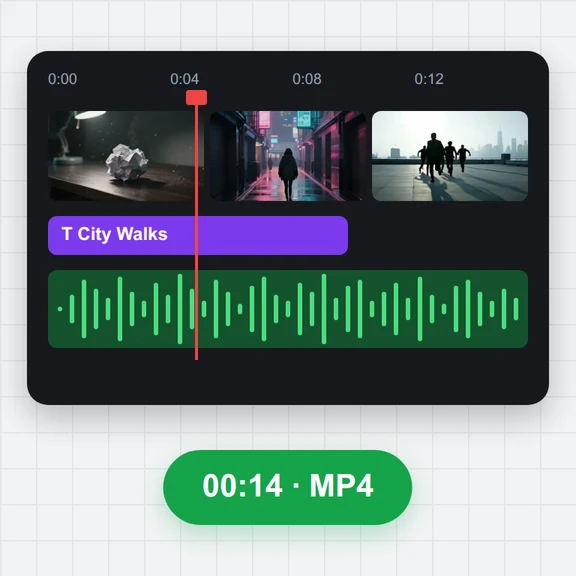
It plays at the same speed with the sound kept, and runs in your browser.
Drop a video here, or paste it
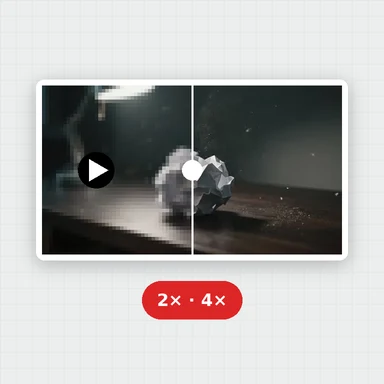
MP4, MOV, WebM or MKV · Up to 30 s and 500 MB · Nothing is uploadedEach example opens the first 4 seconds of a 24 fps AI-made clip. Press the button to make it 48 fps and compare.
Drop, paste or choose a video up to 30 seconds: MP4, MOV, WebM or MKV.
A new frame is made between every two frames on your graphics chip, with a live preview and the time left.
Compare with the original and download it at twice the frame rate, same speed, sound kept.
Create short videos from a prompt or a still image with WaveSpeed AI, then double their frame rate here.
Make the first frame or a cover image for your video.
Turn a prompt or a picture into a short video clip.
Turn a picture into a 3D model you can spin and render.
$1 in free credits for eligible new accounts. No card needed. Generators have separate account and credit requirements. The video FPS increaser is free.
Add your 30 fps video and press the button. A new frame is made between every two frames, so the result has 60 frames per second and plays at the same speed.
The tool always doubles the frame rate: 24 fps becomes 48 and 25 becomes 50. A 29.97 fps clip becomes 59.94 fps.
Yes, motion gets smoother because the new frames follow the movement. Very fast motion can show slightly soft edges in the new frames.
The free version takes clips up to 30 seconds (720p, or 1080p on fast graphics chips). For videos up to 10 minutes, use the online version.
30 → 60 fps · Same speed · No upload
/filters:quality(82)/media/images/1791123751656780930_IfFPY7R0.webp)
/filters:quality(82)/media/images/1791123737177812425_RjKT3cku.webp)
/filters:quality(82)/media/images/1791123748309870128_xlkNgK8N.webp)
/filters:quality(82)/media/images/1791123738630744263_oR09R0aj.webp)
/filters:quality(82)/media/images/1791177033162457776_uQ09OY7g.webp)
/filters:quality(82)/media/images/1791123734319125607_JdnwGPY7.webp)
/filters:quality(82)/media/images/1791123746355630206_udnxGPY7.webp)
/filters:quality(82)/media/images/1791123744771362580_yC0sPezZ.webp)
/filters:quality(82)/media/images/1791123738606970169_5KIR1ais.webp)
/filters:quality(82)/media/images/1791123748197655725_EUmuFNW6.webp)