Add your photos
Drop up to 200 photos or choose them from your device. They open in your browser and are not uploaded.
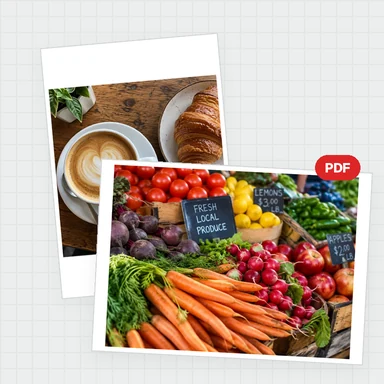
Make a contact sheet from your photos: choose the paper, the grid and the captions, and add a title and date.
Download it as a PDF or as PNG/JPG pages. Free, with no watermark and no upload.
Drop your photos here to lay them out on printable sheets with a grid, captions and a title. Free and private.
Up to 200 photos · JPG, PNG, WebP, GIF, AVIF or BMP · each up to 100 MBEach example opens a different layout. Your own photos work the same way.
Drop up to 200 photos or choose them from your device. They open in your browser and are not uploaded.
Pick the paper size, grid, margins, captions and order, and add a title and date if you like.
Save a PDF or PNG/JPG pages at 72, 150 or 300 dpi. There is no watermark.
Create photos, illustrations and graphics from a short prompt with WaveSpeed AI.
Make photos, product shots and illustrations from a prompt.
Turn a still image into a short video clip.
Turn a picture into a 3D model.
$1 in free credits for eligible new accounts. No card needed. Generators have separate account and credit requirements. The Contact Sheet Maker is free.
A contact sheet shows many small photos on one page so you can review, pick and share them at a glance. Photographers use it as a proof sheet or photo index sheet.
Up to 200 photos at a time. When they do not fit on one page, the sheet continues on more pages automatically.
Yes. Download a PDF for printing, or PNG or JPG pages at 72, 150 or 300 dpi. A4, Letter, A3 and custom pixel sizes are available.
Yes. Turn on file names, numbers or both. You can also add a title and a date at the top of every page.
No. The sheet is made in your browser, so your photos stay on your device.
Up to 200 photos · PDF, PNG or JPG · No upload