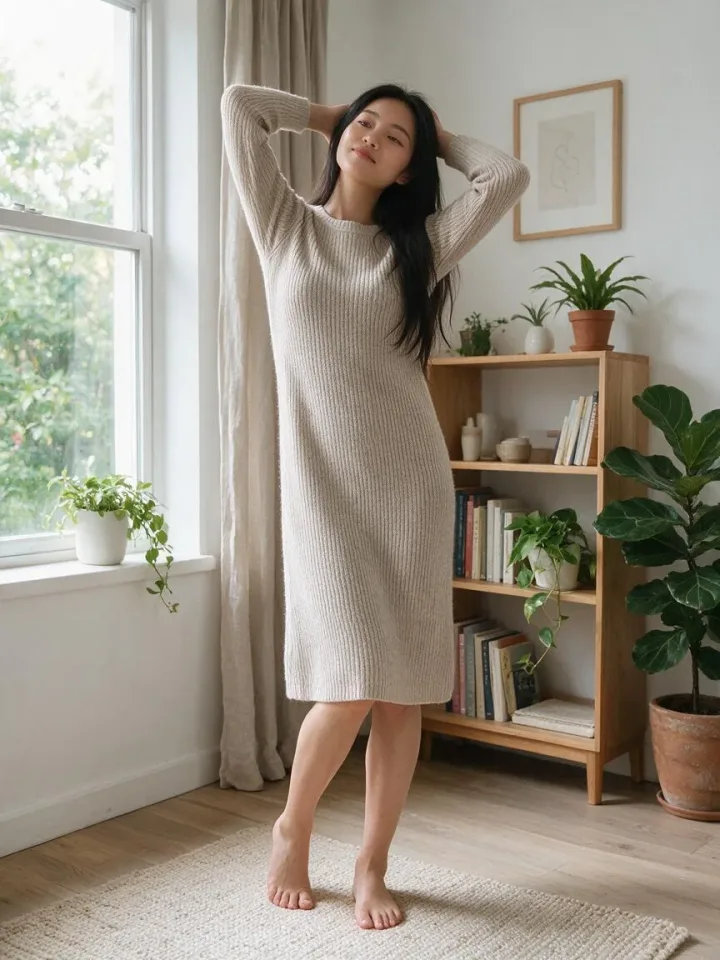
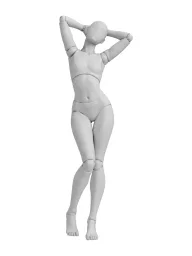
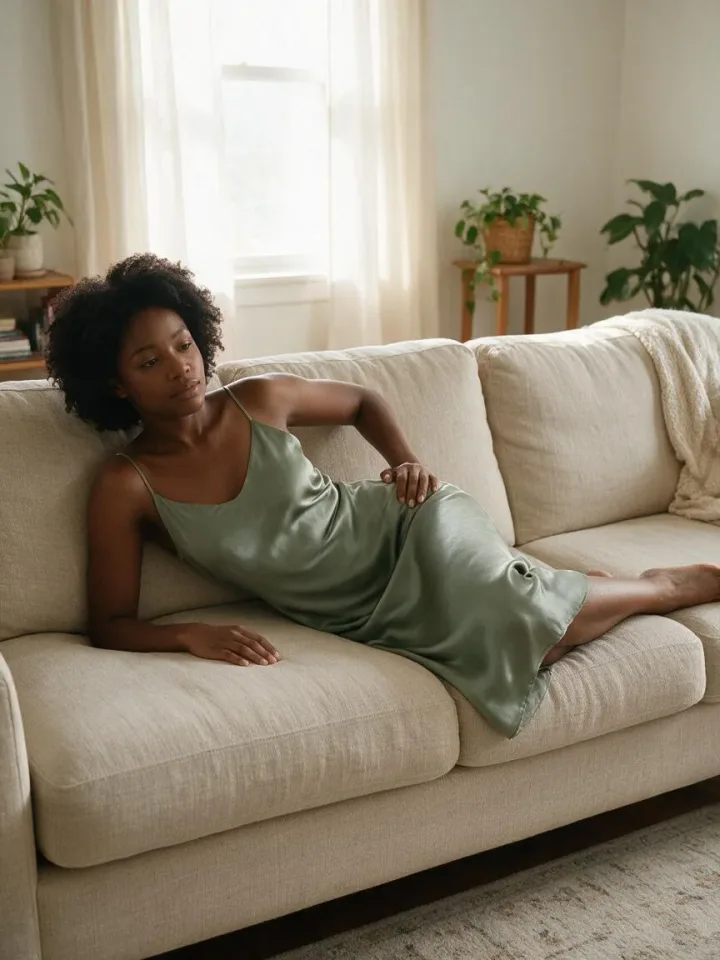
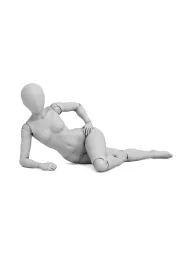
Find a pose
Browse the categories or search, for example sitting, couple or over the shoulder.
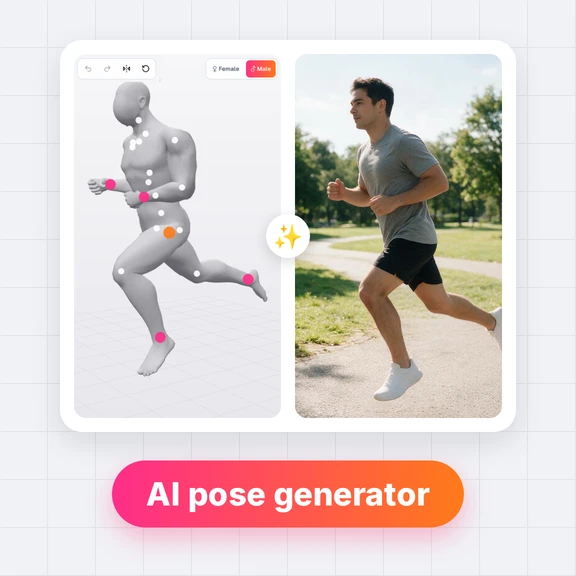
Free pose templates for AI images: standing, sitting, fashion, glamour, boudoir, couple and dance poses, each as a 3D mannequin and as line art from three angles.
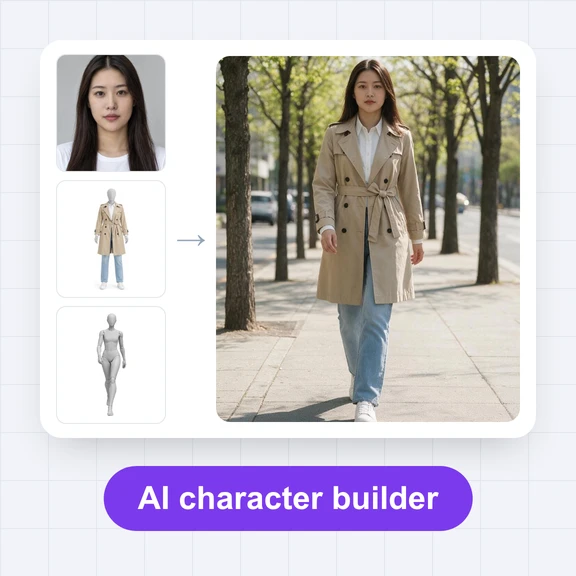
Pick a template and the AI Image Generator opens with it as the reference image and a prompt for the same pose. Describe the person and the place, then generate.
491 poses
Browse the categories or search, for example sitting, couple or over the shoulder.
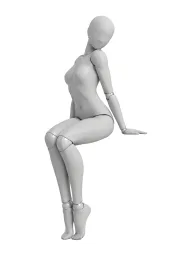
Open a template and choose the front, three-quarter or side view, as a 3D mannequin or as line art.
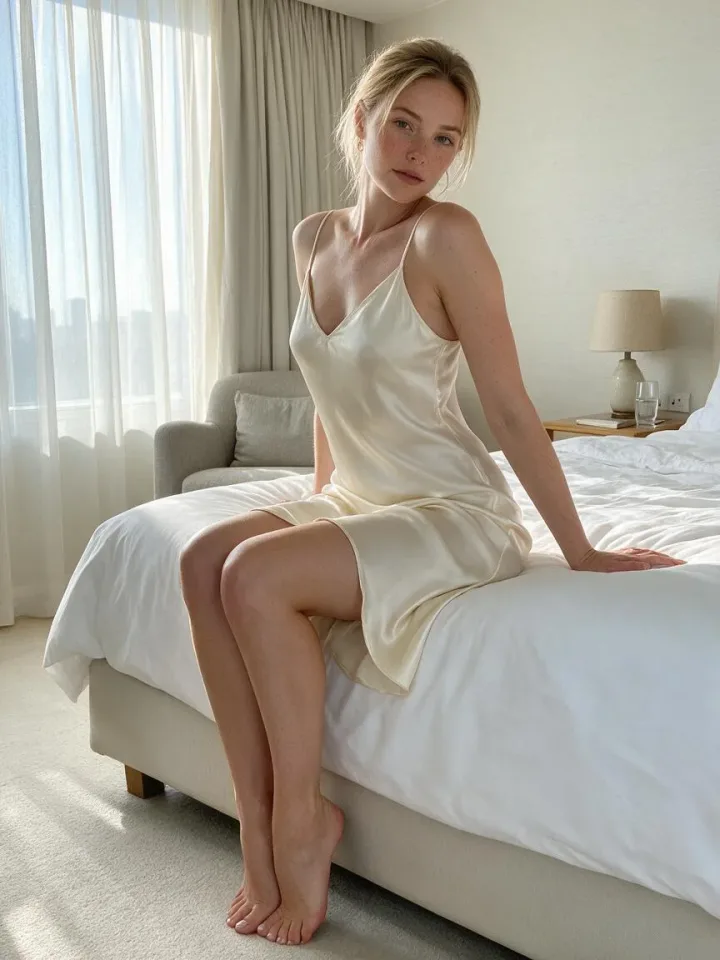
Press “Make this photo”: the AI Image Generator opens with the pose as the reference. Add who the person is, what they wear and where they are, then generate.
A reference image of a body position that an AI image model copies. Each template here is a faceless mannequin, so the model takes only the pose and gets the person, clothes and setting from your prompt.
Yes. Browsing, searching and downloading are free and need no account, and you may use the templates in personal and commercial work. Generating pictures in the AI Image Generator uses credits.
Open a pose and press “Make this photo”. The AI Image Generator opens with that angle as the reference image and a prompt that asks for the same pose. You can also download the image and use it as a reference anywhere.
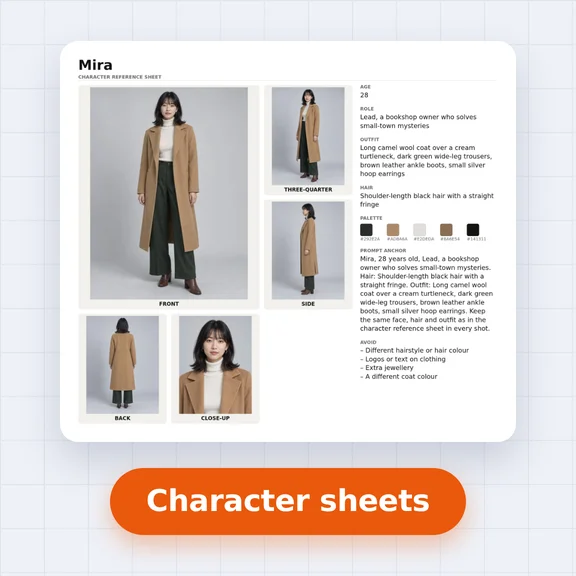
Yes. Add a photo of your character as a second reference image next to the pose in the AI Image Generator, or create one in Influencer Studio and keep the same face in every picture.
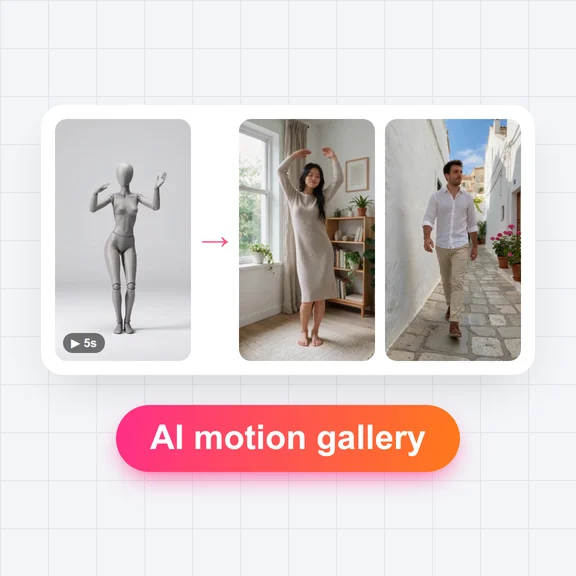
Yes. The AI Motion Gallery has short dance and motion clips: pick one and the AI Avatar Generator makes your character perform it.
🔥 450+ pose templates · 📐 3 angles each · ⚡ One click to AI Image Generator