Pick a pose
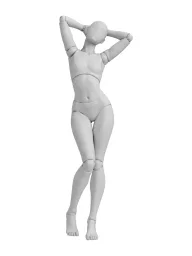
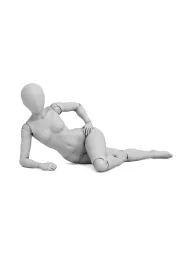
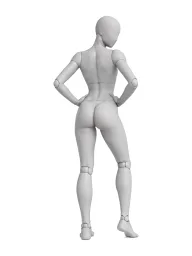
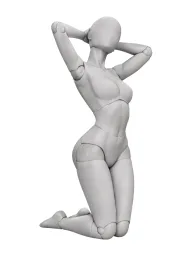
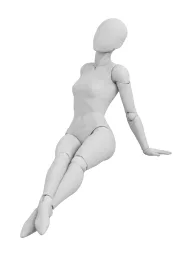
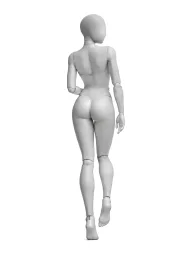
Browse boudoir, glamour, couples and more, or search for “bed”, “arch” or “over the shoulder”. Switch between the 3D mannequin and line art, and between front, 3/4 and side.
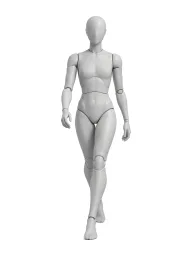
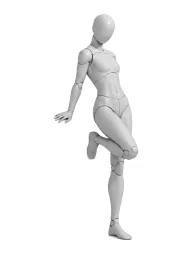
35 poses for Sports & action, each drawn as a 3D mannequin and as line art from three angles. Open one to send it to the AI Image Generator as a reference, or download it.
35 poses
Browse boudoir, glamour, couples and more, or search for “bed”, “arch” or “over the shoulder”. Switch between the 3D mannequin and line art, and between front, 3/4 and side.
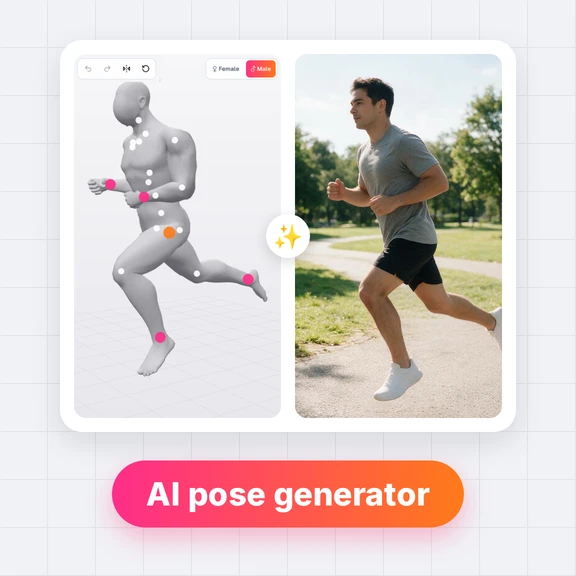
Press “Make this photo” to open the AI Image Generator with the pose as the reference. Describe your model, the outfit and the setting, and generate.
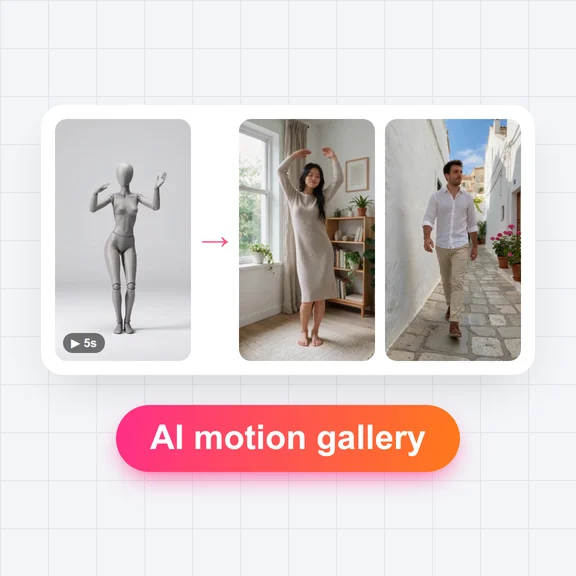
Turn the photo into a video in the AI Video Generator, make your model talk in the AI Avatar Generator, and keep the same face across your feed with Influencer Studio.
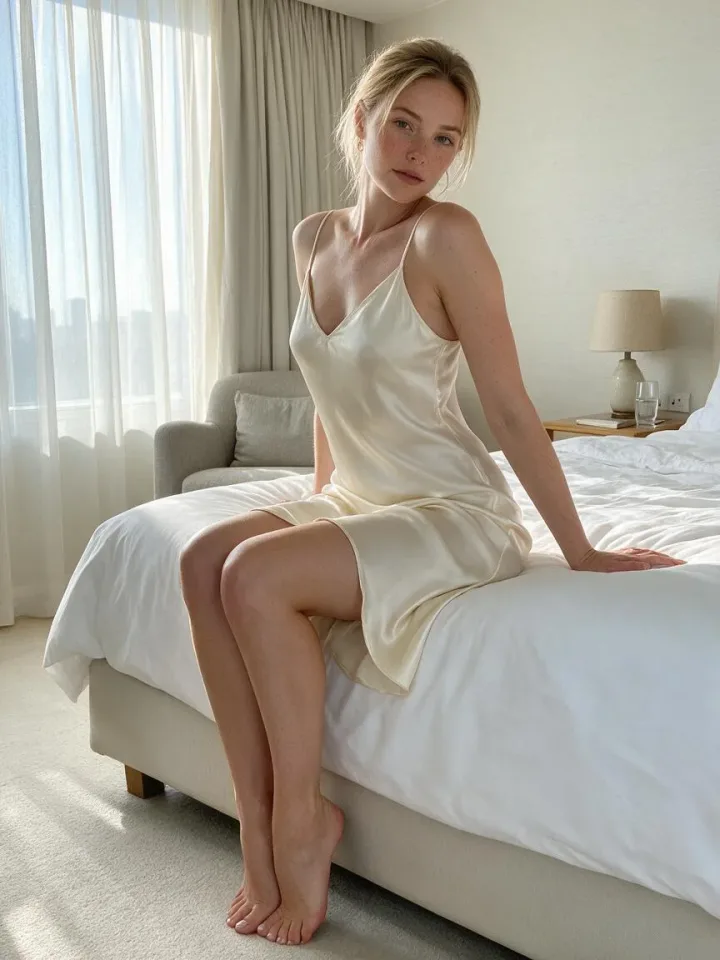
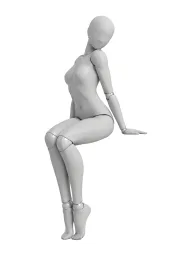
Every photo started as one angle from this gallery. The AI Image Generator kept the pose; the prompt added the person, the outfit and the setting. Tap a photo to open its pose.
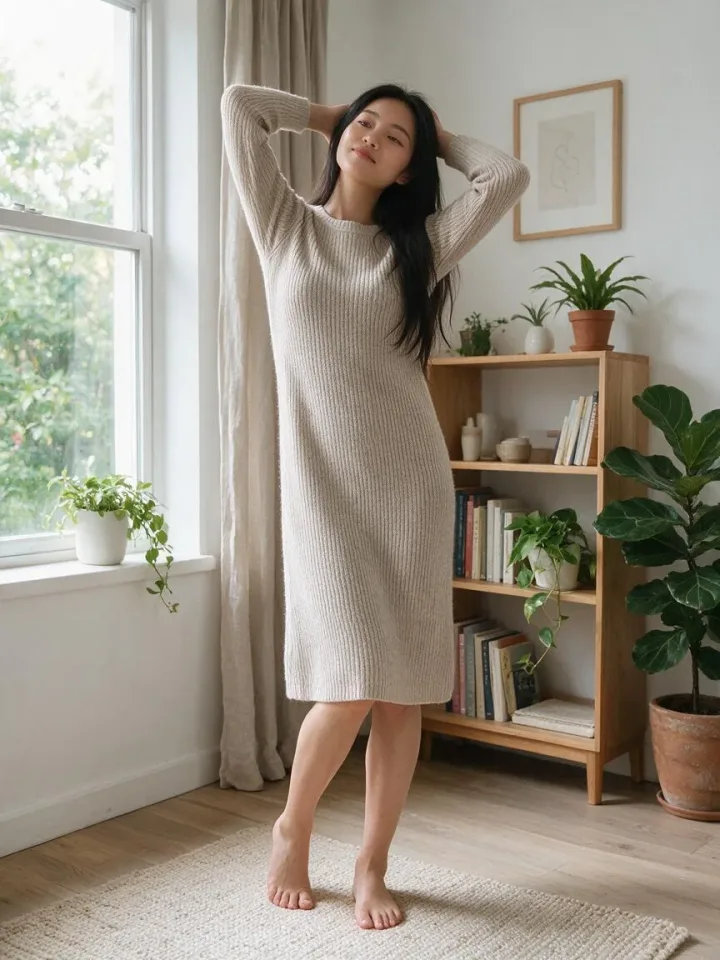
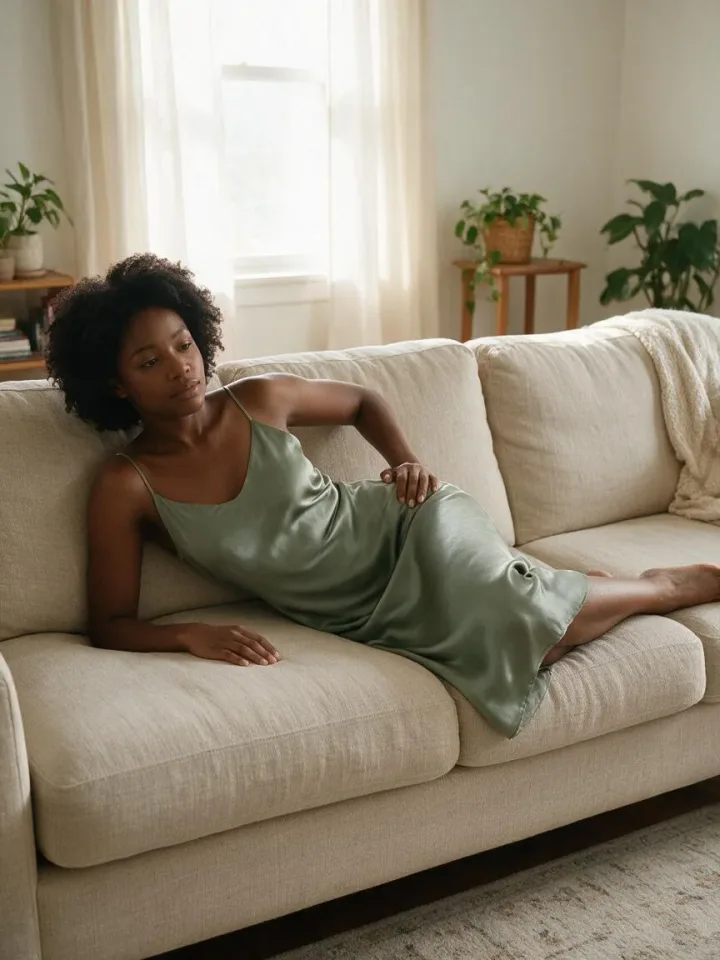
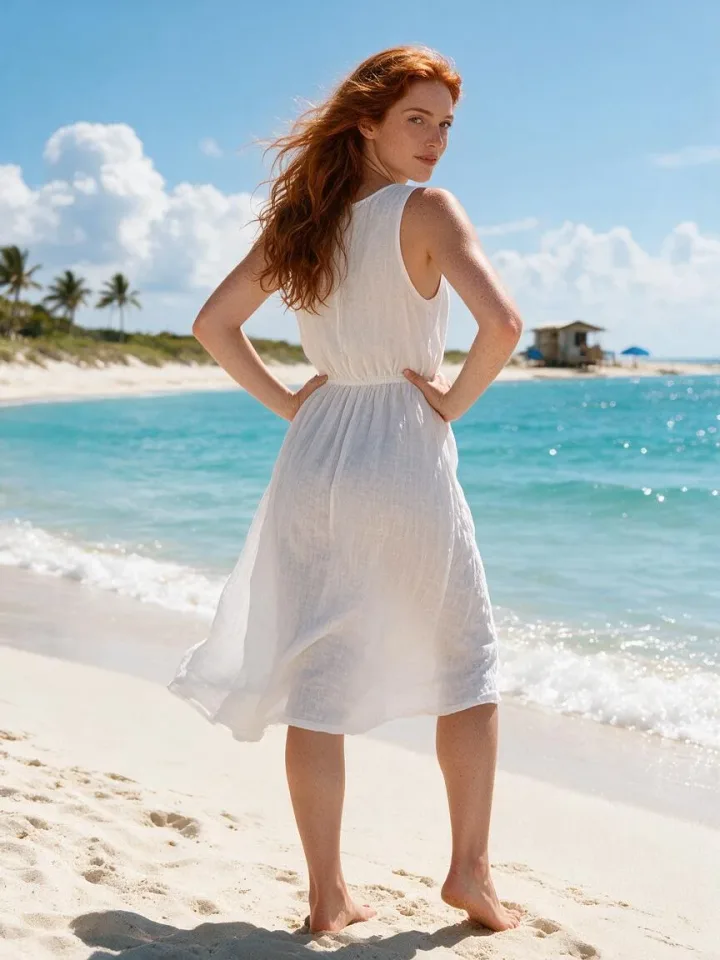
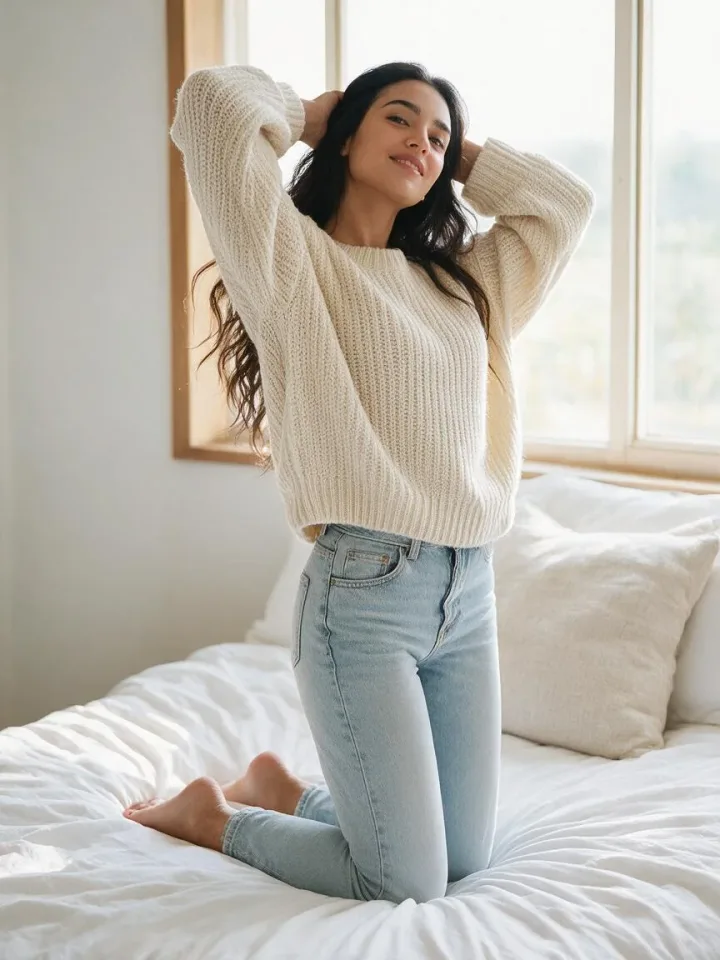
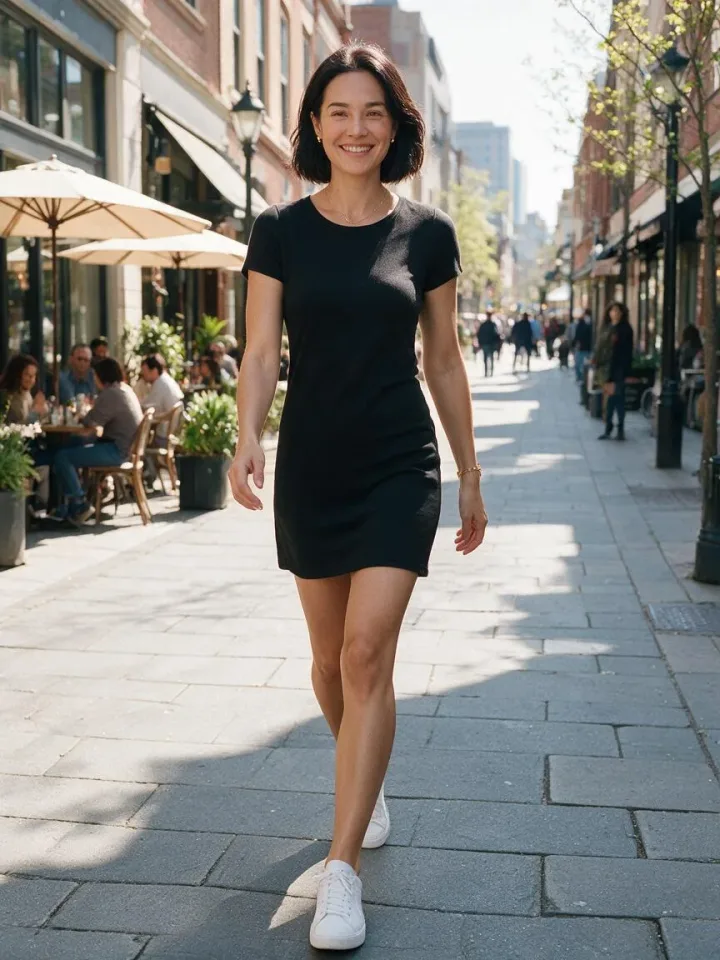
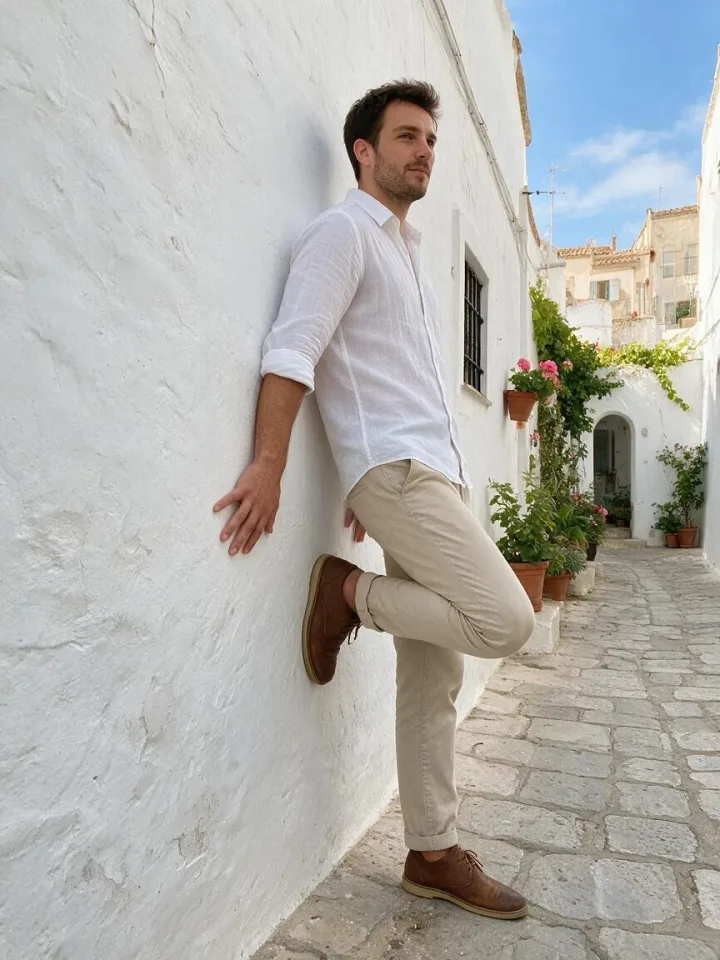
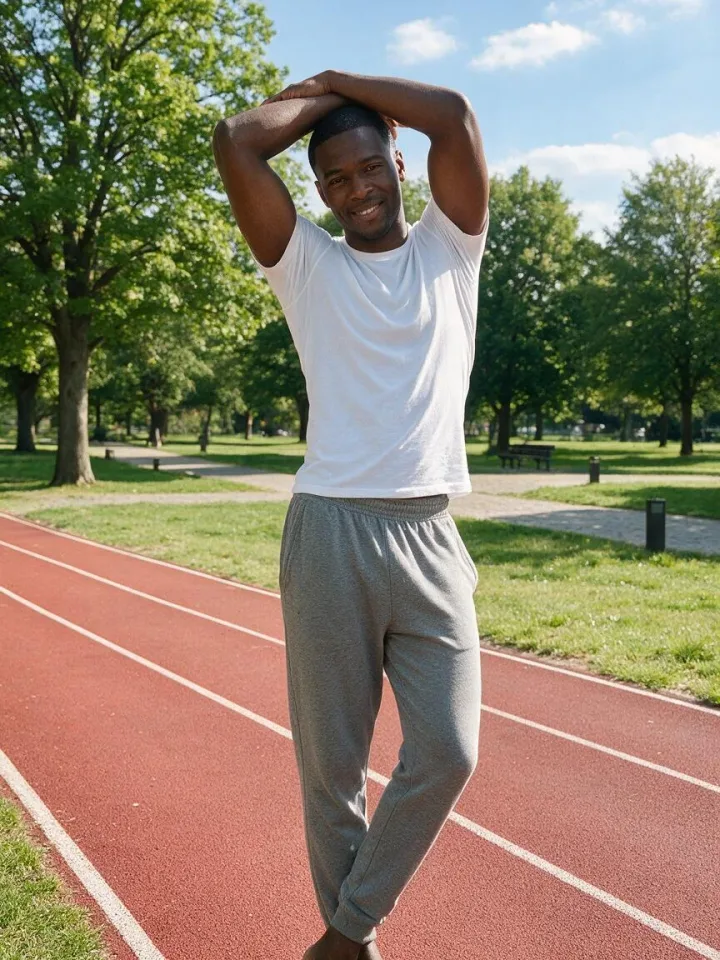
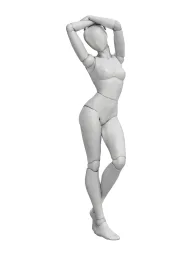
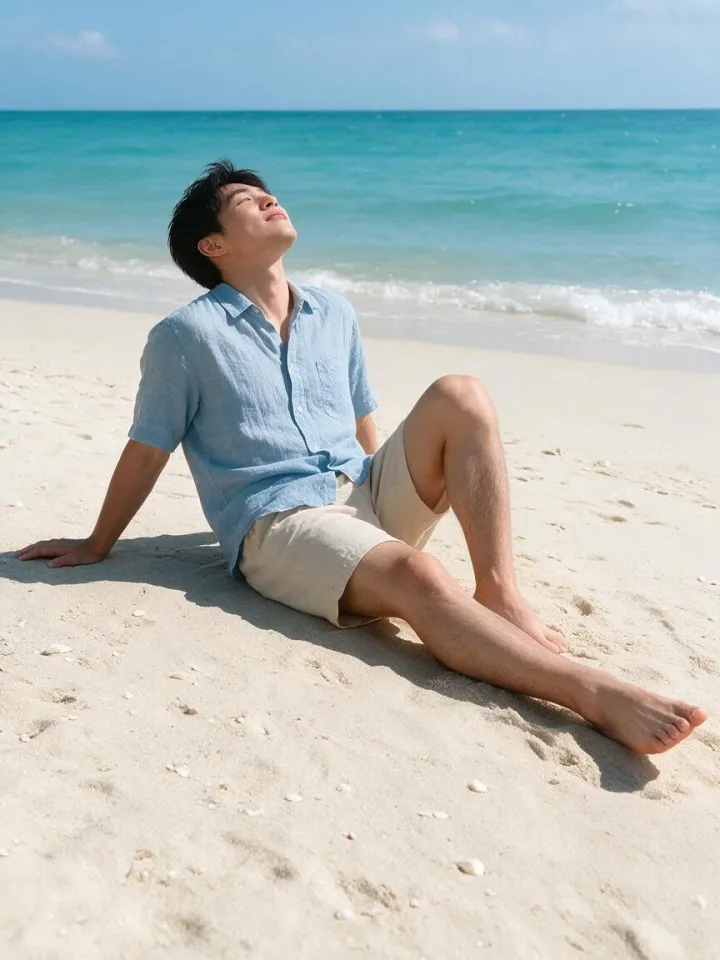
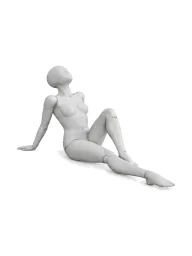
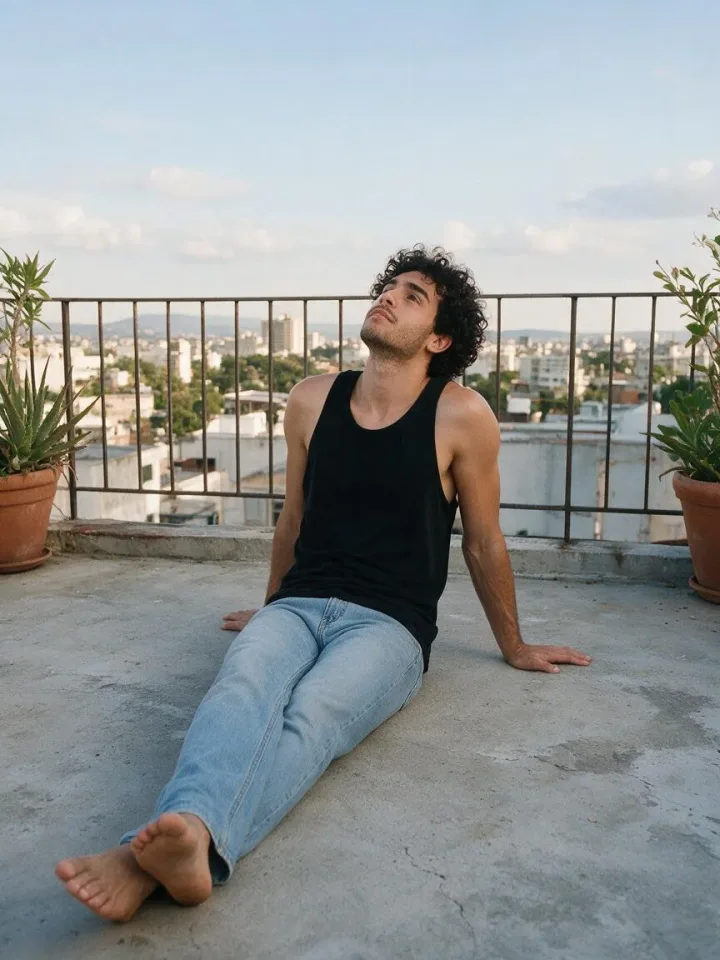
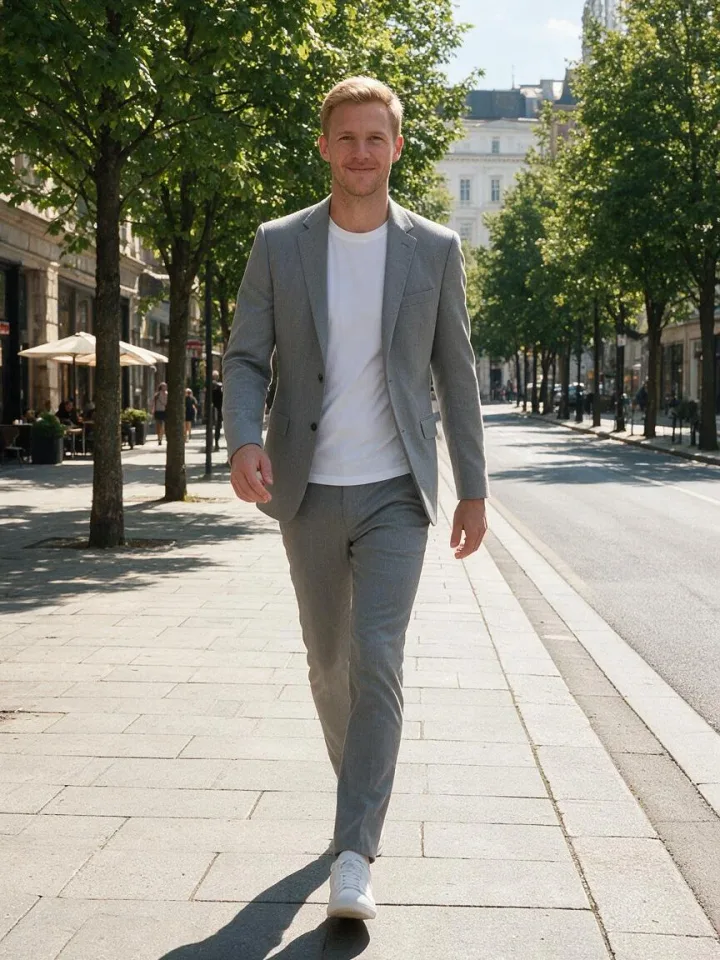
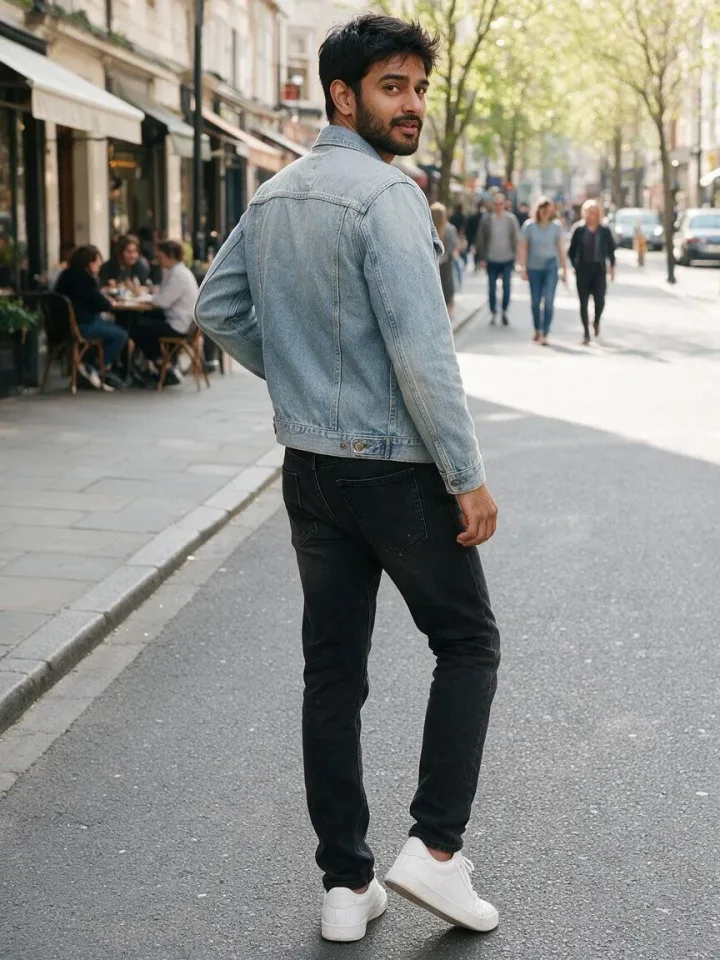
Built for creators who run AI models and AI influencers on OnlyFans, Fanvue, Instagram and TikTok.
Put your model in any pose, outfit and place with the AI Image Generator.
Open the AI Image Generator VideosAnimate a photo or write a whole scene with the AI Video Generator.
Open the AI Video Generator Talking & dancingMake your model talk to fans, or copy the moves of any dance video.
Open the AI Avatar Generator One face, every postDesign your AI influencer once and keep the same face in every photo and video.
Open Influencer StudioKeep a paid page full of new sets without a shoot: boudoir, glamour and lingerie poses that the AI follows exactly.
Post every day on Instagram and TikTok with fresh poses for the same character, from casual selfies to beach and fashion shots.
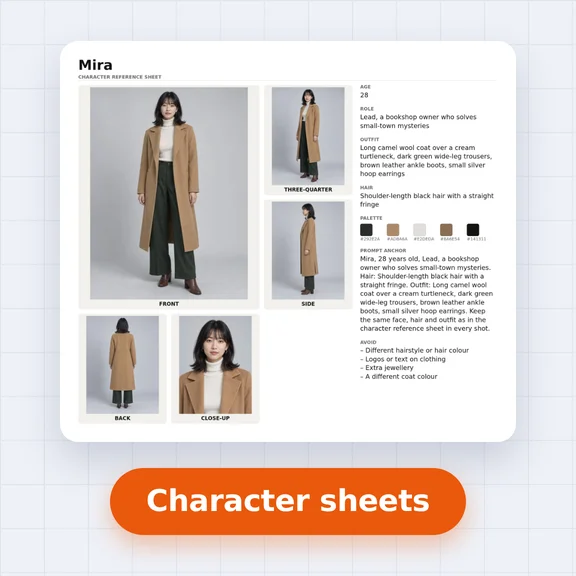
Use the line art for gesture drawing and character sheets, or plan a real shoot and show the model the side and 3/4 views.
Yes. Browsing, searching, copying descriptions and downloading the images is free and needs no account. Generating pictures in the AI Image Generator uses credits.
Yes. Every pose is an original image made by WaveSpeed AI. You may use the references in personal and commercial work, for example as AI references, drawing bases or shoot plans. Please don’t resell the images on their own as a pose pack.
Open a pose and press “Make this photo”. The AI Image Generator opens with that angle as the reference image and a prompt that asks for the same pose. Add who the person is, what they wear and where they are, then generate.
Yes. Every pose works as a template: open it and press “Make this photo”, and the AI Image Generator opens with that pose as the reference image. Add who the person is and where they are, then generate.
Yes. The poses are free for commercial use, including paid creator pages. What you post must follow the rules of each platform: OnlyFans, for example, asks creators to label AI-generated content. Only create adult characters, and never use a real person’s face without their consent.
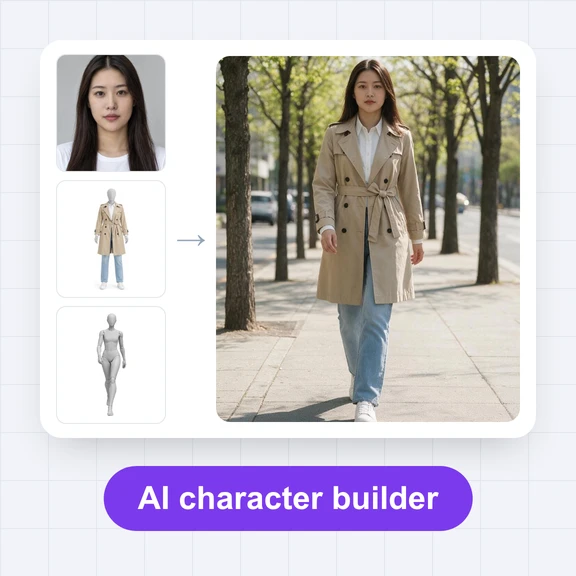
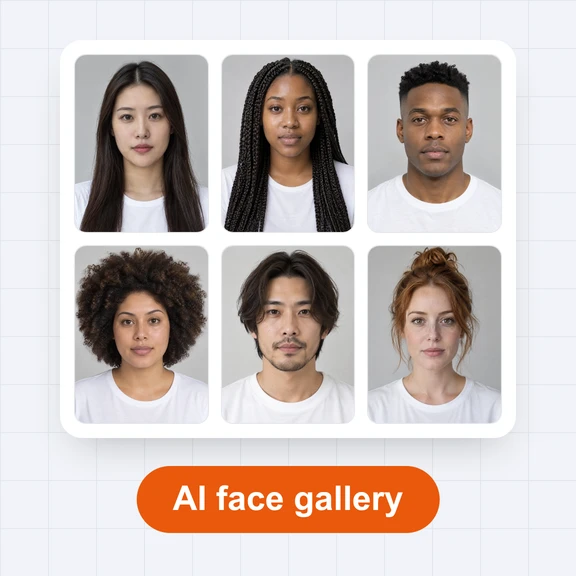
Create your character in Influencer Studio and reuse it, or add a photo of your AI model as a second reference image next to the pose in the AI Image Generator.
Yes. Open the AI Video Generator to animate the photo, or use the AI Avatar Generator to make your model talk or copy the moves of a dance video.
A neutral figure carries only the pose: no face, clothes or hair for the model to copy. The AI keeps the body position and takes everything else from your prompt.
The 3D mannequin shows volume and depth, which helps AI models read the pose. The line art is lighter and easier to trace or draw over. Both show the same pose from the same three angles.
Yes. Each angle downloads as a 900 × 1200 WebP image on a white background.
Make the photo in the AI Image Generator, then bring it to life in the AI Video Generator.