Pick the light
Browse by kind or search for “Rembrandt”, “neon” or “window”. Switch between the woman and the man.
8 free lighting setups in “Cinematic”. Open one and use it in the AI Image Generator.
8 lighting setups
Browse by kind or search for “Rembrandt”, “neon” or “window”. Switch between the woman and the man.
Press “Light your photo like this” to open the AI Image Generator with the portrait as the lighting reference. Add your own photo or describe a new one.
Use the pictures as a lighting cheat sheet for your next real shoot.
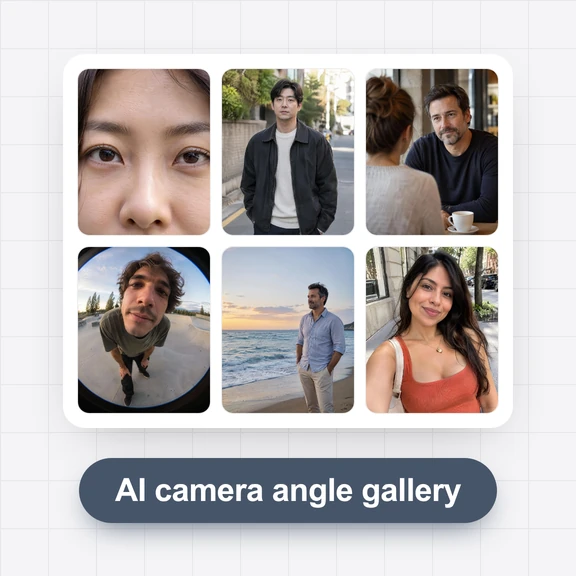
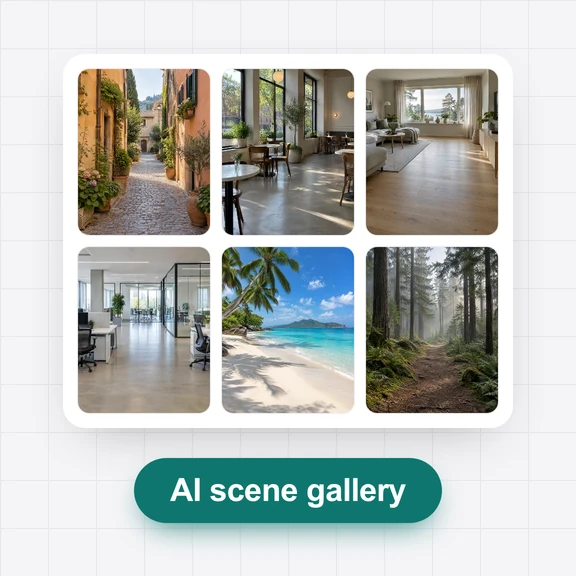
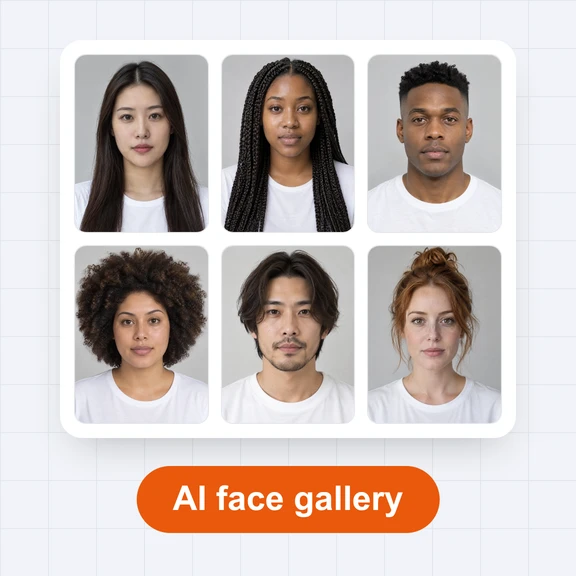
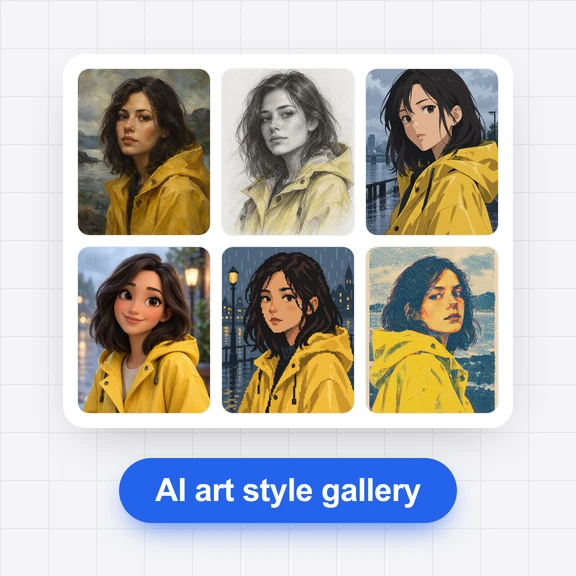
Each picture started from a lighting setup in this gallery. Tap a picture to open its lighting setup.
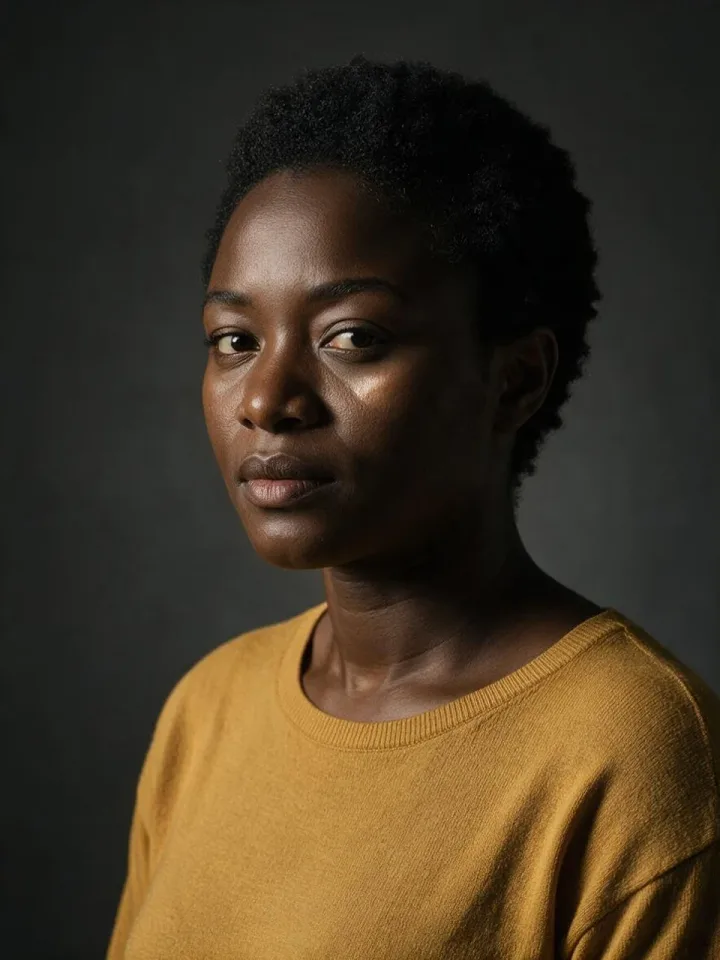
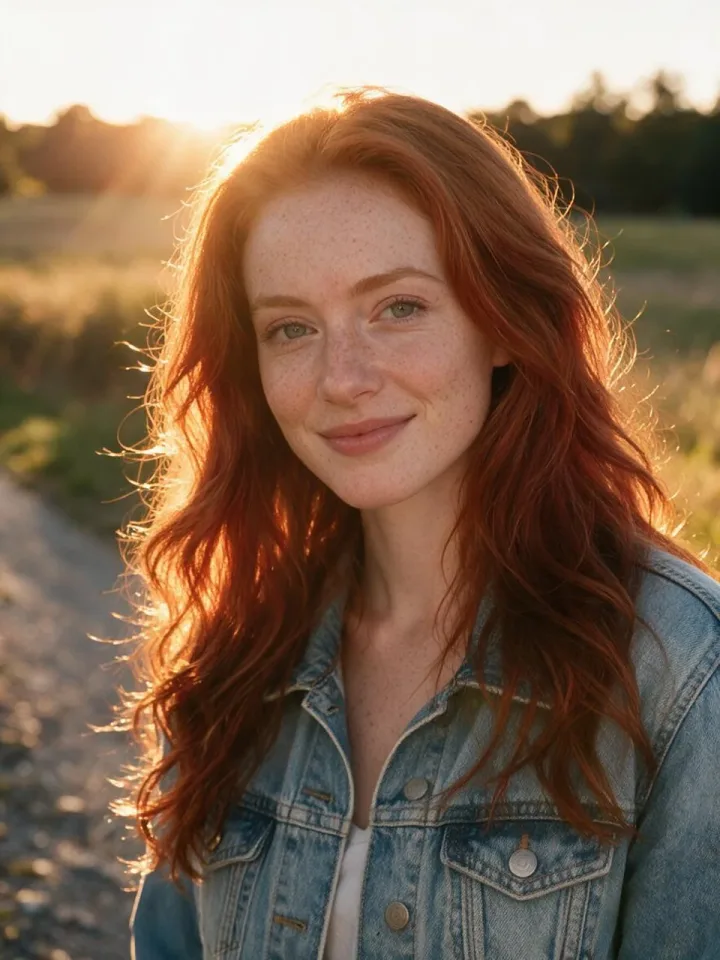

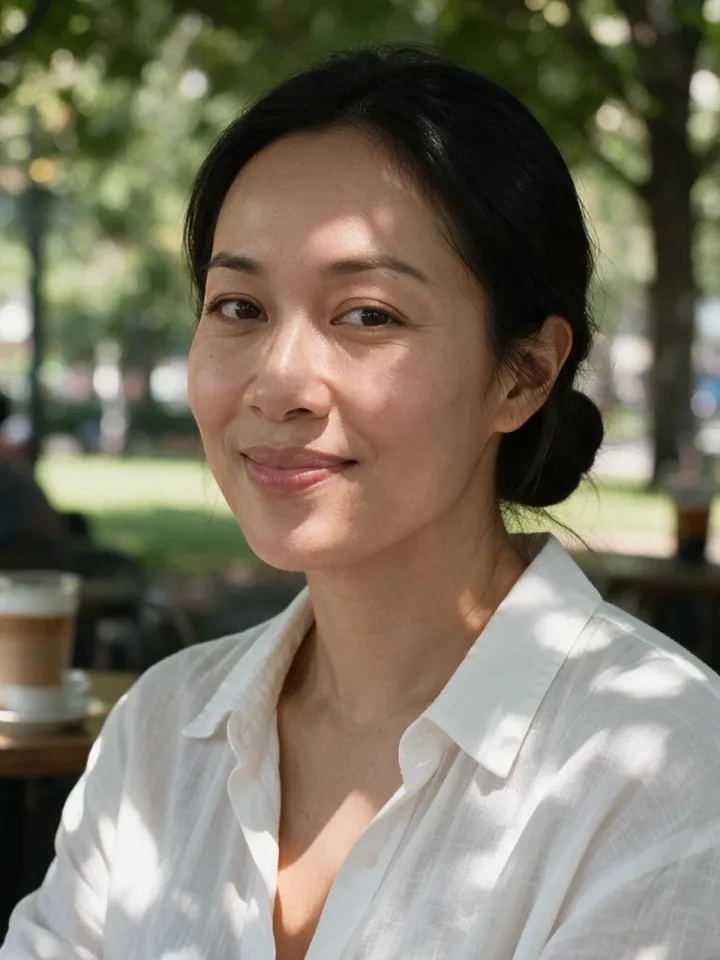
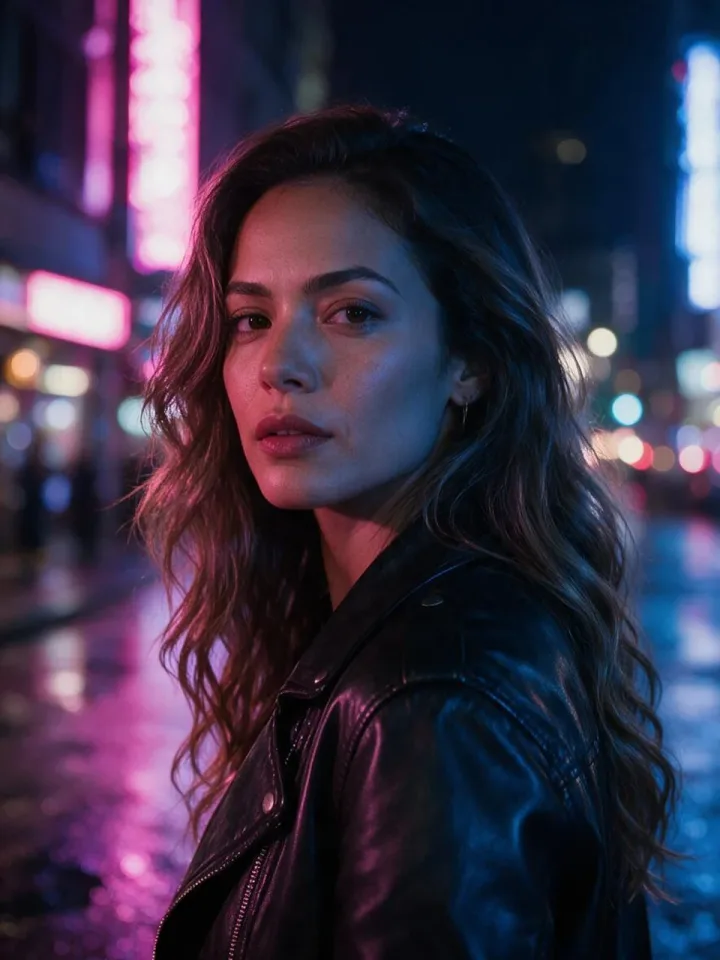
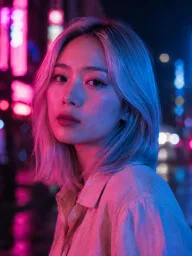
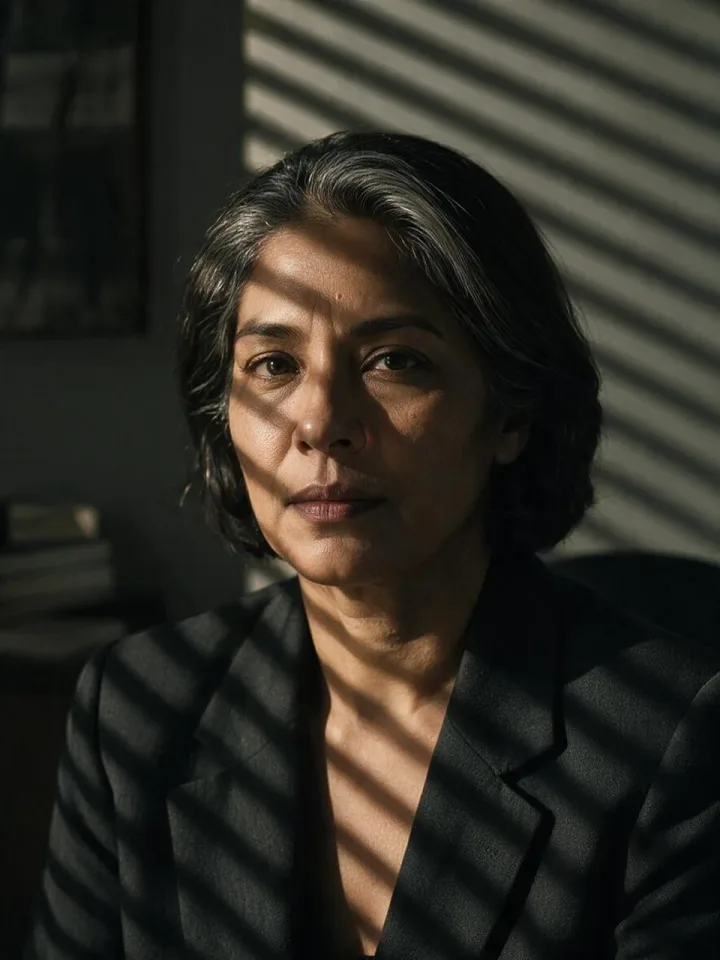
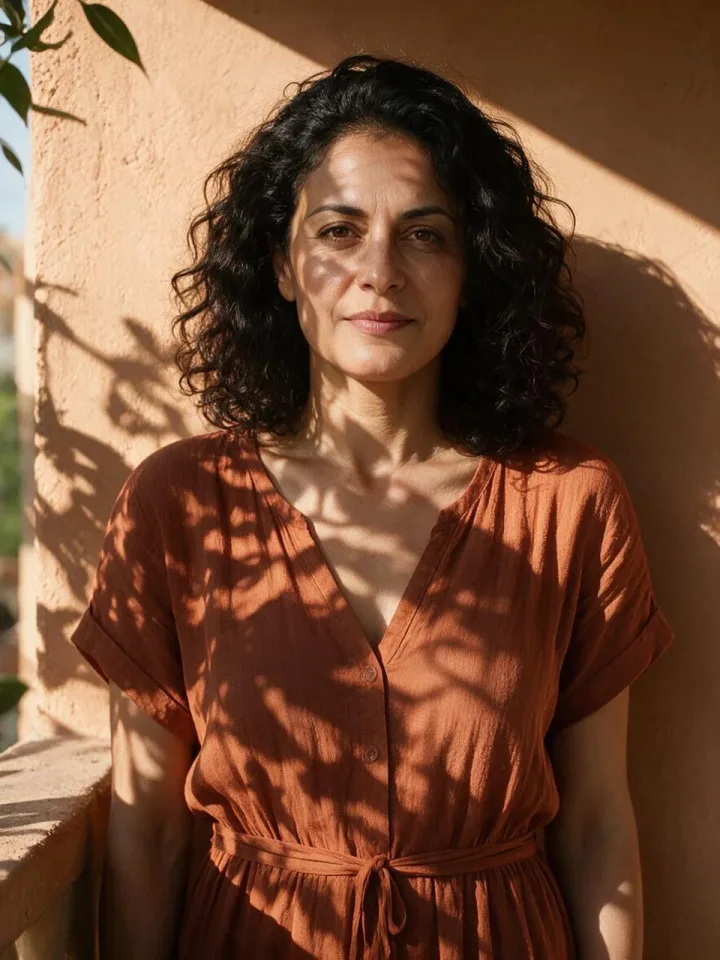
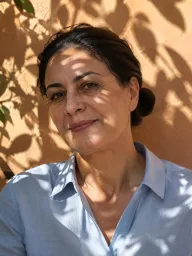
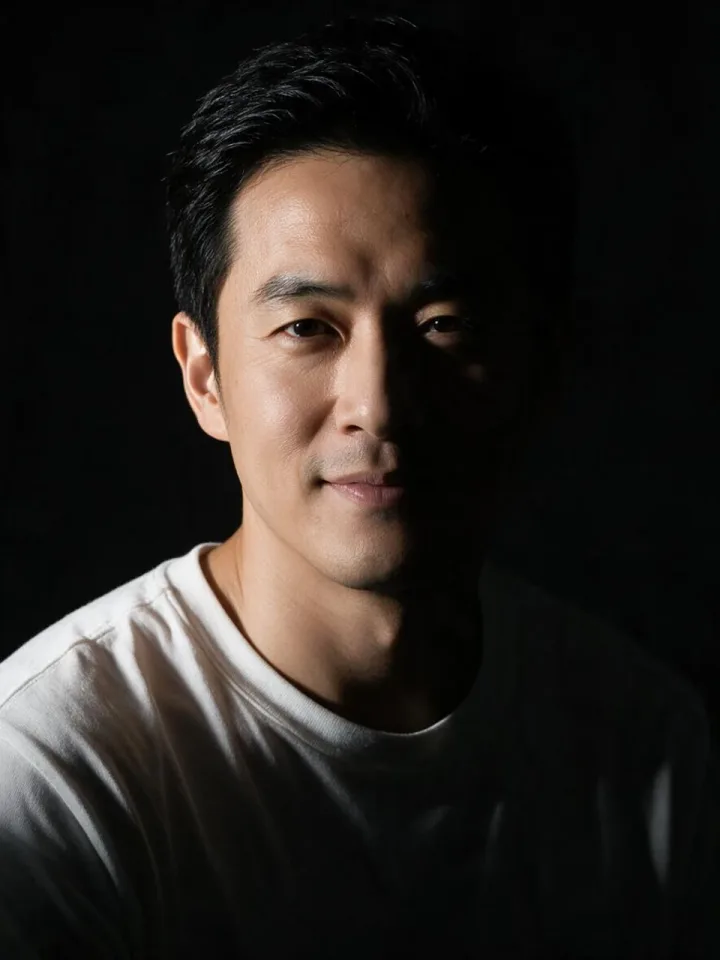
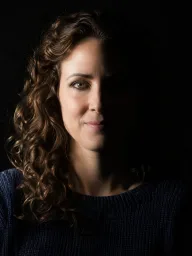
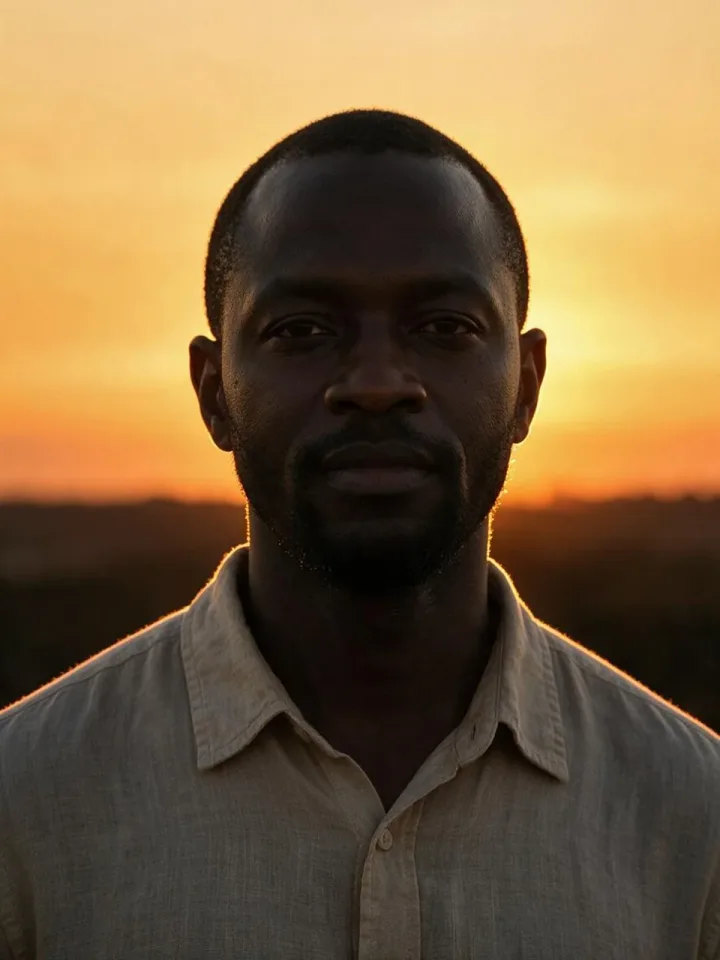
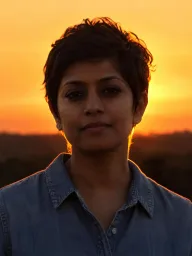
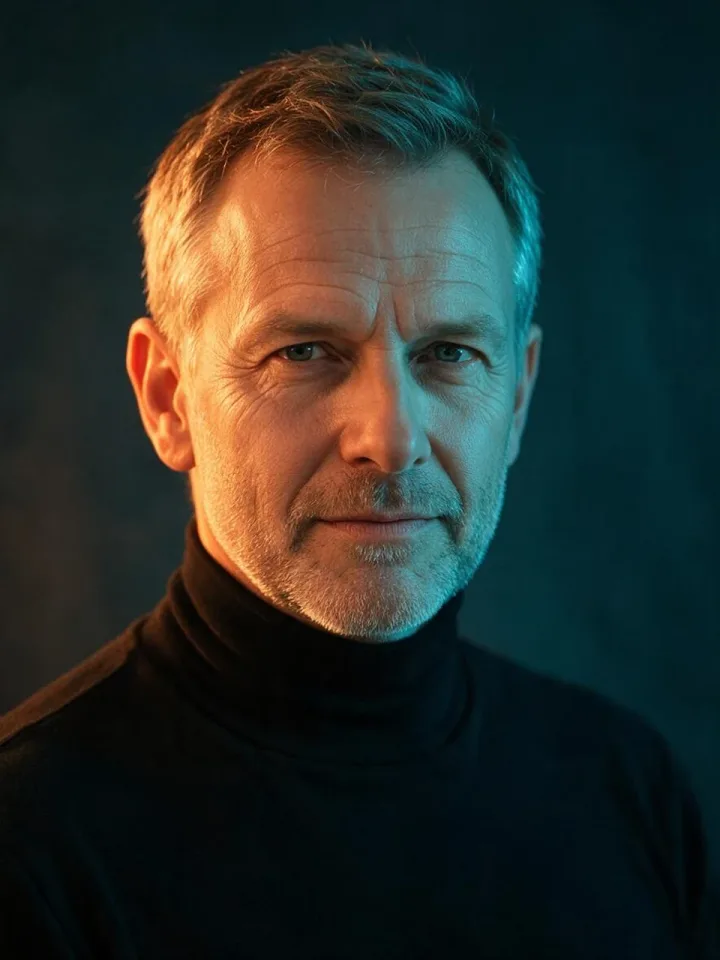
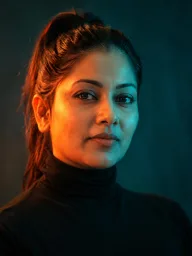
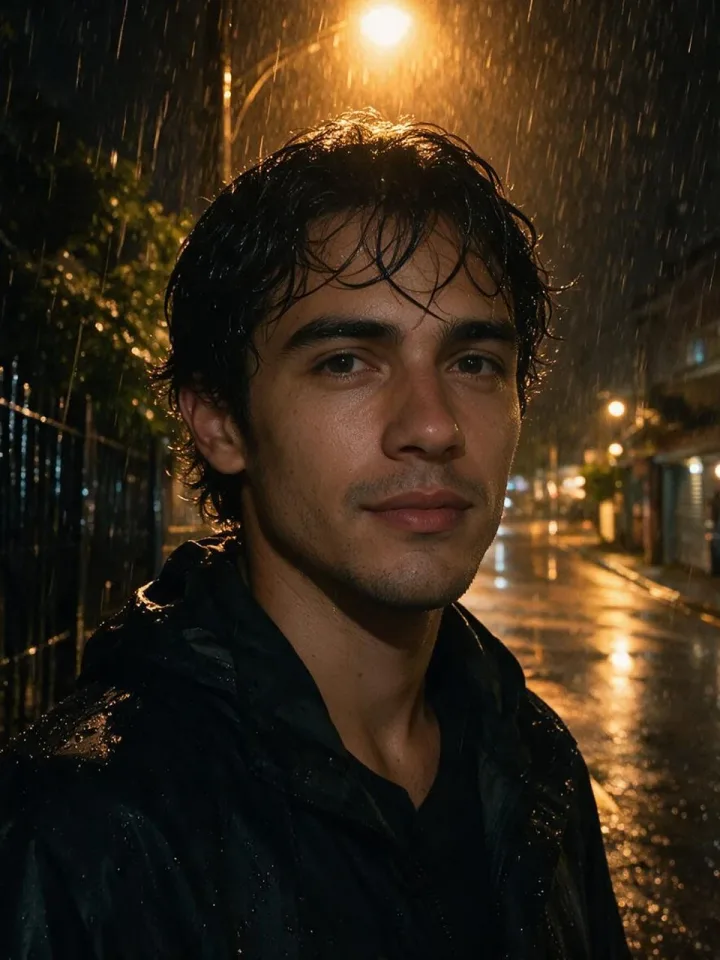
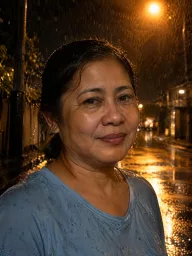
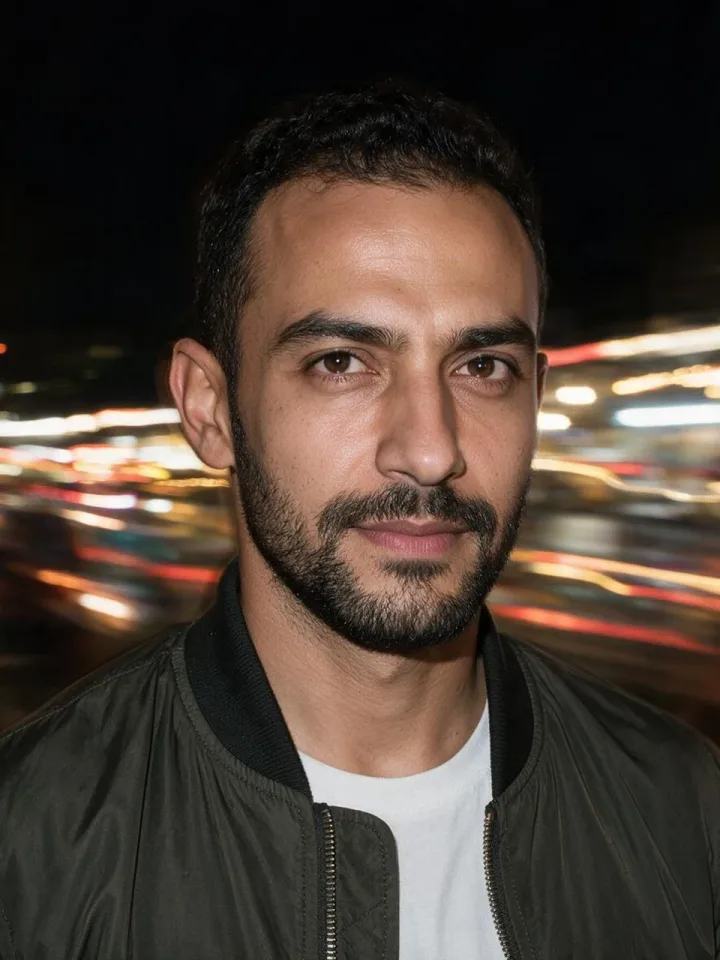
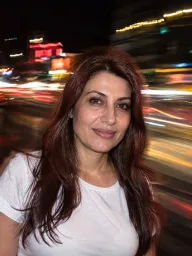
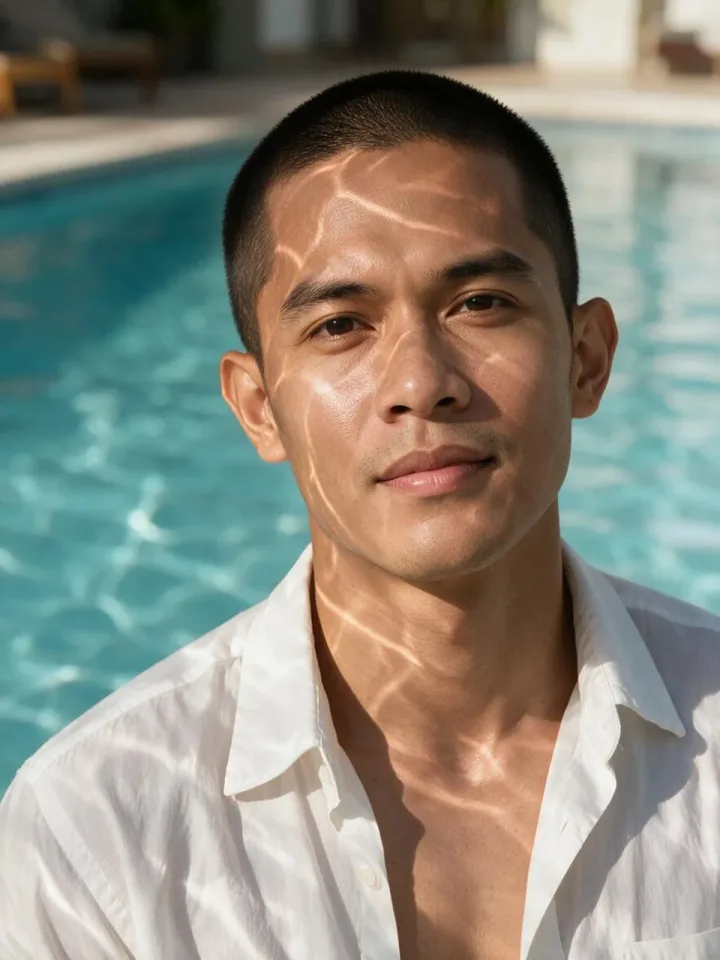
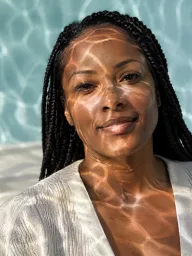
A visual cheat sheet of classic and creative lighting setups to plan shoots and show clients.
Stop guessing lighting words in prompts: show the model the exact light you want.
Find the mood for a scene, from film noir to neon.
No. Every portrait was made by WaveSpeed AI and shows a person who does not exist.
Open a lighting setup, press “Light your photo like this” and add your photo in the AI Image Generator. The prompt keeps your face and copies the light.
Yes, in personal and commercial work, without signing up.
A key light high and to one side, leaving a small triangle of light on the far cheek. Open it in the Studio patterns category to see it.
Browsing and downloading are free. Generating photos in the AI Image Generator uses credits.
Show AI the light you want and get the photo in one step.