Add your video
Drop an MP4, MOV or WebM file and press Generate subtitles. The spoken language is detected for you.
Drop a video and get captions from its speech automatically, then burn them into the MP4.
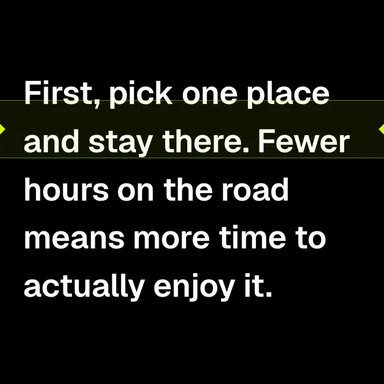
Pick a bold word-by-word style for Reels, TikTok and Shorts, or a clean classic look.
Drop a video or audio file here, or paste it
MP4, MOV, WebM, MP3, WAV, M4A · Or an SRT / VTT file to restyleNeed a video? Create one with AI Video GeneratorShort clips with speech in six languages, made with WaveSpeed AI’s video and voice models. Choose one, press Generate subtitles, then edit, style or translate the captions.
Drop an MP4, MOV or WebM file and press Generate subtitles. The spoken language is detected for you.
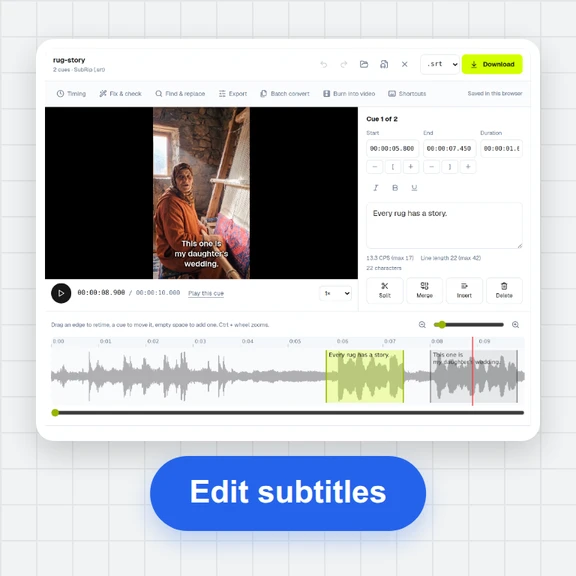
Choose Bold, Classic or Minimal, then the font, size, colours and position. Fix any word in the list.
Download the video with the captions burned in, ready to post. SRT and VTT files are there too.
Create clips from a prompt or an image with WaveSpeed AI, then add subtitles here for free.
Design thumbnails and title cards for your videos.
Generate talking clips, ads and scenes from text or an image.
Turn a product or character into a 3D model for your videos.
$1 in free credits for eligible new accounts. No card needed. Generators have separate account and credit requirements. The subtitle generator is free.
Yes. There is no watermark, no account and no limit on video length or the number of videos.
The captions become part of the picture, so they show on every app and player, including Instagram, TikTok and WhatsApp, which don’t read subtitle files. They can’t be turned off, so keep the SRT if you also want closed captions.
Yes. The Bold style uses short, heavy uppercase lines in the lower middle and lights up each word as it’s spoken. You can change the highlight colour, size and position.
No. Captions are made and burned in by your browser; the video never leaves your device.
The same size and frame rate as your original, at a similar quality, as an H.264 MP4 with the original sound.
Burned-in MP4 · Word-by-word highlight · No watermark
/filters:quality(82)/media/images/1791123751656780930_IfFPY7R0.webp)
/filters:quality(82)/media/images/1791123737177812425_RjKT3cku.webp)
/filters:quality(82)/media/images/1791123748309870128_xlkNgK8N.webp)
/filters:quality(82)/media/images/1791123738630744263_oR09R0aj.webp)
/filters:quality(82)/media/images/1791177033162457776_uQ09OY7g.webp)
/filters:quality(82)/media/images/1791123734319125607_JdnwGPY7.webp)
/filters:quality(82)/media/images/1791123746355630206_udnxGPY7.webp)
/filters:quality(82)/media/images/1791123744771362580_yC0sPezZ.webp)
/filters:quality(82)/media/images/1791123738606970169_5KIR1ais.webp)
/filters:quality(82)/media/images/1791123748197655725_EUmuFNW6.webp)