Add your video or audio
Choose an MP4, MOV, WebM, MP3, WAV or M4A file. The spoken language is detected, or you can pick it.
Drop a video or audio file and get timed captions from what is said, in about 100 languages. Fix any word, then download an SRT or VTT caption file for YouTube and video editors, or a plain transcript.
The speech recognition runs in your browser, so your recording is never uploaded.
Drop a video or audio file here, or paste it
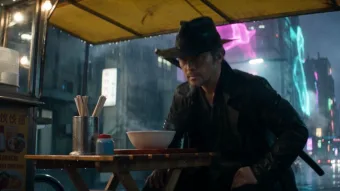
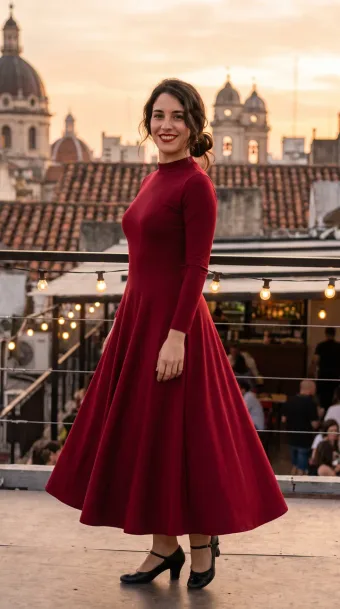
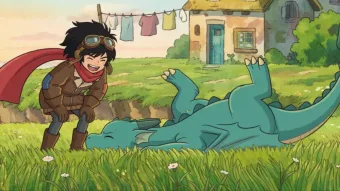
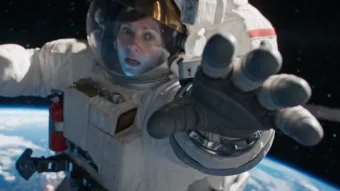
MP4, MOV, WebM, MP3, WAV, M4A · Or an SRT / VTT file to restyleNeed a video? Create one with AI Video GeneratorShort clips with speech in six languages, made with WaveSpeed AI’s video and voice models. Choose one, press Generate subtitles, then edit, style or translate the captions.
Choose an MP4, MOV, WebM, MP3, WAV or M4A file. The spoken language is detected, or you can pick it.
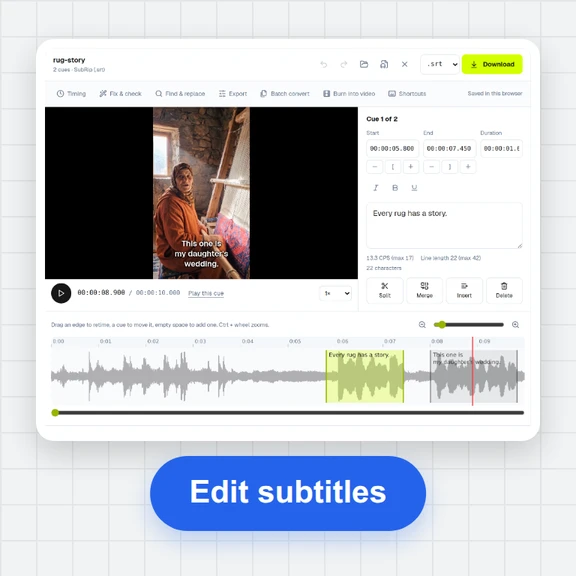
Press Generate subtitles, then fix any word and adjust the timing in the list.
Save an SRT or VTT file, or a text transcript.
Create clips from a prompt or an image with WaveSpeed AI, then add subtitles here for free.
Design thumbnails and title cards for your videos.
Generate talking clips, ads and scenes from text or an image.
Turn a product or character into a 3D model for your videos.
$1 in free credits for eligible new accounts. No card needed. Generators have separate account and credit requirements. The subtitle generator is free.
Clear speech gives good results, but any automatic captions can make mistakes with names, accents and noise. The Accurate setting is better for those. Always read through the captions before publishing.
About 100, including English, Spanish, Chinese, Japanese, Hindi, French, German, Portuguese and Korean. You can also translate the captions into English.
In YouTube Studio, open the video, choose Subtitles, add a language, then upload the SRT file. Most video editors import SRT too.
No. Your video and sound stay on your device. The only download is the speech model, once, and your browser keeps it.
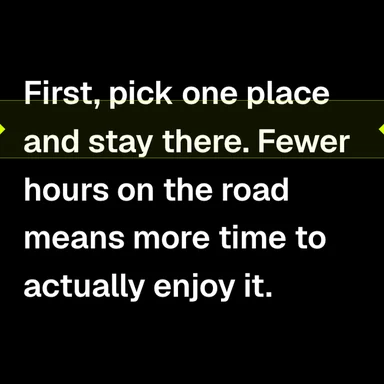
Yes. After generating them, you can style the captions and download the video with them burned in.
SRT, VTT & TXT · About 100 languages · No upload