Does Seedance 2.5 Generate Videos with Audio?
Seedance 2.5 supports audio features on current WaveSpeedAI routes; confirm settings per endpoint before production.
Overview
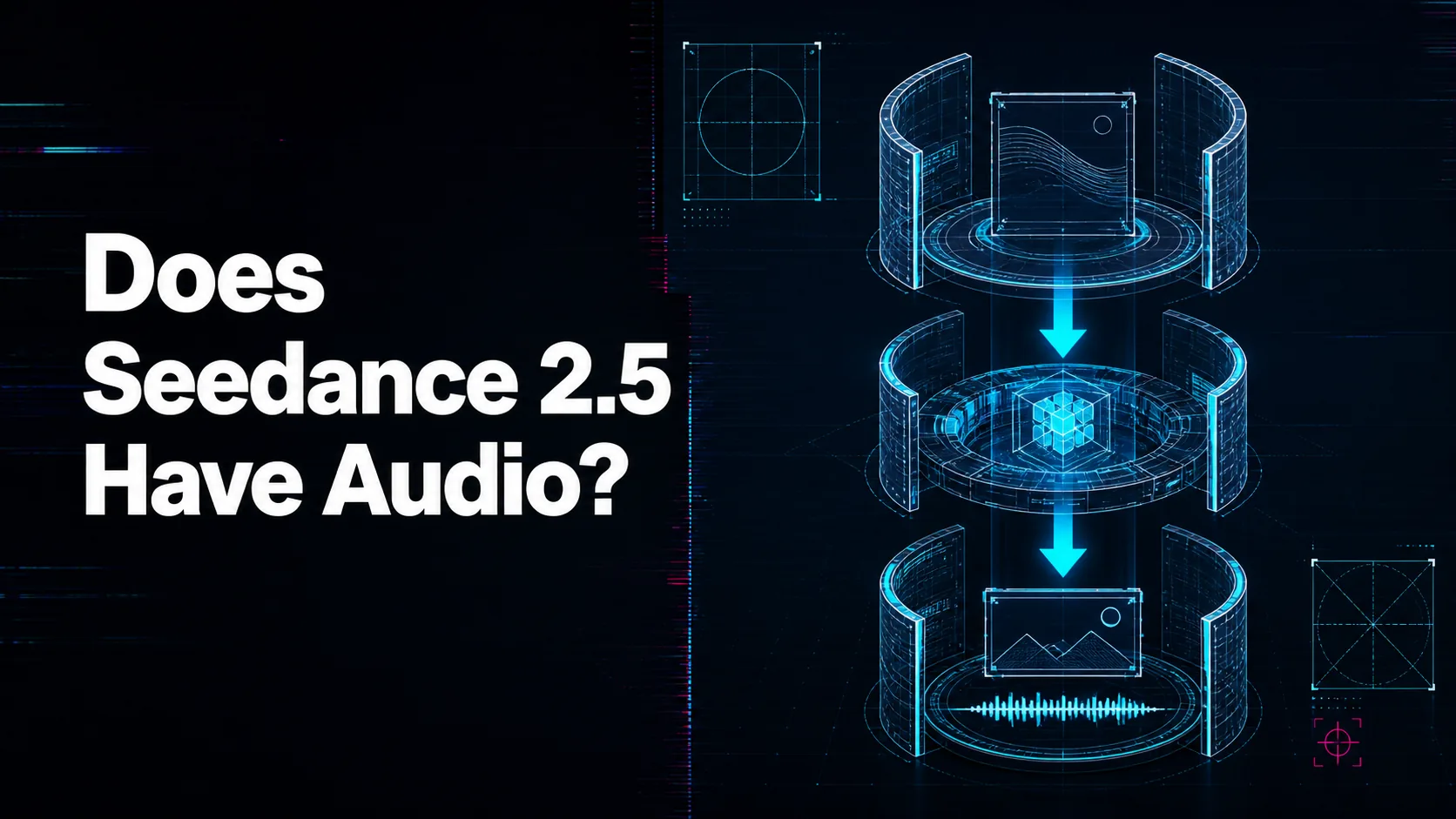
Yes, current WaveSpeedAI Seedance 2.5 pages describe native audio generation where the route exposes audio controls. The text-to-video and image-to-video pages list generate_audio, and the broader overview discusses multilingual audio and reference-audio workflows. That makes audio a real planning feature, not an afterthought.
The useful question is what kind of audio your product needs. Background ambience, footsteps, engine noise, music mood, spoken dialogue, and reference-guided soundtrack direction are different requirements. Write audio instructions clearly, and include “no music” or “ambient only” when silence or realism matters more than dramatic sound.
Do not assume every Seedance 2.5 variant handles audio in the same way. A text-to-video route, image-to-video route, video edit route, and reference-heavy route can expose different inputs or defaults. Confirm the endpoint schema before you design lip-sync, localization, or soundtrack controls into a customer interface.
WaveSpeedAI helps by putting audio settings and generated outputs inside the same prediction workflow. For production review, save whether audio was enabled, what prompt instructions were used, and whether the output passed both visual and sound checks before marking the clip as usable.
Source: ByteDance Seed official Seedance 2.5 page; WaveSpeedAI Seedance 2.5 API collection. Source check: 2026-08-29.