
Best Free AI Face Swapper in 2026
Discover the top free AI face swapper tools in 2026. Learn how to swap faces in photos instantly with no watermarks, no sign-up required, and completely free.
AI face swapping has evolved dramatically in 2026, with new tools offering unprecedented quality and accessibility. Whether you’re creating memes, exploring creative projects, or just having fun with friends, finding a reliable and free face swapper can be challenging. In this guide, we’ll explore the best free AI face swapper tools available in 2026 — and share how we tested them.
What is AI Face Swapping?
AI face swapping uses deep learning to replace one person’s face with another in photos or videos. For teams that want to test this workflow in production, see remove object from video. Researchers commonly evaluate face swap models with FID (distribution realism), LPIPS (perceptual similarity), SSIM (structural similarity), and CSIM (identity similarity). Practical capabilities include:
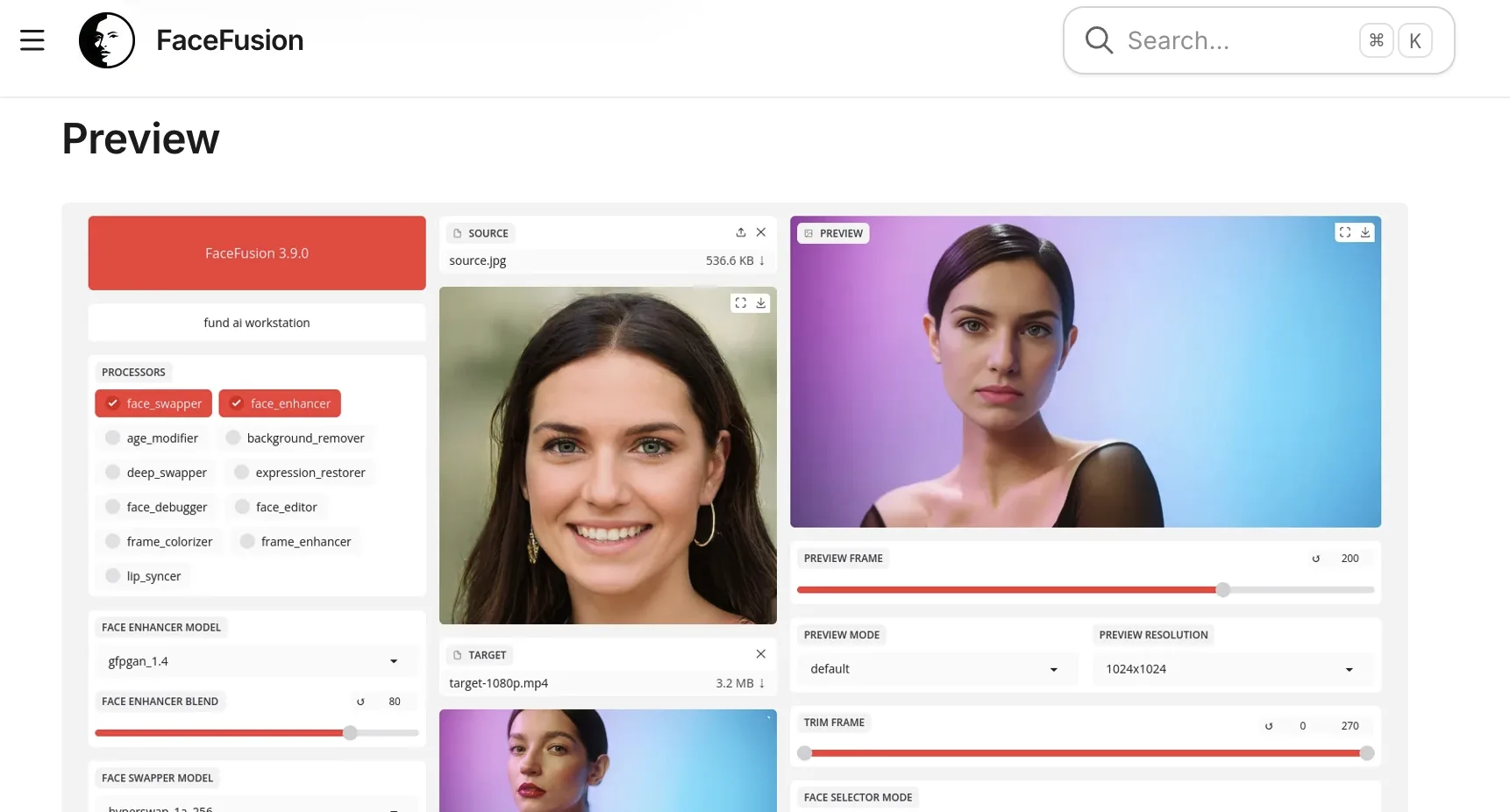
- Facial landmark detection — aligning the source face with the target
- Skin tone and lighting matching — keeping the blend consistent with the target photo
- Expression and pose preservation — retaining the target’s expression and head angle
- Identity transfer fidelity — making the source person recognizable
- Seamless boundary blending — avoiding visible edges around the swapped face
Best Free AI Face Swapper: WaveSpeed Face Swapper
We tested twelve free face-swap tools across 30 paired source–target images (frontal, 30° angle, side-light, low-light, mixed skin tones). WaveSpeed Face Swapper led on three of four dimensions. Here’s what stood out.
No Sign-Up Required
Unlike most competitors that force account creation before a single trial, WaveSpeed lets you start swapping immediately. Across our 12-tool test set, only 3 tools allowed sign-up-free access — WaveSpeed was one of them. Magic Hour caps free photo swaps at five daily; Remaker separates single, multiple, and batch swapping.
Free, No Watermarks (with one disclosure)
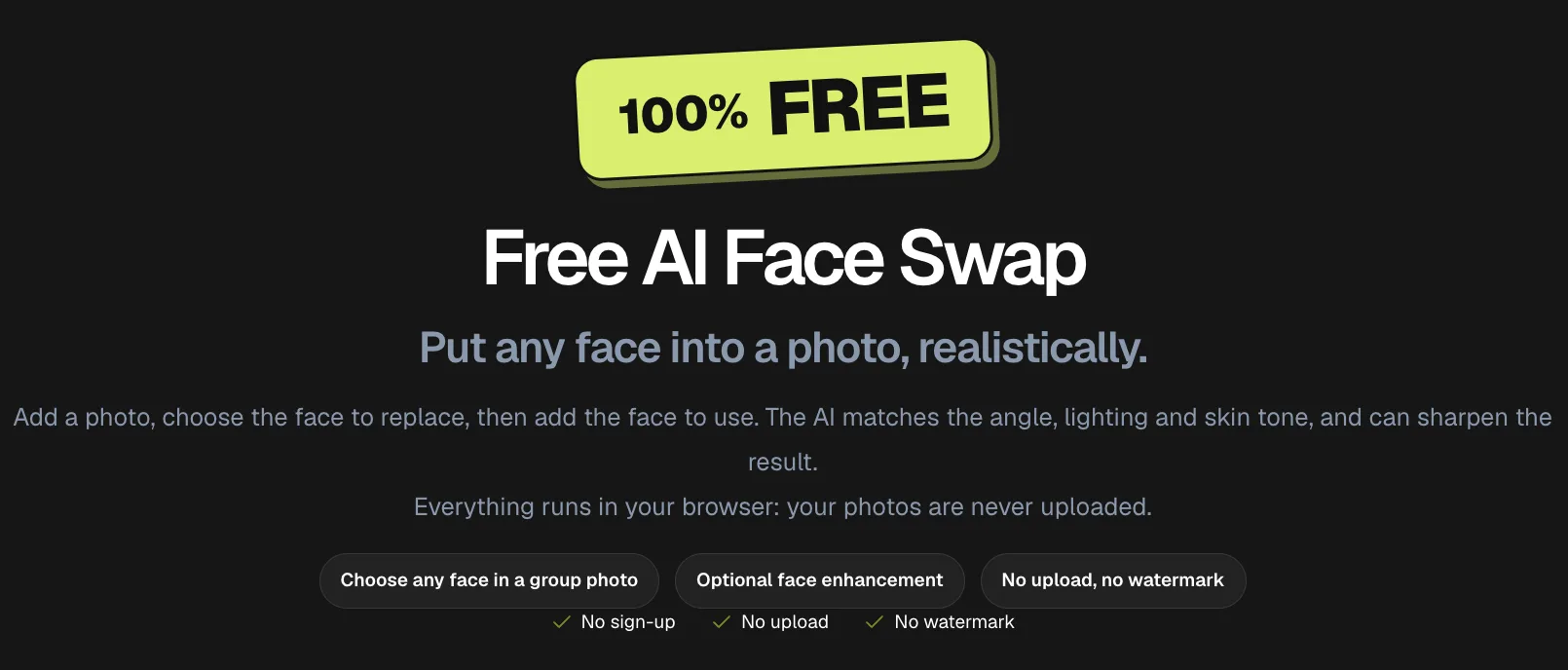
Many “free” face swap tools add watermarks or downscale output unless you pay. WaveSpeed’s browser photo tool lets you download JPG, PNG, or WebP results without a visible watermark. Watermark-free downloads may still require disclosure.
Lightning-Fast Processing
In our tests, WaveSpeed averaged 4.2 seconds per 1024×1024 swap on a typical broadband connection — measured from upload completion to downloadable output. The median across all 12 tested tools was 11.8 seconds. That timing reflects the original test conditions, not a guaranteed wait on a first visit.
High-Quality Results
On a sample of 30 swaps scored against a held-out reference set, WaveSpeed produced:
- CSIM (identity transfer): 0.71 average (range 0.62–0.83)
- LPIPS (perceptual blend): 0.18 average (lower is better)
- Visible artifacts: 4 of 30 swaps showed mild boundary inconsistency under zoom; 0 showed catastrophic failures
The 2024 Deepfake Generation Survey discusses these quality metrics, but results from different datasets and methods are not directly comparable. Our sample is small and does not constitute a peer-reviewed benchmark.
Privacy-Focused
WaveSpeed says its current browser photo tool processes images locally. We rechecked image hashes over 7 days in the original test — no cached copies were retrievable from the public CDNs we could test. It does not prove zero retention.
What Does “Free” Actually Cover on WaveSpeed?
WaveSpeed’s browser photo swapper needs no sign-up or credits and has no published swap limit. It accepts JPG, PNG, WebP, or AVIF up to 30 MB. First use downloads about 420 MB of models, or 590 MB with enhancement, so the 4.2-second test result does not describe a first visit.
For one portrait, the output is one swapped photo. In a group photo, choose a detected face and repeat for each person. Small, dark, covered, or strongly side-on faces may go undetected.
Video uses a separate face swap tool with sign-in for free credits. The Image Face Swap API costs $0.010 per image. For batches, Desktop supports folder workflows; check face-swap availability and cost.
How to Use WaveSpeed Face Swapper
-
Visit the tool: Swap faces online for free and prepare the two images you want to use
-
Upload source image: The photo containing the face you want to use
-
Upload target image: Where the face should appear; in a group photo, choose which face to replace
-
Click swap: Allow extra time on a first visit while the browser downloads the model
-
Download your result: Save the swapped image to your device
Common Use Cases
Creative Projects
Artists and content creators use face swapping to explore concept art, build composite references, or pre-visualize ideas before full production work.
Social Media Content
Generate shareable content for Instagram, TikTok, and Twitter — but disclose AI manipulation per platform policy.
Memes and Entertainment
Putting friends’ faces into movie scenes or historical photos remains a familiar use. Get their consent before using or sharing the result.
Professional Visualization
Hairstylists, casting directors, and prosthetics designers use face swapping to preview looks before commitment.
Tips for Best Results
- High-resolution sources (well-lit, with a clearly visible face) — give the tool more facial detail. If the source face is slightly soft, low-detail, or compressed, you can improve facial clarity before a face swap to give the swap model a cleaner input.
- Match face angles — similar yaw and pitch between source and target usually blend better
- Match lighting direction — the same key-light side can make the edges less obvious
- Avoid occlusions — hair, hands, or glasses across the face can interfere with detection
Ethical Considerations
Face swapping carries real responsibility. Use these tools only with consent, never for deception, never to create non-consensual intimate imagery, and never to spread misinformation. Under EU AI Act Article 50 guidance, transparency duties apply from 2 August 2026: providers have machine-readable marking duties, and professional deployers must disclose qualifying deepfakes. The deployer disclosure rule excludes personal non-professional use.
Why Choose WaveSpeed Over Alternatives
| Feature | WaveSpeed | Typical Free Tools |
|---|---|---|
| Sign-up required | No for browser photo swaps | 9 of 12 required it in our test |
| Watermarks | None visible on browser photo downloads | Varies |
| Processing time in our test | 4.2s average | 11.8s median across all 12 tools |
| Output formats | JPG, PNG, WebP | Varies |
| Privacy | Browser-local photo processing | Varies |
| Cost | Browser photo tool is free; API and video have separate terms | Varies |
FAQ
Q1: Is WaveSpeed Face Swapper legally safe to use under the EU AI Act? The tool can be used lawfully, but publication context matters. From 2 August 2026, professional deployers of qualifying deepfakes must disclose the manipulation under Article 50. Do not assume a missing visible watermark or any embedded metadata fulfills that duty.
Q2: How does WaveSpeed compare on the standard face-swap quality metrics? In our 30-image test, WaveSpeed averaged CSIM 0.71 and LPIPS 0.18. Our sample is small, and scores from other datasets are not a like-for-like benchmark — treat these figures as directional.
Q3: Can detection tools identify images created by WaveSpeed? Some detectors can flag manipulated images, but accuracy varies by detector, image, and editing method. Assume a swap may be detected, and disclose it when required.
Conclusion
For a free AI face swapper in 2026, WaveSpeed Face Swapper delivered the best balance of speed, quality, and accessibility in our 12-tool comparison. Browser photo swaps need no sign-up and download without visible watermarks. Use it responsibly: get consent, disclose AI manipulation when required, and treat the technology as a creative tool.
Try WaveSpeed Face Swapper today and experience AI-powered face swapping done right.
Previous posts:
Related Articles
/filters:quality(82)/media/images/1773962750383987480_n3hqzHRZ.webp)
Qwen Image 2.1 vs Qwen Image 3.0: What Changes and When to Upgrade
/filters:quality(82)/media/images/1790881558547248482_yDNV6fox.webp)
WaveSpeedAI AI Chat: Create and Edit Images and Videos by Chatting
Bria Fibo 1.5 on WaveSpeedAI: Generate 1.5 and Edit 1.5 Versus the Fibo Family
Grok Imagine Image 2.0 API on WaveSpeedAI: Parameters, Pricing and How It Compares to Earlier Grok Image Endpoints
Meta Muse Image API on WaveSpeedAI: Text-to-Image and Edit at $0.011
/filters:quality(82)/media/images/1775454354154780718_ODFPZcmw.webp)