
WaveSpeedAI AI Chat: Create and Edit Images and Videos by Chatting
AI Chat on WaveSpeedAI is an assistant that sees your pictures and makes images and videos for you with Seedream 5 Pro, Nano Banana, GPT Image, Seedance 2.5, Wan 3.0 and MiniMax H3. Describe it, upload it and refine it in plain words, in your own language.
WaveSpeedAI AI Chat: Create and Edit Images and Videos by Chatting
Picking a model, learning its settings and writing the perfect prompt can take longer than the creative idea itself. AI Chat removes those steps. You tell the assistant what you want, show it your pictures, and it makes and edits images and videos with top models for you.
Just Describe It
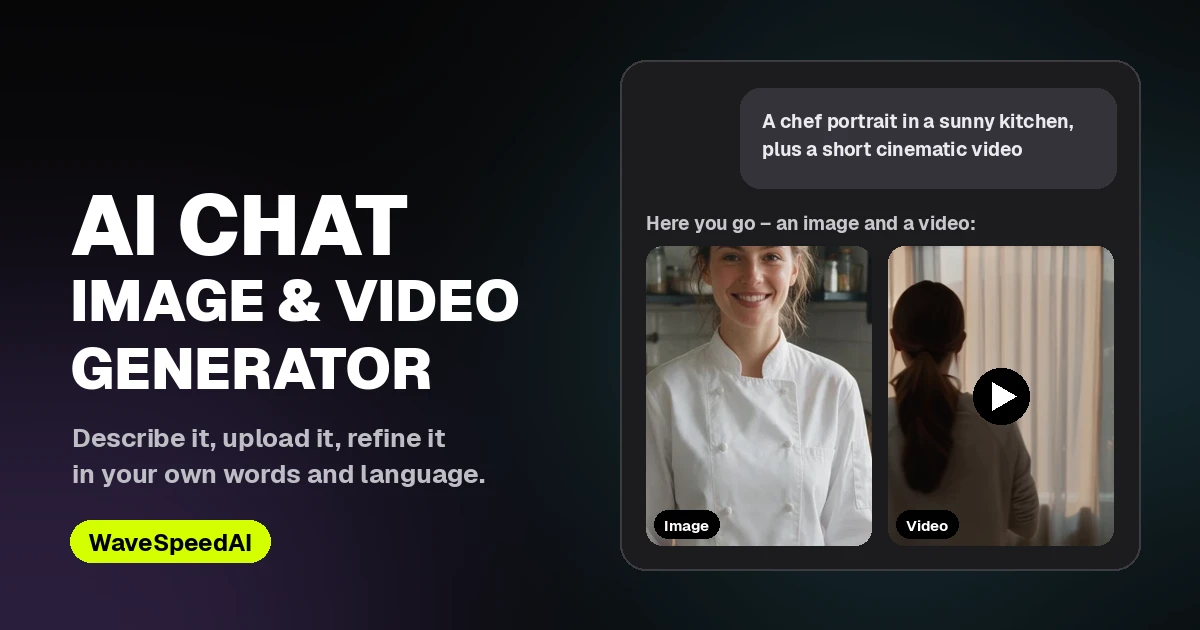
Type an idea the way you would explain it to a person: “a chef portrait in a sunny kitchen”, “turn my photo into an anime character” or “a vertical UGC ad unboxing wireless earbuds”. The assistant picks the right model and mode, writes a detailed prompt and gets to work. Then refine it turn by turn:
- “Make the background a rainy street.”
- “Now animate it, slow push-in, five seconds.”
- “Same shot in 9:16.”
Every result gets a tag such as @image1 or @video2, so you can refer to any earlier image or video in the conversation.
It Sees Your Pictures
Upload photos or videos, or paste a link. The assistant looks at the images and at frames from your videos. You can ask questions about them, or have them edited, restyled, combined or animated: change a background, swap an outfit, turn a still into a short video, or edit a clip you already have.
Your Language, Your Words
Write in your own language. The assistant replies in it and writes the image and video prompts in it too. Dialogue, lyrics and on-screen text keep the exact words you give. Ask for a character who says “我们走吧” or a sign that reads “老王面馆”, and those words stay as written instead of being translated.
Top Image and Video Models in One Place
| Images | Video |
|---|---|
| Seedream 5 Pro | Seedance 2.5 |
| Nano Banana 2 | Seedance 2.0 |
| Nano Banana Pro | Wan 3.0 |
| GPT Image 2.5 | MiniMax H3 |
| GPT Image 2 |
Pick a model from the menu, or simply name it in your message, for example “use Nano Banana Pro for this one”. Video covers text to video, image to video, reference to video, video editing and video extension.
You Stay in Control of Spending
Choose how the assistant works:
- Ask first – it shows the plan and price before making anything.
- Just make it – images are made right away; videos still show the price first.
- Full auto – images and videos are made right away.
Each video plan card lets you adjust the duration, resolution and aspect ratio and shows the price before you confirm. Replies are billed per use, usually well under one cent, and images and videos cost the model’s price. There is no subscription. Your chat history is saved in your browser, and everything you make also appears in your generation history.
What People Make in Chat
- Photo edits – new backgrounds, outfits, lighting or styles, described in a sentence.
- Animated photos – a still turned into a short video with motion and native sound.
- UGC and product ads – influencer-style clips and product shots from a single product photo.
- Stories with dialogue – characters speaking your lines in your language.
Want Full Directing Control?
When a single shot needs exact film language, such as a specific genre, era, lens, lighting setup or camera move like a dolly zoom, switch to AI Cinema Studio. It gives you a director’s panel, 18 camera moves and an AI Director that sets up the shot for you.
Related Articles
/filters:quality(82)/media/images/1790879706333726948_TmjHVhrF.webp)
Introducing AI Cinema Studio on WaveSpeedAI: Direct Cinematic AI Video Shots
/filters:quality(82)/media/images/1773962750383987480_n3hqzHRZ.webp)
Kling 4.0 vs Seedance 2.5: How to Choose for Commercial Video
Kling 4.0 vs Veo 3.1 vs Seedance 2.5: Choosing a Flagship Video Model
Bria Fibo 1.5 on WaveSpeedAI: Generate 1.5 and Edit 1.5 Versus the Fibo Family
Grok Imagine Image 2.0 API on WaveSpeedAI: Parameters, Pricing and How It Compares to Earlier Grok Image Endpoints