Stable Diffusion 3 delivers superior text-to-image outputs with better image quality, typography, and complex prompt understanding. Ready-to-use REST inference API, best performance, no coldstarts, affordable pricing.
Ocioso
$0.03por execução·~33 / $1
ExemplosVer todos
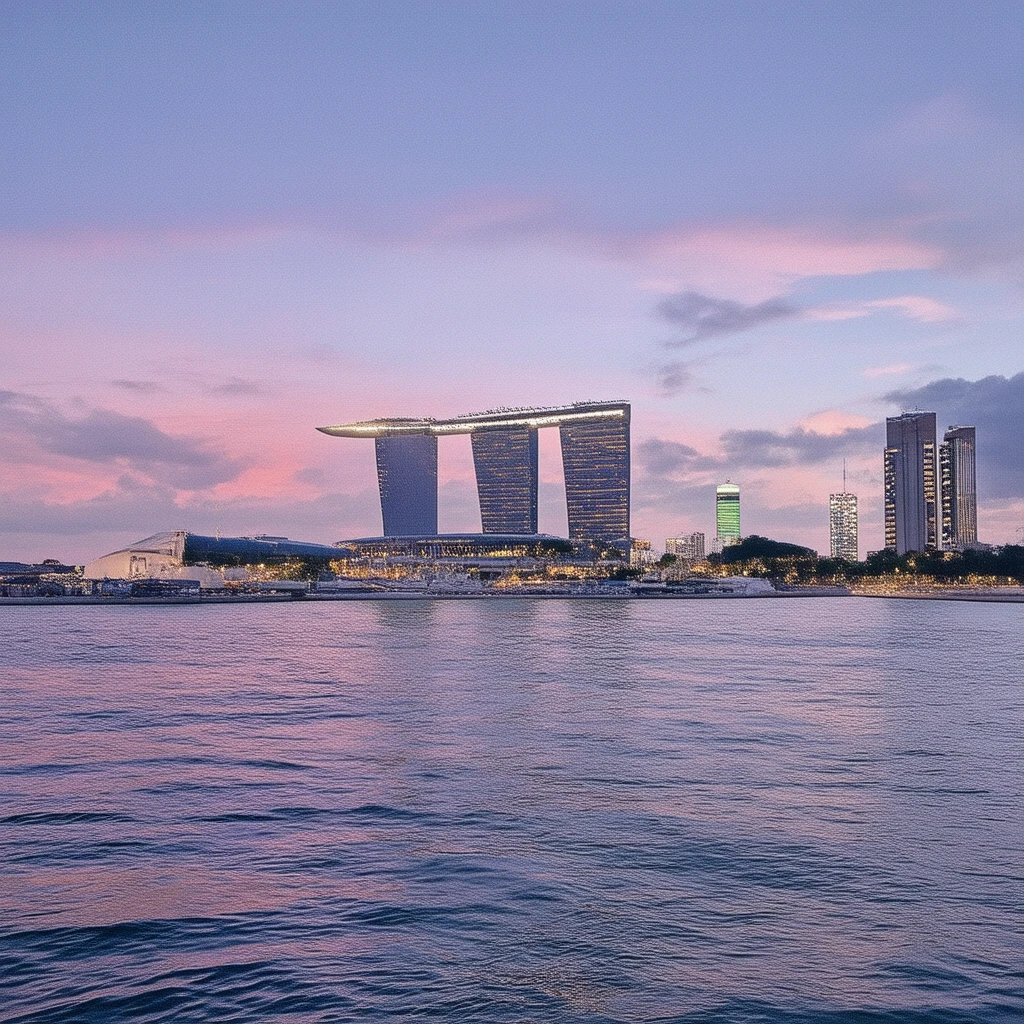
A photograph of Marina Bay at sunset. The sun has already set, but the afterglow has burned the sky into vivid shades of purple, pink, and orange. The lights of the Marina Bay Sands and surrounding skyscrapers have just turned on, reflecting on the perfectly still water. A long exposure shot, making the water and clouds appear silky and motion-blurred.
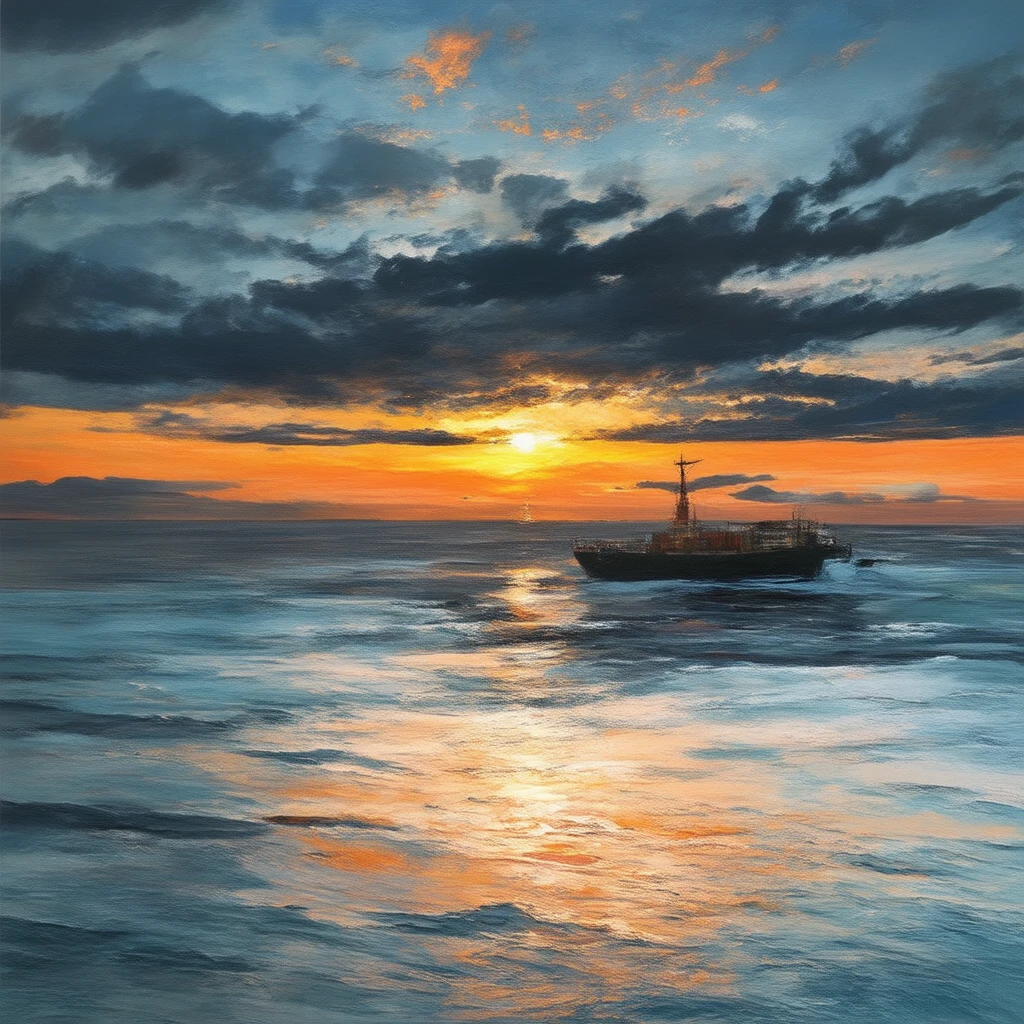
A photograph of East Coast Park at sunrise. The sun has just risen above the sea level, painting the sky in fiery shades of orange and deep red. The calm sea reflects the colors of the sky, with several distant cargo ships forming perfect silhouettes. Shot with a wide-angle lens to capture the magnificent expanse of the entire sky.
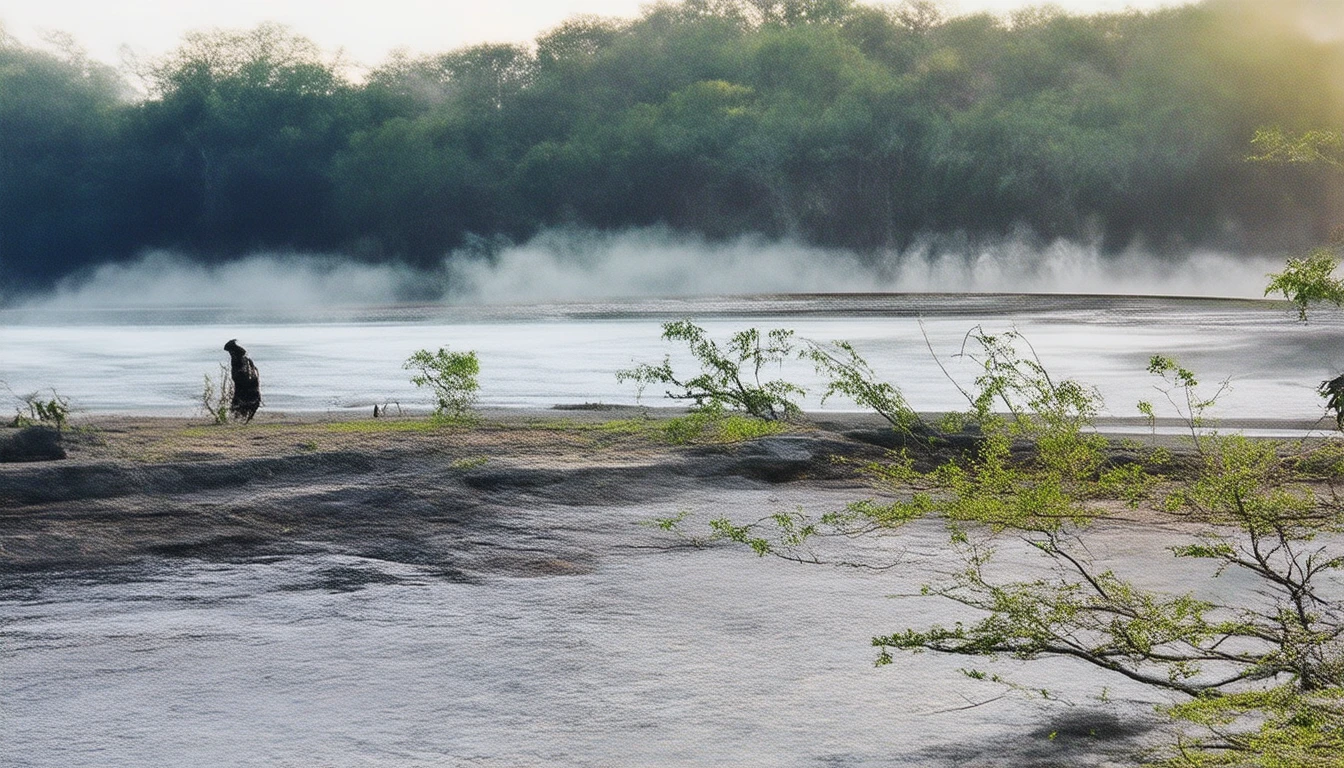
Professional photo, as the sun rises, soft golden morning light penetrates the thin mist over MacRitchie Reservoir. The empty TreeTop Walk bridge is faintly visible in the distant mist. The water's surface is like a mirror, reflecting the silhouettes of the lush rainforest on the shore. The image is filled with tranquility and the mysterious beauty of nature.
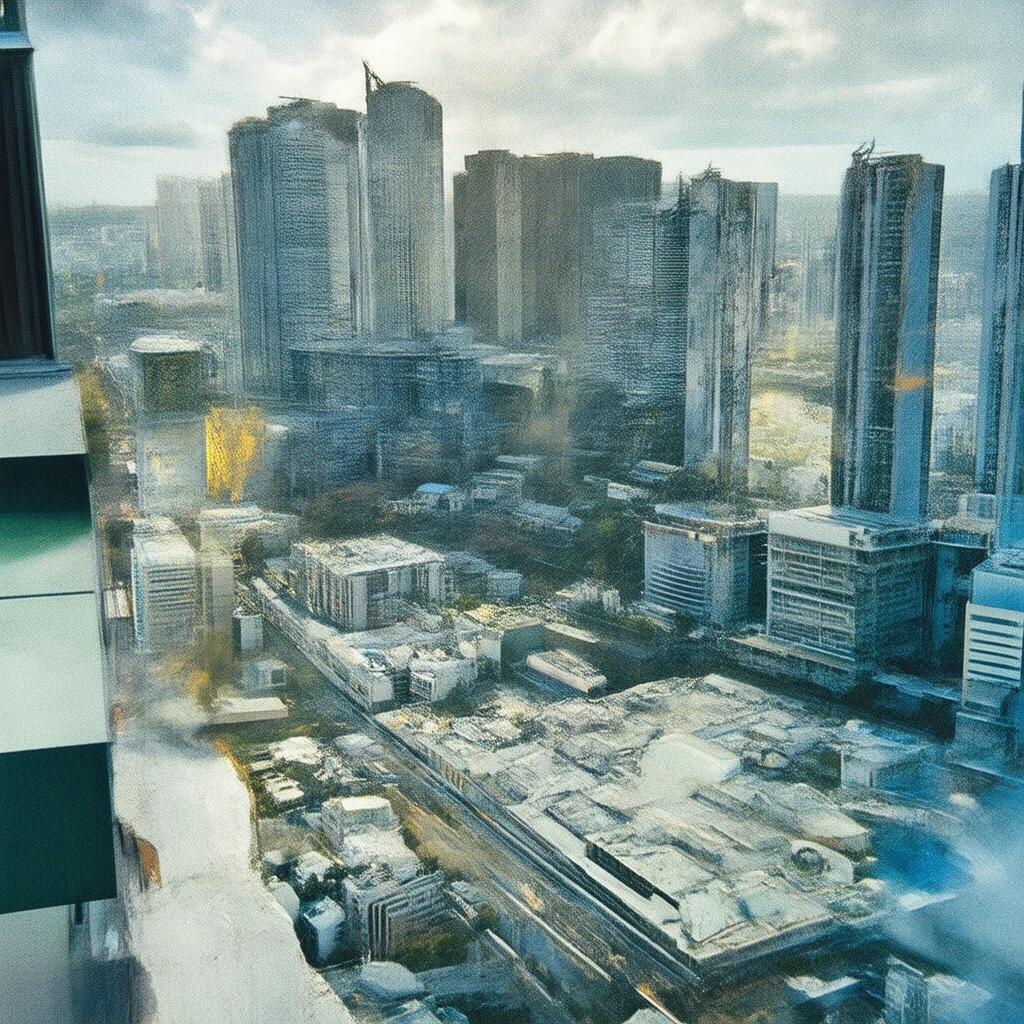
Looking out from a high-floor HDB window, the first rays of sunrise illuminate the Singapore city skyline. Low-hanging clouds are tinged with gold at the edges by the sun, while the building clusters below are still enveloped in pre-dawn blue tones. Shot with a telephoto lens, with a slight sense of atmospheric perspective.
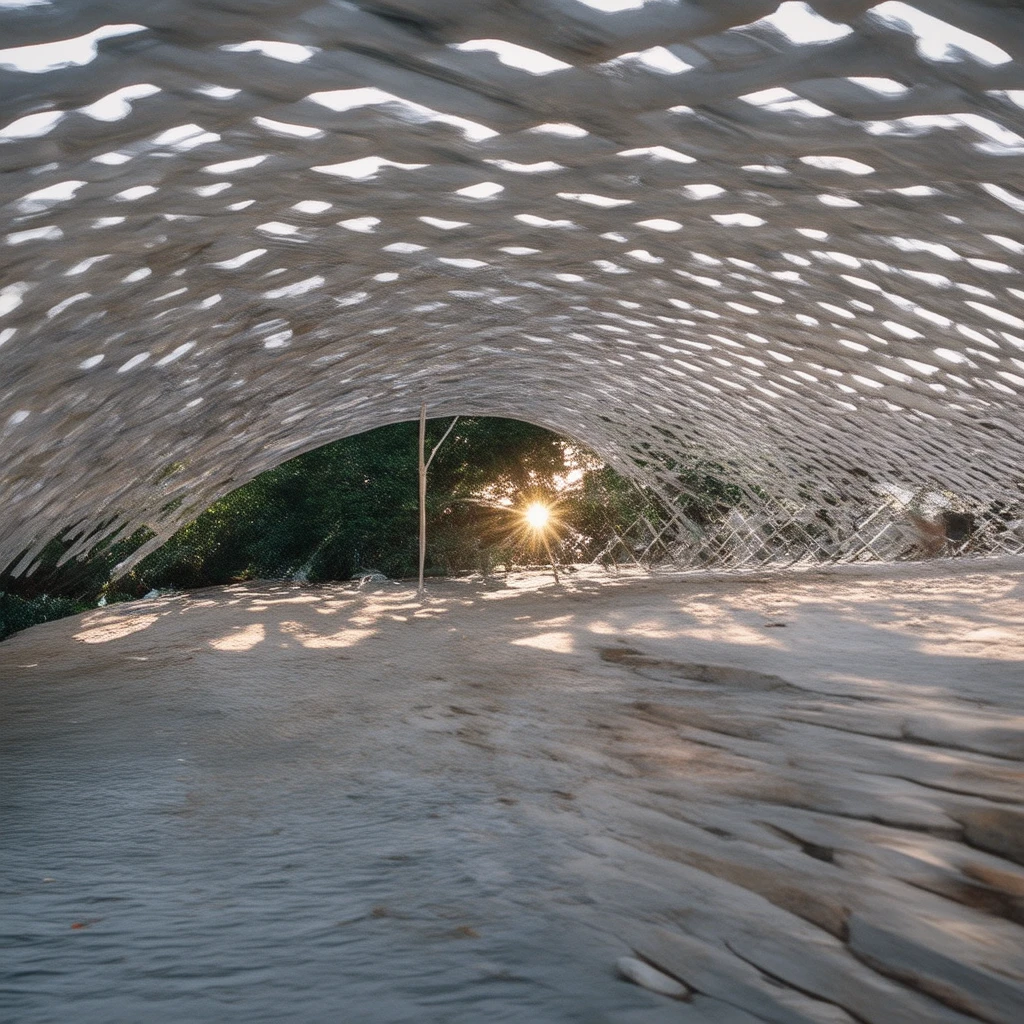
At sunset, the sun is descending behind the wooden structure of the Henderson Waves Bridge. The warm light of the setting sun casts beautiful light and shadows on the bridge's unique wave-like form. The background is the green forest of the Southern Ridges. The composition highlights the integration of architecture and nature.
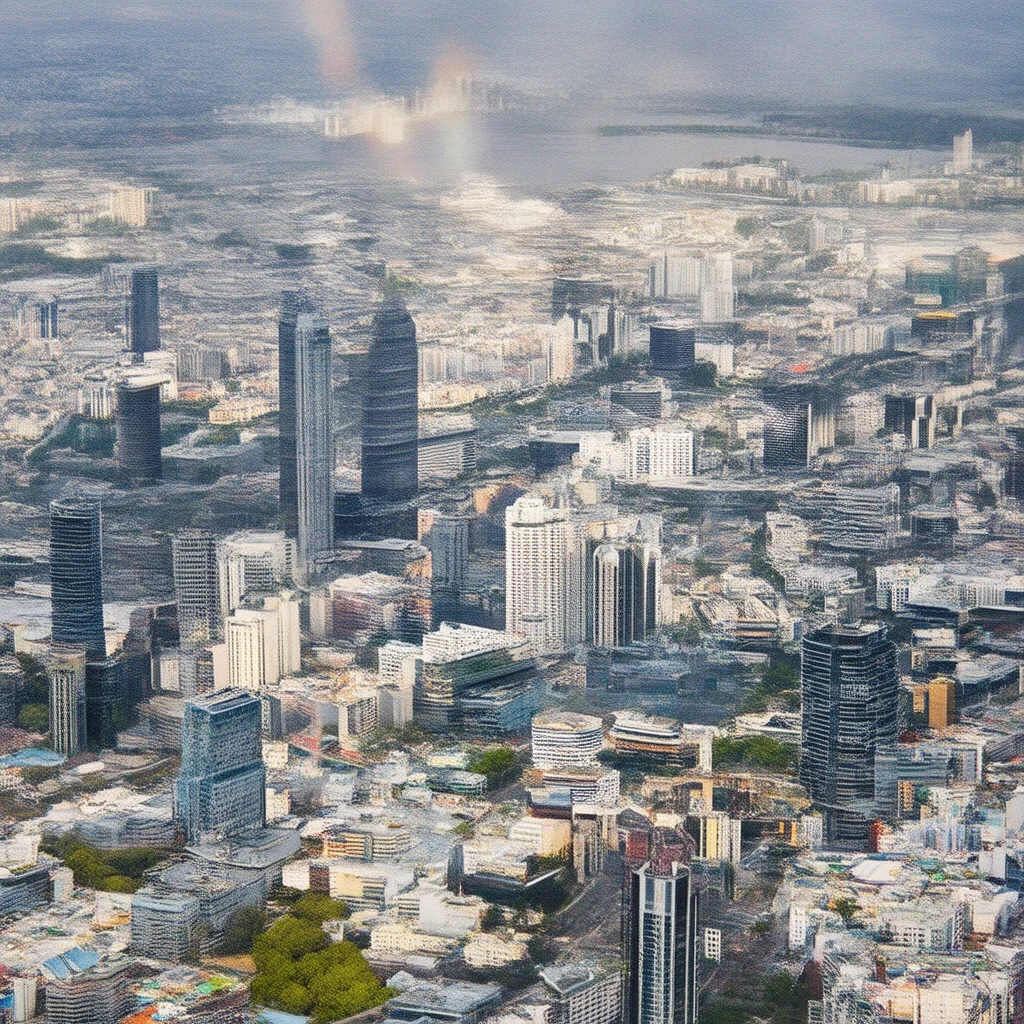
After a thunderstorm, a complete and vibrant double rainbow stretches across the Singapore city skyline. The sky is a deep blue, and the buildings, washed clean by the rain, appear exceptionally clear. The sun is shining brightly, filling the entire city with a sense of freshness and hope.
Modelos relacionados

README
Stable Diffusion 3
Create beautiful images from text with Stability AI's foundational Stable Diffusion 3 model. Featuring improved prompt understanding and visual quality, SD3 delivers reliable, high-quality results for both text-to-image and image-to-image generation at an accessible price point.
Why It Looks Great
- Enhanced prompt comprehension: Better understands complex descriptions, spatial relationships, and artistic directions.
- Dual mode flexibility: Generate from text alone or use a reference image to guide the output.
- Multiple aspect ratios: Supports 1:1, 3:4, 4:3, 16:9, and 9:16 for any creative format.
- Prompt Enhancer: Built-in tool to automatically expand and improve your descriptions.
- Reproducible results: Use the seed parameter to recreate exact outputs or explore variations.
- Cost-effective quality: Strong performance at a competitive price for production workflows.
Parameters
| Parameter | Required | Description |
|---|---|---|
| prompt | Yes | Text description of the image you want to generate. |
| image | No | Optional reference image for image-to-image generation (upload or URL). |
| aspect_ratio | No | Output aspect ratio: 1:1, 3:4, 4:3, 16:9, or 9:16. Default: 1:1. |
| seed | No | Random seed for reproducibility. Use -1 for random. |
| enable_base64_output | No | API only: Returns base64 string instead of URL. |
How to Use
- Write your prompt — describe your image with details about subject, style, lighting, and mood.
- Use Prompt Enhancer (optional) — click to automatically enrich your description.
- Add reference image (optional) — upload an image to guide the generation style or composition.
- Choose aspect ratio — select the output format that fits your needs.
- Set seed (optional) — use -1 for random, or a specific number to reproduce results.
- Run — click the button to generate.
- Download — preview and save your image.
Pricing
Flat rate per image generation.
| Output | Cost |
|---|---|
| Per image | $0.03 |
Best Use Cases
- Photography-Style Images — Generate realistic scenes, landscapes, and architectural shots.
- Social Media Content — Create custom visuals for posts, stories, and profiles.
- Design Mockups — Quickly visualize concepts for products, interiors, and environments.
- Stock Image Alternative — Produce unique imagery without licensing concerns.
- Creative Exploration — Experiment with visual ideas and artistic directions affordably.
Example Prompts
- "A photograph of Marina Bay at sunset, afterglow burning the sky into vivid shades of purple, pink, and orange, city lights reflecting on perfectly still water"
- "A cozy reading nook with floor-to-ceiling bookshelves, warm lamp light, rain visible through a window, hygge atmosphere"
- "Close-up portrait of an elderly craftsman with weathered hands, workshop background, documentary photography style"
- "Aerial view of tulip fields in the Netherlands, geometric patterns of vibrant colors, spring morning light"
- "Art deco poster design for a jazz club, bold geometric shapes, gold and deep blue color scheme"
Pro Tips for Best Results
- Include lighting and atmosphere details — "golden hour", "soft diffused light", "dramatic shadows".
- Specify the medium or style — "photograph", "oil painting", "digital illustration", "3D render".
- Use the Prompt Enhancer as a starting point, then refine for more control.
- For photorealistic results, add camera details like "shot on 35mm", "shallow depth of field".
- Keep the seed constant when testing prompt variations to see exactly what changed.
- Match aspect ratio to your use case: 1:1 for social profiles, 16:9 for headers, 9:16 for stories.
Notes
- If using a URL for the reference image, ensure it is publicly accessible.
- The enable_base64_output option is only available through the API, not the web interface.
- Generation time may vary based on current queue load.
Stable Diffusion 3 API — Quick start
Grab a WaveSpeedAI API key, then call POST https://api.wavespeed.ai/api/v3/stability-ai/stable-diffusion-3 with your input as JSON. The endpoint returns a prediction id; poll the prediction endpoint until status flips to completed, then read the output URL from data.outputs[0]. Examples for Stable Diffusion 3 below.
HTTP example
# Submit the prediction
curl -X POST "https://api.wavespeed.ai/api/v3/stability-ai/stable-diffusion-3" \
  -H "Content-Type: application/json" \
  -H "Authorization: Bearer $WAVESPEED_API_KEY" \
  -d '{
    "prompt": "A cinematic shot of a city at sunset, soft golden light",
    "image": "https://example.com/your-input.jpg",
    "aspect_ratio": "1:1",
    "seed": -1,
    "enable_base64_output": false
}'

# Response includes a prediction id. Poll for the result:
curl -X GET "https://api.wavespeed.ai/api/v3/predictions/{request_id}/result" \
  -H "Authorization: Bearer $WAVESPEED_API_KEY"

# When status is "completed", read the output from data.outputs[0].
Node.js example
// npm install wavespeed
const WaveSpeed = require('wavespeed');

const client = new WaveSpeed(); // reads WAVESPEED_API_KEY from env

const result = await client.run("stability-ai/stable-diffusion-3", {
        "prompt": "A cinematic shot of a city at sunset, soft golden light",
        "image": "https://example.com/your-input.jpg",
        "aspect_ratio": "1:1",
        "seed": -1,
        "enable_base64_output": false
});

console.log(result.outputs[0]); // → URL of the generated output
Python example
# pip install wavespeed
import wavespeed

output = wavespeed.run(
    "stability-ai/stable-diffusion-3",
    {
    "prompt": "A cinematic shot of a city at sunset, soft golden light",
    "image": "https://example.com/your-input.jpg",
    "aspect_ratio": "1:1",
    "seed": -1,
    "enable_base64_output": false
}
)

print(output["outputs"][0])  # → URL of the generated output
Stable Diffusion 3 API — Frequently asked questions
What is the Stable Diffusion 3 API?
Stable Diffusion 3 is a Stability AI model for image generation, exposed as a REST API on WaveSpeedAI. Stable Diffusion 3 delivers superior text-to-image outputs with better image quality, typography, and complex prompt understanding. Ready-to-use REST inference API, best performance, no coldstarts, affordable pricing. You can call it programmatically or try it from the playground above.
How do I call the Stable Diffusion 3 API?
POST your input parameters to the model's REST endpoint (shown in the API tab of this playground) with your WaveSpeedAI API key in the Authorization header. Submission returns a prediction ID; poll the prediction endpoint until status flips to "completed", then read the output URL from the result. The playground generates a ready-to-paste code sample in Python, JavaScript, or cURL for whatever inputs you've set. Full request/response shape is documented at https://wavespeed.ai/docs/docs-api/stability-ai/stability-ai-stable-diffusion-3.
How much does Stable Diffusion 3 cost per run?
Stable Diffusion 3 starts at $0.030 per run. That figure is the base price — the final charge scales with the parameters you set in the form (output size, length, count, references, or whatever knobs this model exposes), so a higher-quality or larger output costs more than a minimal one. The exact cost for your current input is shown live next to the Generate button before you submit, and the actual per-call charge is recorded on the prediction afterwards.
What inputs does Stable Diffusion 3 accept?
Key inputs: `prompt`, `image`, `aspect_ratio`, `seed`, `enable_base64_output`. The full JSON schema (types, defaults, allowed values) is rendered above the Generate button and mirrored in the API reference at https://wavespeed.ai/docs/docs-api/stability-ai/stability-ai-stable-diffusion-3.
How long does Stable Diffusion 3 take to generate?
Average end-to-end generation time on WaveSpeedAI is around 1 seconds per request — measured across recent runs. Queue time scales with global demand; live status is visible in the prediction record.
Can I use Stable Diffusion 3 outputs commercially?
Commercial usage rights depend on the model's license, set by its provider (Stability AI). The license summary appears on the model card above; see WaveSpeedAI's Terms of Service for platform-level conditions.