Stable Diffusion 3.5 Large is a text-to-image model creating high-res, detailed images in varied styles via Query-Key Normalization. Ready-to-use REST inference API, best performance, no coldstarts, affordable pricing.
Idle
$0.06per run·~16 / $1
ExamplesView all
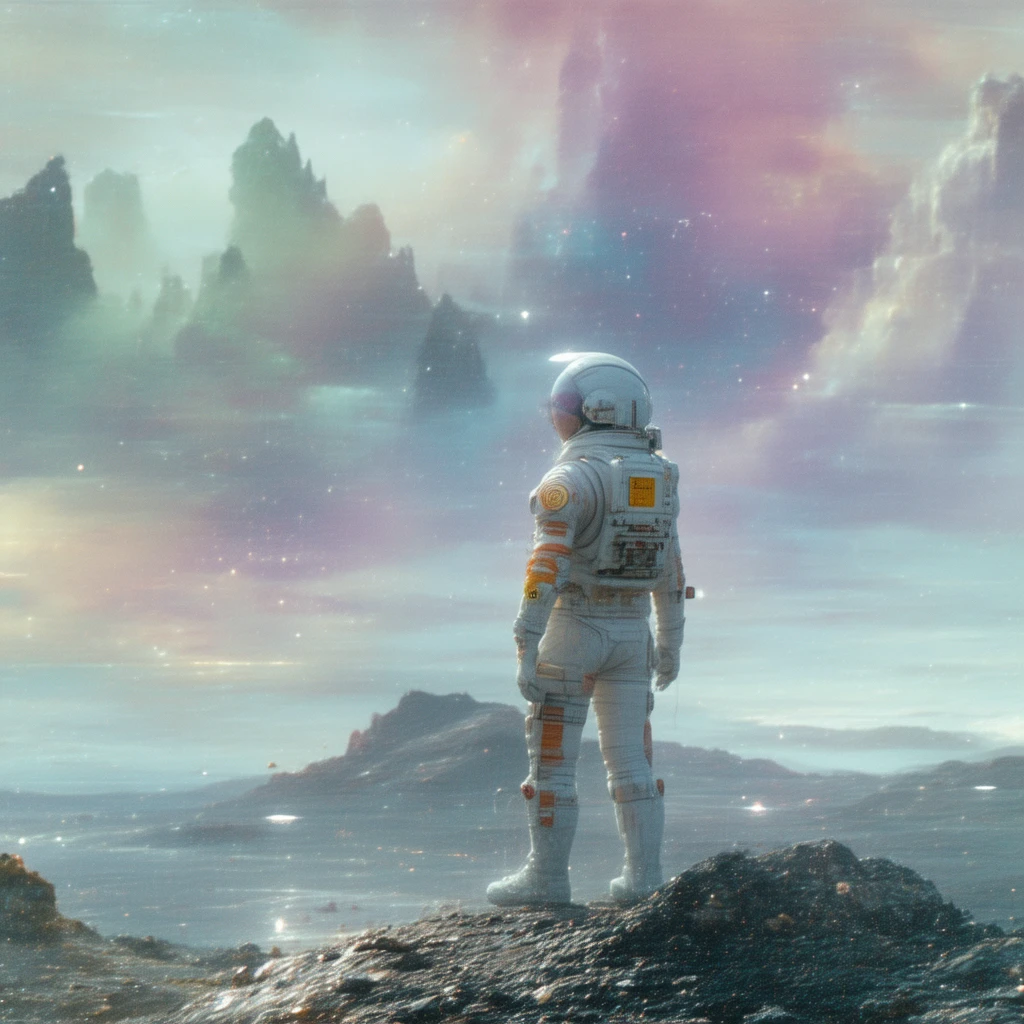
An astronaut in a sleek, white and orange spacesuit stands on the ridge of a crater on an alien planet, looking out at a swirling nebula of purple and green in the sky. The planet's surface is made of dark, crystalline rock that faintly glimmers. The astronaut's helmet reflects the alien landscape. High-detail science fiction illustration, epic scale, sense of wonder and solitude. --ar 16:9
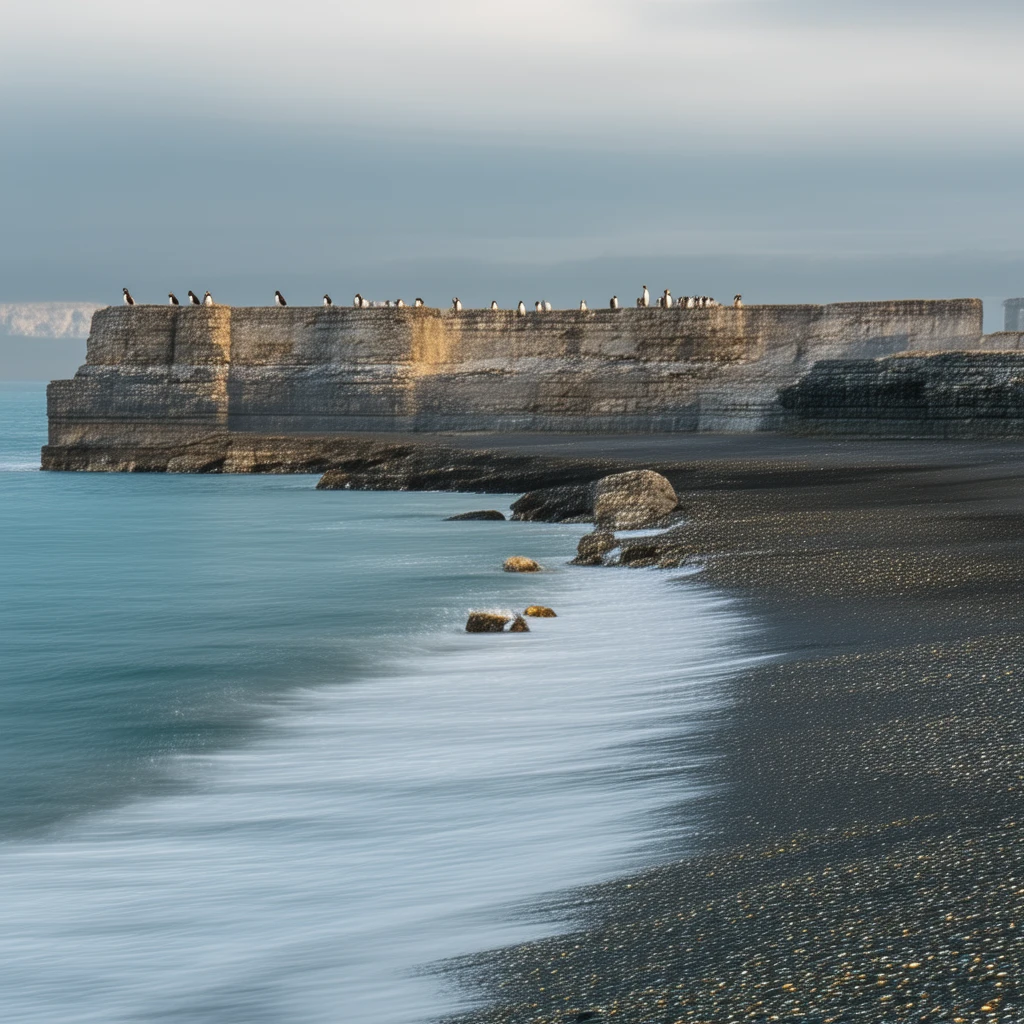
Iceland's black sand beach on the south coast, early morning mist lingers, immense basalt columns stand solemnly in the sea. A few puffins are perched on the rocks. The sky is a soft gradient of pink and light blue, with gentle waves lapping the black sand. Minimalist composition, ethereal and serene, capturing the raw beauty of nature. Long exposure photography, making the water's surface smooth as silk. --ar 21:9
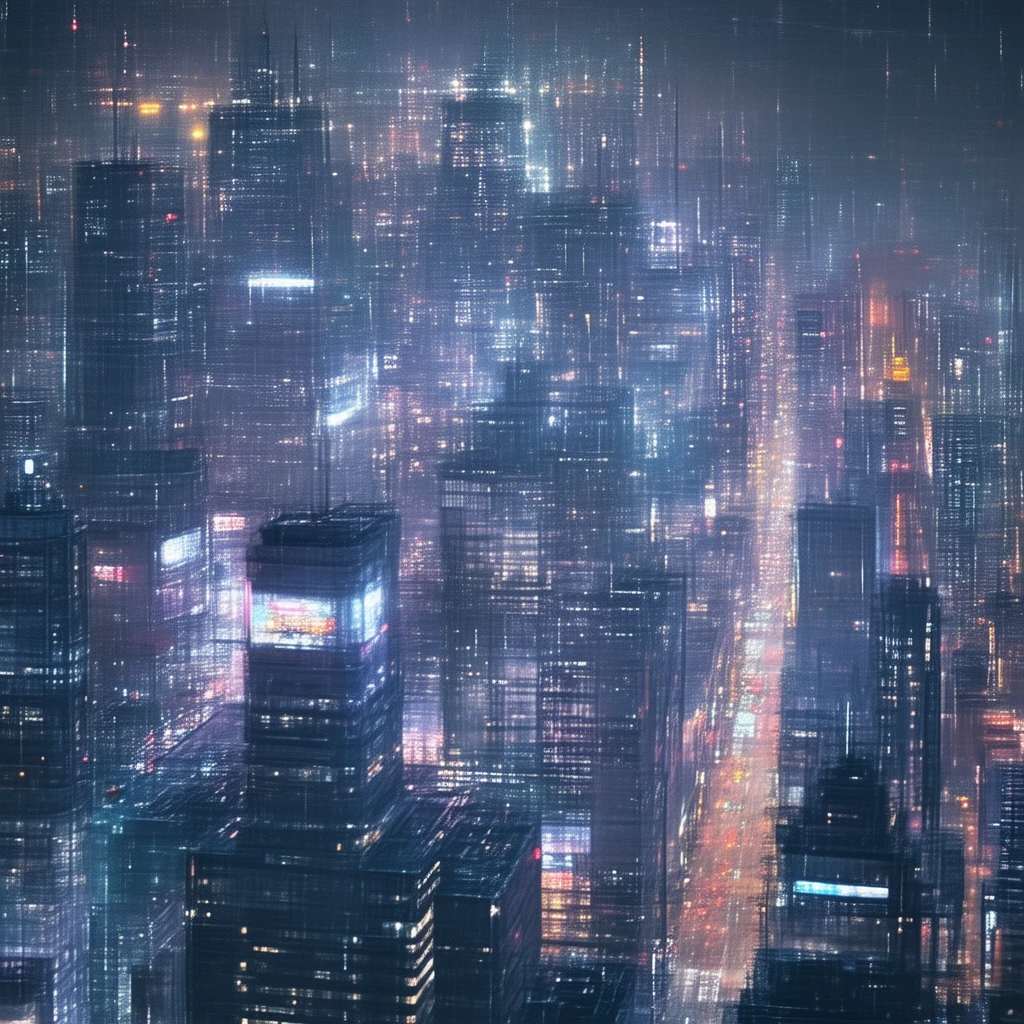
Aerial view of a futuristic Tokyo on a rainy night. Towering holographic billboards and skyscrapers intertwine, neon lights reflecting on the wet streets, creating cyberpunk blue, purple, and pink glows. Flying shuttles and drones streak between buildings, leaving long light trails. Extremely detailed, high-tech, dystopian atmosphere. Wide-angle lens, ultra-high definition, 8K resolution. --ar 16:9
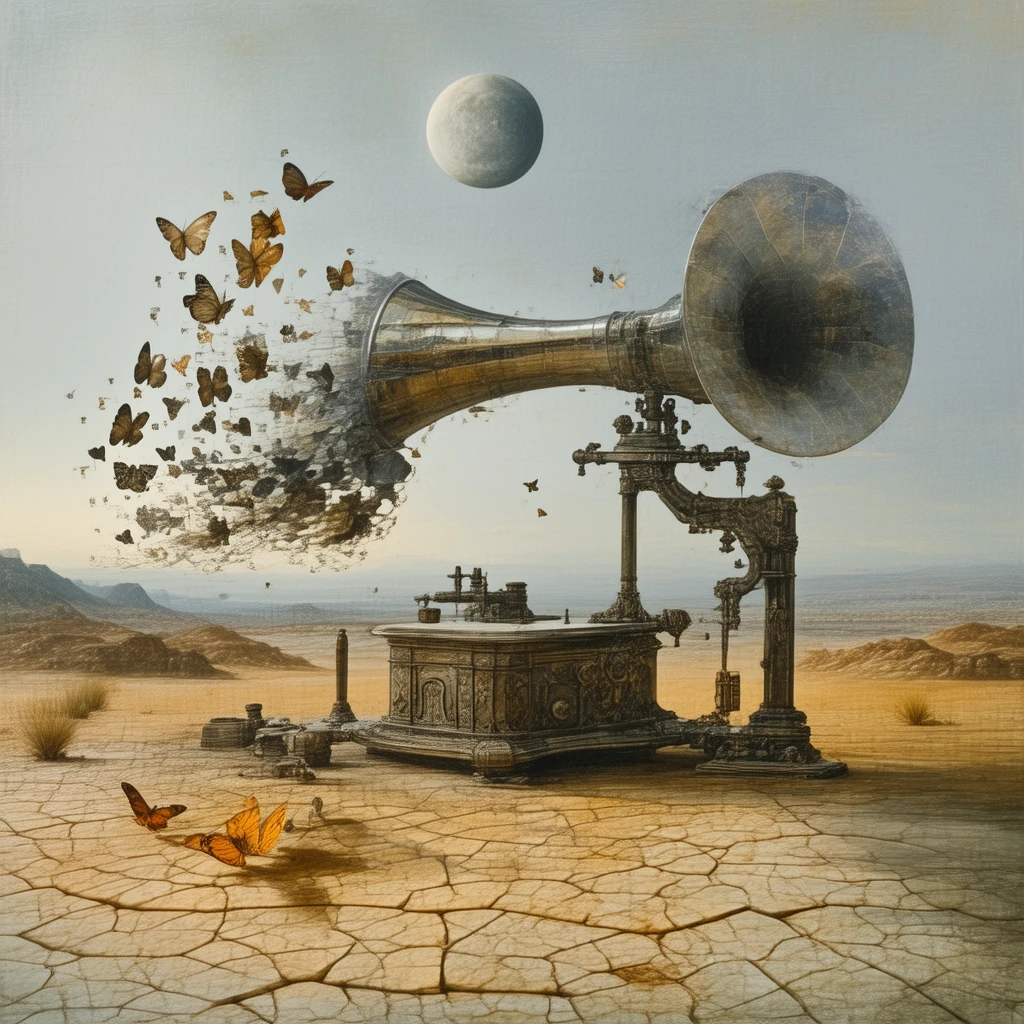
A giant, antique gramophone stands in the middle of a vast, cracked desert under a sky with two moons. Instead of sound, a flock of monarch butterflies emerges from its large brass horn, flying towards the horizon. The scene is surreal and symbolic, with a color palette of desert ochre and deep twilight blue, sharp shadows cast by the low moons. In the style of Salvador Dalí. --ar 3:2 --s 800
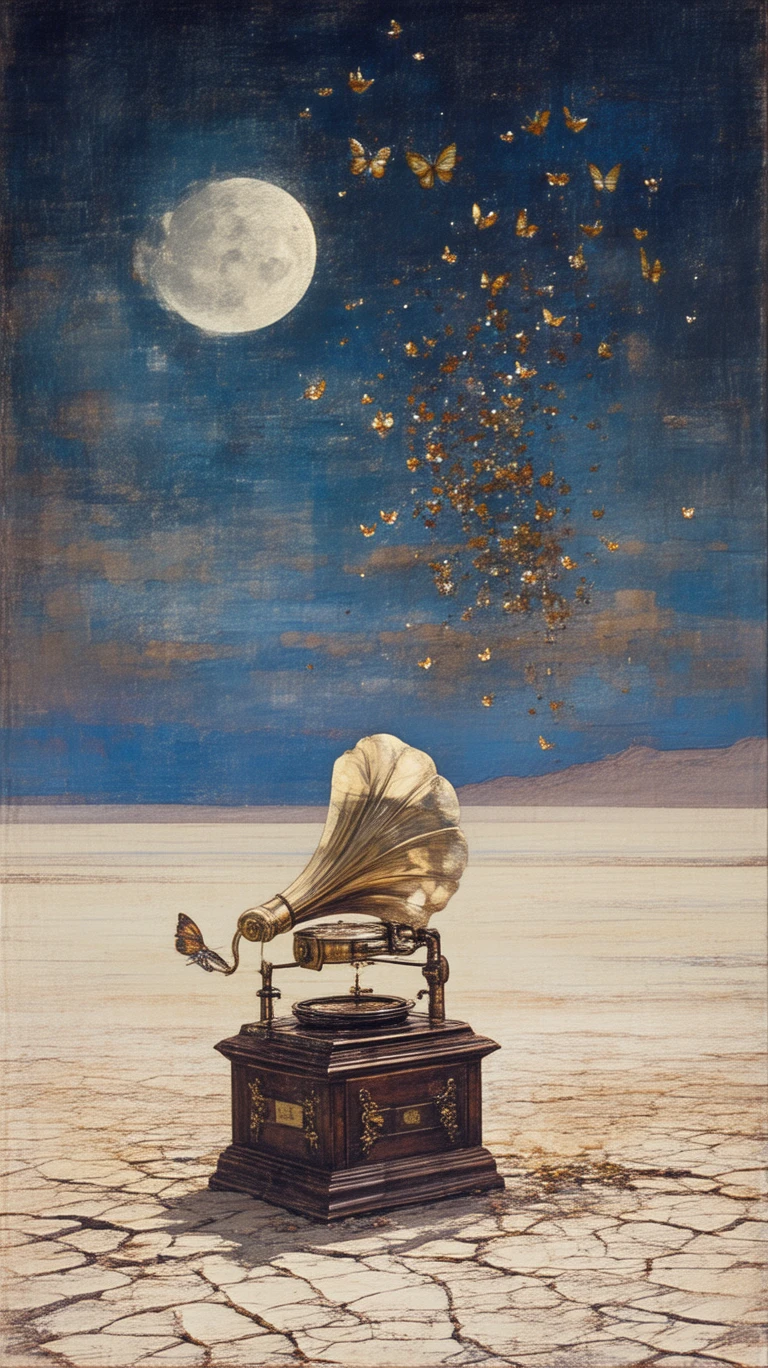
A giant, antique gramophone stands in the middle of a vast, cracked desert under a sky with two moons. Instead of sound, a flock of monarch butterflies emerges from its large brass horn, flying towards the horizon. The scene is surreal and symbolic, with a color palette of desert ochre and deep twilight blue, sharp shadows cast by the low moons. In the style of Salvador Dalí. --ar 3:2 --s 800
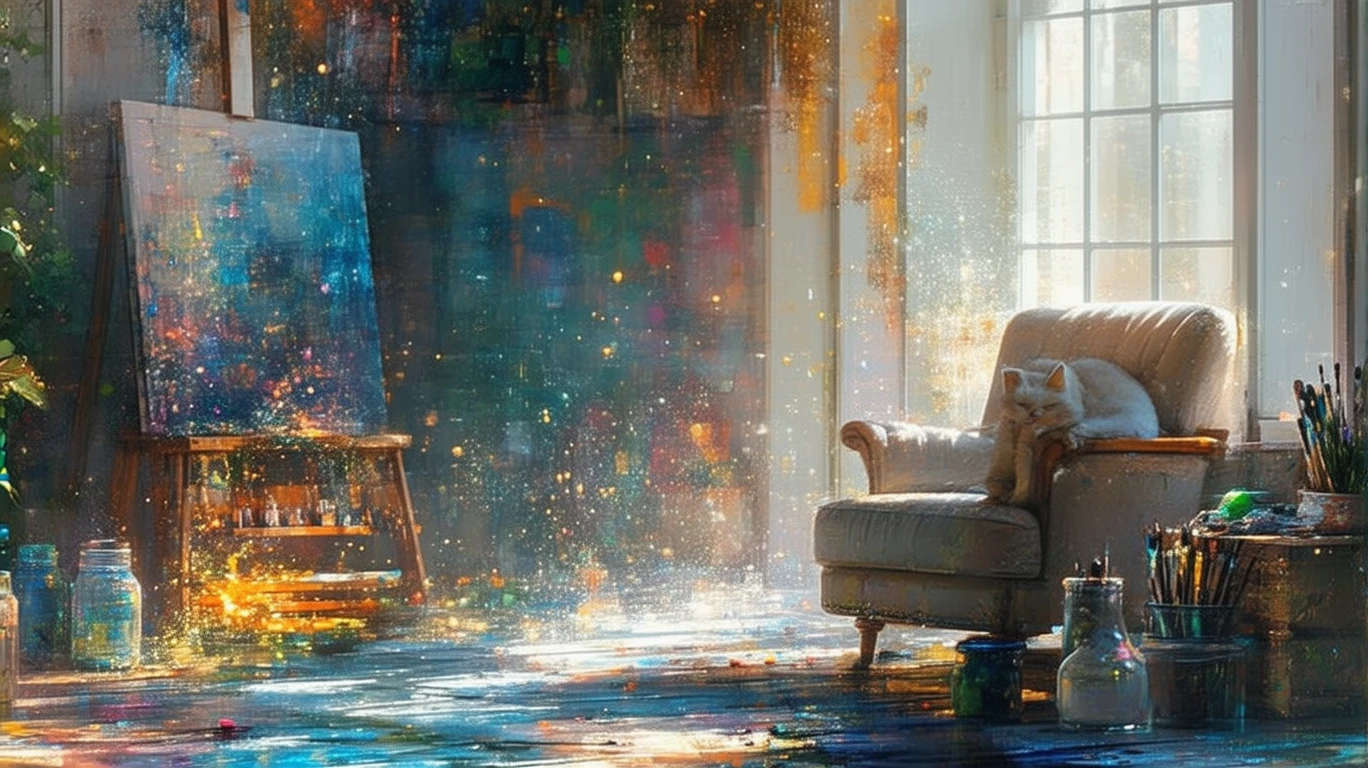
A cozy, cluttered artist's studio on a sunny afternoon. Canvases lean against the walls, brushes are scattered in jars, and spots of paint dot the wooden floor. A ginger cat is sleeping curled up on a worn-out armchair near a large window. Warm, golden sunlight streams in, illuminating dust particles in the air. Realistic, warm, and inviting atmosphere, shot on a 50mm lens. --ar 5:4
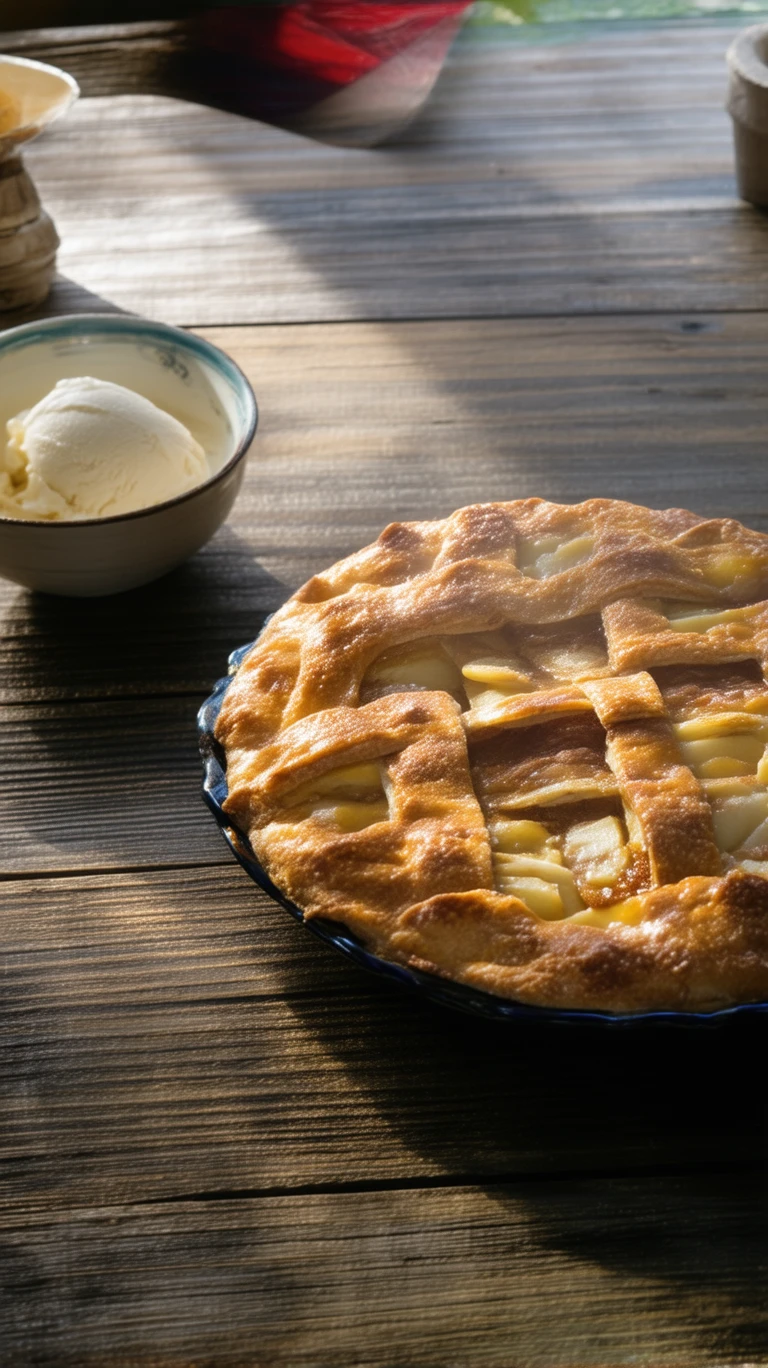
On a rustic wooden dining table, a freshly baked apple pie rests, its crust golden and crisp, with steaming cinnamon apple filling peeking through the lattice gaps. Beside it sits a small bowl of vanilla ice cream, just beginning to melt. Afternoon sunlight slants through a window, creating warm light spots, the air filled with the sweet aroma of butter and sugar. Macro shot, very shallow depth of field, incredibly appetizing food details, full of cozy, homemade warmth. --ar 4:3 --s 700
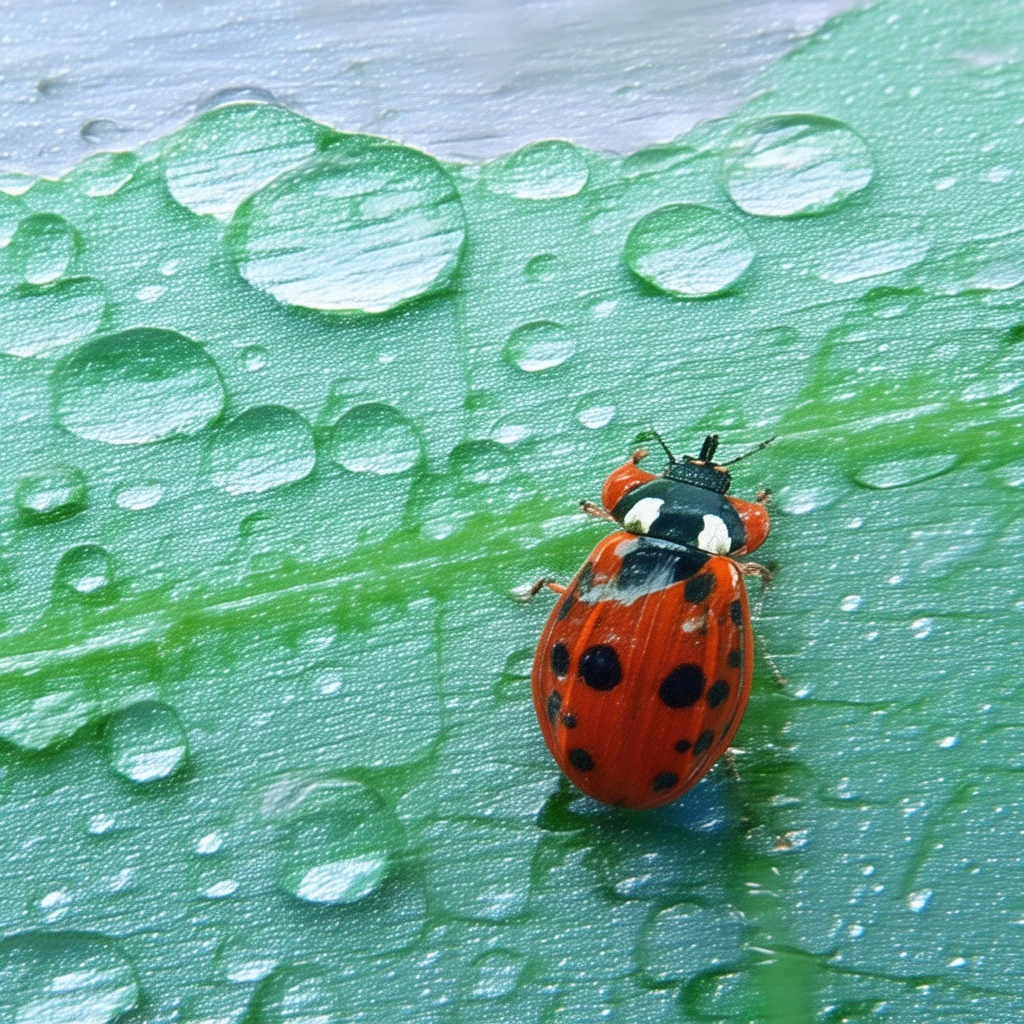
A seven-spotted ladybug resting on a green leaf covered with crystal-clear water droplets after a rain. The droplets act like magnifying glasses, clearly reflecting the surrounding environment. The ladybug's carapace shines with a vibrant red gloss in the sunlight. Extreme macro photography, ultra-sharp details showing the fine hairs on the ladybug and the surface tension of the water droplets. Soft green bokeh background, fresh, natural, and full of life. --ar 3:2 --style raw
Related Models

README
Stable Diffusion 3.5 Large
Stable Diffusion 3.5 Large is Stability AI's flagship text-to-image and image-to-image generation model that creates stunning, highly detailed images from text descriptions. With advanced prompt understanding and flexible aspect ratios, it delivers exceptional quality for creative and professional projects.
Why It Stands Out
- Advanced architecture: Built on Stability AI's latest diffusion technology for superior image quality.
- Dual mode support: Works as both text-to-image and image-to-image generator.
- Prompt Enhancer: Built-in AI-powered prompt optimization for better results.
- Strong prompt adherence: Accurately interprets complex, detailed prompts.
- Flexible aspect ratios: Choose from 1:1, 3:4, 4:3, 16:9, or 9:16 to fit any use case.
- Reproducibility: Use the seed parameter to recreate exact results.
Parameters
| Parameter | Required | Description |
|---|---|---|
| prompt | Yes | Text description of the image you want to generate. |
| image | No | Source image for image-to-image transformation. |
| aspect_ratio | No | Output aspect ratio: 1:1, 3:4, 4:3, 16:9, 9:16 (default: 1:1). |
| seed | No | Set for reproducibility; -1 for random. |
Supported Aspect Ratios
| Aspect Ratio | Best For |
|---|---|
| 1:1 | Instagram posts, profile pictures, icons |
| 3:4 | Portrait photos, Pinterest |
| 4:3 | Classic format, presentations |
| 16:9 | YouTube thumbnails, widescreen displays |
| 9:16 | TikTok, Instagram Stories, mobile content |
How to Use
Text-to-Image:
- Write a prompt describing the image you want. Use the Prompt Enhancer for AI-assisted optimization.
- Select aspect ratio — choose the format that fits your use case.
- Set a seed (optional) for reproducible results.
- Click Run and download your image.
Image-to-Image:
- Upload a source image.
- Write a prompt describing the transformation you want.
- Select aspect ratio and set a seed (optional).
- Click Run and download your transformed image.
Best Use Cases
- Creative Art & Illustration — Generate unique artwork, concept art, and digital illustrations.
- Marketing & Social Media — Produce eye-catching visuals for campaigns and posts.
- Product Visualization — Create product mockups and lifestyle imagery.
- Style Transfer — Transform images into different artistic styles.
- Design Prototyping — Quickly visualize ideas before committing to full production.
Pricing
| Output | Price |
|---|---|
| Per image | $0.06 |
Pro Tips for Best Quality
- Be descriptive in your prompt — include style, mood, lighting, composition, and specific details.
- Use style keywords like "photorealistic," "digital painting," "cinematic," or "anime" to guide the aesthetic.
- Include technical parameters in your prompt like "--ar 16:9" for additional guidance.
- For image-to-image, provide a clear source image and describe the desired transformation.
- Fix the seed when iterating to compare different prompt variations.
Notes
- Ensure uploaded image URLs are publicly accessible.
- Processing time varies based on current queue load.
- Please ensure your prompts comply with content guidelines.
Stable Diffusion 3.5 Large API — Quick start
Grab a WaveSpeedAI API key, then call POST https://api.wavespeed.ai/api/v3/stability-ai/stable-diffusion-3.5-large with your input as JSON. The endpoint returns a prediction id; poll the prediction endpoint until status flips to completed, then read the output URL from data.outputs[0]. Examples for Stable Diffusion 3.5 Large below.
HTTP example
# Submit the prediction
curl -X POST "https://api.wavespeed.ai/api/v3/stability-ai/stable-diffusion-3.5-large" \
  -H "Content-Type: application/json" \
  -H "Authorization: Bearer $WAVESPEED_API_KEY" \
  -d '{
    "prompt": "A cinematic shot of a city at sunset, soft golden light",
    "image": "https://example.com/your-input.jpg",
    "aspect_ratio": "1:1",
    "seed": -1,
    "enable_base64_output": false
}'

# Response includes a prediction id. Poll for the result:
curl -X GET "https://api.wavespeed.ai/api/v3/predictions/{request_id}/result" \
  -H "Authorization: Bearer $WAVESPEED_API_KEY"

# When status is "completed", read the output from data.outputs[0].
Node.js example
// npm install wavespeed
const WaveSpeed = require('wavespeed');

const client = new WaveSpeed(); // reads WAVESPEED_API_KEY from env

const result = await client.run("stability-ai/stable-diffusion-3.5-large", {
        "prompt": "A cinematic shot of a city at sunset, soft golden light",
        "image": "https://example.com/your-input.jpg",
        "aspect_ratio": "1:1",
        "seed": -1,
        "enable_base64_output": false
});

console.log(result.outputs[0]); // → URL of the generated output
Python example
# pip install wavespeed
import wavespeed

output = wavespeed.run(
    "stability-ai/stable-diffusion-3.5-large",
    {
    "prompt": "A cinematic shot of a city at sunset, soft golden light",
    "image": "https://example.com/your-input.jpg",
    "aspect_ratio": "1:1",
    "seed": -1,
    "enable_base64_output": false
}
)

print(output["outputs"][0])  # → URL of the generated output
Stable Diffusion 3.5 Large API — Frequently asked questions
What is the Stable Diffusion 3.5 Large API?
Stable Diffusion 3.5 Large is a Stability AI model for image generation, exposed as a REST API on WaveSpeedAI. Stable Diffusion 3.5 Large is a text-to-image model creating high-res, detailed images in varied styles via Query-Key Normalization. Ready-to-use REST inference API, best performance, no coldstarts, affordable pricing. You can call it programmatically or try it from the playground above.
How do I call the Stable Diffusion 3.5 Large API?
POST your input parameters to the model's REST endpoint (shown in the API tab of this playground) with your WaveSpeedAI API key in the Authorization header. Submission returns a prediction ID; poll the prediction endpoint until status flips to "completed", then read the output URL from the result. The playground generates a ready-to-paste code sample in Python, JavaScript, or cURL for whatever inputs you've set. Full request/response shape is documented at https://wavespeed.ai/docs/docs-api/stability-ai/stability-ai-stable-diffusion-3.5-large.
How much does Stable Diffusion 3.5 Large cost per run?
Stable Diffusion 3.5 Large starts at $0.060 per run. That figure is the base price — the final charge scales with the parameters you set in the form (output size, length, count, references, or whatever knobs this model exposes), so a higher-quality or larger output costs more than a minimal one. The exact cost for your current input is shown live next to the Generate button before you submit, and the actual per-call charge is recorded on the prediction afterwards.
What inputs does Stable Diffusion 3.5 Large accept?
Key inputs: `prompt`, `image`, `aspect_ratio`, `seed`, `enable_base64_output`. The full JSON schema (types, defaults, allowed values) is rendered above the Generate button and mirrored in the API reference at https://wavespeed.ai/docs/docs-api/stability-ai/stability-ai-stable-diffusion-3.5-large.
How long does Stable Diffusion 3.5 Large take to generate?
Average end-to-end generation time on WaveSpeedAI is around 7 seconds per request — measured across recent runs. Queue time scales with global demand; live status is visible in the prediction record.
Can I use Stable Diffusion 3.5 Large outputs commercially?
Commercial usage rights depend on the model's license, set by its provider (Stability AI). The license summary appears on the model card above; see WaveSpeedAI's Terms of Service for platform-level conditions.