Stable Diffusion 3.5 Large Turbo produces high-res, fine-detailed text-to-image images in diverse styles with fewer inference steps. Ready-to-use REST inference API, best performance, no coldstarts, affordable pricing.
Idle
$0.04per run·~25 / $1
ExamplesView all
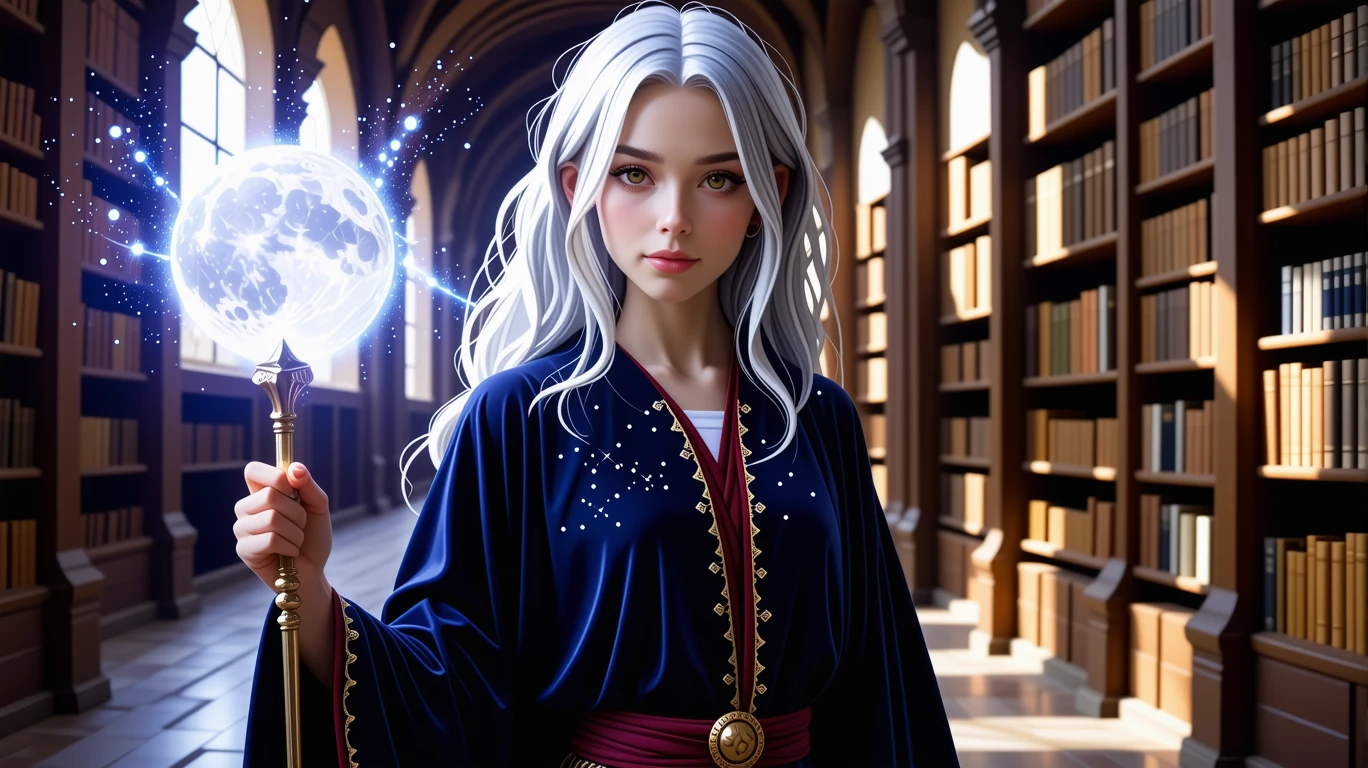
A young female mage with waist-length silver hair, speckled with tiny, glittering stars. She wears a deep blue velvet robe embroidered with golden moon phases and constellations. In her hand, she holds a staff made of white crystal, its tip levitating a small, softly glowing nebula. The background is an ancient library with towering bookshelves filled with magical tomes, and light filtering through stained-glass windows. --anime
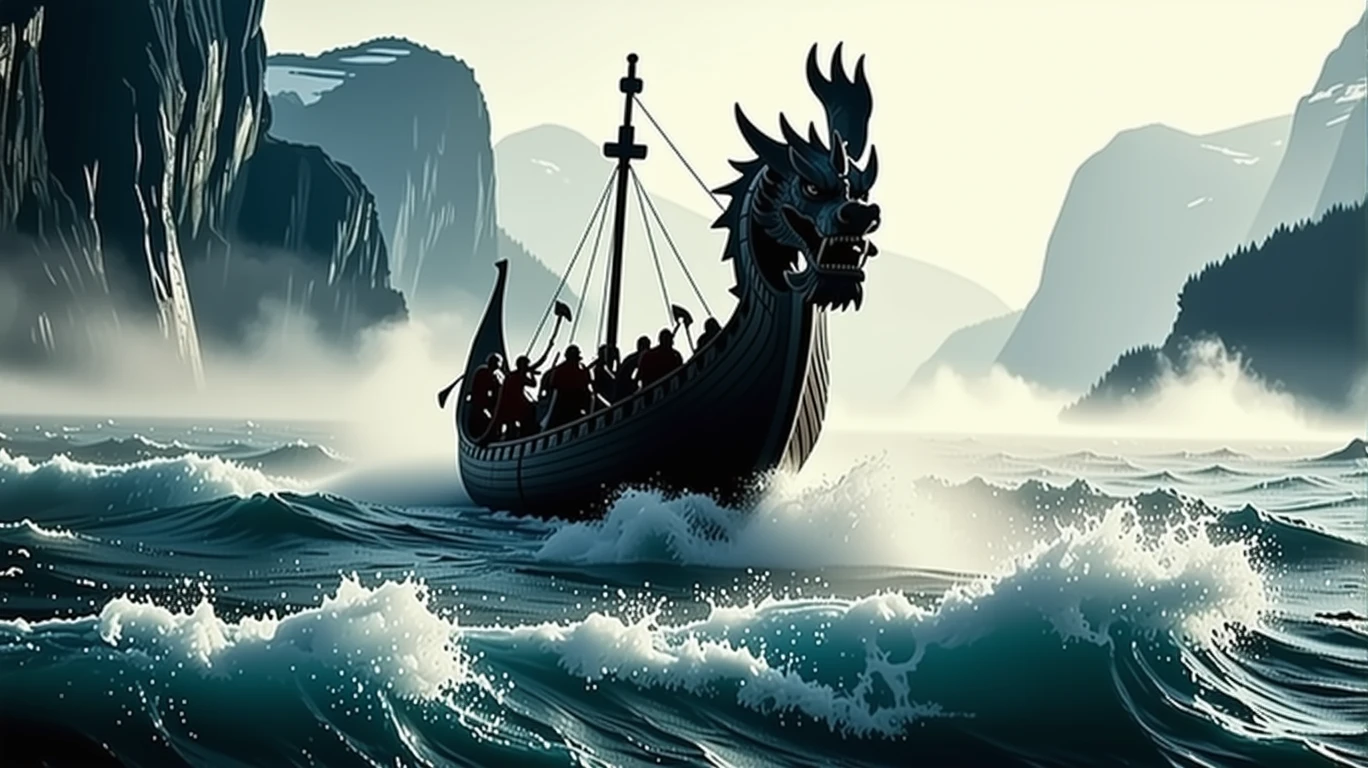
A Viking longship with a dragon head prow, breaking through the waves in a mist-filled Norwegian fjord at dawn. The ship is filled with Viking warriors clad in furs, holding axes and shields, their expressions resolute. The dragon head on the bow is intricately carved, with a fearsome glare. Surrounded by steep cliffs and cascading waterfalls. The color palette is cool and stark, filled with an epic sense of history and adventure, realistic style with attention to historical detail. --ar 21:9
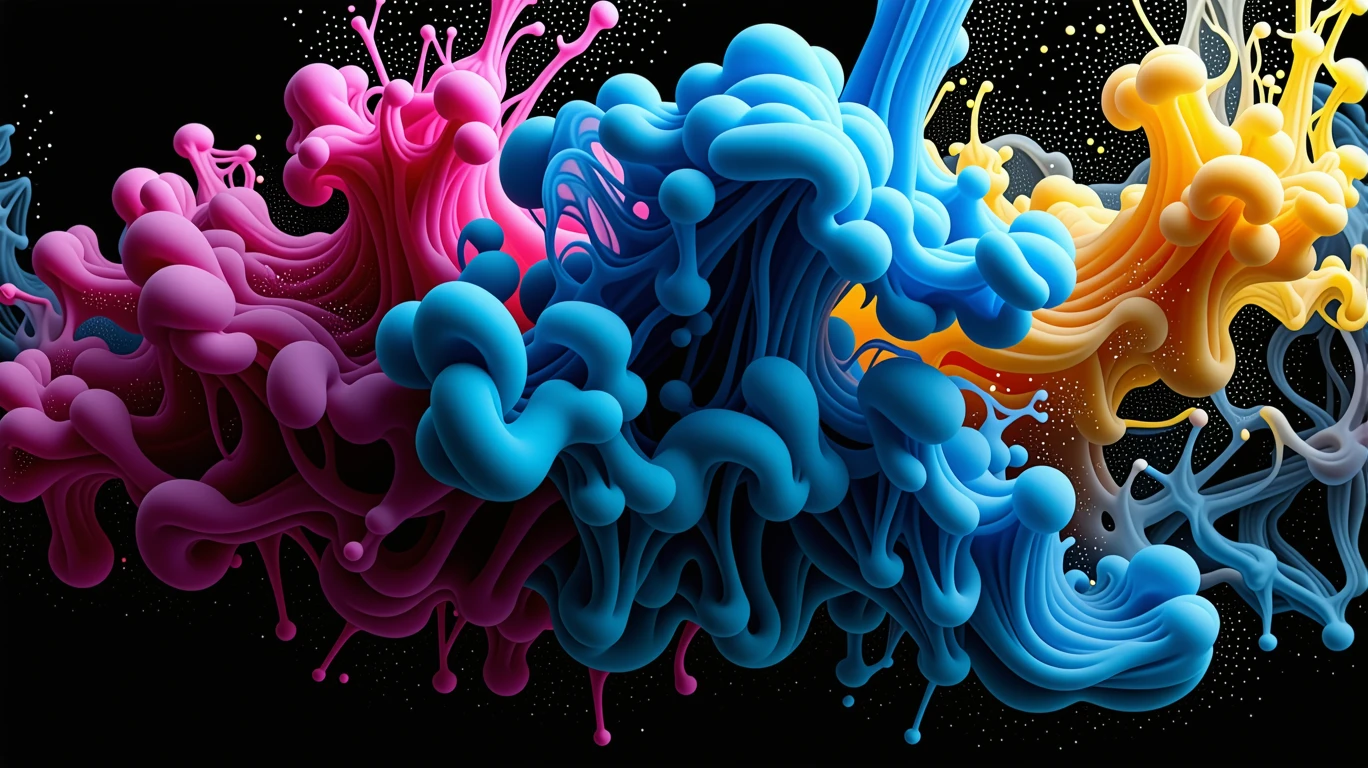
The moment of collision, blending, and explosion of multiple colored inks in water. Deep blues, vibrant magentas, and liquid-gold colors intertwine, forming complex, nebula-like organic shapes. Captured with high-speed photography, extremely sharp details, against a pure black background to emphasize the dynamic and unpredictable beauty of the colors. Abstract art, 4K resolution. --ar 16:9
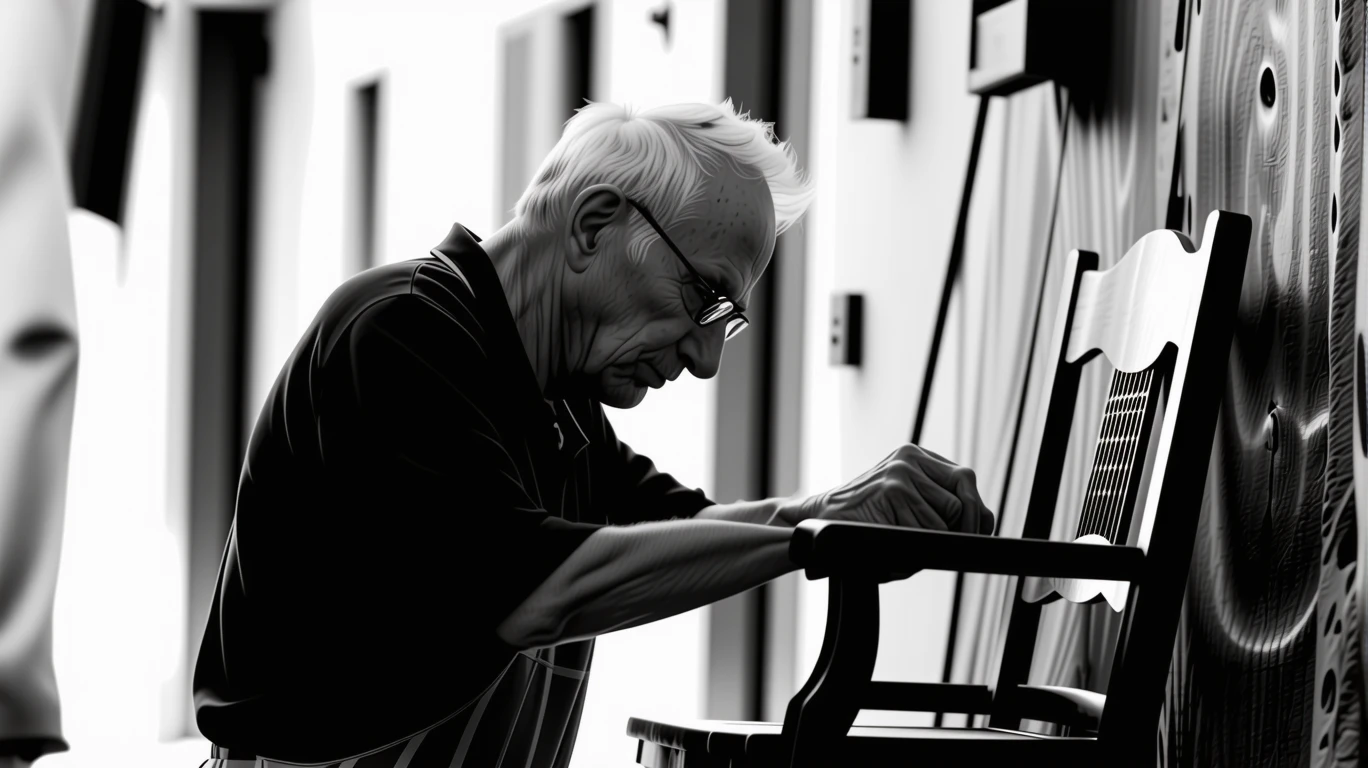
An elderly artisan repairing a chair outside his workshop in an old Italian alley. He wears reading glasses on his wrinkled face, his expression focused. The afternoon sun casts strong light and shadows across him. Documentary photography style, black and white, high contrast, grainy texture, capturing a candid moment of real life. --style raw --ar 3:2
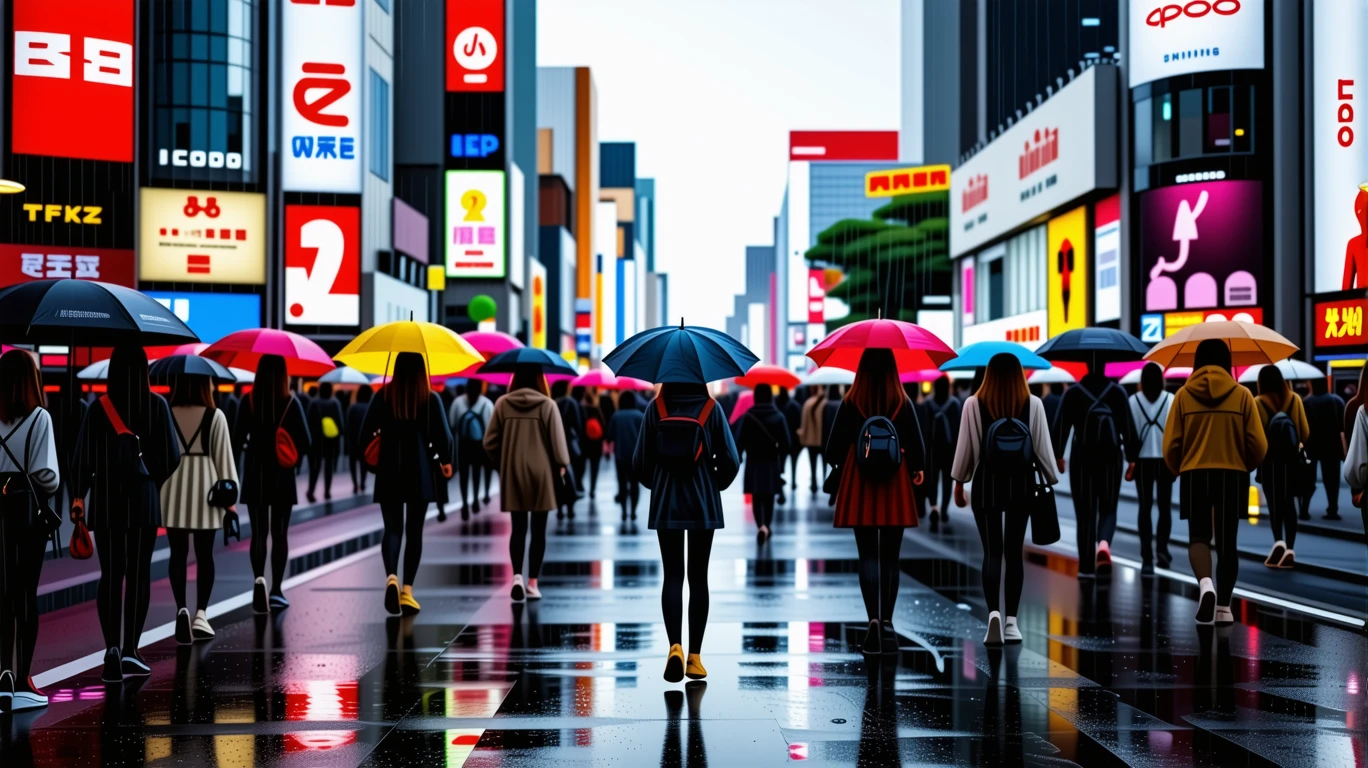
The busy Shibuya Crossing in Tokyo on a rainy night. Pedestrians hurry by with colorful umbrellas, the ground reflecting the blurred glow of neon signs and car lights. Street photography style, handheld camera perspective with slight motion blur, focused on a solitary figure from behind amidst the crowd. The photo is filled with a sense of urban dynamism and alienation. --ar 16:9
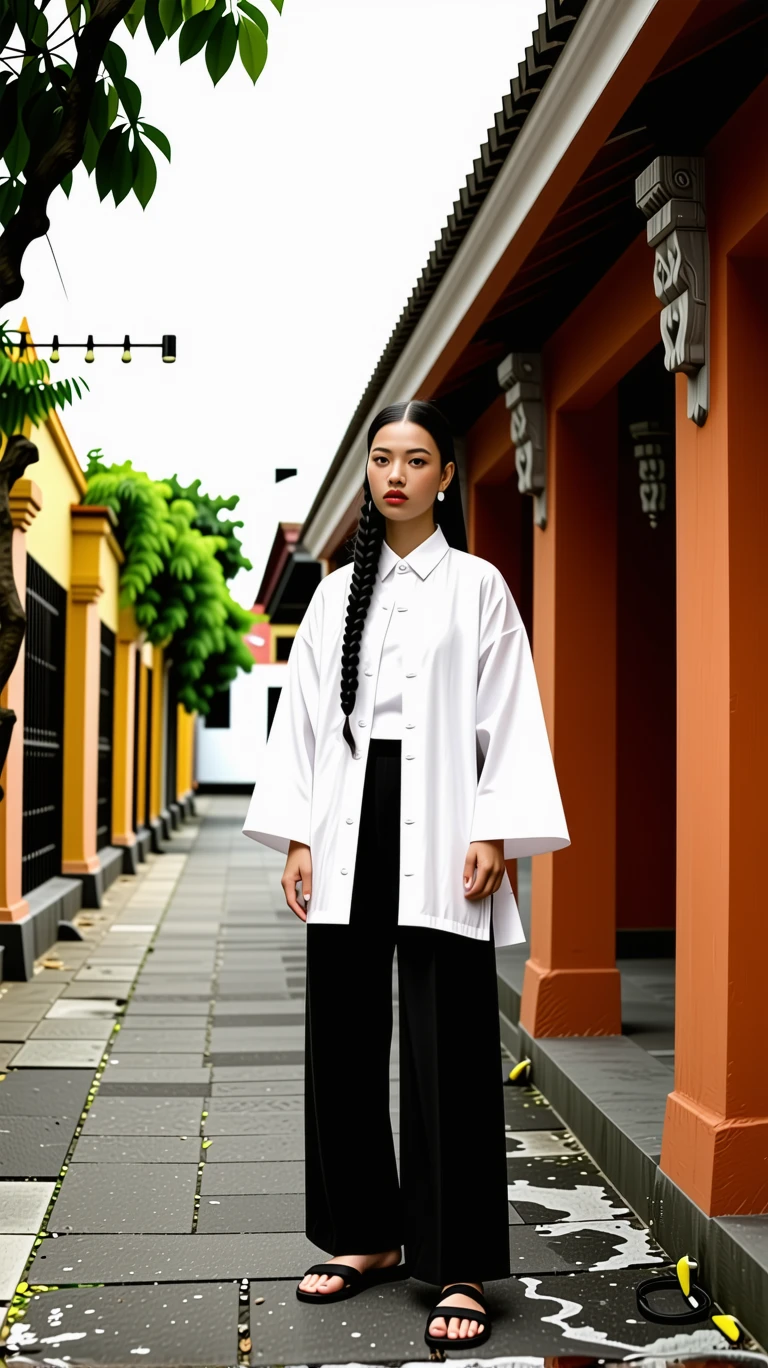
A stylishly dressed model wearing a unique piece of clothing from a Singaporean designer, posing against a backdrop of colorful Peranakan architecture in Joo Chiat. Soft, flattering light highlighting the details and design of the garment. Convey a sense of local culture and contemporary style. --ar 9:16
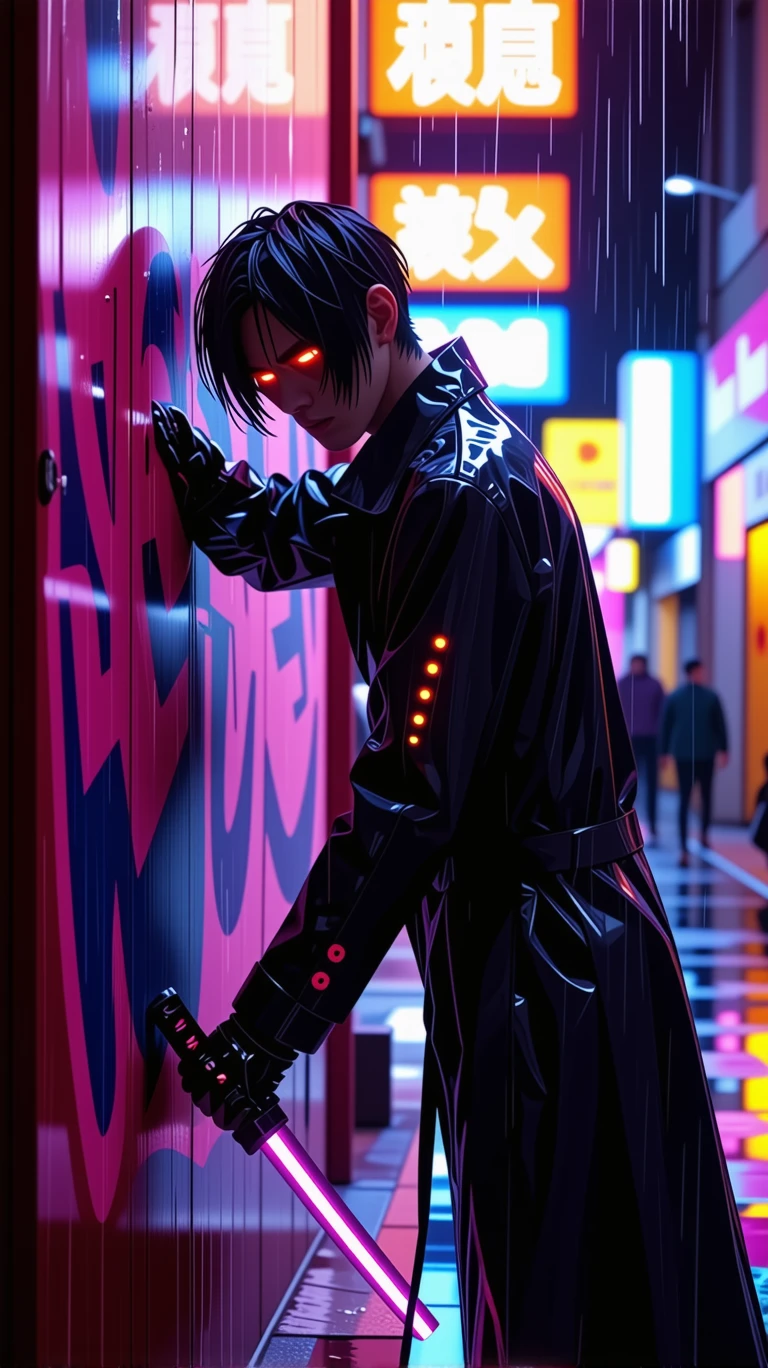
A male character leaning against a wall covered in neon graffiti. He has sharp black hair, and one of his eyes is covered by a high-tech eyepatch glowing with a faint red light. He wears a black trench coat with futuristic designs, and the seams of a cybernetic arm are visible. He grips the hilt of a high-frequency katana, his gaze cold and intense. The background is a rainy, futuristic city at night, the wet streets reflecting the vibrant lights of advertisements. --ar 9:16 --style raw
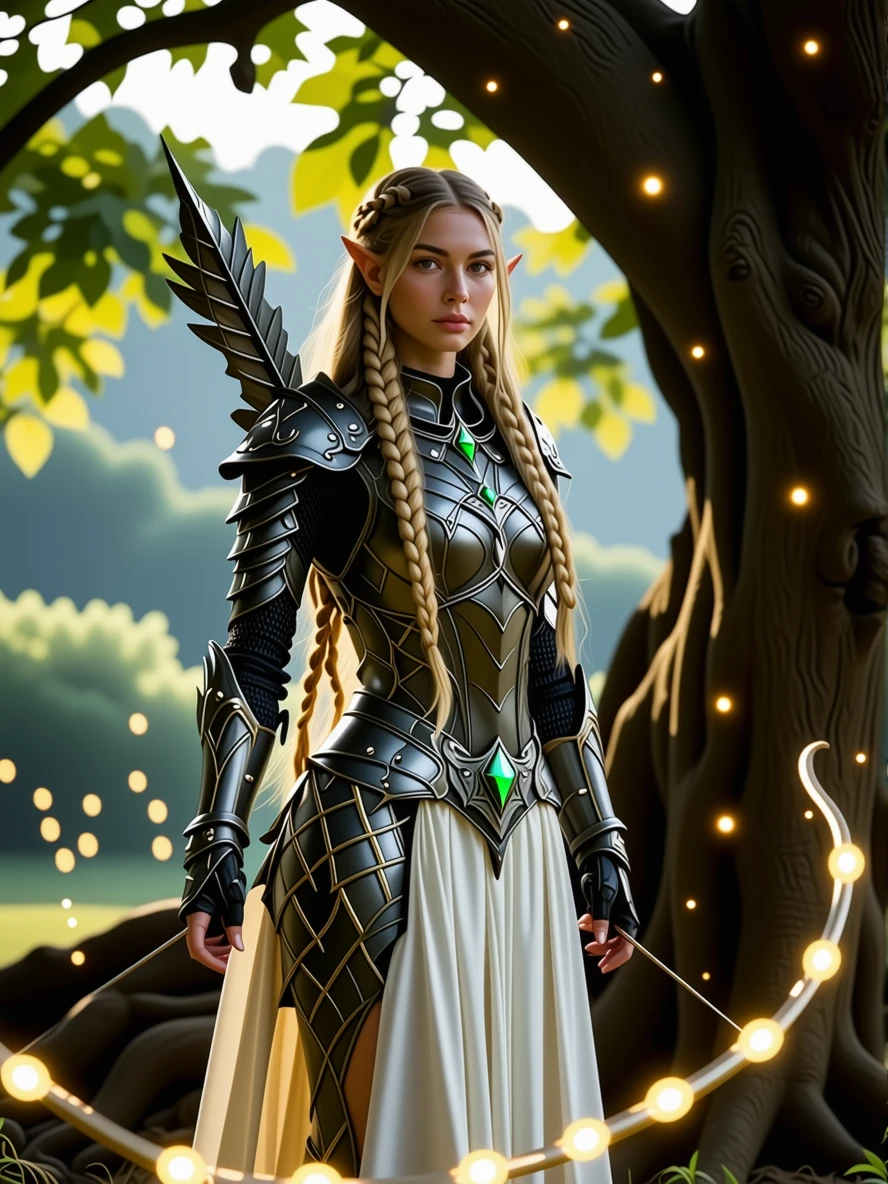
A female elf knight wearing lightweight armor crafted from leaves and white metal, with glowing vines wrapped around it. She has long golden hair woven into intricate braids and long, elegant pointed ears. She holds a longbow inlaid with a green gemstone, her expression firm and serene. She stands beneath a giant, bioluminescent ancient tree, surrounded by dancing fireflies. --ar 3:4
Related Models
README
Stable Diffusion 3.5 Large Turbo
Generate high-fidelity images at turbo speed with Stability AI's most capable fast model. Stable Diffusion 3.5 Large Turbo combines the power of the Large architecture with optimized inference for rapid, detailed image generation from text prompts.
Why It Looks Great
- Large model quality: Enhanced detail, coherence, and artistic range compared to smaller variants.
- Turbo optimized: Significantly faster generation without sacrificing visual fidelity.
- Superior prompt adherence: Accurately renders complex scenes with multiple elements and detailed descriptions.
- Dual mode support: Pure text-to-image or guided image-to-image transformations.
- Prompt Enhancer: Built-in tool to expand and refine your descriptions automatically.
- Reproducible outputs: Use the seed parameter to recreate exact results or explore variations.
Parameters
| Parameter | Required | Description |
|---|---|---|
| prompt | Yes | Text description of the image you want to generate. |
| image | No | Optional reference image for image-to-image generation (upload or URL). |
| aspect_ratio | No | Output aspect ratio (e.g., 16:9, 1:1, 9:16). Default: 16:9. |
| seed | No | Random seed for reproducibility. Use -1 for random. |
| enable_base64_output | No | API only: Returns base64 string instead of URL. |
How to Use
- Write your prompt — describe your image in detail, including subject, style, lighting, and atmosphere.
- Use Prompt Enhancer (optional) — click to automatically enrich your description.
- Add reference image (optional) — upload an image to guide the generation.
- Choose aspect ratio — select the output format for your needs.
- Set seed (optional) — use -1 for random, or a specific number to reproduce results.
- Run — click the button to generate.
- Download — preview and save your image.
Pricing
Flat rate per image generation.
| Output | Cost |
|---|---|
| Per image | $0.04 |
Best Use Cases
- Character Design — Create detailed characters with specific features, clothing, and accessories.
- Fantasy & Sci-Fi Art — Generate imaginative scenes with magical elements and otherworldly settings.
- Concept Visualization — Quickly visualize ideas for games, films, and creative projects.
- Marketing Assets — Produce custom imagery for campaigns and branding materials.
- Rapid Prototyping — Iterate on visual concepts at turbo speed for fast creative workflows.
Example Prompts
- "A young female mage with waist-length silver hair speckled with tiny glittering stars, wearing a deep blue velvet robe embroidered with golden moon phases and constellations, holding a white crystal staff"
- "A cyberpunk street market at night, neon signs in Japanese, rain-slicked pavement reflecting colorful lights, crowds of people with futuristic fashion"
- "Majestic dragon perched on a mountain peak at sunrise, scales shimmering with iridescent colors, detailed fantasy art style"
- "Minimalist architectural interior with concrete walls, large windows overlooking a forest, soft natural lighting, modern furniture"
- "Victorian-era explorer discovering ancient ruins in a jungle, dramatic lighting, adventure movie poster style"
Pro Tips for Best Results
- Layer your descriptions — start with the subject, add details, then describe style and atmosphere.
- Reference artistic styles or mediums (e.g., "oil painting", "digital art", "cinematic photography").
- The Large model handles complexity well — don't be afraid to add multiple detailed elements.
- Use Prompt Enhancer for quick improvements, then refine manually for precise control.
- For characters, describe features systematically: hair, face, clothing, pose, expression.
- Lock the seed when comparing prompt variations to isolate changes.
Notes
- If using a URL for the reference image, ensure it is publicly accessible.
- The enable_base64_output option is only available through the API, not the web interface.
- Large Turbo offers the best balance of quality and speed for production workflows.
Stable Diffusion 3.5 Large Turbo API — Quick start
Grab a WaveSpeedAI API key, then call POST https://api.wavespeed.ai/api/v3/stability-ai/stable-diffusion-3.5-large-turbo with your input as JSON. The endpoint returns a prediction id; poll the prediction endpoint until status flips to completed, then read the output URL from data.outputs[0]. Examples for Stable Diffusion 3.5 Large Turbo below.
HTTP example
# Submit the prediction
curl -X POST "https://api.wavespeed.ai/api/v3/stability-ai/stable-diffusion-3.5-large-turbo" \
  -H "Content-Type: application/json" \
  -H "Authorization: Bearer $WAVESPEED_API_KEY" \
  -d '{
    "prompt": "A cinematic shot of a city at sunset, soft golden light",
    "image": "https://example.com/your-input.jpg",
    "aspect_ratio": "1:1",
    "seed": -1,
    "enable_base64_output": false
}'

# Response includes a prediction id. Poll for the result:
curl -X GET "https://api.wavespeed.ai/api/v3/predictions/{request_id}/result" \
  -H "Authorization: Bearer $WAVESPEED_API_KEY"

# When status is "completed", read the output from data.outputs[0].
Node.js example
// npm install wavespeed
const WaveSpeed = require('wavespeed');

const client = new WaveSpeed(); // reads WAVESPEED_API_KEY from env

const result = await client.run("stability-ai/stable-diffusion-3.5-large-turbo", {
        "prompt": "A cinematic shot of a city at sunset, soft golden light",
        "image": "https://example.com/your-input.jpg",
        "aspect_ratio": "1:1",
        "seed": -1,
        "enable_base64_output": false
});

console.log(result.outputs[0]); // → URL of the generated output
Python example
# pip install wavespeed
import wavespeed

output = wavespeed.run(
    "stability-ai/stable-diffusion-3.5-large-turbo",
    {
    "prompt": "A cinematic shot of a city at sunset, soft golden light",
    "image": "https://example.com/your-input.jpg",
    "aspect_ratio": "1:1",
    "seed": -1,
    "enable_base64_output": false
}
)

print(output["outputs"][0])  # → URL of the generated output
Stable Diffusion 3.5 Large Turbo API — Frequently asked questions
What is the Stable Diffusion 3.5 Large Turbo API?
Stable Diffusion 3.5 Large Turbo is a Stability AI model for image generation, exposed as a REST API on WaveSpeedAI. Stable Diffusion 3.5 Large Turbo produces high-res, fine-detailed text-to-image images in diverse styles with fewer inference steps. Ready-to-use REST inference API, best performance, no coldstarts, affordable pricing. You can call it programmatically or try it from the playground above.
How do I call the Stable Diffusion 3.5 Large Turbo API?
POST your input parameters to the model's REST endpoint (shown in the API tab of this playground) with your WaveSpeedAI API key in the Authorization header. Submission returns a prediction ID; poll the prediction endpoint until status flips to "completed", then read the output URL from the result. The playground generates a ready-to-paste code sample in Python, JavaScript, or cURL for whatever inputs you've set. Full request/response shape is documented at https://wavespeed.ai/docs/docs-api/stability-ai/stability-ai-stable-diffusion-3.5-large-turbo.
How much does Stable Diffusion 3.5 Large Turbo cost per run?
Stable Diffusion 3.5 Large Turbo starts at $0.040 per run. That figure is the base price — the final charge scales with the parameters you set in the form (output size, length, count, references, or whatever knobs this model exposes), so a higher-quality or larger output costs more than a minimal one. The exact cost for your current input is shown live next to the Generate button before you submit, and the actual per-call charge is recorded on the prediction afterwards.
What inputs does Stable Diffusion 3.5 Large Turbo accept?
Key inputs: `prompt`, `image`, `aspect_ratio`, `seed`, `enable_base64_output`. The full JSON schema (types, defaults, allowed values) is rendered above the Generate button and mirrored in the API reference at https://wavespeed.ai/docs/docs-api/stability-ai/stability-ai-stable-diffusion-3.5-large-turbo.
How long does Stable Diffusion 3.5 Large Turbo take to generate?
Average end-to-end generation time on WaveSpeedAI is around 3 seconds per request — measured across recent runs. Queue time scales with global demand; live status is visible in the prediction record.
Can I use Stable Diffusion 3.5 Large Turbo outputs commercially?
Commercial usage rights depend on the model's license, set by its provider (Stability AI). The license summary appears on the model card above; see WaveSpeedAI's Terms of Service for platform-level conditions.