Stable Diffusion 3.5 Medium is a 2.5B-parameter text-to-image model with the improved MMDiT-X architecture for quality images. Ready-to-use REST inference API, best performance, no coldstarts, affordable pricing.
Idle
$0.035per run·~28 / $1
ExamplesView all
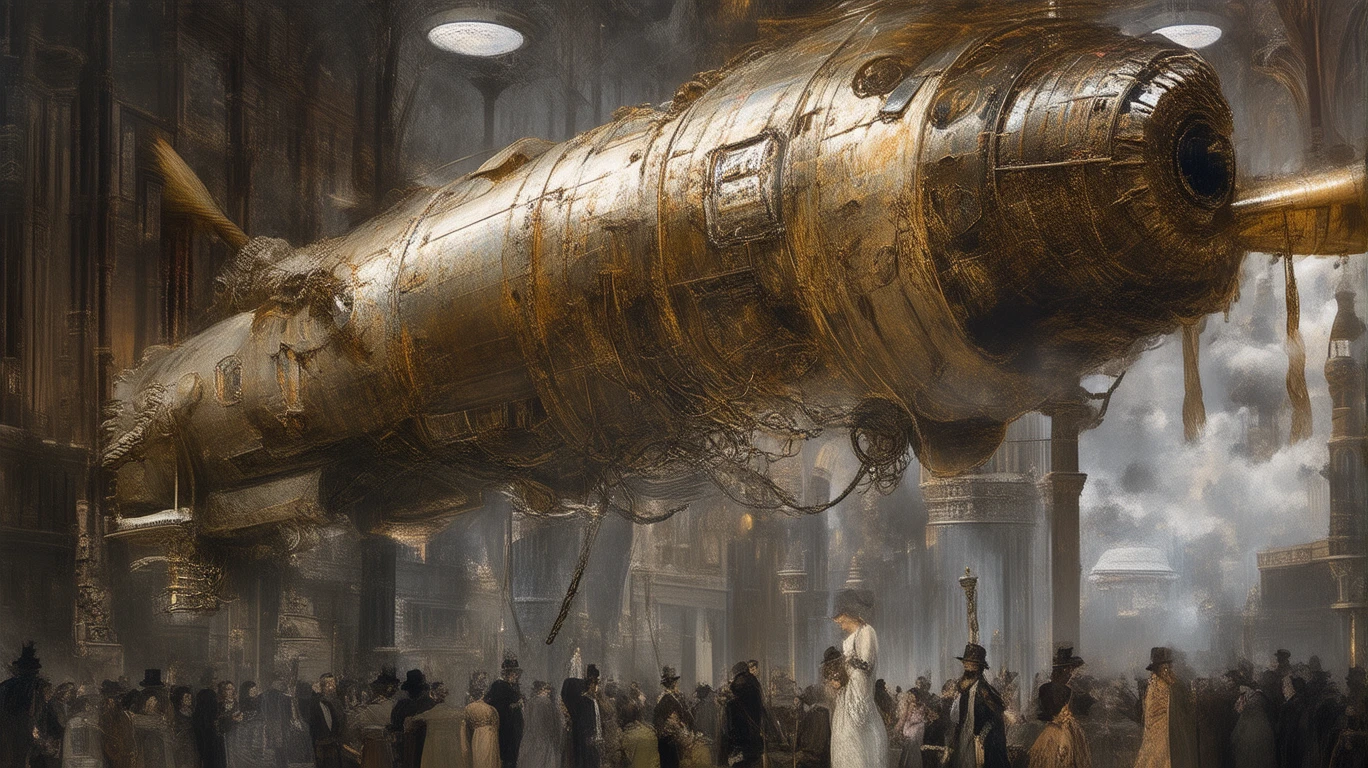
An elaborate Steampunk-style "Merlion" airship hovers over a Victorian-era Boat Quay. The airship's body is constructed from brass, mahogany, and a complex network of gears and pipes, billowing steam. Below, people in 19th-century gowns and top hats look up in amazement. The scene is filled with retro-futuristic details and imagination. --ar 16:9
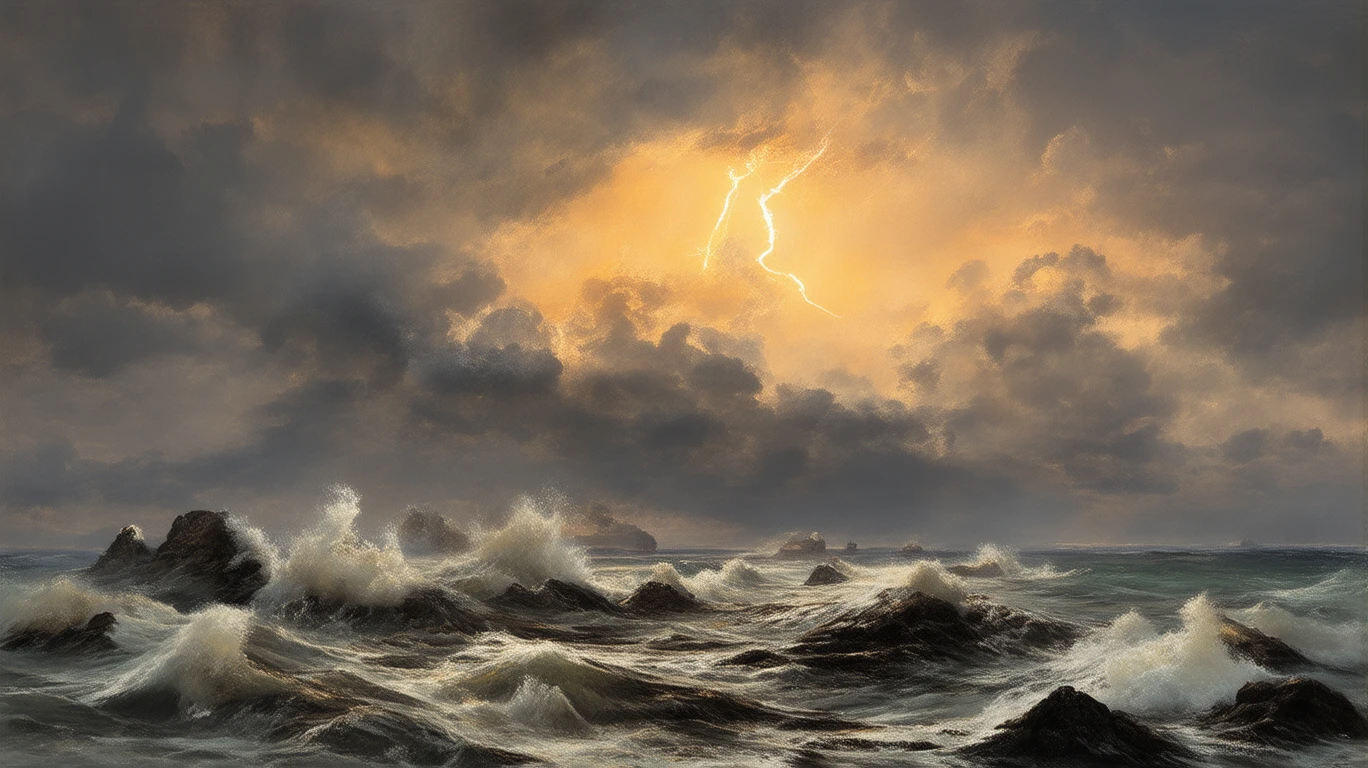
A tumultuous ocean violently crashing against black reefs as a storm approaches. The sky is filled with dark, heavy clouds, and a bolt of lightning tears across the sky, illuminating the churning waves. The painting is full of dramatic power and emotion, in the style of J.M.W. Turner, emphasizing the sublime and awesome power of nature. The oil paint texture is heavy, and the colors are deep and moody.
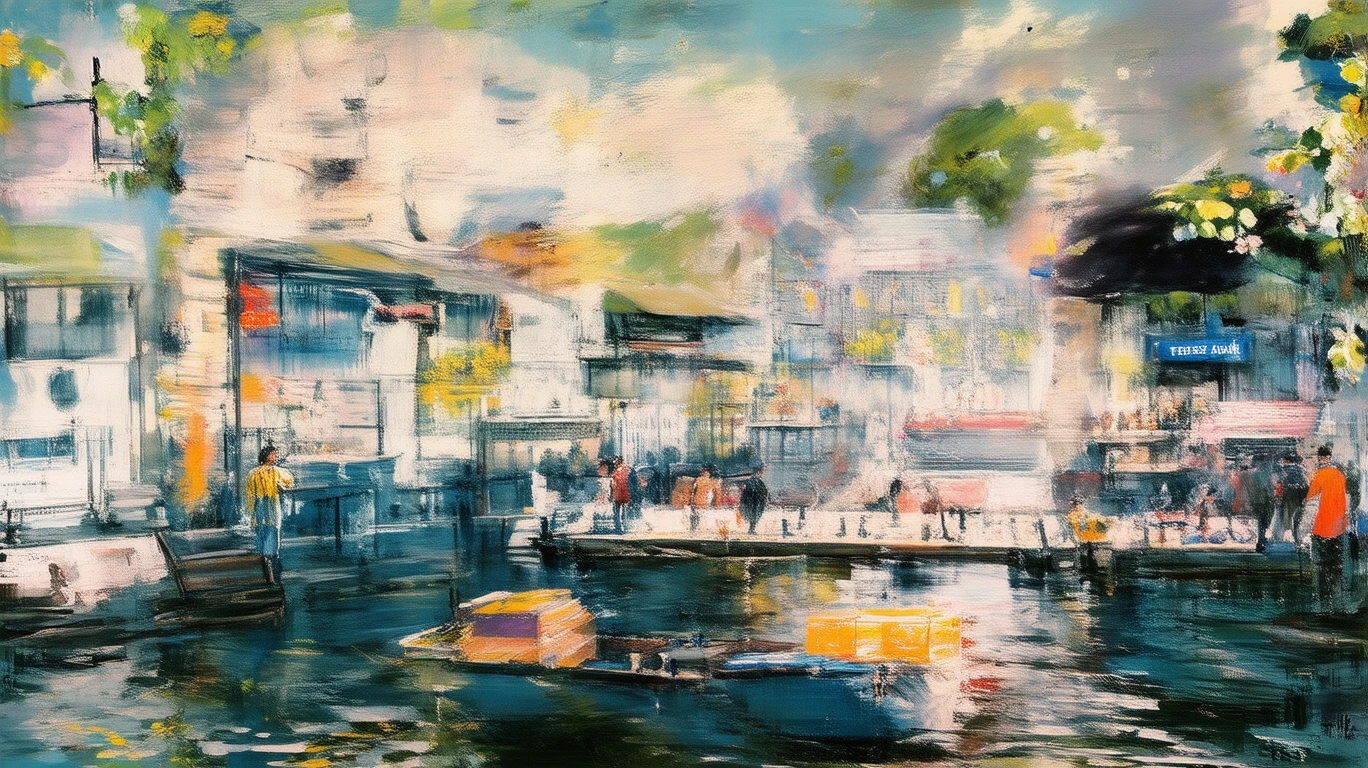
An afternoon scene at the Singapore River, by Boat Quay, with its shophouses and crowds. Painted in an Impressionist style, mimicking the brushwork of Monet, with a focus on capturing light. Short, thick brushstrokes and bright colors, with the reflection of the sun creating sparkling spots on the water's surface. The image is vibrant and slightly blurred, evoking a cheerful and lively atmosphere. --ar 16:9
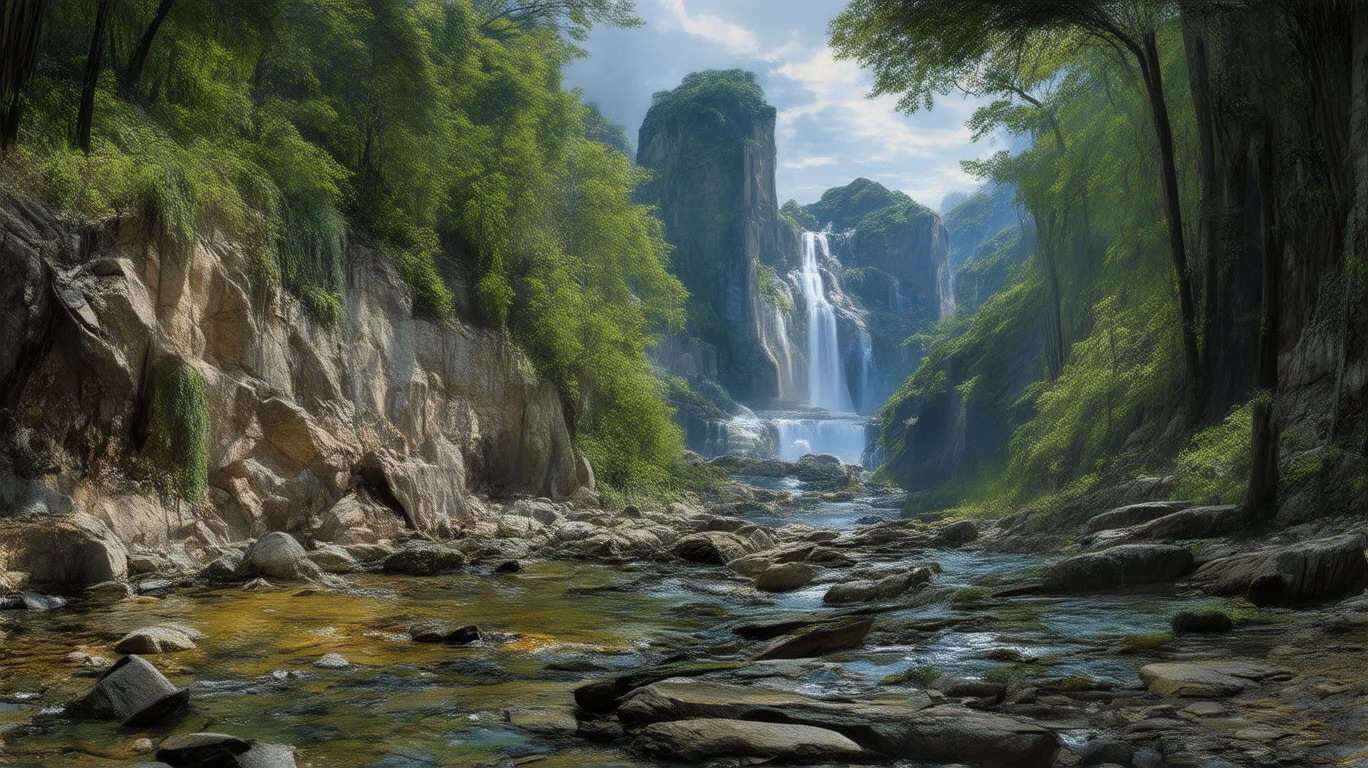
A serene and magnificent tropical rainforest landscape, with mist-shrouded mountains in the distance. A waterfall cascades from a high cliff into a clear stream. Sunlight filters through the dense canopy, casting a soft glow. The style is detailed and realistic, filled with an idealized and reverent depiction of nature, possessing the epic scale and tranquil atmosphere of the Hudson River School. --ar 16:9
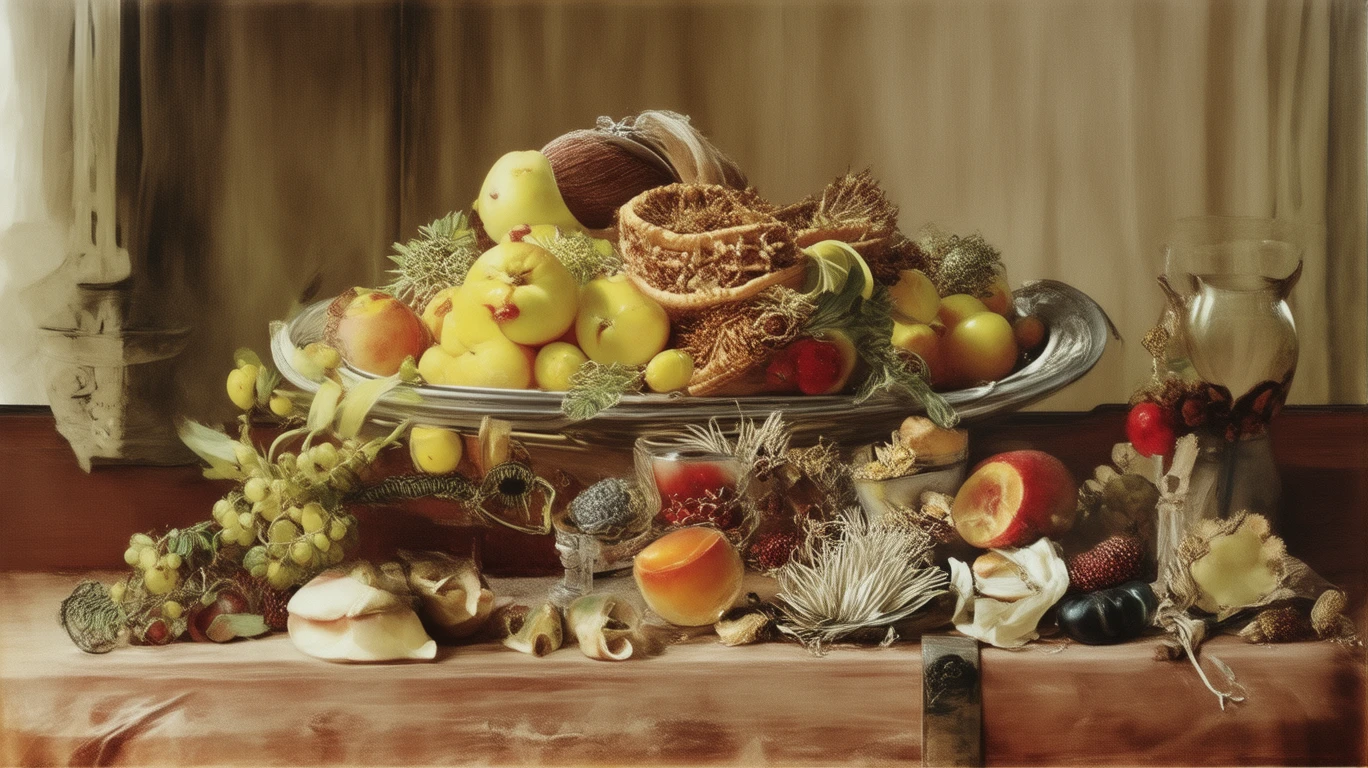
On a wooden table covered with a dark velvet cloth, there is a silver platter filled with tropical fruits (rambutans, mangosteens, mangoes), a parrot, and an exquisite glass goblet. The lighting is soft, and the details are rendered with extreme realism, showcasing the texture and reflection of each object. Possesses the intricate detail and symbolic meaning of the 17th-century Flemish school.
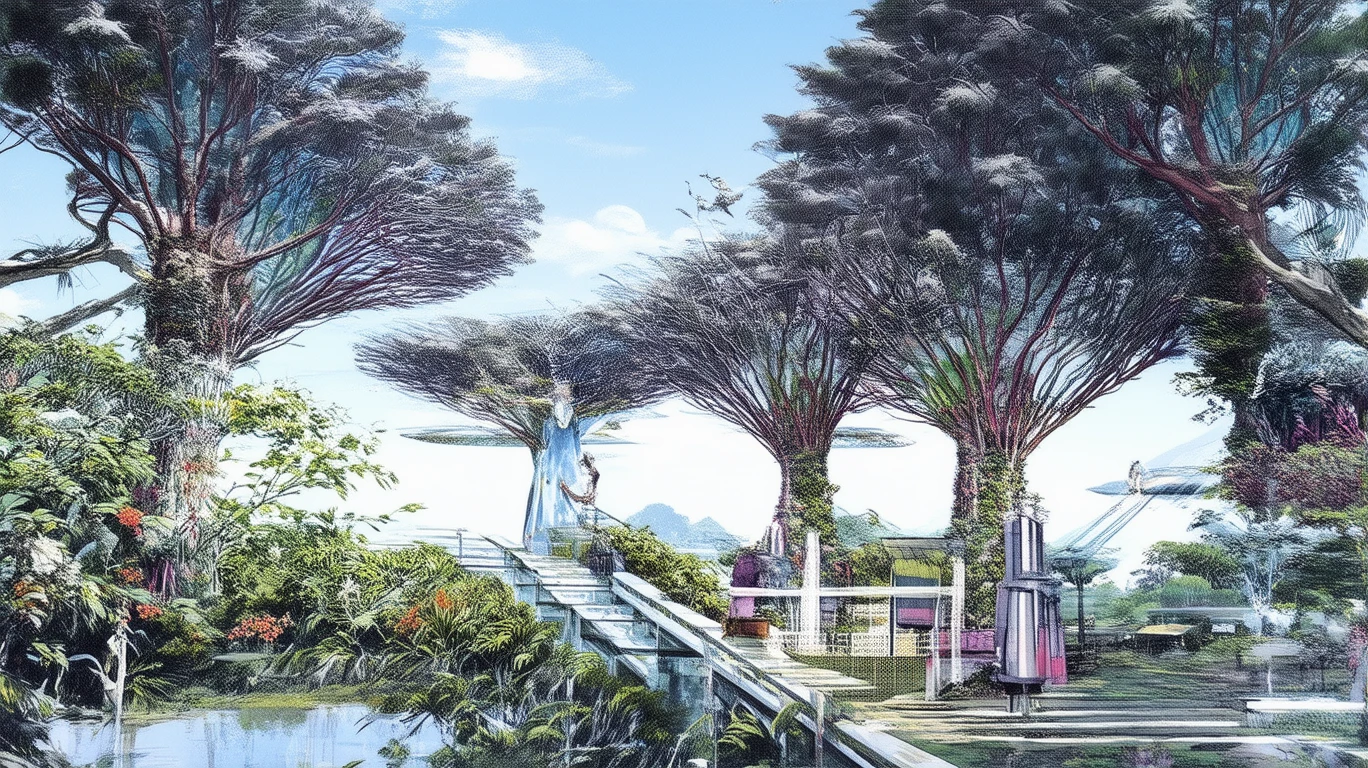
Singapore's Gardens by the Bay depicted in the style of a Japanese Ukiyo-e woodblock print. The giant Supertrees are drawn like traditional pine trees from classic prints, with simple yet powerful lines. The background features a flat, graded sky and stylized clouds. A couple in modern, modified kimonos strolls across a bridge. The image blends traditional art with a modern landmark, mimicking the style of Katsushika Hokusai.
Related Models

README
Stable Diffusion 3.5 Medium
Generate stunning images from text prompts with Stability AI's Stable Diffusion 3.5 Medium. This versatile model delivers high-quality results for both text-to-image and image-to-image generation, with excellent prompt adherence and artistic flexibility.
Why It Looks Great
- Strong prompt understanding: Accurately interprets complex, detailed descriptions including style, mood, and composition.
- Dual mode support: Use text-only for pure generation, or add a reference image for guided transformations.
- Flexible aspect ratios: Supports multiple output formats for any creative need.
- Prompt Enhancer: Built-in tool to refine and expand your descriptions for richer results.
- Reproducible outputs: Use the seed parameter to recreate exact images or explore variations.
- Balanced quality: Medium model offers an optimal trade-off between speed and visual fidelity.
Parameters
| Parameter | Required | Description |
|---|---|---|
| prompt | Yes | Text description of the image you want to generate. |
| image | No | Optional reference image for image-to-image generation (upload or URL). |
| aspect_ratio | No | Output aspect ratio (e.g., 16:9, 1:1, 9:16). Default: 16:9. |
| seed | No | Random seed for reproducibility. Use -1 for random. |
| enable_base64_output | No | API only: Returns base64 string instead of URL. |
How to Use
- Write your prompt — describe the image in detail, including subject, style, lighting, and mood.
- Use Prompt Enhancer (optional) — click to refine your description for better results.
- Add reference image (optional) — upload an image for image-to-image transformation.
- Choose aspect ratio — select the format that fits your needs.
- Set seed (optional) — use -1 for random, or a specific number for reproducible results.
- Run — click the button to generate.
- Download — preview and save your generated image.
Pricing
Flat rate per image generation.
| Output | Cost |
|---|---|
| Per image | $0.035 |
Examples
| Images Generated | Total Cost |
|---|---|
| 1 | $0.035 |
| 10 | $0.35 |
| 30 | $1.05 |
| 100 | $3.50 |
Best Use Cases
- Concept Art & Illustration — Generate detailed artwork, landscapes, and character designs.
- Marketing & Advertising — Create custom visuals for campaigns without stock photos.
- Creative Exploration — Rapidly iterate on visual ideas and artistic directions.
- Style Transfer — Transform reference images into new artistic interpretations.
- Storytelling & Storyboarding — Visualize scenes and narratives with consistent styling.
Example Prompts
- "A tumultuous ocean violently crashing against black reefs as a storm approaches, dark heavy clouds, lightning illuminating churning waves, dramatic oil painting style"
- "A cozy coffee shop interior with warm lighting, rain on the windows, vintage furniture, soft atmospheric mood"
- "Portrait of an astronaut in a field of wildflowers, cinematic lighting, photorealistic, golden hour"
- "Abstract geometric shapes floating in space, vibrant neon colors, minimalist design"
- "Ancient temple ruins overgrown with jungle vines, misty atmosphere, rays of sunlight breaking through"
Pro Tips for Best Results
- Be descriptive — include style references, lighting conditions, color palette, and mood.
- Mention artistic styles or artists for specific aesthetics (e.g., "in the style of impressionism").
- Use the Prompt Enhancer to add professional-quality details to simple ideas.
- For image-to-image, the reference strongly guides composition — choose images with the structure you want.
- Fix the seed when iterating on prompts to isolate the effect of text changes.
- Negative concepts can be implied by describing what you do want rather than what you don't.
Notes
- If using a URL for the reference image, ensure it is publicly accessible.
- The enable_base64_output option is only available through the API, not the web interface.
- Generation time may vary based on current queue load.
Stable Diffusion 3.5 Medium API — Quick start
Grab a WaveSpeedAI API key, then call POST https://api.wavespeed.ai/api/v3/stability-ai/stable-diffusion-3.5-medium with your input as JSON. The endpoint returns a prediction id; poll the prediction endpoint until status flips to completed, then read the output URL from data.outputs[0]. Examples for Stable Diffusion 3.5 Medium below.
HTTP example
# Submit the prediction
curl -X POST "https://api.wavespeed.ai/api/v3/stability-ai/stable-diffusion-3.5-medium" \
  -H "Content-Type: application/json" \
  -H "Authorization: Bearer $WAVESPEED_API_KEY" \
  -d '{
    "prompt": "A cinematic shot of a city at sunset, soft golden light",
    "image": "https://example.com/your-input.jpg",
    "aspect_ratio": "1:1",
    "seed": -1,
    "enable_base64_output": false
}'

# Response includes a prediction id. Poll for the result:
curl -X GET "https://api.wavespeed.ai/api/v3/predictions/{request_id}/result" \
  -H "Authorization: Bearer $WAVESPEED_API_KEY"

# When status is "completed", read the output from data.outputs[0].
Node.js example
// npm install wavespeed
const WaveSpeed = require('wavespeed');

const client = new WaveSpeed(); // reads WAVESPEED_API_KEY from env

const result = await client.run("stability-ai/stable-diffusion-3.5-medium", {
        "prompt": "A cinematic shot of a city at sunset, soft golden light",
        "image": "https://example.com/your-input.jpg",
        "aspect_ratio": "1:1",
        "seed": -1,
        "enable_base64_output": false
});

console.log(result.outputs[0]); // → URL of the generated output
Python example
# pip install wavespeed
import wavespeed

output = wavespeed.run(
    "stability-ai/stable-diffusion-3.5-medium",
    {
    "prompt": "A cinematic shot of a city at sunset, soft golden light",
    "image": "https://example.com/your-input.jpg",
    "aspect_ratio": "1:1",
    "seed": -1,
    "enable_base64_output": false
}
)

print(output["outputs"][0])  # → URL of the generated output
Stable Diffusion 3.5 Medium API — Frequently asked questions
What is the Stable Diffusion 3.5 Medium API?
Stable Diffusion 3.5 Medium is a Stability AI model for image generation, exposed as a REST API on WaveSpeedAI. Stable Diffusion 3.5 Medium is a 2.5B-parameter text-to-image model with the improved MMDiT-X architecture for quality images. Ready-to-use REST inference API, best performance, no coldstarts, affordable pricing. You can call it programmatically or try it from the playground above.
How do I call the Stable Diffusion 3.5 Medium API?
POST your input parameters to the model's REST endpoint (shown in the API tab of this playground) with your WaveSpeedAI API key in the Authorization header. Submission returns a prediction ID; poll the prediction endpoint until status flips to "completed", then read the output URL from the result. The playground generates a ready-to-paste code sample in Python, JavaScript, or cURL for whatever inputs you've set. Full request/response shape is documented at https://wavespeed.ai/docs/docs-api/stability-ai/stability-ai-stable-diffusion-3.5-medium.
How much does Stable Diffusion 3.5 Medium cost per run?
Stable Diffusion 3.5 Medium starts at $0.035 per run. That figure is the base price — the final charge scales with the parameters you set in the form (output size, length, count, references, or whatever knobs this model exposes), so a higher-quality or larger output costs more than a minimal one. The exact cost for your current input is shown live next to the Generate button before you submit, and the actual per-call charge is recorded on the prediction afterwards.
What inputs does Stable Diffusion 3.5 Medium accept?
Key inputs: `prompt`, `image`, `aspect_ratio`, `seed`, `enable_base64_output`. The full JSON schema (types, defaults, allowed values) is rendered above the Generate button and mirrored in the API reference at https://wavespeed.ai/docs/docs-api/stability-ai/stability-ai-stable-diffusion-3.5-medium.
How long does Stable Diffusion 3.5 Medium take to generate?
Average end-to-end generation time on WaveSpeedAI is around 5 seconds per request — measured across recent runs. Queue time scales with global demand; live status is visible in the prediction record.
Can I use Stable Diffusion 3.5 Medium outputs commercially?
Commercial usage rights depend on the model's license, set by its provider (Stability AI). The license summary appears on the model card above; see WaveSpeedAI's Terms of Service for platform-level conditions.