Stability AI Stable Diffusion is a latent text-to-image diffusion model that generates photo-realistic images from any text prompt. Ready-to-use REST inference API, best performance, no coldstarts, affordable pricing.
Idle

$0.0035per run·~285 / $1
ExamplesView all
The sun sets slowly over the sea level at Labrador Nature Reserve. The fiery sunset afterglow dyes the sky and sea red, while the silhouettes of the old fort and jetty appear especially solemn in the fading light. A wide-angle shot, capturing the vast scenery of the sea and sky as one.
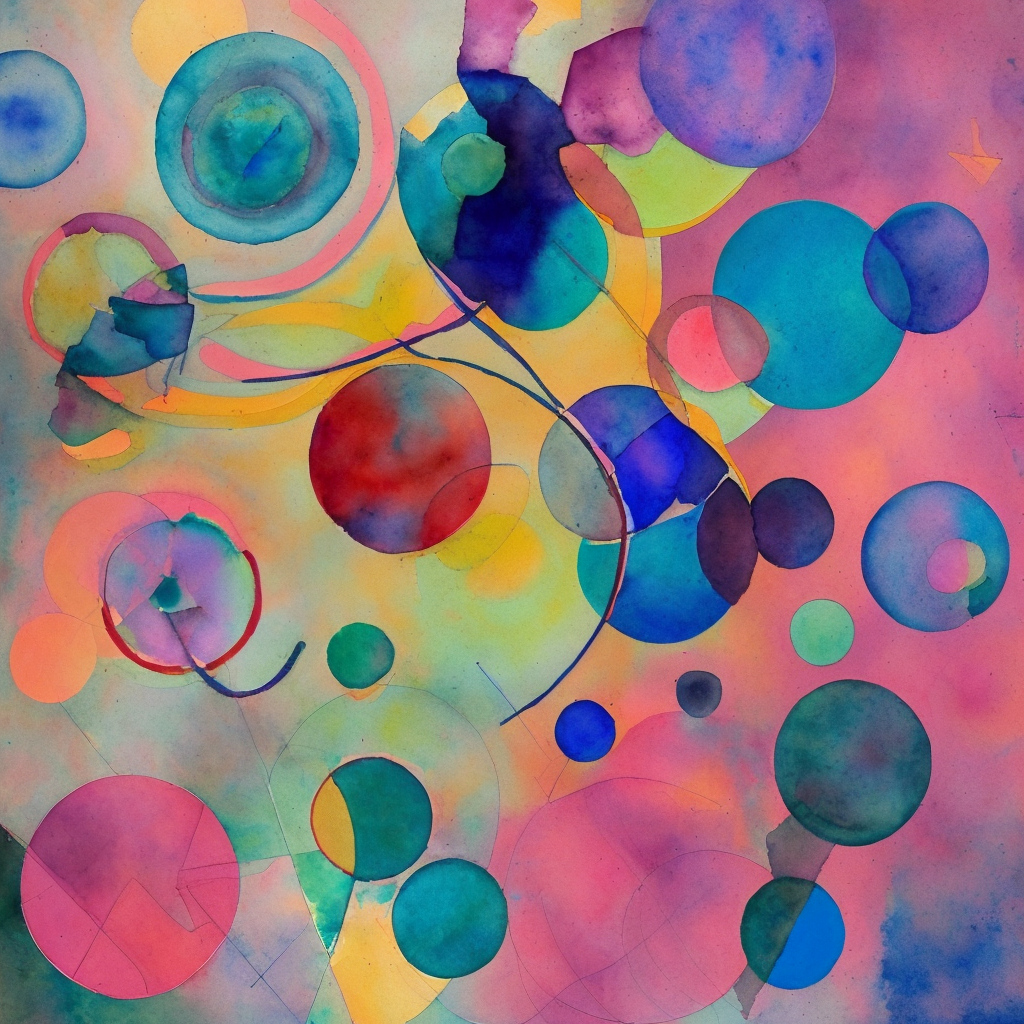
Lyrical abstraction inspired by Kandinsky, a symphony of floating geometric shapes, circles, triangles, and flowing lines, vibrant and harmonious color palette, evokes the feeling of classical music, spiritual and rhythmic, watercolor-like transparency on a textured paper background.
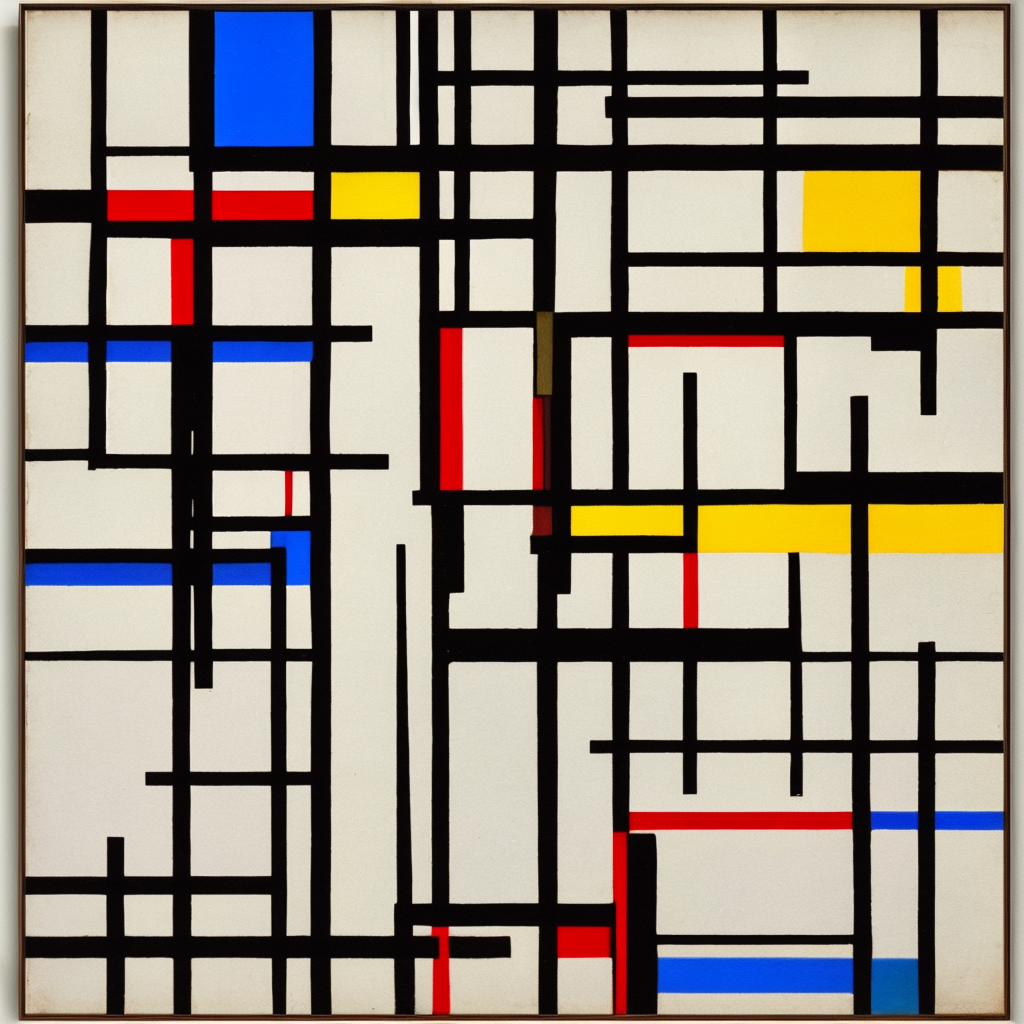
Minimalist geometric abstraction, style of Piet Mondrian, a composition of intersecting thick black lines creating rectangles of primary colors (red, blue, yellow) and white, perfectly balanced, clean and harmonious, flat planes of color, intellectual and orderly.
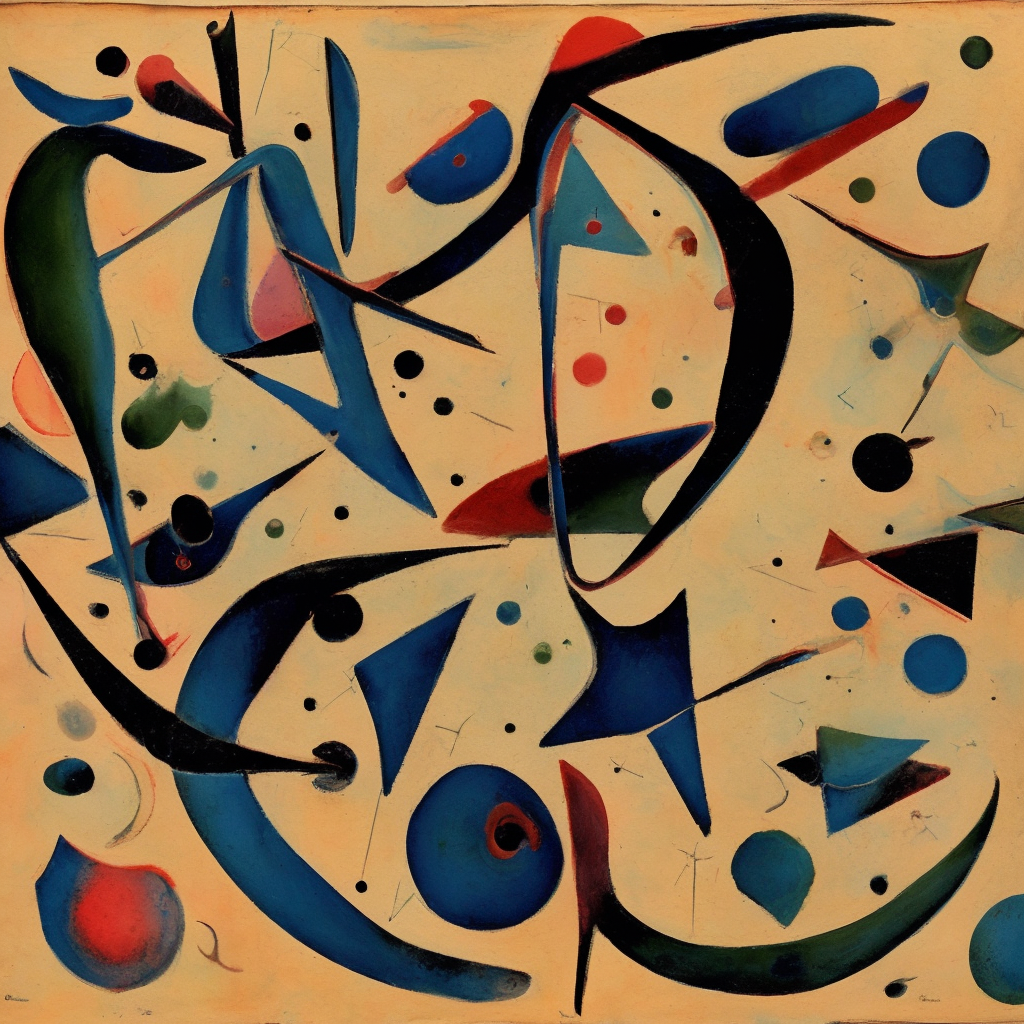
Surrealist automatism, biomorphic and organic forms flowing from the subconscious, dreamlike landscape of strange, interconnected shapes, muted earth tones with sudden bursts of vivid color, style of Joan Miró, playful yet mysterious, ink and wash on aged parchment.
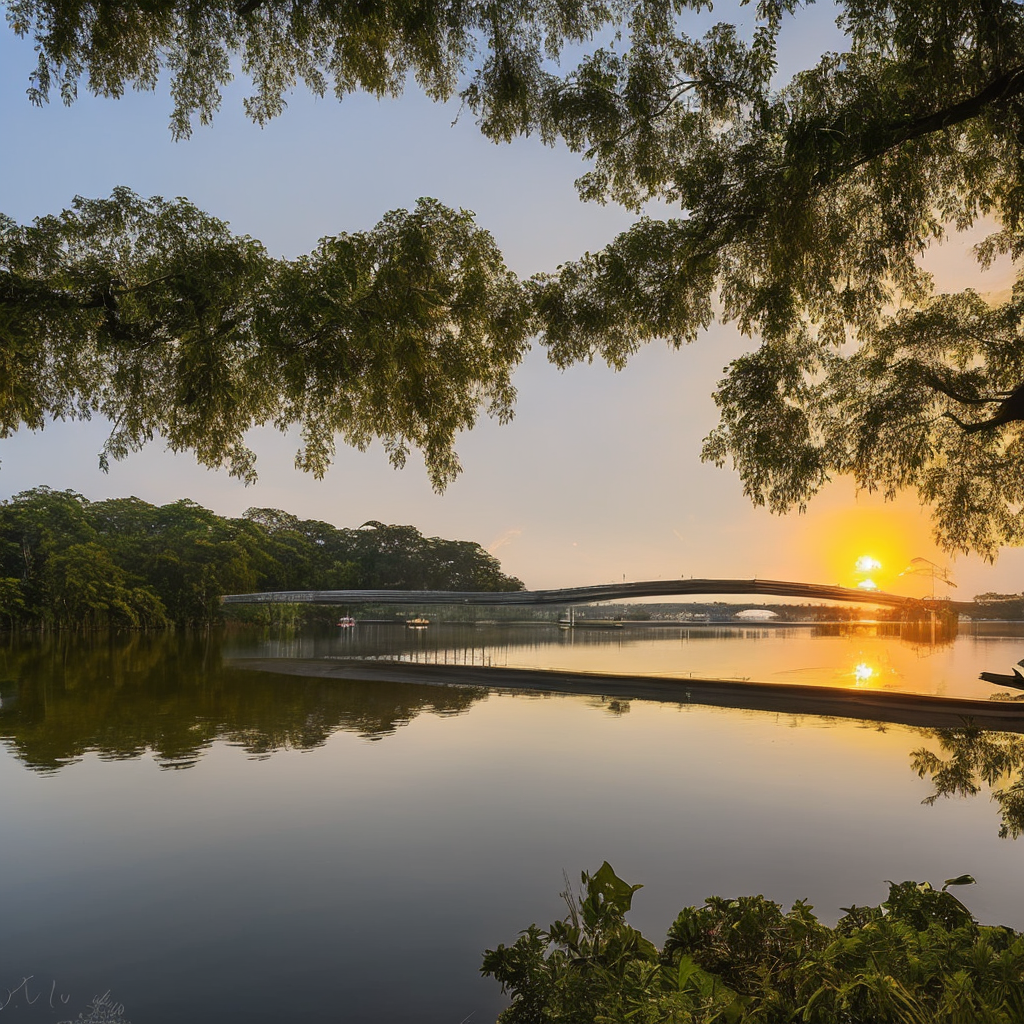
Professional photograph, the sun rises from behind the calm water of Lower Seletar Reservoir. Golden morning light illuminates the iconic observation bridge and the trees along the shore. The water's surface reflects the soft colors of the sky, the entire scene is full of peace and harmony.
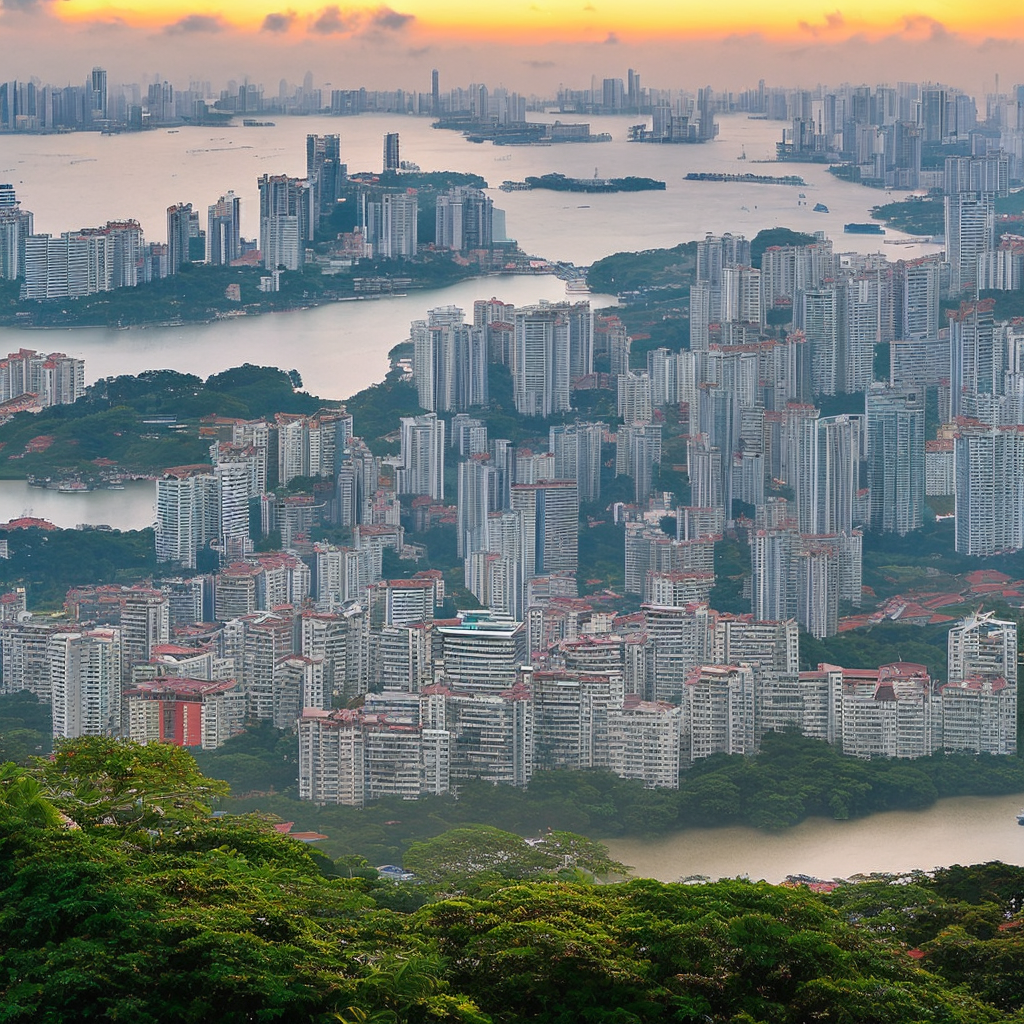
Viewed from the peak of Mount Faber Park, the first light of sunrise breaks through the clouds, casting its glow on the distant port and city skyline. Ships on the sea and the building clusters below are gradually illuminated, revealing the spectacular sight of a city awakening from its slumber.
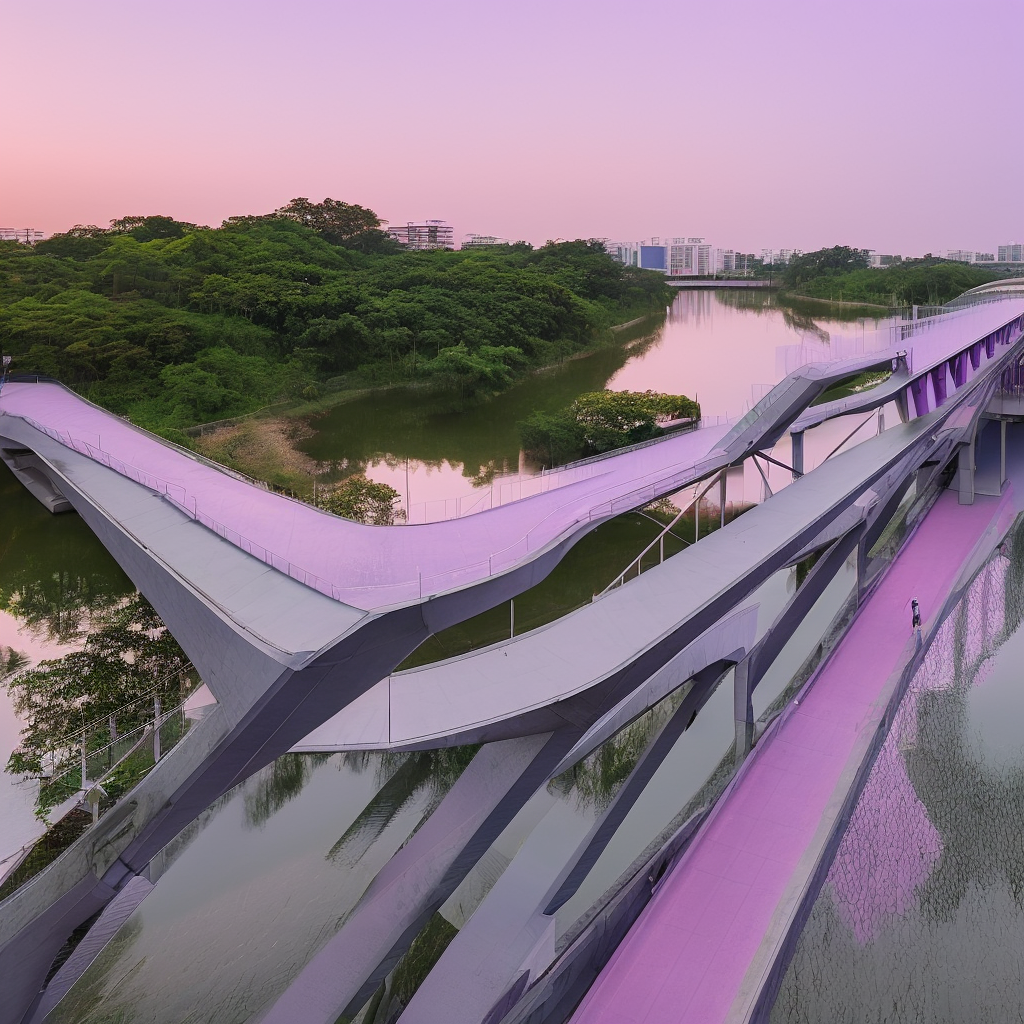
At dawn, the sky over Punggol Waterway Park displays soft pink and lilac hues. The modern-style pedestrian bridge is outlined in a graceful silhouette against the morning light, reflected in the tranquil waterway. The air is fresh and everything is serene, filled with a sense of hope.
Related Models


README
Stable Diffusion
Stable Diffusion is Stability AI's efficient and affordable text-to-image and image-to-image generation model. Generate quality images from text descriptions at an ultra-low cost — perfect for high-volume generation, prototyping, and budget-conscious projects.
Why It Stands Out
- Ultra-affordable: Generate images at just $0.0035 each — ideal for high-volume use cases.
- Dual mode support: Works as both text-to-image and image-to-image generator.
- Prompt Enhancer: Built-in AI-powered prompt optimization for better results.
- Flexible sizing: Customize width and height independently for any aspect ratio.
- Fast generation: Optimized for speed and efficiency.
- Reproducibility: Use the seed parameter to recreate exact results.
Parameters
| Parameter | Required | Description |
|---|---|---|
| prompt | Yes | Text description of the image you want to generate. |
| image | No | Source image for image-to-image transformation. |
| width | No | Output width in pixels (default: 1024). |
| height | No | Output height in pixels (default: 1024). |
| seed | No | Set for reproducibility; -1 for random. |
| enable_base64_output | No | Return base64 string instead of URL (API only). |
How to Use
Text-to-Image:
- Write a prompt describing the image you want. Use the Prompt Enhancer for AI-assisted optimization.
- Set dimensions — adjust width and height for your desired aspect ratio.
- Set a seed (optional) for reproducible results.
- Click Run and download your image.
Image-to-Image:
- Upload a source image.
- Write a prompt describing the transformation you want.
- Adjust dimensions and set a seed (optional).
- Click Run and download your transformed image.
Best Use Cases
- High-Volume Generation — Generate thousands of images affordably.
- Rapid Prototyping — Quickly test ideas and concepts at minimal cost.
- Batch Processing — Create large datasets of images for training or testing.
- Creative Exploration — Experiment with prompts without budget concerns.
- Thumbnail Generation — Produce placeholder images and quick previews.
Pricing
| Output | Price |
|---|---|
| Per image | $0.0035 |
Pro Tips for Best Quality
- Be descriptive in your prompt — include style, mood, lighting, and specific details.
- Use style keywords to guide the aesthetic output.
- Adjust dimensions to match your intended use case.
- For image-to-image, provide a clear source image and describe the desired transformation.
- Fix the seed when iterating to compare different prompt variations.
Notes
- Ensure uploaded image URLs are publicly accessible.
- Processing time varies based on resolution and current queue load.
- Please ensure your prompts comply with content guidelines.
Stable Diffusion API — Quick start
Grab a WaveSpeedAI API key, then call POST https://api.wavespeed.ai/api/v3/stability-ai/stable-diffusion with your input as JSON. The endpoint returns a prediction id; poll the prediction endpoint until status flips to completed, then read the output URL from data.outputs[0]. Examples for Stable Diffusion below.
HTTP example
# Submit the prediction
curl -X POST "https://api.wavespeed.ai/api/v3/stability-ai/stable-diffusion" \
  -H "Content-Type: application/json" \
  -H "Authorization: Bearer $WAVESPEED_API_KEY" \
  -d '{
    "prompt": "A cinematic shot of a city at sunset, soft golden light",
    "image": "https://example.com/your-input.jpg",
    "size": "1024*1024",
    "seed": -1,
    "enable_base64_output": false
}'

# Response includes a prediction id. Poll for the result:
curl -X GET "https://api.wavespeed.ai/api/v3/predictions/{request_id}/result" \
  -H "Authorization: Bearer $WAVESPEED_API_KEY"

# When status is "completed", read the output from data.outputs[0].
Node.js example
// npm install wavespeed
const WaveSpeed = require('wavespeed');

const client = new WaveSpeed(); // reads WAVESPEED_API_KEY from env

const result = await client.run("stability-ai/stable-diffusion", {
        "prompt": "A cinematic shot of a city at sunset, soft golden light",
        "image": "https://example.com/your-input.jpg",
        "size": "1024*1024",
        "seed": -1,
        "enable_base64_output": false
});

console.log(result.outputs[0]); // → URL of the generated output
Python example
# pip install wavespeed
import wavespeed

output = wavespeed.run(
    "stability-ai/stable-diffusion",
    {
    "prompt": "A cinematic shot of a city at sunset, soft golden light",
    "image": "https://example.com/your-input.jpg",
    "size": "1024*1024",
    "seed": -1,
    "enable_base64_output": false
}
)

print(output["outputs"][0])  # → URL of the generated output
Stable Diffusion API — Frequently asked questions
What is the Stable Diffusion API?
Stable Diffusion is a Stability AI model for image generation, exposed as a REST API on WaveSpeedAI. Stability AI Stable Diffusion is a latent text-to-image diffusion model that generates photo-realistic images from any text prompt. Ready-to-use REST inference API, best performance, no coldstarts, affordable pricing. You can call it programmatically or try it from the playground above.
How do I call the Stable Diffusion API?
POST your input parameters to the model's REST endpoint (shown in the API tab of this playground) with your WaveSpeedAI API key in the Authorization header. Submission returns a prediction ID; poll the prediction endpoint until status flips to "completed", then read the output URL from the result. The playground generates a ready-to-paste code sample in Python, JavaScript, or cURL for whatever inputs you've set. Full request/response shape is documented at https://wavespeed.ai/docs/docs-api/stability-ai/stability-ai-stable-diffusion.
How much does Stable Diffusion cost per run?
Stable Diffusion starts at $0.004 per run. That figure is the base price — the final charge scales with the parameters you set in the form (output size, length, count, references, or whatever knobs this model exposes), so a higher-quality or larger output costs more than a minimal one. The exact cost for your current input is shown live next to the Generate button before you submit, and the actual per-call charge is recorded on the prediction afterwards.
What inputs does Stable Diffusion accept?
Key inputs: `prompt`, `image`, `size`, `seed`, `enable_base64_output`. The full JSON schema (types, defaults, allowed values) is rendered above the Generate button and mirrored in the API reference at https://wavespeed.ai/docs/docs-api/stability-ai/stability-ai-stable-diffusion.
How long does Stable Diffusion take to generate?
Average end-to-end generation time on WaveSpeedAI is around 5 seconds per request — measured across recent runs. Queue time scales with global demand; live status is visible in the prediction record.
Can I use Stable Diffusion outputs commercially?
Commercial usage rights depend on the model's license, set by its provider (Stability AI). The license summary appears on the model card above; see WaveSpeedAI's Terms of Service for platform-level conditions.