Generuj obrazy i wideo w Claude, ChatGPT, Cursor i Codex
Połącz WaveSpeed z agentem AI, którego już używasz, i po prostu poproś. Agent znajdzie model, poda cenę i wygeneruje. Zaloguj się raz w przeglądarce; nie trzeba kopiować klucza API.
Prawdziwe efekty uzyskane przez WaveSpeed MCP. Wybierz, gdzie pracujesz, i wyślij prośbę jednym kliknięciem albo ją skopiuj.
Wyślij z
Wygeneruj obraz
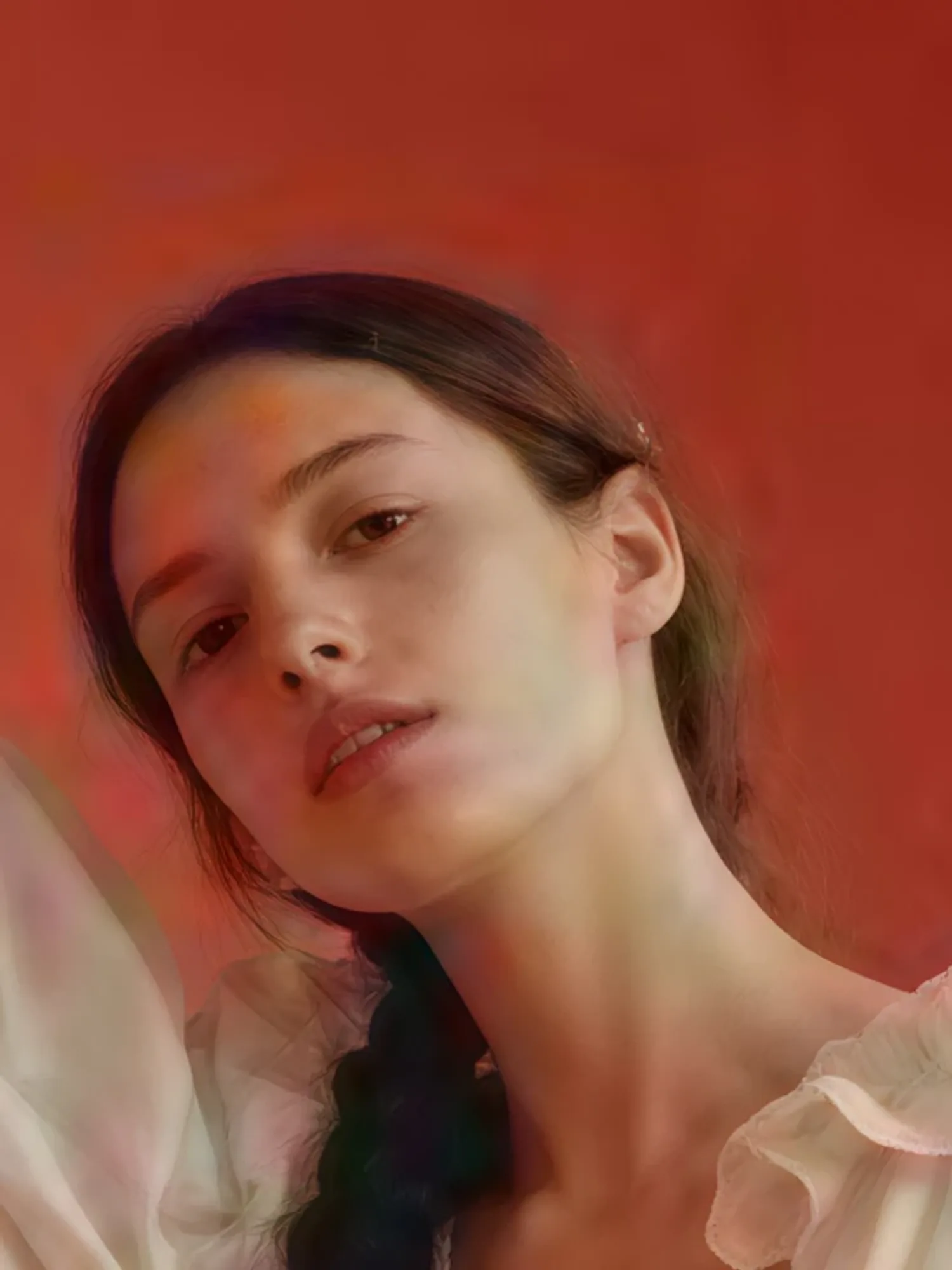
Modowe zdjęcie edytorialne z jednego opisu.
Create a fashion editorial photo of a young woman standing between sculptural archways painted coral and sky blue, one hand on the curved wall. She wears a voluminous ivory gown with ruffled sleeves and tiny pearl details, her long dark hair in a single thick braid with a small white flower. Soft studio light, saturated colours, the grain of 35mm film.
Filmowy klip z dźwiękiem, ruchem kamery i całą resztą.
Make an 8-second video of a young man with curly hair in a yellow raincoat running up a stone seaside staircase in the rain, laughing. The handheld camera follows him to the top, where he catches his breath and looks out at a stormy sea as the wind blows his hood back. Sound of rain, waves and his breathing.
Twoja historia jako scena ze spójną obsadą i mówionymi dialogami.
Turn my story into a short drama scene with a consistent cast: a gruff old lighthouse keeper finds a soaked young sailor at his door on a stormy night. First make a still of both characters, then a 10-second scene with spoken dialogue. He says: "You're lucky the light was still on." She answers: "I thought this place was empty."
Recenzja Twojego produktu w stylu twórcy, na podstawie jednego zdjęcia.
Make a creator-style product review of my product (ask me for a photo): a friendly creator at her kitchen table holds it up to her phone and says: "Okay, I've used this bottle every day for a month. Ice lasts the whole day, and it hasn't leaked in my bag once." Vertical, handheld, natural light, about 8 seconds.
Zachowaj ruch kamery, tempo i nastrój reklamy referencyjnej, z Twoim produktem w roli głównej.
Recreate the reference ad I give you (ask me for the video) for my own product (ask me for a photo): keep its camera move, pacing, lighting and mood, but show my product instead. Tell me the price first.
Upscale my image to 4K (ask me to attach it). Keep the face, colours and composition exactly as they are, just make it sharp. Use a dedicated upscaler and tell me the price first.
Twoje nagrania w nowym stylu: poświata, rampy prędkości i przejścia z błyskiem.
Turn my footage (ask me for the video) into an aura edit: keep the person and the camera movement, add a glowing aura outline, speed-ramped slow motion, flash-frame transitions and film grain with light leaks, cut to a pulsing electronic beat.
Dodaje hostowany serwer MCP i skill WaveSpeed w jednej instalacji.
Wyślij to do agenta Claude Code
Claude Code sam przeprowadzi konfigurację. Ty tylko zatwierdzasz logowanie w przeglądarce.
Set up WaveSpeed so you can generate images, videos and audio for me here.
1. Add the WaveSpeed marketplace: run `claude plugin marketplace add WaveSpeedAI/claude-plugins`.
2. Install the plugin: run `claude plugin install wavespeed@wavespeed`.
3. Tell me to run /mcp, pick wavespeed and approve the sign-in in my browser.
Once connected, check my WaveSpeed balance to confirm it works and tell me I can start.
Dodaje hostowany serwer MCP i skill WaveSpeed w jednej instalacji.
Wyślij to do agenta Codex
Codex sam przeprowadzi konfigurację. Ty tylko zatwierdzasz logowanie w przeglądarce.
Set up WaveSpeed so you can generate images, videos and audio for me here.
1. Add the hosted MCP server: run `codex mcp add wavespeed --url https://api.wavespeed.ai/mcp`.
2. Sign in: run `codex mcp login wavespeed` and tell me to approve the sign-in in my browser.
3. Tell me to start a new Codex session so the WaveSpeed tools load.
Once connected, check my WaveSpeed balance to confirm it works and tell me I can start.
Dodaje hostowany serwer MCP i skill WaveSpeed w jednej instalacji.
Wyślij to do agenta OpenCode
OpenCode sam przeprowadzi konfigurację. Ty tylko zatwierdzasz logowanie w przeglądarce.
Set up WaveSpeed so you can generate images, videos and audio for me here.
1. Add the hosted MCP server: run `opencode mcp add wavespeed --url https://api.wavespeed.ai/mcp`.
2. Sign in: run `opencode mcp auth wavespeed` and tell me to approve the sign-in in my browser.
3. Tell me to restart OpenCode so the WaveSpeed tools load.
Once connected, check my WaveSpeed balance to confirm it works and tell me I can start.
Albo skonfiguruj samodzielnie
1
Dodaj wtyczkę do pliku opencode.json
{"plugin":["@wavespeed/opencode"]}
2
Zaloguj się i zatwierdź połączenie w przeglądarce
$opencode mcp auth wavespeed
Potem poproś: “Zrób obraz hero 16:9 z cyberpunkową panoramą miasta i najpierw podaj cenę.”
Zawiera skill WaveSpeed dla Gemini CLI, instalowany i aktualizowany jednym poleceniem.
Wyślij to do agenta Gemini CLI
Gemini CLI sam przeprowadzi konfigurację i raz poprosi cię o klucz API.
Set up WaveSpeed so you can generate images, videos and audio for me here.
1. Install the CLI: run `npm install -g @wavespeed/cli`.
2. Sign in: ask me for my API key (I get it at https://wavespeed.ai/accesskey), then run `wavespeed login --api-key <key>`.
3. Install the extension: run `gemini extensions install https://github.com/WaveSpeedAI/wavespeed-gemini-extension`.
Once connected, check my WaveSpeed balance to confirm it works and tell me I can start.
Wtyczka dsh, która automatycznie rejestruje skill WaveSpeed.
Wyślij to do agenta DeepSeek Harness
DeepSeek Harness sam przeprowadzi konfigurację i raz poprosi cię o klucz API.
Set up WaveSpeed so you can generate images, videos and audio for me here.
1. Install the CLI: run `npm install -g @wavespeed/cli`.
2. Sign in: ask me for my API key (I get it at https://wavespeed.ai/accesskey), then run `wavespeed login --api-key <key>`.
3. Add the skill: run `dsh plugin --profile web add github:WaveSpeedAI/wavespeed-dsh-skill`.
Once connected, check my WaveSpeed balance to confirm it works and tell me I can start.
Albo skonfiguruj samodzielnie
1
Zainstaluj WaveSpeed CLI i zaloguj się
$npm install -g @wavespeed/cli && wavespeed login
2
Dodaj wtyczkę ze skillem
$dsh plugin --profile web add github:WaveSpeedAI/wavespeed-dsh-skill
Potem poproś: “Zrób obraz hero 16:9 z cyberpunkową panoramą miasta i najpierw podaj cenę.”
Windsurf, Cline, GitHub Copilot, Goose i każdy inny klient MCP: dodaj hostowany serwer po adresie.
Wyślij to do agenta Inne klienty MCP
Inne klienty MCP sam przeprowadzi konfigurację. Ty tylko zatwierdzasz logowanie w przeglądarce.
Set up WaveSpeed so you can generate images, videos and audio for me here.
1. Add a remote MCP server named "wavespeed" with the URL https://api.wavespeed.ai/mcp (HTTP transport) to your MCP configuration.
2. It signs in with OAuth: start the sign-in and tell me to approve it in my browser.
3. If you can't add remote MCP servers, install the CLI instead: run `npm install -g @wavespeed/cli`, ask me for my API key (from https://wavespeed.ai/accesskey), run `wavespeed login --api-key <key>`, then `wavespeed skill install`.
Once connected, check my WaveSpeed balance to confirm it works and tell me I can start.
Albo skonfiguruj samodzielnie
1
Dodaj zdalny serwer MCP z tym adresem. Większość klientów zaloguje cię potem przez przeglądarkę.
https://api.wavespeed.ai/mcp
Potem poproś: “Zrób obraz hero 16:9 z cyberpunkową panoramą miasta i najpierw podaj cenę.”
Inne sposoby
Klient bez obsługi zdalnego MCP? Uruchom serwer lokalnie:
Generuj obrazy i wideo w ChatGPT, Claude, Codex i Claude Code
Połącz WaveSpeed raz, a potem po prostu proś. Twój agent wybierze narzędzie, stworzy obraz i powie Ci, ile to kosztowało.
ChatGPT · WaveSpeed połączony
Zrób obraz hero 16:9 na landing page mojej kawiarni: przytulnie, wschód słońca, z miejscem na nagłówek.
✨
Oto Twój obraz hero: ciepłe światło wschodu słońca na witrynie, szerokie kadrowanie pod baner. · Koszt $0.045
🪄generate_image · 16:9›
generate_imageprompt: cozy coffee shop at sunrise, warm light in the windows, room for a headlineaspect_ratio: 16:9
Super. Napisz "Open at 7" na witrynie.
✨
Gotowe: "Open at 7" jest ręcznie wymalowane na szybie, reszta bez zmian. · Koszt $0.045
🪄edit_image›
edit_imageprompt: add the words "Open at 7" in white hand lettering on the front windowimages: [hero.jpg]
Generowanie obrazów i wideo w asystencie AI
Jak generować obrazy w ChatGPT z WaveSpeed?
+
W ChatGPT otwórz Plugins, wybierz Add custom MCP server, wklej https://api.wavespeed.ai/mcp i zaloguj się kontem WaveSpeed. Potem po prostu poproś o obraz własnymi słowami, na przykład „zrób obraz hero 16:9 kawiarni o wschodzie słońca”.
Czy Claude Desktop może generować obrazy i wideo?
+
Tak, po dodaniu WaveSpeed jako konektora. W Claude (desktop lub web) otwórz Customize → Connectors → Add custom connector, wklej https://api.wavespeed.ai/mcp i zaloguj się. Od tej pory Claude może tworzyć i edytować dla Ciebie obrazy i wideo.
Jak generować obrazy i wideo w Codex?
+
W Codex otwórz /plugins, zainstaluj WaveSpeed i zatwierdź połączenie w przeglądarce. Codex będzie wtedy mógł generować obrazy i wideo podczas pracy nad projektem i zapisywać je w nim.
Jak generować obrazy w Claude Code?
+
Dodaj marketplace WaveSpeed, zainstaluj wtyczkę, a następnie uruchom /mcp w Claude Code i zatwierdź połączenie. Poproś o obraz lub wideo, a Claude Code wywoła za Ciebie WaveSpeed.
Czy mogę edytować obraz albo zrobić z niego wideo w tym samym czacie?
+
Tak. Poproś o zmianę („zmień podest na miętowy”), a agent edytuje ostatni obraz; poproś o wideo, a może animować obraz albo stworzyć cały klip.
Ile to kosztuje?
+
Płacisz za każdą generację z salda WaveSpeed, bez subskrypcji. Agent może pokazać cenę przed uruchomieniem, a każdy wynik podaje, ile kosztował.
Co twój agent może zrobić przez MCP
Skróty do codziennej pracy z obrazem i wideo oraz pełny katalog: wyszukaj modele, sprawdź ich rzeczywiste wejścia, poznaj cenę i uruchom.
generate_image
Utwórz obraz z promptu, opcjonalnie na podstawie obrazów referencyjnych
edit_image
Edytuj, zmieniaj styl lub łącz istniejące obrazy
generate_video
Utwórz wideo z promptu, pierwszej klatki lub referencji
edit_video
Zmień to, co dzieje się w istniejącym wideo
extend_video
Przedłuż wideo o nowe ujęcia
list_models
Przeszukuj katalog na żywo po tekście lub typie
get_model_schema
Prawdziwe wejścia, pola wymagane i wartości domyślne modelu
run_model
Uruchom dowolny model; lokalne wejścia @plik są przesyłane automatycznie
get_price
Poznaj koszt, zanim wydasz
get_balance
Sprawdź saldo kredytów
upload_file
Zamień plik lokalny na hostowany URL
get_prediction
Wróć do długiej generacji po jej id
list_predictions
Przeglądaj historię swoich generacji
list_billings
Zobacz szczegółowe opłaty i zwroty
get_usage
Sprawdź wydatki i zużycie według dnia i modelu
delete_predictions
Usuwanie uruchomień z historii (najpierw pyta)
upload_file jest dostępne tylko na serwerze lokalnym. Serwer zdalny nie może czytać Twoich plików: podaj publiczne adresy URL, użyj create_upload w narzędziu, które potrafi wysyłać żądania HTTP, albo w ChatGPT dołącz plik do czatu.
Ten sam katalog w powłoce, skryptach i agentach uruchamiających polecenia: jedno polecenie open source dla każdego modelu, z wyjściem JSON do przekazywania potokiem.
CLI
@wavespeed/cli
Zainstaluj raz i uruchamiaj dowolny model z powłoki lub skryptów.
Zaktualizuj do najnowszej wersji jednym poleceniem.
$wavespeed upgrade
Używaj modeli WaveSpeed w swoim agencie programistycznym
Skonfiguruj Claude Code, Codex, OpenCode i inne, aby korzystały z API LLM WaveSpeed. W każdej chwili możesz to cofnąć.
$wavespeed setup
Stworzone dla ludzi i agentów
Dynamiczna pomoc dla każdego modelu
Uruchom wavespeed run <model> -h, a CLI pobierze na żywo schemat wejścia tego modelu i wypisze dokładne flagi, które akceptuje — bez zgadywania.
Aliasy podróżujące z twoim repo
Zdefiniuj nazwane skróty w wavespeed.json łączące model + domyślne wejścia. Zespoły pobierają plik, wpisują wavespeed run hero i otrzymują wynik zgodny z marką.
Natywne dla agentów z projektu
Każde polecenie obsługuje --json na stdout i postęp na stderr. Dodaj plik SKILL.md, by Codex, Claude Code, Claude Cowork i Cursor wiedziały, jak je wywołać.
Bez magii, bez demona
CLI nigdy nie modyfikuje twojego promptu i nie otwiera procesu w tle. Woła api.wavespeed.ai bezpośrednio. Open source, licencja MIT.
Jak wygląda prawdziwa sesja
Od przeglądania katalogu po wynik JSON — trzy polecenia.
~/projects/marketing
# 1. browse the catalog$ wavespeed models --type text-to-image --popular
# 2. inspect a model's inputs — schema fetched live$ wavespeed run wavespeed-ai/z-image/turbo -h
* prompt string
size string default: "1024*1024"
strength number default: 0.6 range: 0..1
output_format string default: "jpeg" enum: jpeg | png | webp
# 3. run — JSON out so you can pipe it$ wavespeed run wavespeed-ai/z-image/turbo \
-p "a cyberpunk skyline at golden hour" --json
{"model": "wavespeed-ai/z-image/turbo",
"outputs": ["https://example.com/output/skyline.jpeg"],
"elapsed_ms": 4718
}
Open source. Gotowe dziś.
Licencja MIT, opublikowane pod @wavespeed na npm, hostowane na GitHub. Issues i PR mile widziane.