Recraft V4 generates native SVG vector graphics from text prompts, ideal for logos, icons, and design assets. Ready-to-use REST inference API, best performance, no cold starts, affordable pricing.
Idle
$0.08per run·~12 / $1
ExamplesView all
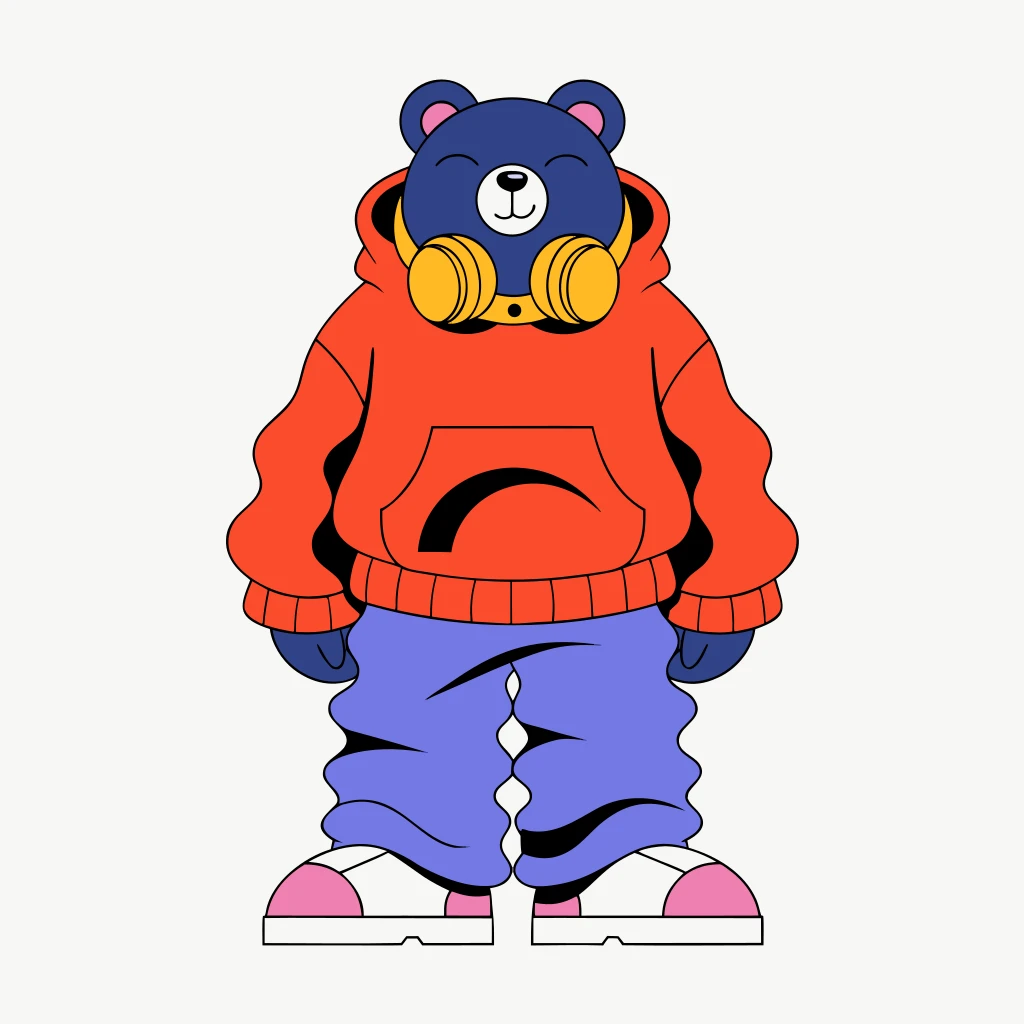
A cute character bear wearing a hoodie and headphones around its neck, 3d flat color, design, street fashion, standing pose
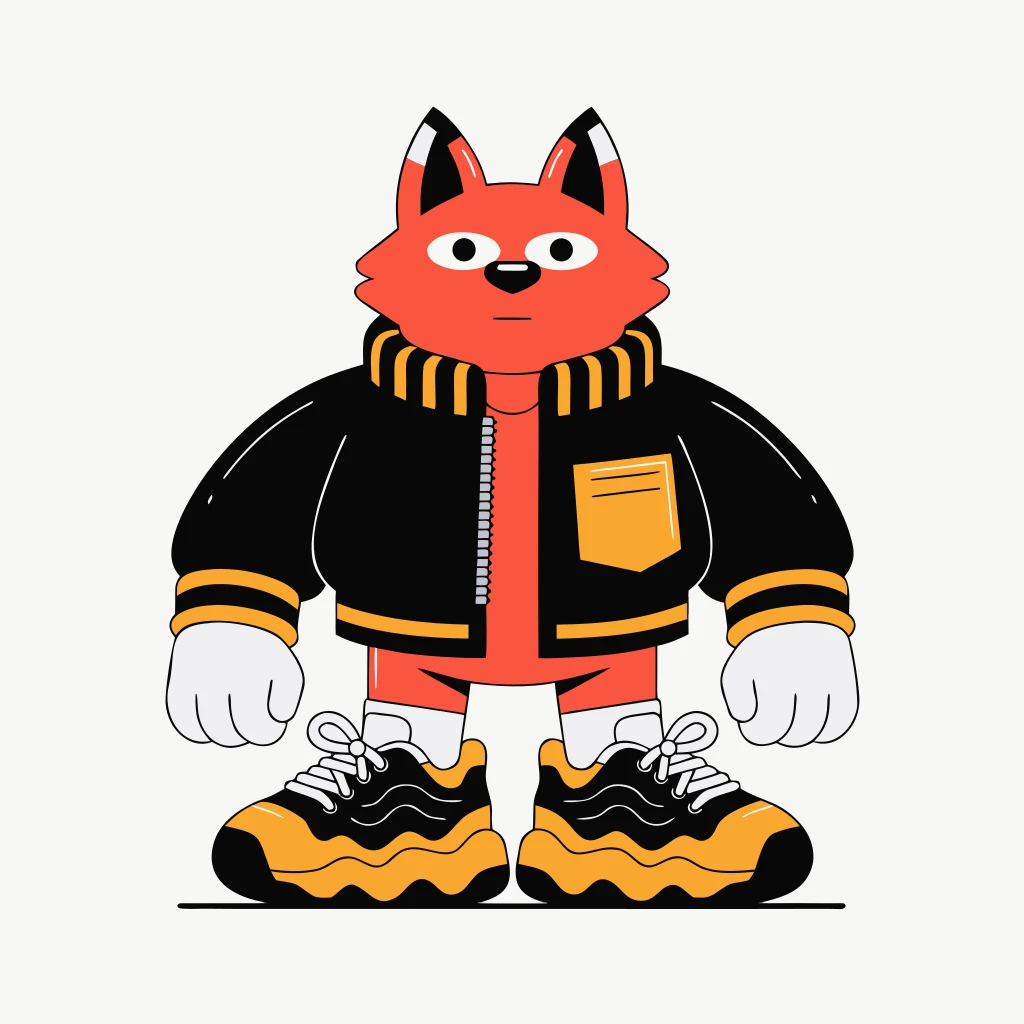
A cute character fox wearing a bomber jacket and sneakers, 3d flat color, design, minimal background, front view
Related Models
/filters:quality(82)/media/images/1778829995479191142_gbvTA2oH.webp)
/filters:quality(82)/media/images/1790223314224990535_vU3cENX7.webp)
/filters:quality(82)/media/images/1778829979967398827_5vfpyJR1.webp)
/filters:quality(82)/media/images/1778829946372077373_TebkuDNX.webp)
/filters:quality(82)/media/images/1778830007812731541_lXxGQY8i.webp)
/filters:quality(82)/media/images/1778829893861674666_u4OY8hrA.webp)
README
Recraft V4 Text-to-Vector
Recraft V4 Text-to-Vector generates scalable vector graphics (SVG) from text descriptions. Perfect for logos, icons, illustrations, and design assets that need to scale infinitely without losing quality.
Why Choose This?
-
True vector output Generates scalable SVG files that remain crisp at any size — no pixelation.
-
Design-ready assets Output is immediately usable in design tools like Figma, Illustrator, and Sketch.
-
Flexible aspect ratios Multiple options including 1:1, 16:9, 9:16, 4:3, and 3:4 for various use cases.
-
Flat color styles Ideal for 3D flat color designs, character illustrations, and modern graphic styles.
Parameters
| Parameter | Required | Description |
|---|---|---|
| prompt | Yes | Text description of the desired vector graphic |
| image_size | No | Aspect ratio: 1:1, 16:9, 9:16, 4:3, 3:4 (default: 3:4) |
How to Use
- Write your prompt — describe the vector graphic, including style and composition.
- Choose aspect ratio — select the format that fits your design needs.
- Run — submit and download your generated SVG.
Pricing
| Output | Cost |
|---|---|
| Per image | $0.08 |
Best Use Cases
- Logo Design — Generate scalable logo concepts and brand marks.
- Icon Creation — Create app icons, UI icons, and pictograms.
- Character Design — Flat color character illustrations for branding and media.
- Marketing Assets — Scalable graphics for print and digital campaigns.
- Stickers & Merchandise — Design assets that scale to any size without quality loss.
Pro Tips
- Use clear, design-focused prompts — specify "flat color", "vector style", or "minimalist" for best results.
- Vector output works best with simpler compositions and solid color areas.
- Match aspect ratio to your final use: 1:1 for icons, 3:4 for character designs, 16:9 for banners.
- Generated SVGs can be further edited in vector design tools.
Notes
- Prompt is the only required field.
- Output is scalable vector format (SVG).
- Best suited for flat color, illustrative styles rather than photorealistic imagery.
Related Models
- Recraft V4 Pro Text-to-Vector — Pro tier with enhanced quality.
- Recraft V4 Text-to-Image — Generate raster images from text.
- Recraft V4 Pro Text-to-Image — Pro tier image generation.
Recraft v4 Text To Vector API — Quick start
Grab a WaveSpeedAI API key, then call POST https://api.wavespeed.ai/api/v3/recraft-ai/recraft-v4/text-to-vector with your input as JSON. The endpoint returns a prediction id. Start polling the result endpoint around every 2 seconds, increase the interval for long-running tasks, and stop on any terminal status. On completed, read output values from data.outputs. Examples for Recraft v4 Text To Vector below.
HTTP example
set -euo pipefail

: "${WAVESPEED_API_KEY:?Set WAVESPEED_API_KEY}"

REQUEST_BODY=$(cat <<'JSON'
{
    "prompt": "A cinematic shot of a city at sunset, soft golden light",
    "size": "1024*1024"
}
JSON
)

# 1. Submit the prediction.
SUBMIT_RESPONSE=$(curl --silent --show-error --fail-with-body \
  -X POST "https://api.wavespeed.ai/api/v3/recraft-ai/recraft-v4/text-to-vector" \
  -H "Content-Type: application/json" \
  -H "Authorization: Bearer $WAVESPEED_API_KEY" \
  -d "$REQUEST_BODY")

TASK=$(printf '%s' "$SUBMIT_RESPONSE" | jq 'if has("data") then .data else . end')
PREDICTION_ID=$(printf '%s' "$TASK" | jq -r '.id')
if [ -z "$PREDICTION_ID" ] || [ "$PREDICTION_ID" = "null" ]; then
  printf 'Submission response did not contain a prediction id
' >&2
  exit 1
fi
RESULT_URL="https://api.wavespeed.ai/api/v3/predictions/$PREDICTION_ID/result"

# 2. Poll until the prediction finishes.
while true; do
  RESPONSE=$(curl --silent --show-error --fail-with-body "$RESULT_URL" \
    -H "Authorization: Bearer $WAVESPEED_API_KEY")
  RESULT=$(printf '%s' "$RESPONSE" | jq 'if has("data") then .data else . end')
  STATUS=$(printf '%s' "$RESULT" | jq -r '.status')
  case "$STATUS" in
    completed) printf '%s\n' "$RESULT" | jq '.outputs'; break ;;
    failed|cancelled|timeout|deleted) printf '%s\n' "$RESULT" | jq . >&2; exit 1 ;;
    *) sleep 2 ;;
  esac
done
Node.js example
const submitUrl = "https://api.wavespeed.ai/api/v3/recraft-ai/recraft-v4/text-to-vector";
const apiKey = process.env.WAVESPEED_API_KEY;
if (!apiKey) throw new Error('Set WAVESPEED_API_KEY');

async function requestJson(url, options = {}) {
  const response = await fetch(url, options);
  if (!response.ok) throw new Error(await response.text());
  return response.json();
}

// 1. Submit the prediction.
const body = await requestJson(submitUrl, {
  method: "POST",
  headers: {
    "Authorization": `Bearer ${apiKey}`,
    "Content-Type": "application/json",
  },
  body: JSON.stringify({
        "prompt": "A cinematic shot of a city at sunset, soft golden light",
        "size": "1024*1024"
}),
});
const task = body.data ?? body;
if (!task.id) throw new Error("Submission response did not contain a prediction id");
const resultUrl = `https://api.wavespeed.ai/api/v3/predictions/${task.id}/result`;

// 2. Poll until the prediction finishes.
while (true) {
  const resultBody = await requestJson(resultUrl, {
    headers: { "Authorization": `Bearer ${apiKey}` },
  });
  const result = resultBody.data ?? resultBody;
  if (result.status === "completed") {
    console.log(result.outputs);
    break;
  }
  if (["failed", "cancelled", "timeout", "deleted"].includes(result.status)) throw new Error(JSON.stringify(result));
  await new Promise(resolve => setTimeout(resolve, 2000));
}
Python example
import json
import os
import time
from urllib.request import Request, urlopen

api_key = os.environ["WAVESPEED_API_KEY"]
headers = {"Authorization": f"Bearer {api_key}", "Content-Type": "application/json"}
payload = {
    "prompt": "A cinematic shot of a city at sunset, soft golden light",
    "size": "1024*1024"
}

def request_json(url, data=None):
    request = Request(url, data=data, headers=headers, method="POST" if data else "GET")
    with urlopen(request) as response:
        return json.load(response)

# 1. Submit the prediction.
body = request_json("https://api.wavespeed.ai/api/v3/recraft-ai/recraft-v4/text-to-vector", json.dumps(payload).encode())
task = body.get("data", body)
if not task.get("id"):
    raise RuntimeError("Submission response did not contain a prediction id")
result_url = f"https://api.wavespeed.ai/api/v3/predictions/{task['id']}/result"

# 2. Poll until the prediction finishes.
while True:
    result_body = request_json(result_url)
    result = result_body.get("data", result_body)
    status = result.get("status")
    if status == "completed":
        print(result.get("outputs", []))
        break
    if status in {"failed", "cancelled", "timeout", "deleted"}:
        raise RuntimeError(result)
    time.sleep(2)
Recraft v4 Text To Vector API — Frequently asked questions
What is the Recraft v4 Text To Vector API?
Recraft v4 Text To Vector is a Recraft model for image generation, exposed as a REST API on WaveSpeedAI. Recraft V4 generates native SVG vector graphics from text prompts, ideal for logos, icons, and design assets. Ready-to-use REST inference API, best performance, no cold starts, affordable pricing. You can call it programmatically or try it from the playground above.
How do I call the Recraft v4 Text To Vector API?
POST your input parameters to the model's REST endpoint (shown in the API tab of this playground) with your WaveSpeedAI API key in the Authorization header. Submission returns a prediction ID. Poll the result endpoint starting around every 2 seconds, increase the interval for long-running tasks, and stop on any terminal status. The playground generates Python, JavaScript, and cURL examples for submitting requests and polling results. Full request/response shape is documented at https://wavespeed.ai/docs/docs-api/recraft-ai/recraft-ai-recraft-v4-text-to-vector.
How much does Recraft v4 Text To Vector cost per run?
Recraft v4 Text To Vector starts at $0.08 per run. That figure is the base price — the final charge scales with the parameters you set in the form (output size, length, count, references, or whatever knobs this model exposes), so a higher-quality or larger output costs more than a minimal one. The exact cost for your current input is shown live next to the Generate button before you submit, and the actual per-call charge is recorded on the prediction afterwards.
What inputs does Recraft v4 Text To Vector accept?
Key inputs: `prompt`, `size`. The full JSON schema (types, defaults, allowed values) is rendered above the Generate button and mirrored in the API reference at https://wavespeed.ai/docs/docs-api/recraft-ai/recraft-ai-recraft-v4-text-to-vector.
How long does Recraft v4 Text To Vector take to generate?
Reported generation time on WaveSpeedAI is around 20 seconds per request. This is an estimate, not a latency guarantee; queue time and input settings can change the total wait. live status is visible in the prediction record.
Can I use Recraft v4 Text To Vector outputs commercially?
Commercial usage rights depend on the model's license, set by its provider (Recraft). Check the provider's applicable terms and WaveSpeedAI's Terms of Service before commercial use.
More from Recraft
View all- recraft-ai/recraft-20bText to Image
- recraft-ai/recraft-20b-svgText to Image
- recraft-ai/recraft-creative-upscaleUpscaler
- recraft-ai/recraft-crisp-upscaleUpscaler
- recraft-ai/recraft-v3Text to Image
- recraft-ai/recraft-v3-svgText to Image
- recraft-ai/recraft-v4-pro/create-styleImage to Text
- recraft-ai/recraft-v4-pro/text-to-imageText to Image
More Text to Image models
View all- bytedance/seedream-v5.0-proText to Image
- openai/gpt-image-2/text-to-imageText to Image
- google/nano-banana-pro/text-to-imageText to Image
- google/nano-banana-2/text-to-imageText to Image
- wavespeed-ai/z-image/turboText to Image
- bytedance/seedream-v4.5Text to Image
- alibaba/wan-2.7/text-to-imageText to Image
- alibaba/qwen-image-3.0/text-to-imageText to Image