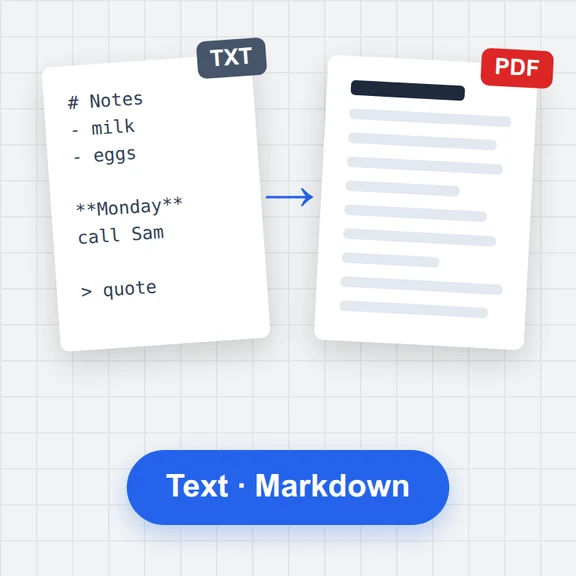
Open a .md file
Choose or drop a Markdown file; it opens in your browser.
Open a README, notes or documentation file and see it formatted: tables, task lists, coloured code, LaTeX math, Mermaid diagrams and footnotes.
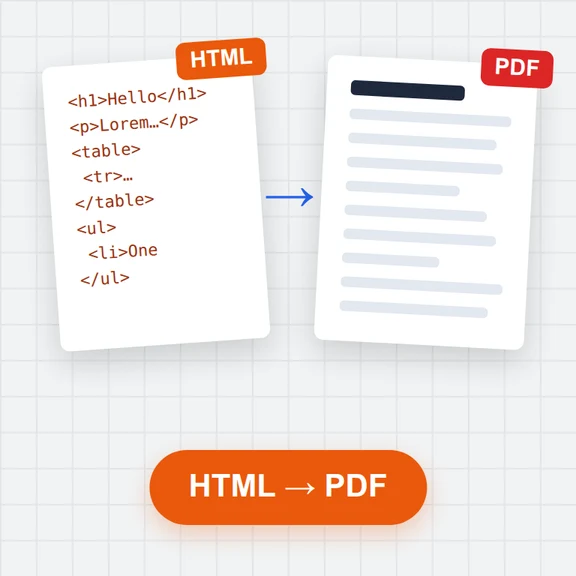
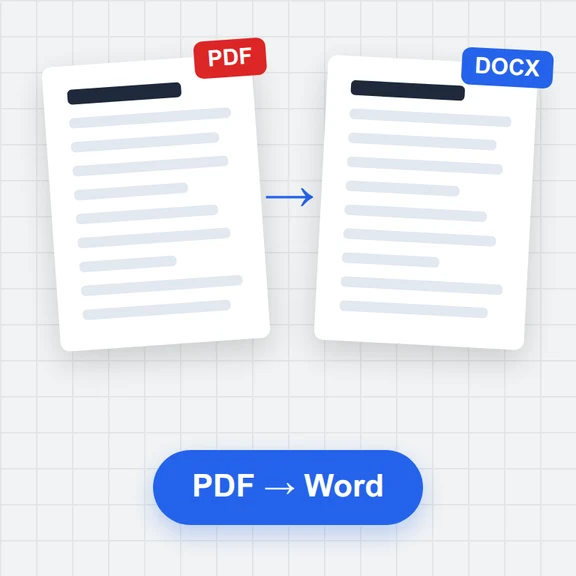
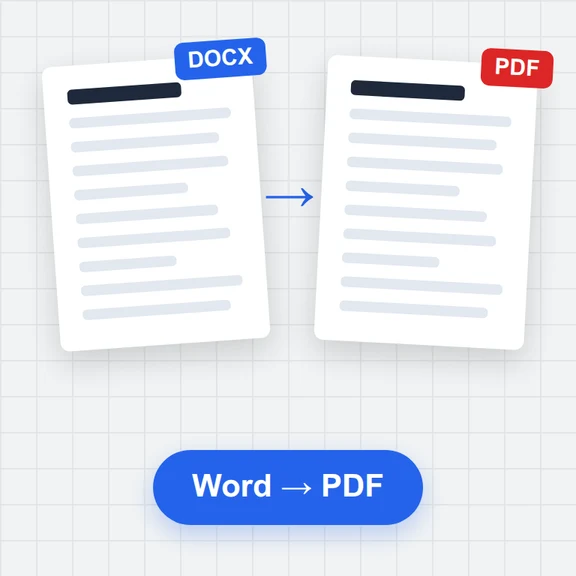
Jump between headings with the outline, switch to the editor to change something, and export it as PDF, Word or HTML.
Loading the editor…
Choose or drop a Markdown file; it opens in your browser.
Use the outline to jump between headings, or change the font and size.
Switch to the editor to change it, or export PDF, Word or HTML.
When the text is ready, create the pictures and clips that go with it with WaveSpeed AI.
Make a cover image or illustrations for your post or README.
Turn the article into a short clip for social media.
Turn a product photo into a 3D model for your docs.
$1 in free credits for eligible new accounts. No card needed. Generators have separate account and credit requirements. The Markdown editor is free.
Yes. No sign-up and no limits.
Markdown (.md, .markdown) and text files, plus Word, HTML and PDF files, which are converted to Markdown.
Pictures with a relative path (images/photo.png) aren’t next to this page. Drop the pictures together with the .md file and they are shown.
No. It is opened in your browser.
Math & diagrams · Outline navigation · Light & dark
/filters:quality(82)/media/images/1791123751656780930_IfFPY7R0.webp)
/filters:quality(82)/media/images/1791123737177812425_RjKT3cku.webp)
/filters:quality(82)/media/images/1791123748309870128_xlkNgK8N.webp)
/filters:quality(82)/media/images/1791123738630744263_oR09R0aj.webp)
/filters:quality(82)/media/images/1791177033162457776_uQ09OY7g.webp)
/filters:quality(82)/media/images/1791123734319125607_JdnwGPY7.webp)
/filters:quality(82)/media/images/1791123746355630206_udnxGPY7.webp)
/filters:quality(82)/media/images/1791123744771362580_yC0sPezZ.webp)
/filters:quality(82)/media/images/1791123738606970169_5KIR1ais.webp)
/filters:quality(82)/media/images/1791123748197655725_EUmuFNW6.webp)