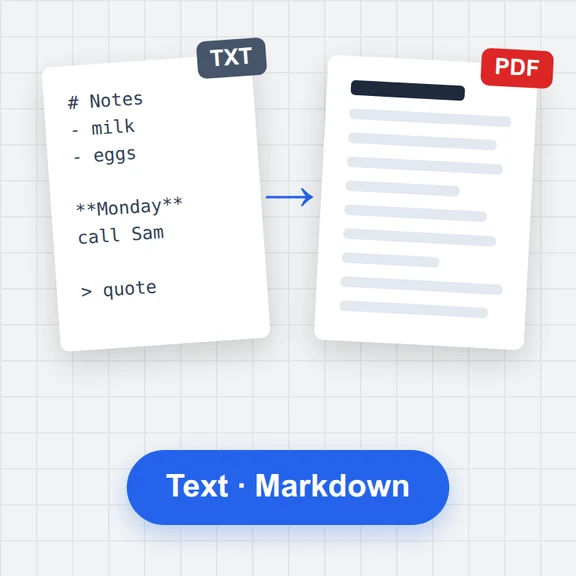
Write or open
Start typing, use the toolbar or shortcuts, or open a Markdown, Word, HTML or PDF file to turn it into Markdown.
Write in plain Markdown and watch it render beside you: tables, task lists, footnotes, code with colours, LaTeX math and Mermaid diagrams.
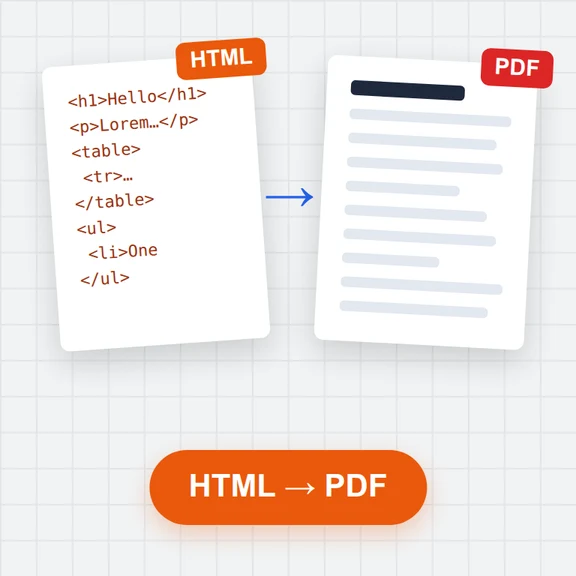
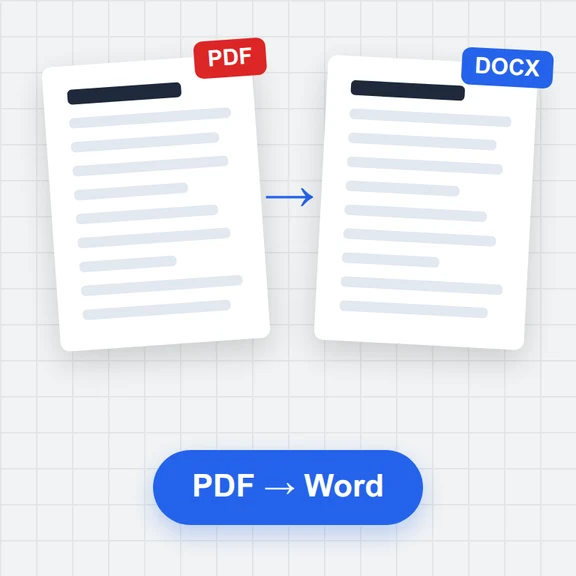
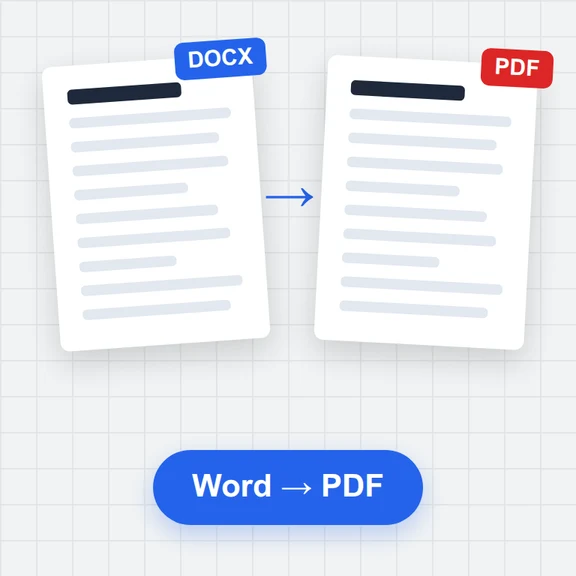
Keep several documents saved in your browser, then export a print-ready PDF, a Word document or a standalone web page. Open Word, HTML and PDF files to turn them into Markdown.
Loading the editor…
Start typing, use the toolbar or shortcuts, or open a Markdown, Word, HTML or PDF file to turn it into Markdown.
The preview updates as you type and scrolls with the editor. Tick tasks in the preview, double-click it to jump to the source.
Download a PDF with your page size, header and page numbers, a Word document, a standalone HTML page or the Markdown file itself.
Type [TOC] on its own line. It lists every heading and links to it, in the preview, the PDF and the Word file.
Inside a table, Tab moves to the next cell and lines the columns up. Tab in the last cell adds a row.
Copy a section of a web page or a document and paste it: headings, links, lists and tables arrive as Markdown.
When the text is ready, create the pictures and clips that go with it with WaveSpeed AI.
Make a cover image or illustrations for your post or README.
Turn the article into a short clip for social media.
Turn a product photo into a 3D model for your docs.
$1 in free credits for eligible new accounts. No card needed. Generators have separate account and credit requirements. The Markdown editor is free.
Yes. Every feature and export is free, with no account, no limits on documents and no watermark.
No. Editing, previews, imports and exports run in your browser, and documents are saved in this browser's storage on your device. Pictures are only loaded from the web when your text links to them. Export a file to keep a copy elsewhere.
CommonMark with GitHub additions: tables, task lists, strikethrough, footnotes and automatic links. Also LaTeX math between $ signs, Mermaid diagrams in ```mermaid blocks, YAML front matter and a [TOC] line for a table of contents. Raw HTML is shown, without scripts.
It is laid out as a real document: selectable text with embedded fonts (including Chinese, Japanese and Korean), your page size and margins, a header and footer, page numbers, coloured code, and math and diagrams as sharp pictures.
Yes. Open a .docx file: headings, bold and italic, lists, tables, links, pictures, footnotes, quotes, code and most equations become Markdown. Page layout such as columns, text boxes and headers is not kept.
Yes, for PDFs that contain text. Headings are recognised by size, and lists, simple tables and code are detected. Scanned PDFs have no text to read; run them through OCR first.
In this browser, linked from the text by a short reference, so documents stay readable. When you export, the pictures go into the PDF, Word or HTML file, or into a .zip next to the Markdown.
Once the page has loaded, editing and saving keep working without a connection; PDF export needs to download its fonts the first time. On a phone, switch between the editor and the preview with the tabs.
Live preview, tables, math and diagrams, with PDF and Word export. Free, in your browser.
/filters:quality(82)/media/images/1791123751656780930_IfFPY7R0.webp)
/filters:quality(82)/media/images/1791123737177812425_RjKT3cku.webp)
/filters:quality(82)/media/images/1791123748309870128_xlkNgK8N.webp)
/filters:quality(82)/media/images/1791123738630744263_oR09R0aj.webp)
/filters:quality(82)/media/images/1791177033162457776_uQ09OY7g.webp)
/filters:quality(82)/media/images/1791123734319125607_JdnwGPY7.webp)
/filters:quality(82)/media/images/1791123746355630206_udnxGPY7.webp)
/filters:quality(82)/media/images/1791123744771362580_yC0sPezZ.webp)
/filters:quality(82)/media/images/1791123738606970169_5KIR1ais.webp)
/filters:quality(82)/media/images/1791123748197655725_EUmuFNW6.webp)