Add HTML
Paste HTML or open an .html file.
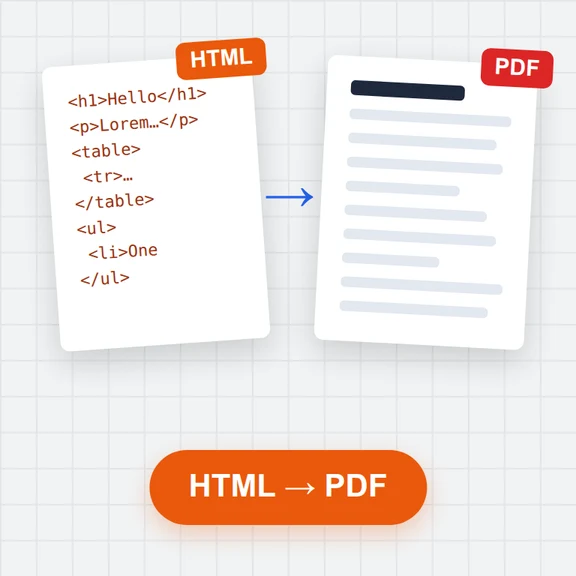
Paste HTML or open a saved web page and get GitHub-flavoured Markdown: headings, emphasis, links, pictures, nested lists, task lists, tables and code blocks with their language.
Scripts, styles and page navigation are left out, so the article text comes through clean.
Loading the editor…
Paste HTML or open an .html file.
Read the result in the editor and the preview, and tidy anything you like.
Save it as .md, or export PDF, Word or HTML.
When the text is ready, create the pictures and clips that go with it with WaveSpeed AI.
Make a cover image or illustrations for your post or README.
Turn the article into a short clip for social media.
Turn a product photo into a 3D model for your docs.
$1 in free credits for eligible new accounts. No card needed. Generators have separate account and credit requirements. The Markdown editor is free.
Yes. No sign-up and no limits.
Yes. Copy part of a page and paste it into the editor: it arrives as Markdown.
Yes. Tables become Markdown tables; cells with several paragraphs are joined.
No. It is converted in your browser.
Tables & code blocks · Nested lists · Scripts removed
/filters:quality(82)/media/images/1791123751656780930_IfFPY7R0.webp)
/filters:quality(82)/media/images/1791123737177812425_RjKT3cku.webp)
/filters:quality(82)/media/images/1791123748309870128_xlkNgK8N.webp)
/filters:quality(82)/media/images/1791123738630744263_oR09R0aj.webp)
/filters:quality(82)/media/images/1791177033162457776_uQ09OY7g.webp)
/filters:quality(82)/media/images/1791123734319125607_JdnwGPY7.webp)
/filters:quality(82)/media/images/1791123746355630206_udnxGPY7.webp)
/filters:quality(82)/media/images/1791123744771362580_yC0sPezZ.webp)
/filters:quality(82)/media/images/1791123738606970169_5KIR1ais.webp)
/filters:quality(82)/media/images/1791123748197655725_EUmuFNW6.webp)