Start the desktop
The desktop is ready right on this page. Click an icon in the dock at the bottom, or open the menus in the bar at the top.
This macOS simulator puts a macOS style desktop in a browser tab: a menu bar, a dock that magnifies, a launchpad, quick search and windows you can drag, resize and snap.
Open Files, Notes, Terminal, Paint and more, try the layout, mock up a design or take a screenshot. Everything you make stays on your device.
Starting the desktop…
The desktop is ready right on this page. Click an icon in the dock at the bottom, or open the menus in the bar at the top.
Click an icon in the dock, open Launchpad, or press Ctrl+Space to search for an app or file and press Enter.
Drag windows by the title bar, pull an edge to resize and drop a window on a screen edge to snap it. Your files and settings are saved in this browser.
Keyboard shortcuts and features that are easy to miss.
Ctrl+Space opens search, Alt+` switches windows, F3 shows every open window, Ctrl+Alt+Arrow keys snap the active window, and Esc closes any overlay.
Go full screen to show the desktop without the page around it, and save a PNG screenshot of exactly what you see.
Import text files and images from your computer into Files, open them in Notes or Photos, and download them again. Export the whole disk to move it to another browser.
Settings switches between light and dark, sets the accent colour and picks one of six original wallpapers. Right-click the desktop for more.
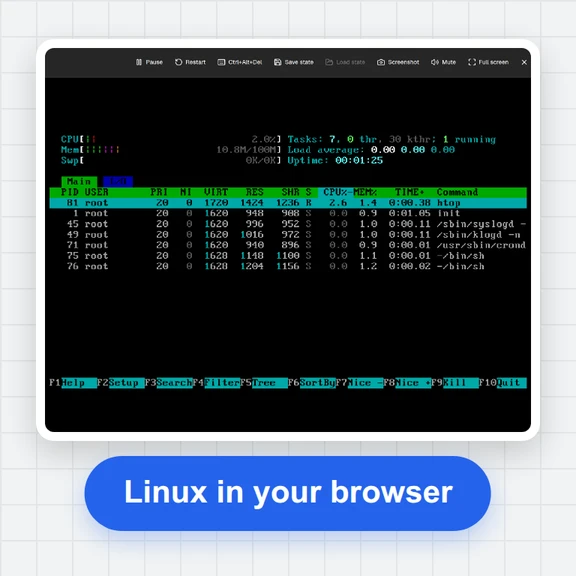
A small pretend shell for practising: ls, cd, cat, mkdir, touch, rm, echo, date, whoami, clear and help work on the virtual disk.
On a small screen each app opens full size, one at a time. Use the dock to switch apps.
Create images and videos from a short prompt with WaveSpeed AI.
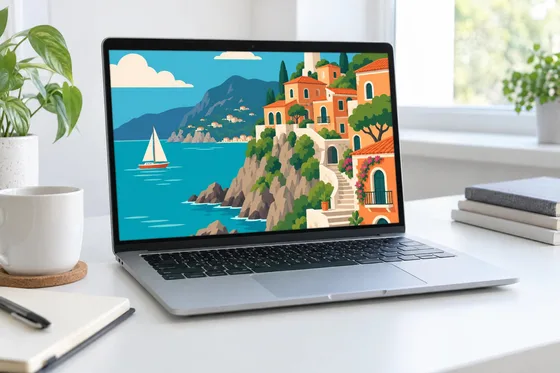
Make a custom wallpaper, an app icon or artwork for a screen mockup.
Turn a screenshot or an idea into a short animated clip.
Make a 3D model of a desk setup or a gadget for your scene.
$1 in free credits for eligible new accounts. No card needed. Generators have separate account and credit requirements. The macOS simulator is free.
A free web page that looks and behaves like a macOS style desktop: a menu bar, a dock, a launchpad, windows and a dozen small apps, all running in your browser tab. It is a simulation for fun, learning and design mockups, not a real operating system.
Yes. Open this page in any modern browser on Windows, Linux, a Chromebook, a tablet or a phone. There is nothing to download and no account to create.
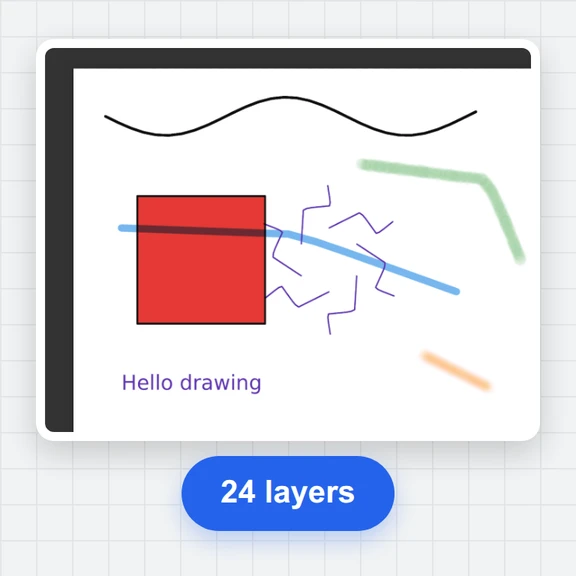
No. The apps are simple look-alikes made for this page: Files, Notes, Calculator, Terminal, Paint, Photos, Clock, Settings, a local Web page viewer and Trash. They cannot run programs from a real Mac.
Yes. Files you create or import are stored in this browser only and are never uploaded. Reset to factory settings clears them, and Export disk saves a copy as one file.
Yes. Arrange windows, pick a wallpaper and a theme, then save a PNG screenshot of the desktop or go full screen for a presentation.
No. This is an independent simulator with its own artwork and icons. It is not affiliated with or endorsed by Apple Inc. macOS and Mac are trademarks of Apple Inc.
Independent simulator with original artwork. Not affiliated with or endorsed by Apple Inc. macOS and Mac are trademarks of Apple Inc., registered in the U.S. and other countries.
/filters:quality(82)/media/images/1791123751656780930_IfFPY7R0.webp)
/filters:quality(82)/media/images/1791123737177812425_RjKT3cku.webp)
/filters:quality(82)/media/images/1791123748309870128_xlkNgK8N.webp)
/filters:quality(82)/media/images/1791123738630744263_oR09R0aj.webp)
/filters:quality(82)/media/images/1791177033162457776_uQ09OY7g.webp)
/filters:quality(82)/media/images/1791123734319125607_JdnwGPY7.webp)
/filters:quality(82)/media/images/1791123746355630206_udnxGPY7.webp)
/filters:quality(82)/media/images/1791123744771362580_yC0sPezZ.webp)
/filters:quality(82)/media/images/1791123738606970169_5KIR1ais.webp)
/filters:quality(82)/media/images/1791123748197655725_EUmuFNW6.webp)