Pick a shot
Browse by category or search for “close-up”, “low angle” or “over the shoulder”.
10 free shots in “Camera angles”. Open one and use it in the AI Image Generator.
10 shots
Browse by category or search for “close-up”, “low angle” or “over the shoulder”.
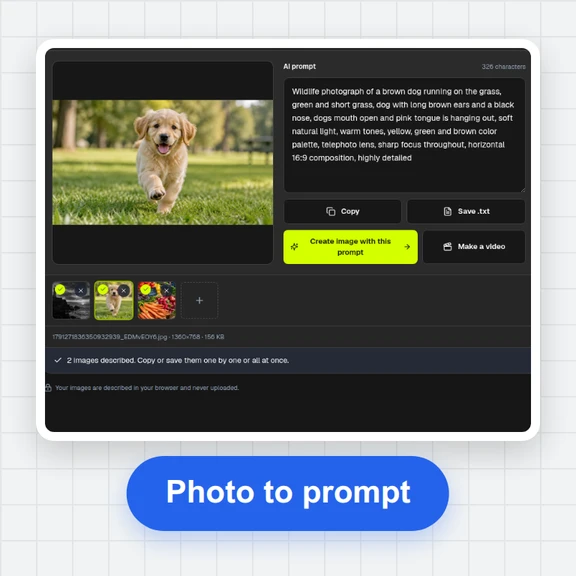
Press “Make a photo with this shot” to open the AI Image Generator with the picture as the framing reference, then describe your scene.
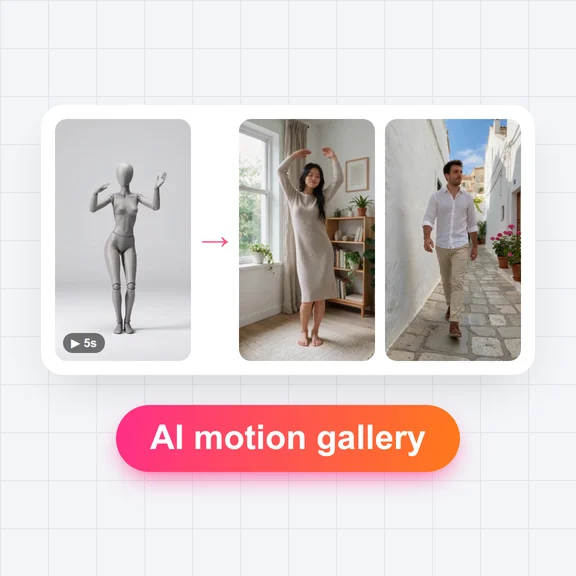
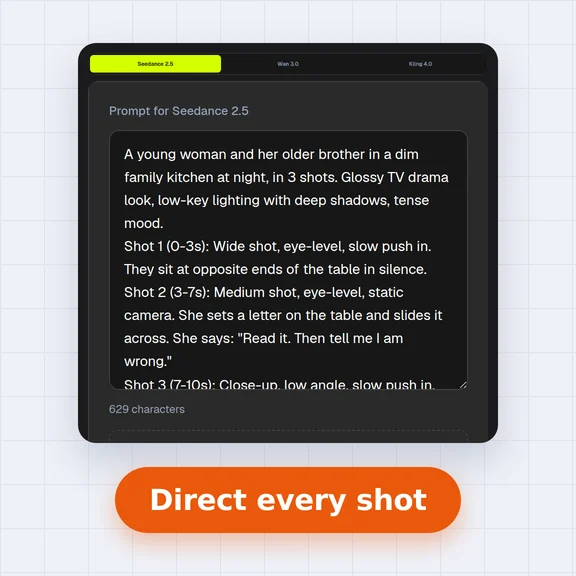
Use the storyboard sketches to plan a sequence, then animate the photos in the AI Video Generator.
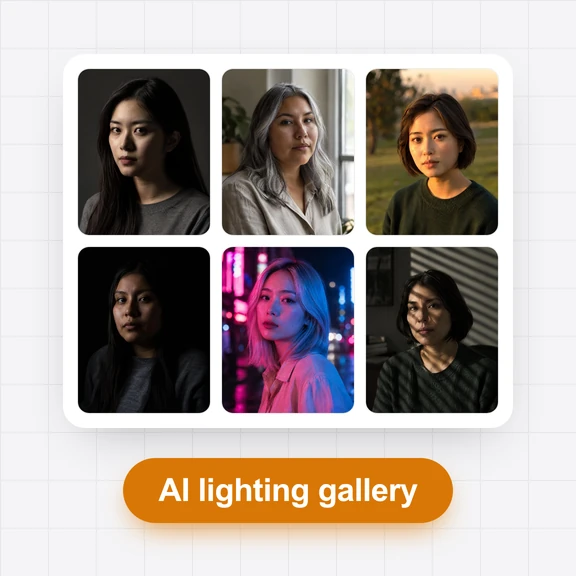
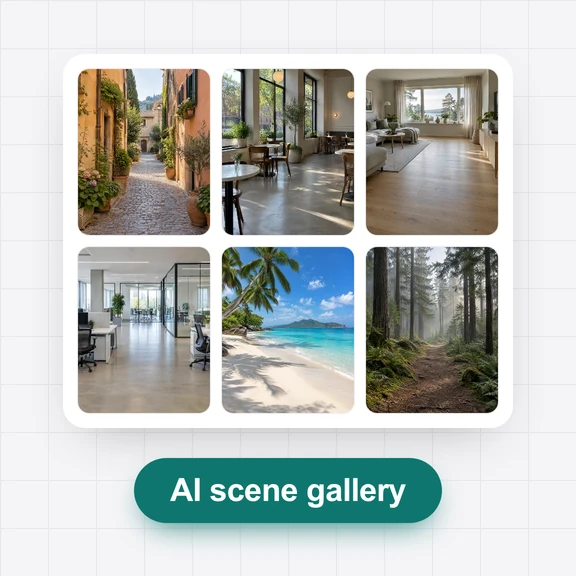
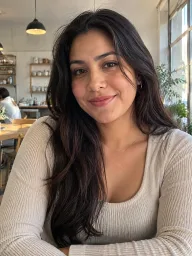
Each picture started from a shot in this gallery. Tap a picture to open its shot.
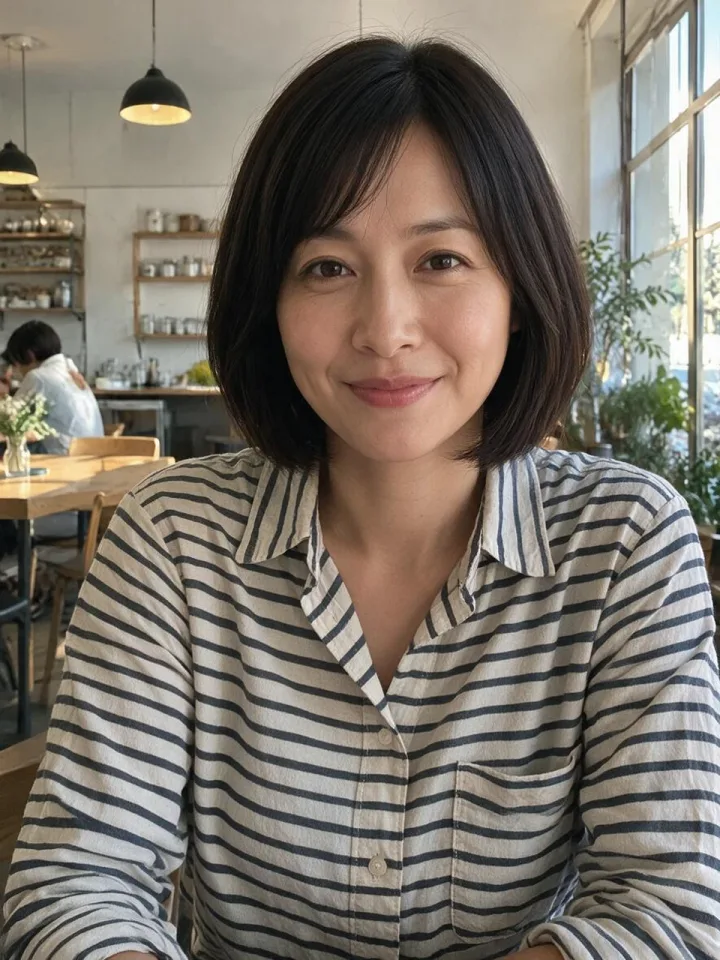
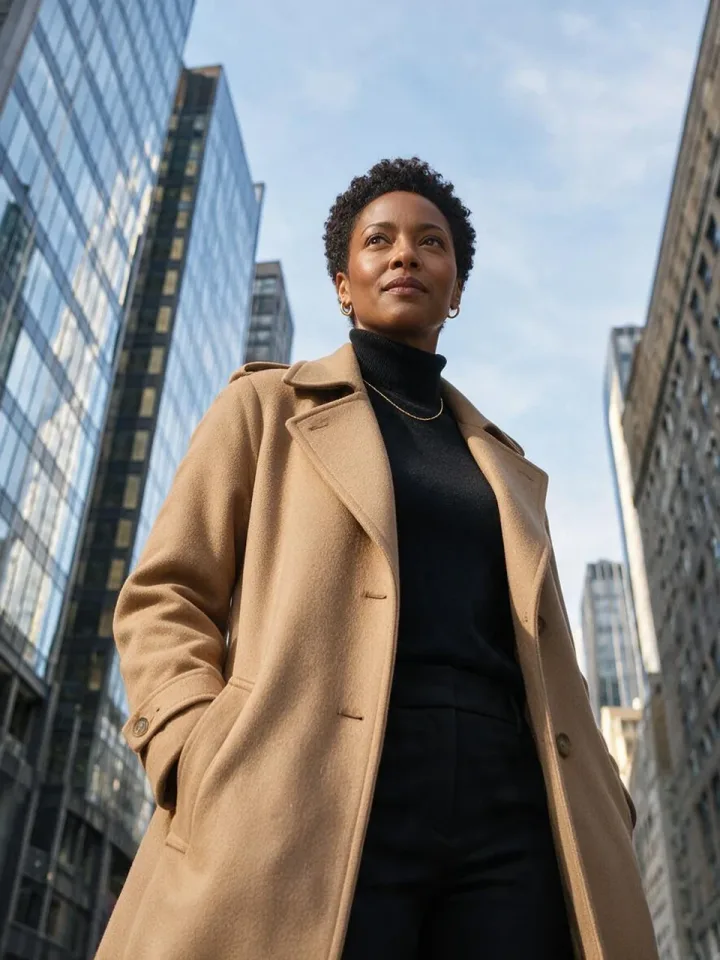
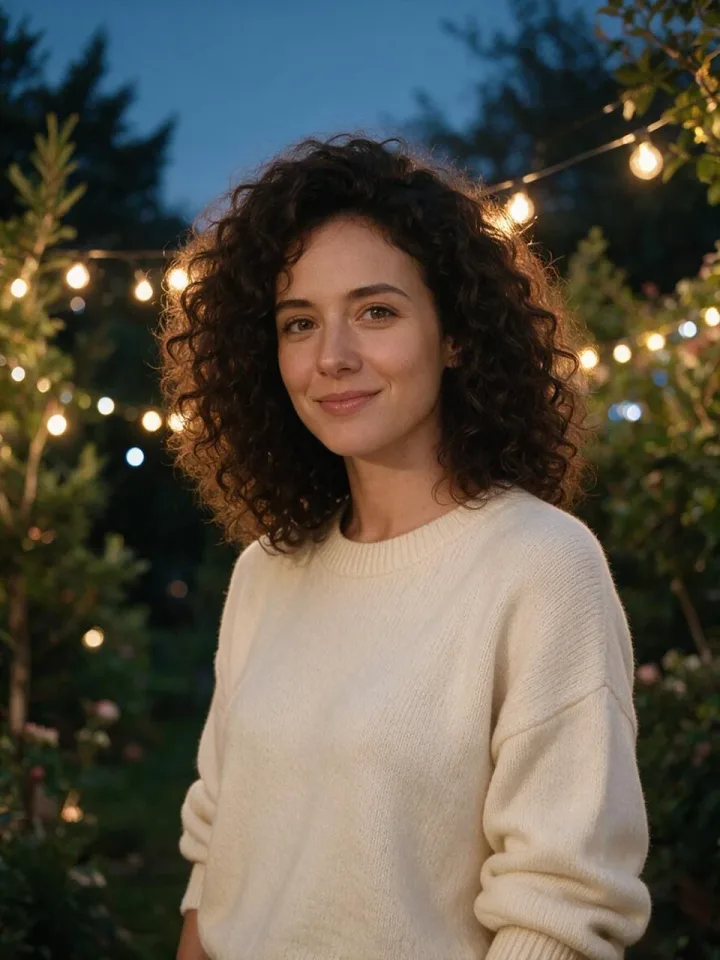
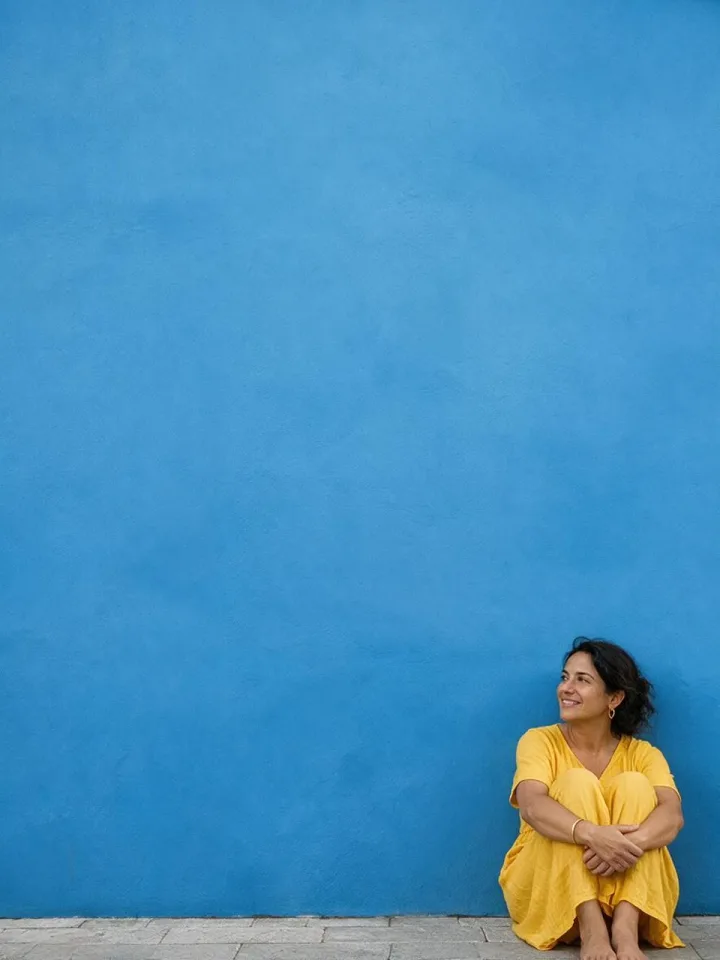
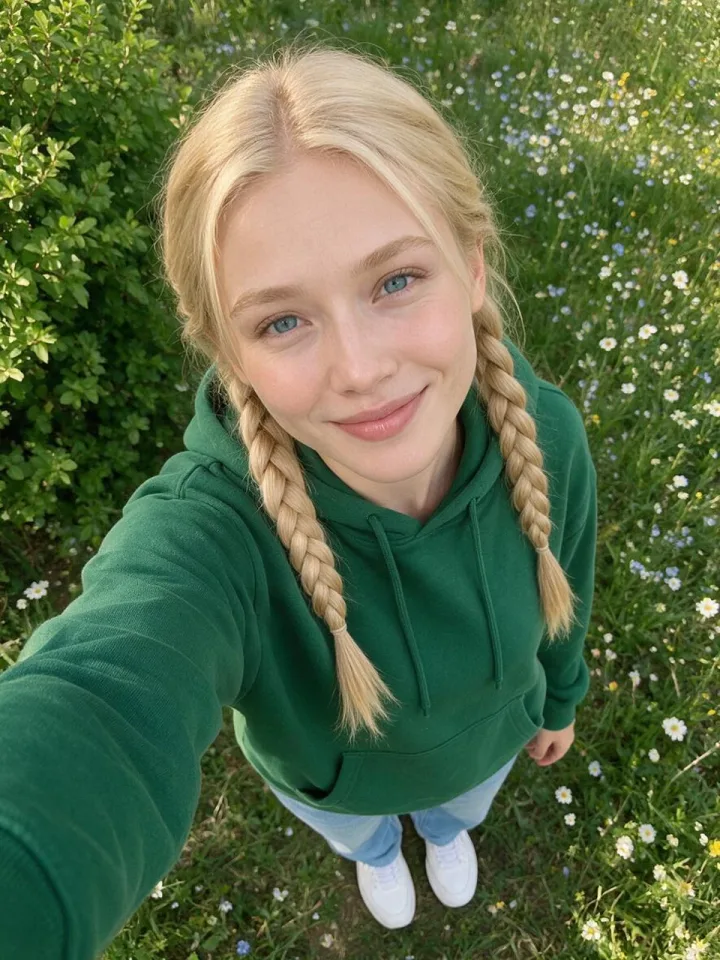
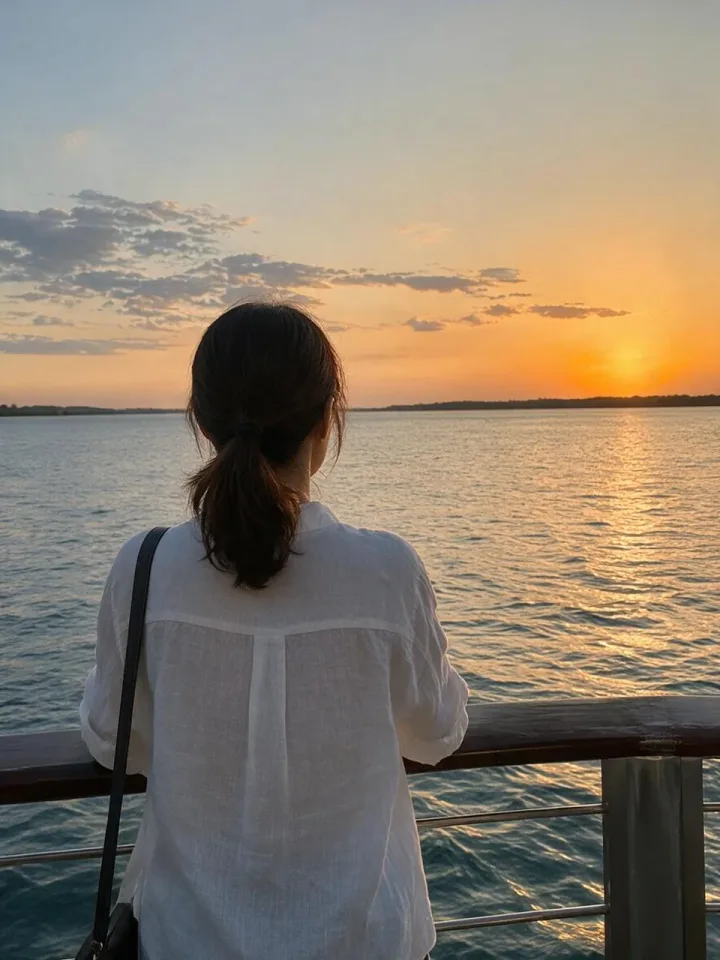
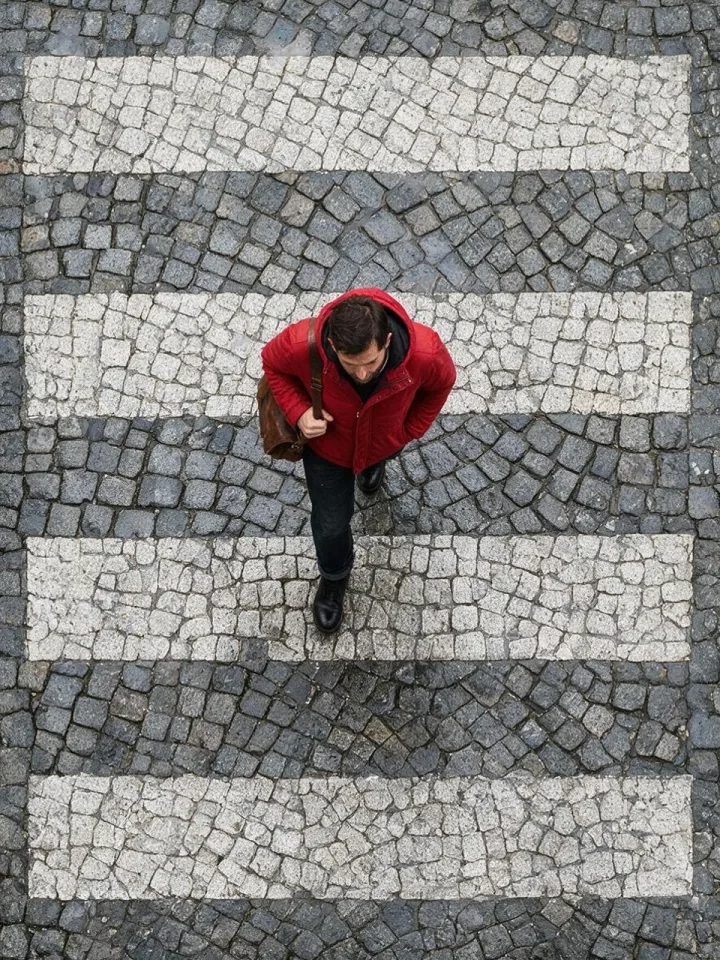
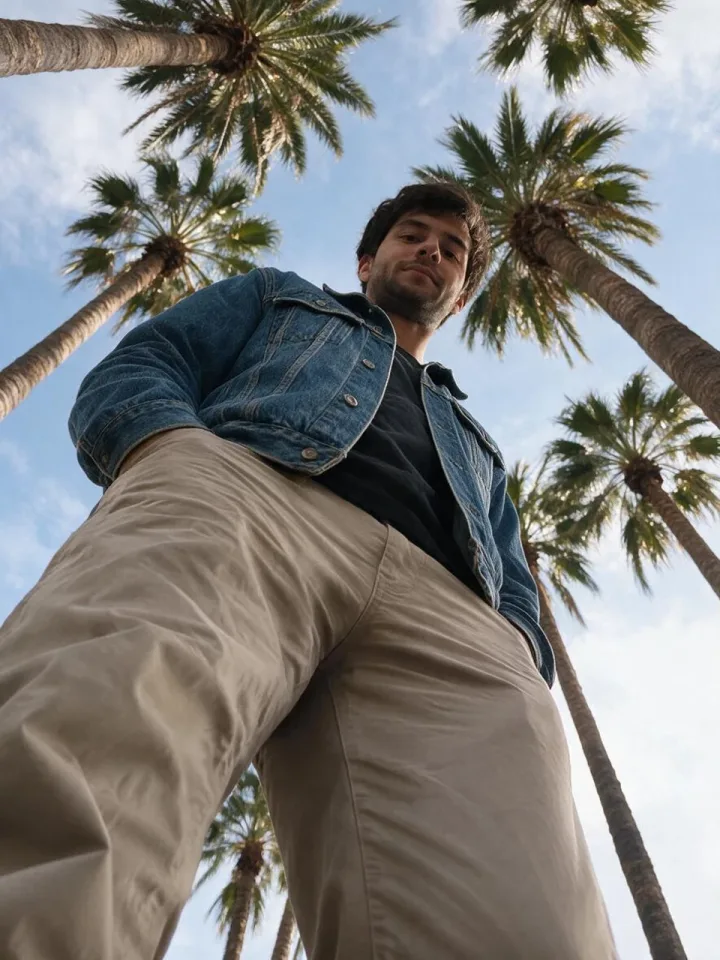
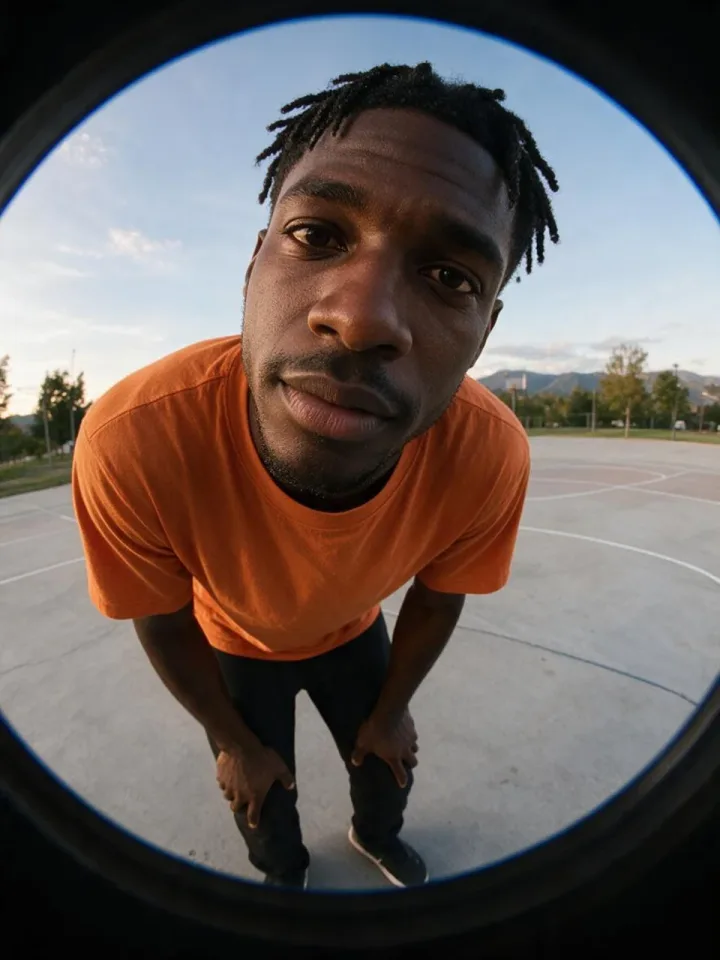
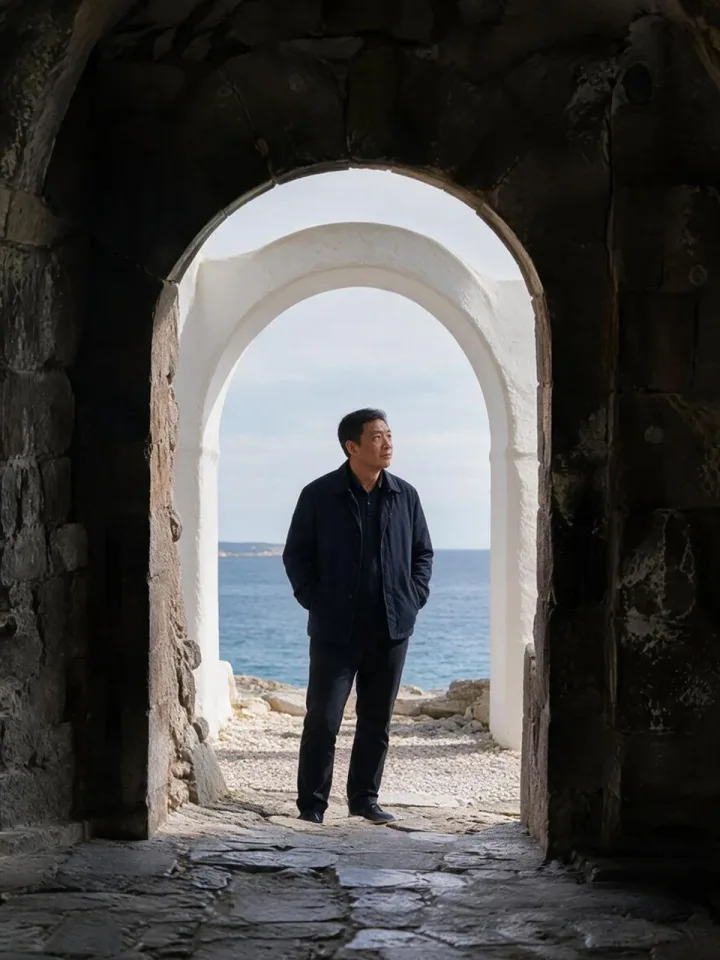
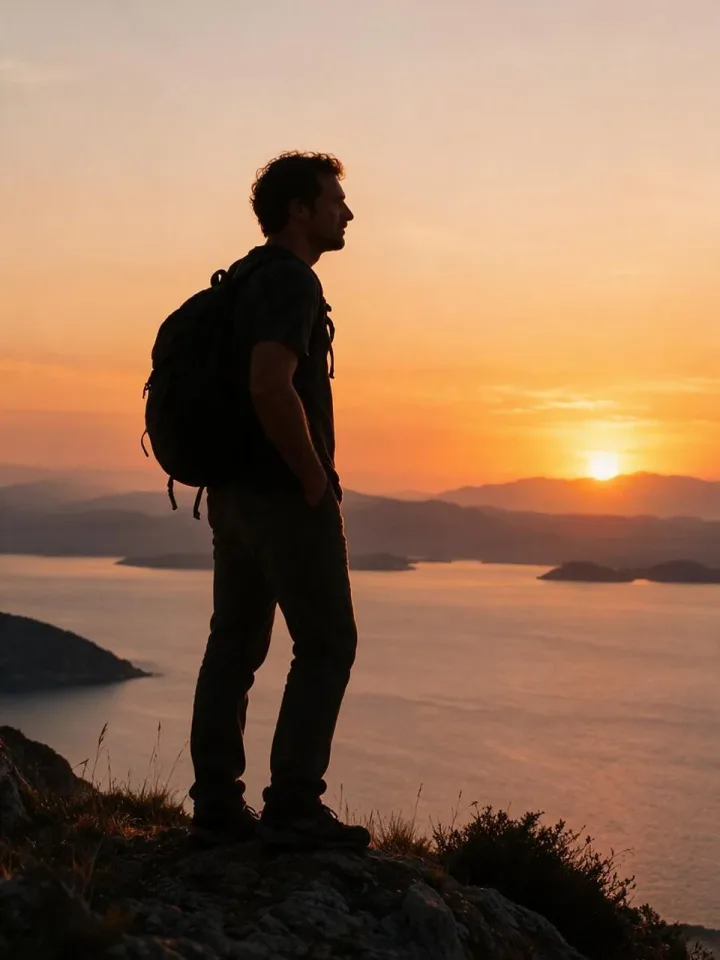
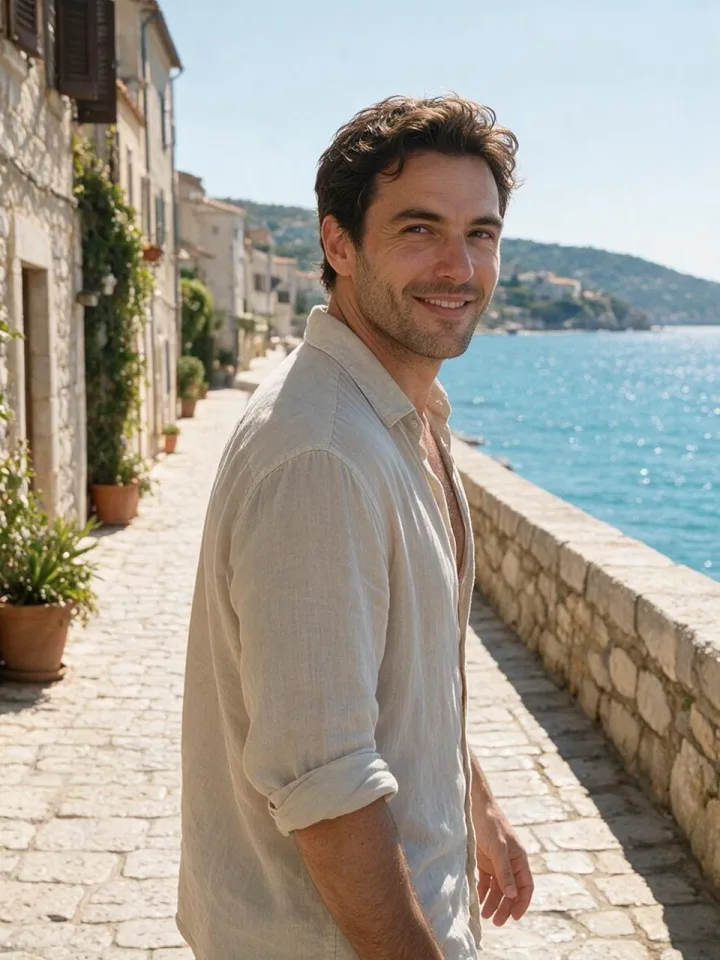
Plan shots for reels, ads and short films, then make the first frame with AI.
A quick reference for framing, angles and lens choices.
Free storyboard frames for every common shot.
Shot size is how much of the person is in the frame (close-up, medium, wide). Camera angle is where the camera is (eye level, high, low).
Yes, in personal and commercial work, without signing up.
Yes. Make the first frame with the AI Image Generator, then animate it in the AI Video Generator.
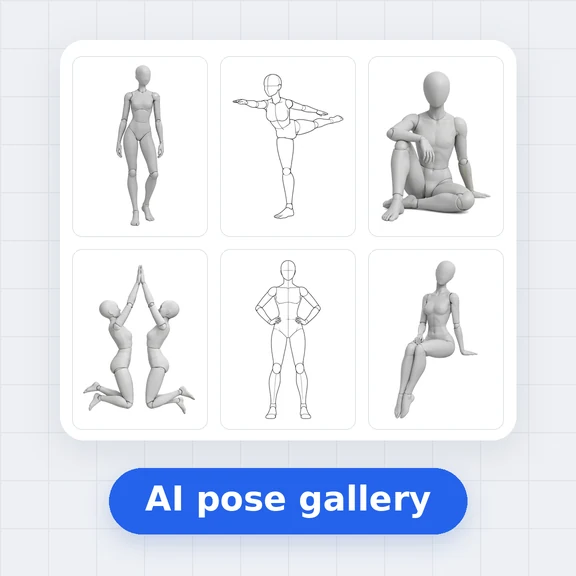
The sketch shows only the framing, so you can reuse it for any person and place.
Browsing and downloading are free. Generating photos in the AI Image Generator uses credits.
Pick a shot and get the photo in one step.