
How to Fine-Tune Inkling With Tinker
Fine-tune Inkling with Tinker by planning data, LoRA adapters, sampling, evaluation, saved states, and deployment boundaries.
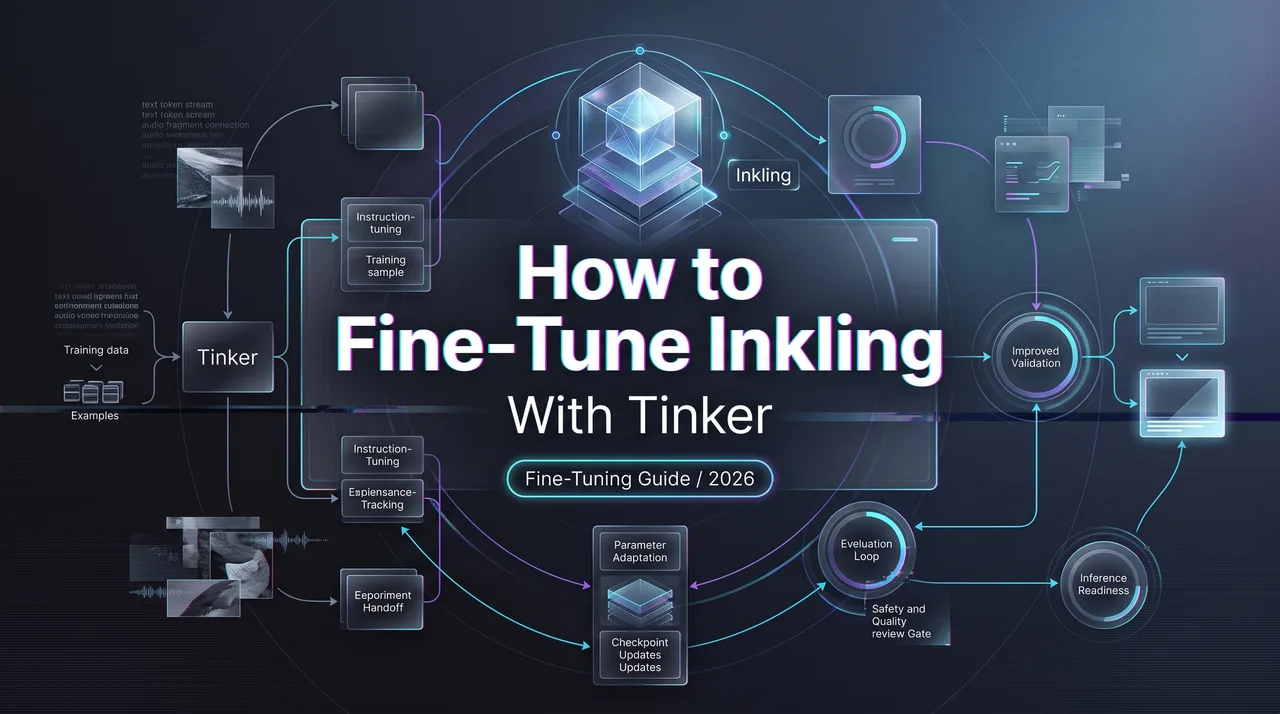
Dora here. The first thing I wrote down was not a command. It was a stop condition. If we were going to fine-tune inkling, we needed a way to prove the adapter changed the right behavior and left the boring parts alone. The boring parts are where production breaks.
This is the Tinker Inkling tutorial I would want before starting a real run. I am assuming your team already knows why Inkling is on the table. The job here is narrower: prepare the data, train a LoRA adapter with Tinker, evaluate it like a production artifact, and decide whether it earns a deployment path.
What Tinker Changes for Inkling Customization
Training API, adapters, saved state, and managed experimentation
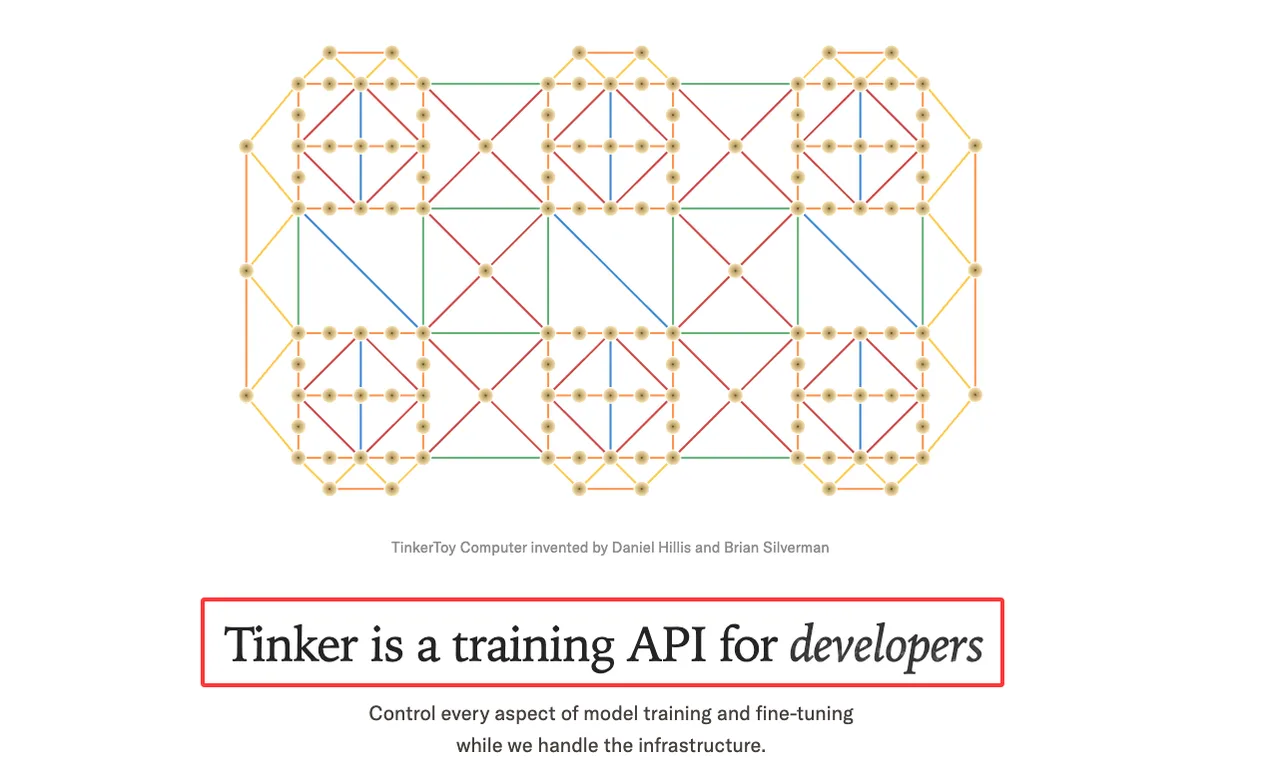
Tinker is a training API. The useful part is not that it hides training. It does not. You still own the training loop, dataset choice, loss setup, sampling, and evaluation logic. Tinker handles the managed compute side, so the loop can run from a local CPU machine while the training work runs remotely.
For Inkling customization, that matters because the model is not small. The Inkling model card lists it as a multimodal MoE model with 975B total parameters and 41B active parameters. It accepts text, image, and audio inputs and generates text. It also lists a theoretical context window of up to 1M tokens.
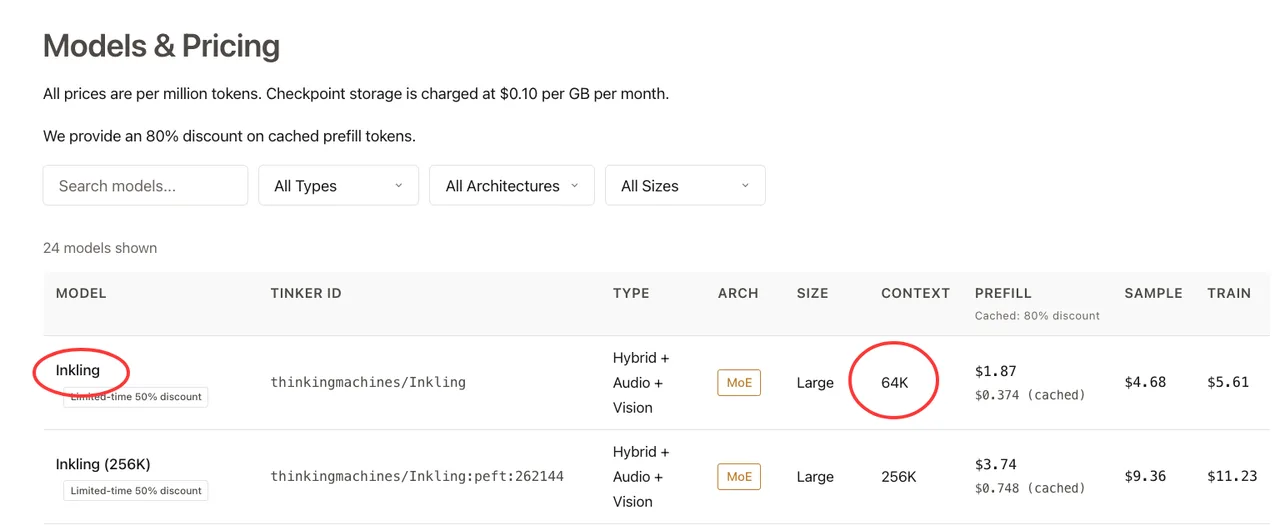
I paused here. The theoretical model context is not the same thing as the hosted training configuration. The current Tinker models page lists Inkling on Tinker at 64K context, plus a 256K PEFT variant under thinkingmachines/Inkling:peft:262144. Use the Tinker-listed context for the job you are actually running.
Tinker uses LoRA, so the output is an adapter rather than a rewritten base model. The four operations to keep in your mental model are forward_backward, optim_step, sample, and save_state. For deployment work, also separate sampler weights from full training state. Sampler weights are for inference and evaluation. Full state is for resuming or branching the run.
Why fine-tuning does not replace production evaluation
A customized model is not automatically a better model. It is a model with changed behavior. That change can be useful, irrelevant, or damaging.
Thinking Machines is fairly direct about this. LoRA updates a smaller set of parameters instead of changing every base weight. It can work well on small supervised datasets or RL settings, but larger supervised datasets can exceed LoRA capacity. That is not a footnote. That is a planning constraint.
So the question is not “did loss go down?” The question is “*did the adapter improve the target behavior without breaking the rest of the product?*” Hypothesis confirmed only after evals, not after a smooth training run.
Prepare the Fine-Tuning Job
Data format, modality scope, privacy review, and evaluation set
Start with a data manifest. Not the dataset itself. A manifest.
Mine usually has owner, source, license or contract basis, allowed use, PII status, modality, language, task type, created date, removal policy, and evaluation split. It is boring. Good. Boring records survive handoff.
Tinker training examples use Datum objects with model input, target tokens, and loss weights. The practical rule is simple: train only on the assistant-side behavior you want to change. Prompt tokens normally get weight 0; completion tokens get weight 1. For Inkling, use the renderer path recommended by the cookbook so chat messages, tools, image inputs, and audio inputs become the right token and media representation.
Do not over-read modality support. Inkling’s public model card confirms text, image, and audio inputs with text output. Video appears in training-data and architecture discussion, but I would not treat video as a supported fine-tuning input unless the current Tinker docs say so for the workflow you are running. This is where my data ends.
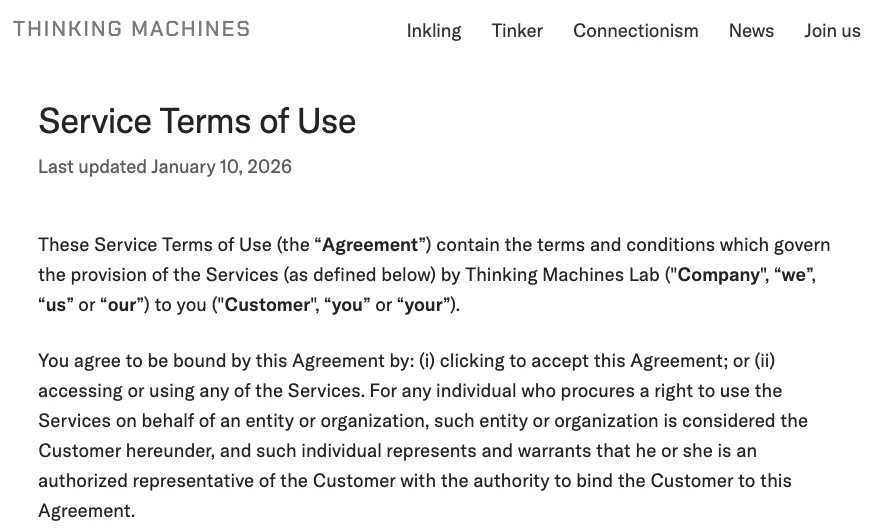
Privacy review happens before upload. The Service Terms put responsibility for customer datasets on the customer, including rights, sufficiency, legal compliance, and third-party rights. The same terms say customer content is used for the service purpose, not to train Thinking Machines’ own models. That still does not approve your dataset. It only defines the vendor boundary.
LoRA configuration, sampling, and run tracking
Use the first run to test the pipeline, not to chase quality. Small slice. Fixed seed. Known prompts. One clean baseline. Then train.
For an Inkling LoRA, the minimum run record should include:
| Record | Why it matters |
|---|---|
| Base model and Tinker ID | Prevents 64K, 256K, and future variants from getting mixed |
| Dataset manifest and hash | Makes approval, rollback, and deletion review possible |
| Renderer and modality assumptions | Keeps text-only and multimodal runs comparable |
| LoRA rank, LR, batch, seed | Explains behavior changes after the fact |
| Checkpoint paths | Separates sampler weights from resumable state |
| Eval snapshot | Shows whether the adapter earned the next step |
Tinker’s default LoRA rank is 32, but rank is not a religion. For larger supervised datasets, the docs recommend considering a larger rank. Learning rate matters more than people want it to matter. The public guidance notes that LoRA often needs a much larger LR than full fine-tuning, around 10x in their empirical utility.
Sampling should run during training, not after everyone has emotionally committed to the result. Use stable prompts, task prompts, and adversarial prompts. I also keep a “do not change” set: boring customer-support turns, refusal boundaries, formatting constraints, and retrieval-grounded answers. That set has saved me from more bad launches than any single benchmark.
Evaluate the Customized Model
Task success, regression tests, multimodal behavior, and long-context checks
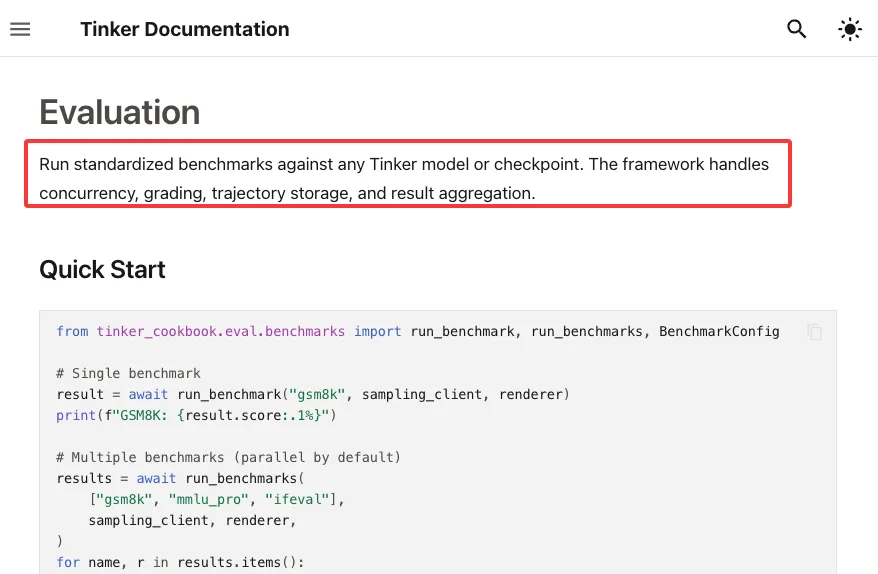
The Tinker evaluation docs describe a benchmark framework for concurrency, grading, trajectory storage, and aggregation. Useful. Still not enough by itself.
Public benchmarks tell you whether the model can do broad tasks. Your evals tell you whether the adapter does your task. Those are different questions.
For Inkling fine-tuning, I would split evaluation into four gates.
Task success checks the target behavior. If the goal is better tool-use planning, measure tool-call validity, final answer correctness, recovery after failed tools, and unnecessary tool calls. If the goal is domain support, measure groundedness, answer structure, refusal behavior, and citation discipline.
Regression tests protect existing product behavior. Run the base model and adapter on the same test set. Diff final answers, JSON validity, safety refusals, latency shape, and token use. Some regressions are acceptable. Silent regressions are not.
Multimodal tests need their own set. Text-only wins can hide image or audio regressions. If the adapter was trained only on text, verify that it did not make the model worse at reading charts, screenshots, scanned documents, or audio clips that matter to your app.
Long-context checks should match hosted reality. If the run uses Tinker’s 64K context, test near that boundary. If it uses the 256K PEFT variant, test there. Do not cite Inkling’s 1M model limit as proof your adapter behaves well at 1M tokens in your deployment path. That is how notes turn into incidents.
When fine-tuning improves results versus prompt or retrieval changes
If the reason you want to customize Inkling is “the model does not know our private facts,” stop. Use retrieval first. Fine-tuning is a bad database.
The adapter starts making sense when the behavior itself needs to change: response style under strict policy, tool-use habits, domain-specific reasoning patterns, structured outputs, or repeated failure modes that survive prompt cleanup. It also makes sense when examples carry tacit judgment that is hard to express as rules.
Prompt changes are cheaper. Retrieval is easier to update. Fine-tuning is heavier but more persistent. That persistence is the point and the risk.
Move From Fine-Tune to Production
Adapter storage, versioning, rollback, inference provider, and cost tracking
Treat the adapter like a deployable artifact.
Tinker separates organizations, projects, sessions, training runs, and checkpoints. It also distinguishes sampler weights, created for inference-style sampling, from full weights, created with optimizer state for resuming training. That distinction should show up in your release registry.
My release registry would track adapter version, base model version, checkpoint path, dataset manifest, eval report, approval owner, deployment target, rollback target, and expiry policy. One fewer mystery later. Sounds small. Adds up fast.
For inference, be careful with wording. Tinker’s OpenAI-compatible inference is in beta and described for testing, evaluation, and internal low-traffic use. It is useful for comparing checkpoints while training. It should not be written into a production plan as a high-throughput user-facing endpoint unless Thinking Machines gives that setup explicitly.
Production can mean a third-party inference provider, a self-hosted stack, or a future production Tinker path. Pick based on throughput, context, modality, adapter loading, rollback speed, and cost visibility. Track prefill, cached prefill, sampling, training, and checkpoint storage separately. The pricing page changes; your accounting labels should not.
FAQ
Who approves training data before Tinker jobs run?
The approval should come from your internal data owner, privacy/legal reviewer, and model owner. Tinker roles decide who can access projects and run work. They do not replace dataset approval. For regulated or customer-derived data, I would require a ticket before upload, with source, rights, PII status, retention rule, and deletion path attached.
What records are required when an adapter changes behavior?
Keep the base model ID, Tinker model ID, dataset manifest, renderer version, LoRA config, checkpoint path, eval results, regression diff, approval owner, release date, and rollback target. If the adapter changed safety, formatting, tool use, or retrieval behavior, record the exact eval examples that proved the change. Future debugging starts there.
How should teams handle customer requests to remove training data?
First, locate whether the customer’s data appears in raw datasets, processed datasets, checkpoints, adapters, logs, or eval sets. Stop new runs that depend on it. Delete or quarantine the source data according to your policy, then decide whether the adapter must be retrained without that data. If the request involves personal data processed by Thinking Machines, follow the written-direction path described in the Service Terms. Do not promise that deleting a row instantly removes learned behavior from an already-trained adapter. Verify, retrain if needed, and log the action.
Conclusion
A good plan to fine-tune inkling is mostly plumbing and restraint. Tinker gives you managed training, LoRA adapters, sampling, saved state, and project-scoped checkpoints. It does not give you a production verdict.
The clean path is simple: approve the data, train a small adapter, evaluate against the base model, test multimodal and long-context behavior inside the actual hosted limits, then version the adapter like code. Good enough. That is the most honest assessment I can give.
Previous posts:
Related Articles
/filters:quality(82)/media/images/1773962750383987480_n3hqzHRZ.webp)
AI Lip Sync Dialogue Scenes with Seedance 2.5: Prompts and Settings
How to Make an AI Short Drama with Seedance 2.5, Wan 3.0 and Kling 4.0
How to Keep the Same Character Across AI Video Shots
Multi-Shot Action Scenes with Kling 4.0: Long Takes, Keyframes and Extends
Vertical 9:16 AI Video Settings for Shorts and Reels