Add your media
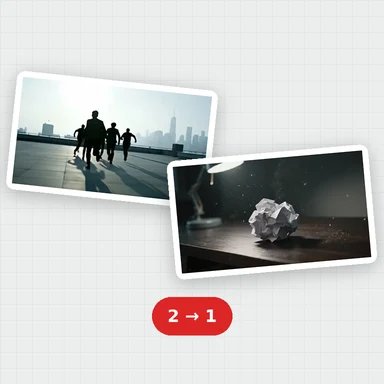
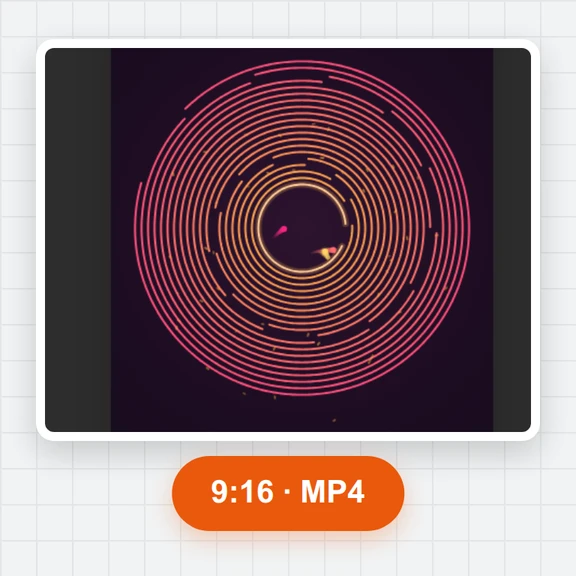
Drop videos, photos and music. The first video sets the frame shape; change it any time to 16:9, 9:16, 1:1, 4:5 or 21:9.
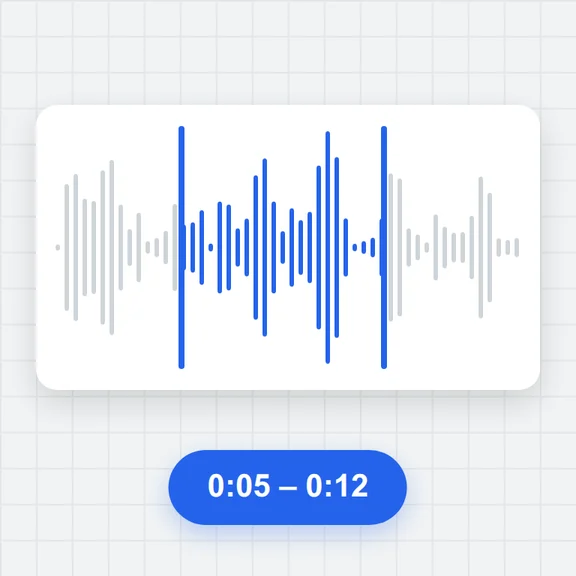
Cut clips together on a multi-track timeline, add titles, transitions, subtitles and music, and fine-tune speed, colour and framing.
Export MP4, WebM, GIF or just the soundtrack, with no watermark.
Each example loads its clips, photos and music into the editor with titles, transitions and a soundtrack, so you can see how it's put together and change anything.
Drop videos, photos and music. The first video sets the frame shape; change it any time to 16:9, 9:16, 1:1, 4:5 or 21:9.
Drag clips into order, split with S, trim the edges, add titles, transitions and subtitles, and adjust speed, colour and sound.
Pick MP4, WebM, GIF or audio, a resolution and frame rate, and download the finished file.
Stack videos, pictures, titles and shapes on as many tracks as you need, with music and voice on audio tracks. Lock, hide, mute or solo any track.
Split at the playhead, trim either edge, ripple delete to close gaps, step frame by frame, set in and out points and drop markers. Everything snaps.
Cross dissolve, fade through black or white, slide, wipe and zoom between clips, plus slow zoom-and-pan on photos.
Animated titles with outline, shadow and background box in curated fonts, lower thirds, and subtitles you import from .srt or .vtt or type yourself.
Speed from 0.25× to 4× with the pitch kept, volume and fades, colour looks, brightness, contrast, temperature, vignette, crop, flip, rotation and blend modes.
Files are read and exported on your device. The edit is saved in this browser as you work, and you can save it as a project file.
Create short videos and pictures from a prompt with WaveSpeed AI, then cut them together here.
Turn a prompt or a picture into a clip for your timeline.
Make a title card, background or thumbnail.
Turn a picture into a 3D model.
$1 in free credits for eligible new accounts. No card needed. Generators have separate account and credit requirements. The video editor is free.
Yes. There's no account, no watermark and no paid tier: every feature and every export format is free.
No. Your files are read, previewed and exported in your browser and never leave your device. Your edit is kept in this browser's storage so you can come back to it.
Videos in MP4, MOV, WebM or MKV (H.264, VP9, AV1 and, where the browser supports it, HEVC), photos in JPG, PNG or WebP, and audio in MP3, WAV, M4A, OGG or FLAC. Older formats such as AVI or WMV need converting first.
Select the clip after the cut and choose a transition in the Transitions panel or the properties on the right. Apply one to every cut at once with All cuts.
Yes. Import an .srt or .vtt file or add lines at the playhead and type them. Edit the words and timing in the Subtitles panel, style them, and download them again as SRT or VTT.
MP4 (H.264 with AAC sound), WebM (VP9 with Opus), a GIF, or the soundtrack alone as MP3 or WAV, at 480p to 1080p (1440p and 4K where your device's encoder supports them) and 24, 25, 30 or 60 fps.
Yes: the editor switches to a one-column layout with the panels as sheets. Long or 4K projects are faster on a computer.
The edit is saved automatically in this browser. To move it to another computer, save a project file and open it there, then add the same media files when asked.
Editing and preview work in all modern browsers. Exporting needs built-in video encoding, found in recent versions of Chrome, Edge and Safari.
Free, private and right in your browser.
/filters:quality(82)/media/images/1791123751656780930_IfFPY7R0.webp)
/filters:quality(82)/media/images/1791123737177812425_RjKT3cku.webp)
/filters:quality(82)/media/images/1791123748309870128_xlkNgK8N.webp)
/filters:quality(82)/media/images/1791123738630744263_oR09R0aj.webp)
/filters:quality(82)/media/images/1791177033162457776_uQ09OY7g.webp)
/filters:quality(82)/media/images/1791123734319125607_JdnwGPY7.webp)
/filters:quality(82)/media/images/1791123746355630206_udnxGPY7.webp)
/filters:quality(82)/media/images/1791123744771362580_yC0sPezZ.webp)
/filters:quality(82)/media/images/1791123738606970169_5KIR1ais.webp)
/filters:quality(82)/media/images/1791123748197655725_EUmuFNW6.webp)