
WaveSpeed AI Logo
AI Face Enhancer — Restore & Sharpen Faces Instantly
Free · No sign-up · 100% private

AI Face Enhancer - Restore and Sharpen Faces Instantly

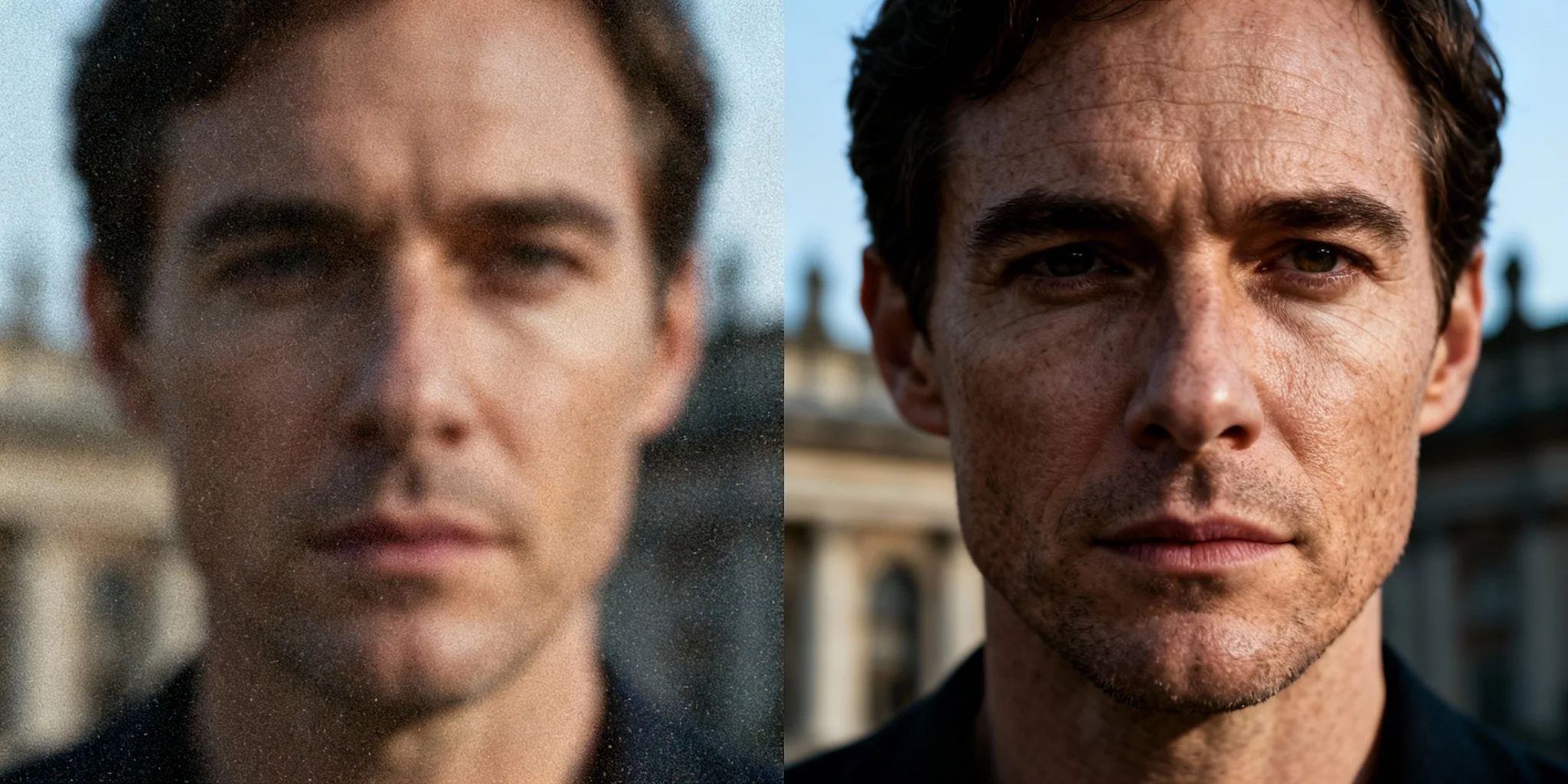
That photo where the moment is perfect but the face is soft — this fixes it. The AI Face Enhancer takes a blurry, low-res, or aged portrait and restores facial detail: sharper eyes, cleaner skin texture, a face you can actually see. Upload, preview the restoration, download. A clearer version of the same portrait, with preview before download.

Select Image

or drag and drop

Supports PNG, JPEG, WebP

01

What does Face Enhancer fix in a blurry portrait?

The short answer: the face itself. When you enhance a blurry face, the model reconstructs the details that blur, compression, or time washed out — while keeping everything that makes the face that person's face.

01
1

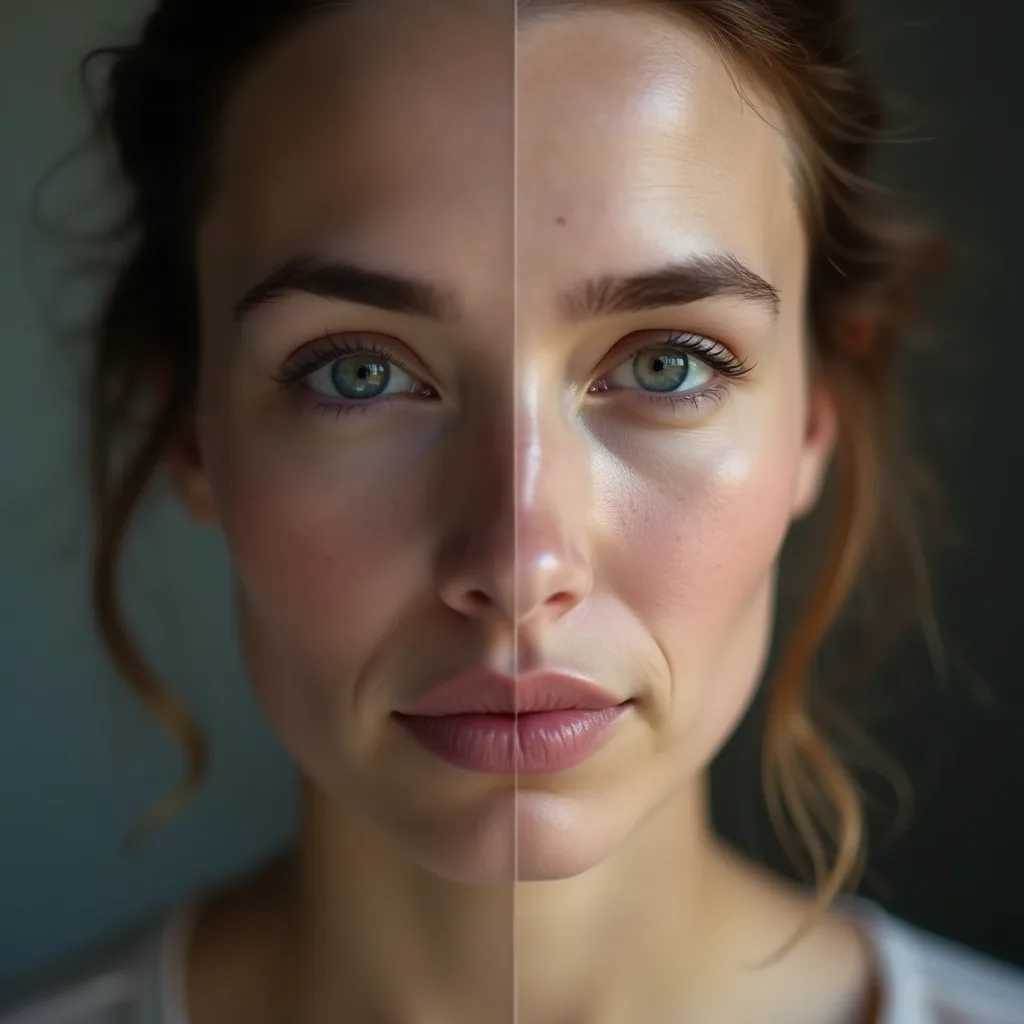
Recover soft facial details without plastic skin

The failure mode of cheap enhancers is the porcelain-doll effect — over-smoothed skin that looks airbrushed into anonymity. The goal here is natural face restoration: detail comes back, texture stays real, and the person still looks like themselves rather than a beauty-filter version of themselves.
2

Improve eyes, skin texture, and portrait sharpness

Enhancement concentrates where your eye goes first: the eyes regain definition, skin texture is rebuilt rather than blurred away, and overall portrait sharpness lifts so the face reads clearly even from a soft or low-resolution source.

02

How to enhance a face online in 3 steps

Here's how to enhance a face online — under a minute, no editing skills required.

02
1

Upload a portrait or old photo

Drop in the photo — a recent portrait, a low-res avatar, or a scanned old photo. Faces don't need to be perfect; soft and blurry is exactly what this is for.

2

Preview AI face restoration

The model restores the face and shows you the result before you download. Zoom in on the eyes and skin, compare against the original, and re-run if you want another pass.

3

Download a sharper portrait

Happy with the preview? Download the restored portrait, ready for a profile, a print, or the family archive.

03

Which photos benefit most from AI face enhancement?

Some photos gain more from enhancement than others — these three types see the biggest before/after jump.

03
1

Low-resolution profile pictures and avatars

That avatar you've been reusing since it was cropped out of a group photo? A profile photo enhancer pass rebuilds the facial detail that cropping and re-compression destroyed, so the small image finally looks intentional instead of pixelated.

2

Old family photos and scanned portraits

The old photo face enhancer case is the emotional one: scanned prints and decades-old snapshots where the faces have gone soft. Restoration brings grandparents' and parents' faces back into focus — Restoration can make old portraits easier to recognize, share, or print, especially when the face is visible but softened by age, grain, or scanning.

3

Creator headshots and social profile images

Your face is your thumbnail. Sharpen a headshot before it goes on a channel page, a bio, or a press kit — a crisper face reads as more professional everywhere it appears, without booking a new shoot.

04

Can Face Enhancer improve quality without changing identity?

The question behind every face tool: will it still look like me? The goal is to enhance the existing face, not replace it. Use the preview to check whether the restored portrait still looks natural and true to the original.

04
1

Sharpen the original face instead of replacing it

Enhancement and face replacement are different operations. Face Enhancer restores detail in the face that's already there — It focuses on the face already in the photo instead of turning the portrait into a face swap or beauty-filter result. Check the preview for bone structure, proportions, and expression before downloading.

2

Review eyes, skin, and facial contours before downloading

The preview exists so you can verify it yourself. Zoom into the eyes, check the skin texture, trace the facial contours against the original — if anything reads as off, re-run before downloading. Nothing ships until you've confirmed the person still looks like the person.

05

Face Enhancer vs Image Enhancer: which tool should you use?

Both improve photos; they just aim at different targets.

05
1

Use Face Enhancer for portraits and visible facial detail

If the problem is the face — blurry features, soft eyes, low-res skin — this page's tool is the specialist. It concentrates restoration on facial detail specifically.

2

Use Image Enhancer for full-image clarity, color, or resolution

If the whole photo needs help — overall sharpness, color, or upscaled resolution, faces or no faces — a general image enhancer is the better fit. Many photos benefit from both: enhance the image, then give the face a dedicated pass.

More AI Generators

Create images, videos, avatars, and audio from text prompts.

Continue editing with related free tools

Face Enhancer FAQ

Yes — you can unblur a face online free here: upload, restore, preview, and download without paying. Paid options only matter for high-volume or automated use.

Yes, old and scanned photos are one of the strongest use cases. Faces softened by age, film grain, or scanning come back with restored detail — results are best when the face is reasonably visible in the original, even if it's blurry.

It is designed to sharpen the existing face rather than replace it. Because AI restoration can vary by image quality, use the preview to compare the result with the original before downloading. Features, proportions, and expression stay the same; the preview lets you compare against the original and confirm before you download. If you actually want a different face in the photo, that's a different tool — see Face Swapper below.

Ready to Experience Lightning-Fast AI Generation?