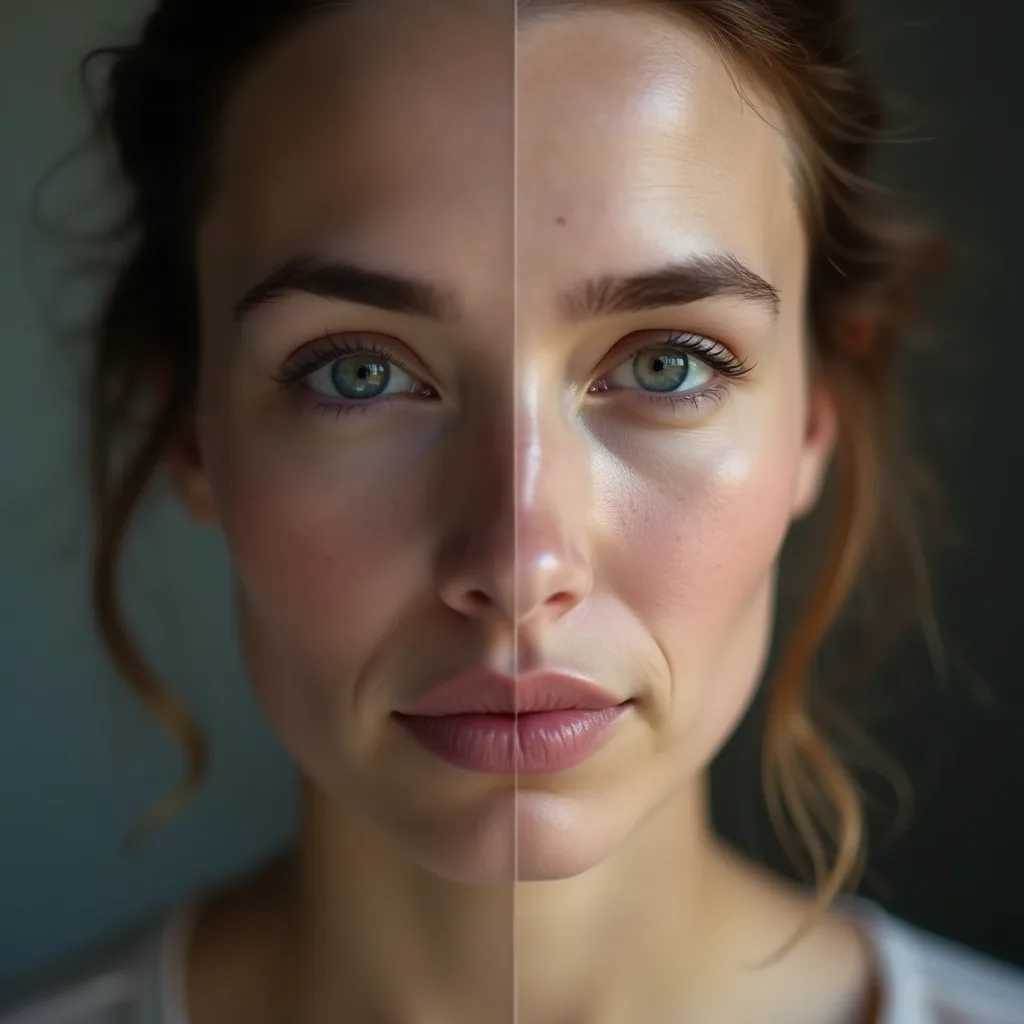
AI Face Enhancer — Restore & Sharpen Faces Instantly
Restore blurry, low-resolution, or damaged faces with AI. Sharpen facial details and bring portraits back to life — all processed in your browser.
Select Image
or drag and drop
Supports PNG, JPEG, WebP
Why Choose Our Face Enhancer?
Restore portraits and old photos with stunning clarity using AI.
AI Face Detection
Automatically detects and enhances all faces in your images with precision

HD Restoration
Restore old photos, fix blurry faces, and add stunning detail to portraits

100% Private
All processing happens in your browser. Your photos never leave your device

Free & Unlimited
No sign-up required. No watermarks. Enhance as many photos as you want

How to Enhance Faces in 3 Steps
Upload Image
Select or drag & drop your photo
AI Enhancement
Our AI detects and enhances all faces
Download
Get your enhanced photo in HD quality
Need More Power?
Skip the model downloads. Enhance faces and upscale images on cloud GPUs for higher quality and faster processing — all via REST API.

Image Face Enhancer Pro
Cloud-powered face enhancement and image upscaling with AI. Restore old photos, sharpen blurry faces, and upscale to ultra-high resolution.

Video Face Enhancer Pro
Frame-by-frame AI video upscaling and face enhancement. Restore old videos, sharpen details, and upscale resolution with temporal coherence.
More AI Generators
Create images, videos, avatars, and audio from text prompts.
FAQ
Our AI uses deep learning models to detect faces in your image and enhance them by adding detail, sharpening features, and improving overall quality. The technology can upscale faces up to 4x while maintaining natural appearance.
The face enhancer works great on portraits, group photos, old photographs, and any image where faces appear blurry or low resolution. It handles various angles and lighting conditions.
Absolutely! All image processing happens directly in your browser using WebAssembly technology. Your photos are never uploaded to any server, ensuring complete privacy.
The scale option (1x-4x) determines the output resolution. 1x keeps the original size while enhancing quality, while 2x-4x will upscale the image accordingly with enhanced detail.