VOID Video Inpainting removes objects from videos using mask-guided inpainting. Supports quad-mask or auto-generated SAM-3 masks, optional Pass 2 refinement for temporal consistency, adjustable denoising steps, guidance scale, and temporal window size. Ready-to-use REST inference API, best performance, no coldstarts, affordable pricing.
대기 중
$0.05실행당·~20 / $1
예시전체 보기
The man is having breakfast.
관련 모델

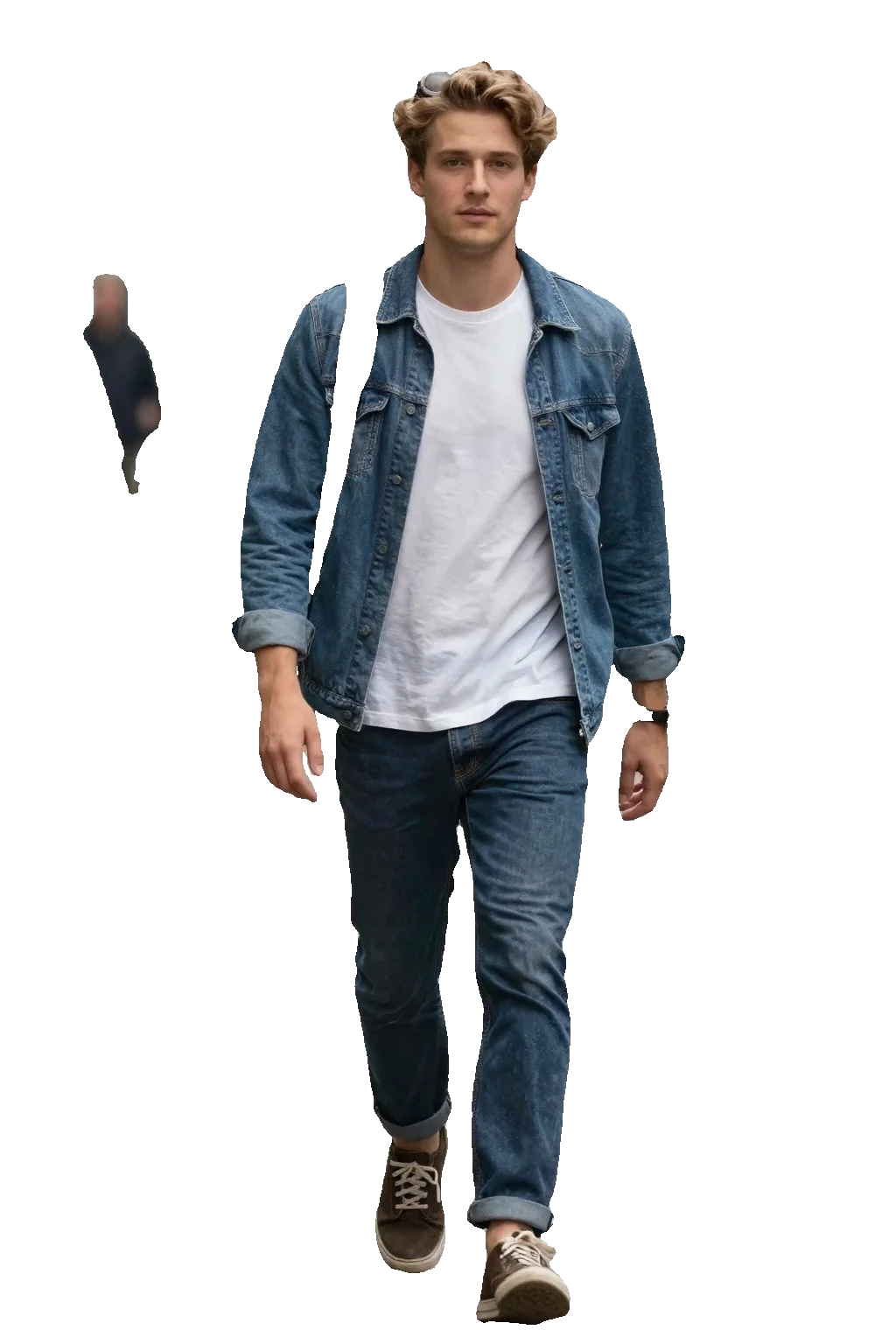
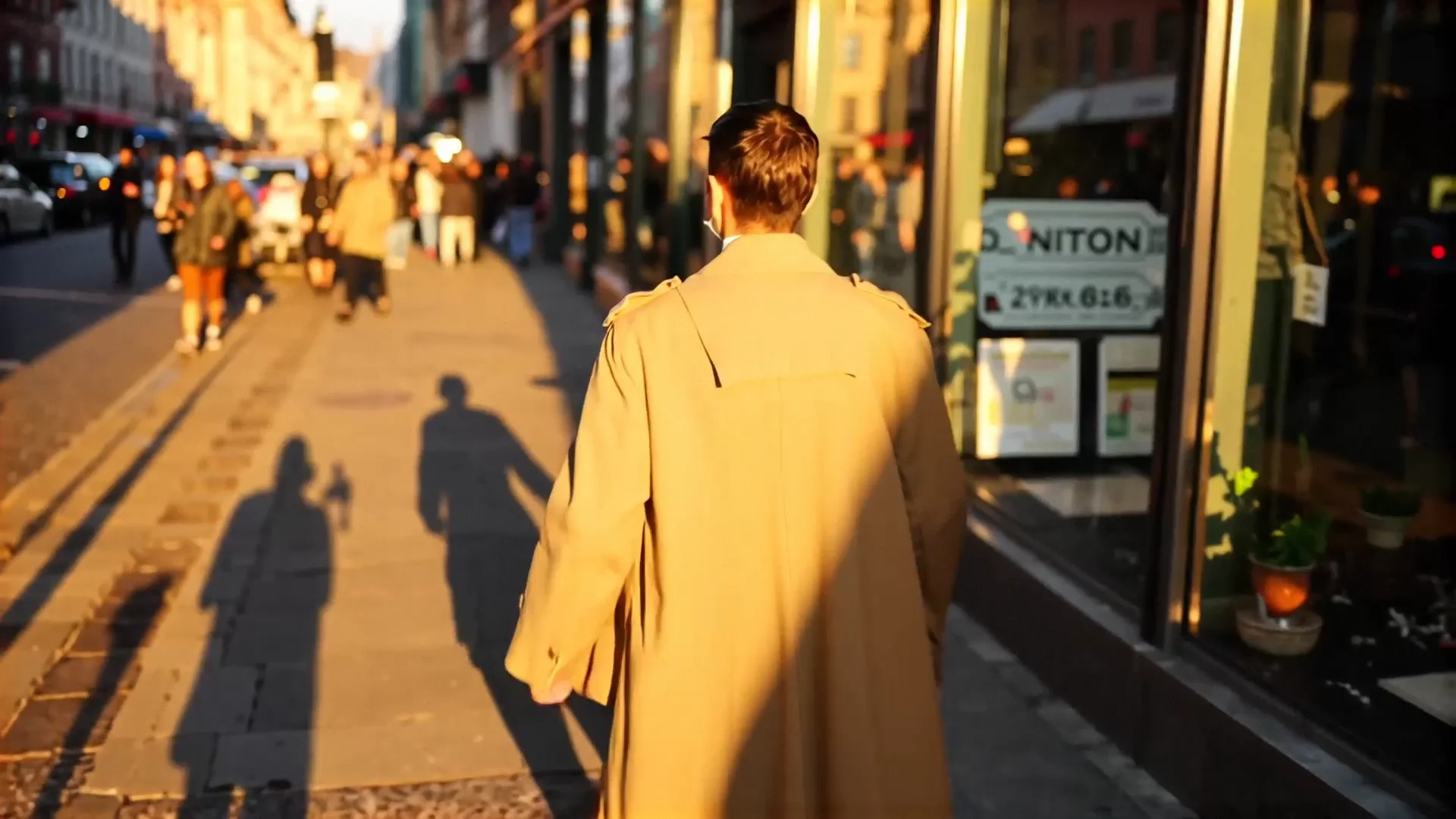
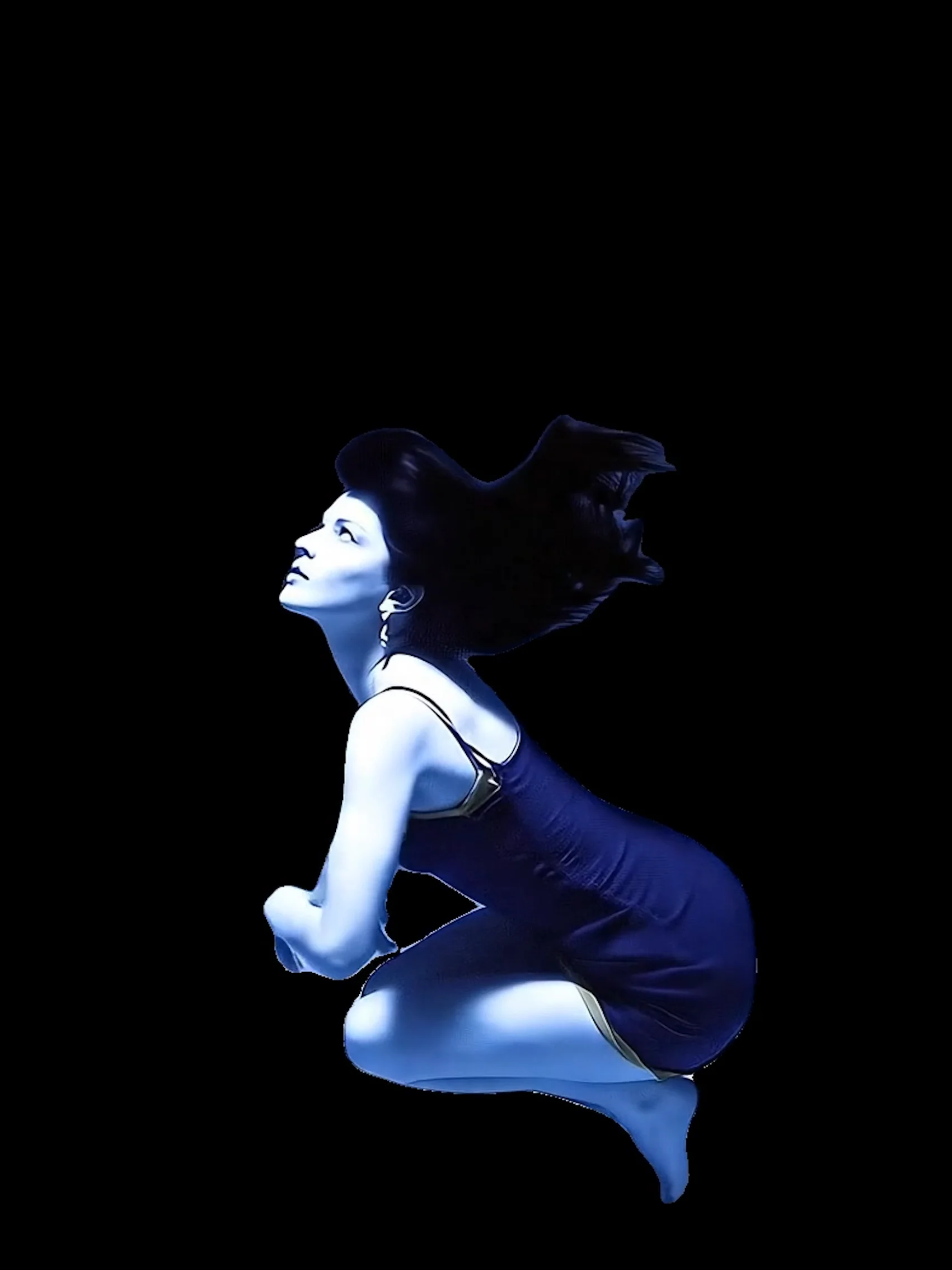

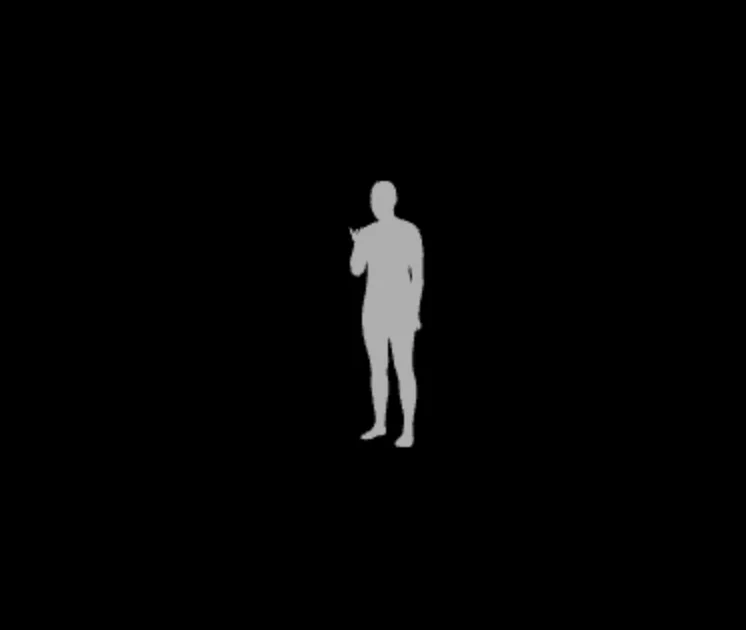
README
VOID Video Inpainting — Object Removal
VOID Video Inpainting removes objects or people from video footage and fills the background with realistic, temporally consistent content. Describe what to remove and what the background should look like — the model handles the rest, with optional mask video input for precise control.
Why Choose This?
-
Text-driven object removal Describe the object or person to remove in plain language — no manual masking required. The model uses SAM-3 to auto-generate a mask from your text description.
-
Custom mask video support Upload a pre-prepared VOID-style quadmask or simple binary mask video for precise, frame-accurate removal control.
-
Background inpainting Describe the desired background after removal — the model fills the gap with contextually appropriate, motion-consistent content.
-
Pass 2 refinement Enable enable_pass2_refinement for additional warped-noise refinement that improves temporal consistency on longer clips.
-
Fine-grained generation control Adjust inference steps, guidance scale, denoising strength, and temporal window size for precise output control.
Parameters
| Parameter | Required | Description |
|---|---|---|
| video | Yes | Input video containing the object to remove (URL). |
| prompt | Yes | Text description of the desired background after object removal. |
| mask_video | No | Mask video URL. Supports VOID quadmask (4 grayscale values) or simple binary mask. Auto-generated if omitted. |
| mask_prompt | No | Text description of what to mask/remove. Used to auto-generate a mask when mask_video is not provided. |
| enable_pass2_refinement | No | Run Pass 2 warped-noise refinement for improved temporal consistency. Slower but higher quality. Default: false. |
| negative_prompt | No | Negative prompt to guide generation away from undesired outputs. |
| num_inference_steps | No | Number of denoising steps. Range: 1–50. Default: 30. Higher = better quality, slower. |
| guidance_scale | No | Classifier-free guidance scale. Range: 0–20. Default: 1. |
| strength | No | Denoising strength. Range: 0–1. Default: 1 (full denoising). |
| num_frames | No | Temporal window size. Valid values: 69, 77, 85, …, 197. Default: 85. |
| seed | No | Random seed for reproducible results. |
Mask Video Format
The mask_video supports two formats:
- VOID quadmask (recommended): 4 grayscale values — 0 = object to remove, 63 = overlap region, 127 = affected area, 255 = background to keep.
- Simple binary mask: 0 = remove, 255 = keep.
If mask_video is not provided, a mask is auto-generated from mask_prompt using SAM-3.
How to Use
- Upload your video — provide the source clip containing the object to remove.
- Write your prompt — describe what the background should look like after the object is removed.
- Provide mask input — either upload a mask_video for precise control, or provide a mask_prompt to auto-generate the mask.
- Enable Pass 2 (optional) — check enable_pass2_refinement for improved temporal consistency on longer clips.
- Adjust generation settings (optional) — tune inference steps, guidance scale, strength, and num_frames as needed.
- Add negative prompt (optional) — specify elements to avoid in the inpainted output.
- Set seed (optional) — fix the seed to reproduce a specific result.
- Submit — generate, preview, and download your object-removed video.
Pricing
| Pass 2 Refinement | Mask Video | Cost |
|---|---|---|
| No | No (auto) | $0.05 |
| Yes | No (auto) | $0.10 |
| No | Yes | $0.10 |
| Yes | Yes | $0.15 |
Billing Rules
- Base cost: $0.05 (without Pass 2)
- Pass 2 surcharge: ×2 base cost when enabled
- Mask video surcharge: +$0.05 when a mask_video is provided
Best Use Cases
- Film & video post-production — Remove unwanted objects, crew members, or equipment from footage.
- Social media content — Clean up backgrounds by removing distracting elements before publishing.
- Product video cleanup — Remove staging props, logos, or unwanted foreground elements from product footage.
- Content repurposing — Strip specific elements from existing footage to repurpose clips for new contexts.
Pro Tips
- Provide a mask_video for the most accurate, frame-precise removal — especially for fast-moving or partially occluded subjects.
- If using mask_prompt for auto-generation, be specific about the object to remove (e.g. "the person on the left" rather than just "person").
- Write a detailed background prompt describing texture, lighting, and environment for more coherent fill results.
- Enable Pass 2 refinement for clips longer than a few seconds where temporal consistency matters most.
- Use a fixed seed when iterating on prompt or mask changes to isolate the effect of each adjustment.
Notes
- Both video and prompt are required fields; all other parameters are optional.
- If mask_video is omitted, mask_prompt should be provided to guide automatic mask generation.
- Valid num_frames values are: 69, 77, 85, 93, 101 … up to 197 (increments of 8 after 85).
- Ensure video and mask_video URLs are publicly accessible.
- mask_video or mask_prompt must chose one to input.
Void Video Inpainting Mask API — Quick start
Grab a WaveSpeedAI API key, then call POST https://api.wavespeed.ai/api/v3/wavespeed-ai/void-video-inpainting/mask with your input as JSON. The endpoint returns a prediction id. Start polling the result endpoint around every 2 seconds, increase the interval for long-running tasks, and stop on any terminal status. On completed, read output values from data.outputs. Examples for Void Video Inpainting Mask below.
HTTP example
set -euo pipefail

: "${WAVESPEED_API_KEY:?Set WAVESPEED_API_KEY}"

REQUEST_BODY=$(cat <<'JSON'
{
    "prompt": "A cinematic shot of a city at sunset, soft golden light",
    "video": "https://interactive-examples.mdn.mozilla.net/media/cc0-videos/flower.mp4",
    "enable_pass2_refinement": false,
    "num_inference_steps": 30,
    "guidance_scale": 1,
    "strength": 1,
    "num_frames": 85
}
JSON
)

# 1. Submit the prediction.
SUBMIT_RESPONSE=$(curl --silent --show-error --fail-with-body \
  -X POST "https://api.wavespeed.ai/api/v3/wavespeed-ai/void-video-inpainting/mask" \
  -H "Content-Type: application/json" \
  -H "Authorization: Bearer $WAVESPEED_API_KEY" \
  -d "$REQUEST_BODY")

TASK=$(printf '%s' "$SUBMIT_RESPONSE" | jq 'if has("data") then .data else . end')
PREDICTION_ID=$(printf '%s' "$TASK" | jq -r '.id')
if [ -z "$PREDICTION_ID" ] || [ "$PREDICTION_ID" = "null" ]; then
  printf 'Submission response did not contain a prediction id
' >&2
  exit 1
fi
RESULT_URL=$(printf '%s' "$TASK" | jq -r '.urls.get // empty')
if [ -z "$RESULT_URL" ]; then
  RESULT_URL="https://api.wavespeed.ai/api/v3/predictions/$PREDICTION_ID/result"
fi

# 2. Poll until the prediction finishes.
while true; do
  RESPONSE=$(curl --silent --show-error --fail-with-body "$RESULT_URL" \
    -H "Authorization: Bearer $WAVESPEED_API_KEY")
  RESULT=$(printf '%s' "$RESPONSE" | jq 'if has("data") then .data else . end')
  STATUS=$(printf '%s' "$RESULT" | jq -r '.status')
  case "$STATUS" in
    completed) printf '%s\n' "$RESULT" | jq '.outputs'; break ;;
    failed|cancelled|timeout) printf '%s\n' "$RESULT" | jq . >&2; exit 1 ;;
    created|processing) sleep 2 ;;
    *) printf 'Unexpected status: %s
' "$STATUS" >&2; exit 1 ;;
  esac
done
Node.js example
const submitUrl = "https://api.wavespeed.ai/api/v3/wavespeed-ai/void-video-inpainting/mask";
const apiKey = process.env.WAVESPEED_API_KEY;
if (!apiKey) throw new Error('Set WAVESPEED_API_KEY');

async function requestJson(url, options = {}) {
  const response = await fetch(url, options);
  if (!response.ok) throw new Error(await response.text());
  return response.json();
}

// 1. Submit the prediction.
const body = await requestJson(submitUrl, {
  method: "POST",
  headers: {
    "Authorization": `Bearer ${apiKey}`,
    "Content-Type": "application/json",
  },
  body: JSON.stringify({
        "prompt": "A cinematic shot of a city at sunset, soft golden light",
        "video": "https://interactive-examples.mdn.mozilla.net/media/cc0-videos/flower.mp4",
        "enable_pass2_refinement": false,
        "num_inference_steps": 30,
        "guidance_scale": 1,
        "strength": 1,
        "num_frames": 85
}),
});
const task = body.data ?? body;
if (!task.id) throw new Error("Submission response did not contain a prediction id");
const resultUrl = task.urls?.get ||
  `https://api.wavespeed.ai/api/v3/predictions/${task.id}/result`;

// 2. Poll until the prediction finishes.
while (true) {
  const resultBody = await requestJson(resultUrl, {
    headers: { "Authorization": `Bearer ${apiKey}` },
  });
  const result = resultBody.data ?? resultBody;
  if (result.status === "completed") {
    console.log(result.outputs);
    break;
  }
  if (["failed", "cancelled", "timeout"].includes(result.status)) throw new Error(JSON.stringify(result));
  if (!["created", "processing"].includes(result.status)) throw new Error("Unexpected status: " + result.status);
  await new Promise(resolve => setTimeout(resolve, 2000));
}
Python example
import json
import os
import time
from urllib.request import Request, urlopen

api_key = os.environ["WAVESPEED_API_KEY"]
headers = {"Authorization": f"Bearer {api_key}", "Content-Type": "application/json"}
payload = {
    "prompt": "A cinematic shot of a city at sunset, soft golden light",
    "video": "https://interactive-examples.mdn.mozilla.net/media/cc0-videos/flower.mp4",
    "enable_pass2_refinement": False,
    "num_inference_steps": 30,
    "guidance_scale": 1,
    "strength": 1,
    "num_frames": 85
}

def request_json(url, data=None):
    request = Request(url, data=data, headers=headers, method="POST" if data else "GET")
    with urlopen(request) as response:
        return json.load(response)

# 1. Submit the prediction.
body = request_json("https://api.wavespeed.ai/api/v3/wavespeed-ai/void-video-inpainting/mask", json.dumps(payload).encode())
task = body.get("data", body)
if not task.get("id"):
    raise RuntimeError("Submission response did not contain a prediction id")
result_url = task.get("urls", {}).get("get") or f"https://api.wavespeed.ai/api/v3/predictions/{task['id']}/result"

# 2. Poll until the prediction finishes.
while True:
    result_body = request_json(result_url)
    result = result_body.get("data", result_body)
    status = result.get("status")
    if status == "completed":
        print(result.get("outputs", []))
        break
    if status in {"failed", "cancelled", "timeout"}:
        raise RuntimeError(result)
    if status not in {"created", "processing"}:
        raise RuntimeError(f"Unexpected status: {status}")
    time.sleep(2)
Void Video Inpainting Mask API — Frequently asked questions
What is the Void Video Inpainting Mask API?
Void Video Inpainting Mask is a WaveSpeedAI model for video editing, exposed as a REST API on WaveSpeedAI. VOID Video Inpainting removes objects from videos using mask-guided inpainting. Supports quad-mask or auto-generated SAM-3 masks, optional Pass 2 refinement for temporal consistency, adjustable denoising steps, guidance scale, and temporal window size. Ready-to-use REST inference API, best performance, no coldstarts, affordable pricing. You can call it programmatically or try it from the playground above.
How do I call the Void Video Inpainting Mask API?
POST your input parameters to the model's REST endpoint (shown in the API tab of this playground) with your WaveSpeedAI API key in the Authorization header. Submission returns a prediction ID. Poll the result endpoint starting around every 2 seconds, increase the interval for long-running tasks, and stop on any terminal status. The playground generates production-oriented Python, JavaScript, and cURL examples with timeouts, transient-error handling, and safe GET retries. Full request/response shape is documented at https://wavespeed.ai/docs/docs-api/wavespeed-ai/void-video-inpainting-mask.
How much does Void Video Inpainting Mask cost per run?
Void Video Inpainting Mask starts at $0.050 per run. That figure is the base price — the final charge scales with the parameters you set in the form (output size, length, count, references, or whatever knobs this model exposes), so a higher-quality or larger output costs more than a minimal one. The exact cost for your current input is shown live next to the Generate button before you submit, and the actual per-call charge is recorded on the prediction afterwards.
What inputs does Void Video Inpainting Mask accept?
Key inputs: `prompt`, `video`, `seed`, `guidance_scale`, `num_inference_steps`, `negative_prompt`. The full JSON schema (types, defaults, allowed values) is rendered above the Generate button and mirrored in the API reference at https://wavespeed.ai/docs/docs-api/wavespeed-ai/void-video-inpainting-mask.
How long does Void Video Inpainting Mask take to generate?
Average end-to-end generation time on WaveSpeedAI is around 378 seconds per request — measured across recent runs. Queue time scales with global demand; live status is visible in the prediction record.
Can I use Void Video Inpainting Mask outputs commercially?
Commercial usage rights depend on the model's license, set by its provider (WaveSpeedAI). The license summary appears on the model card above; see WaveSpeedAI's Terms of Service for platform-level conditions.