SAM3 Video is a unified foundation model for prompt-based video segmentation. Provide text, point, box, or mask prompts and the model segments and tracks targets across frames with strong temporal consistency. Supports concept-level (“segment anything with concepts”) and multi-object masks for editing, analytics, and VFX. Ready-to-use REST inference API with fast response, no cold starts, and affordable pricing.
Idle
$0.05per run·~20 / $1
ExamplesView all
The woman
The girl
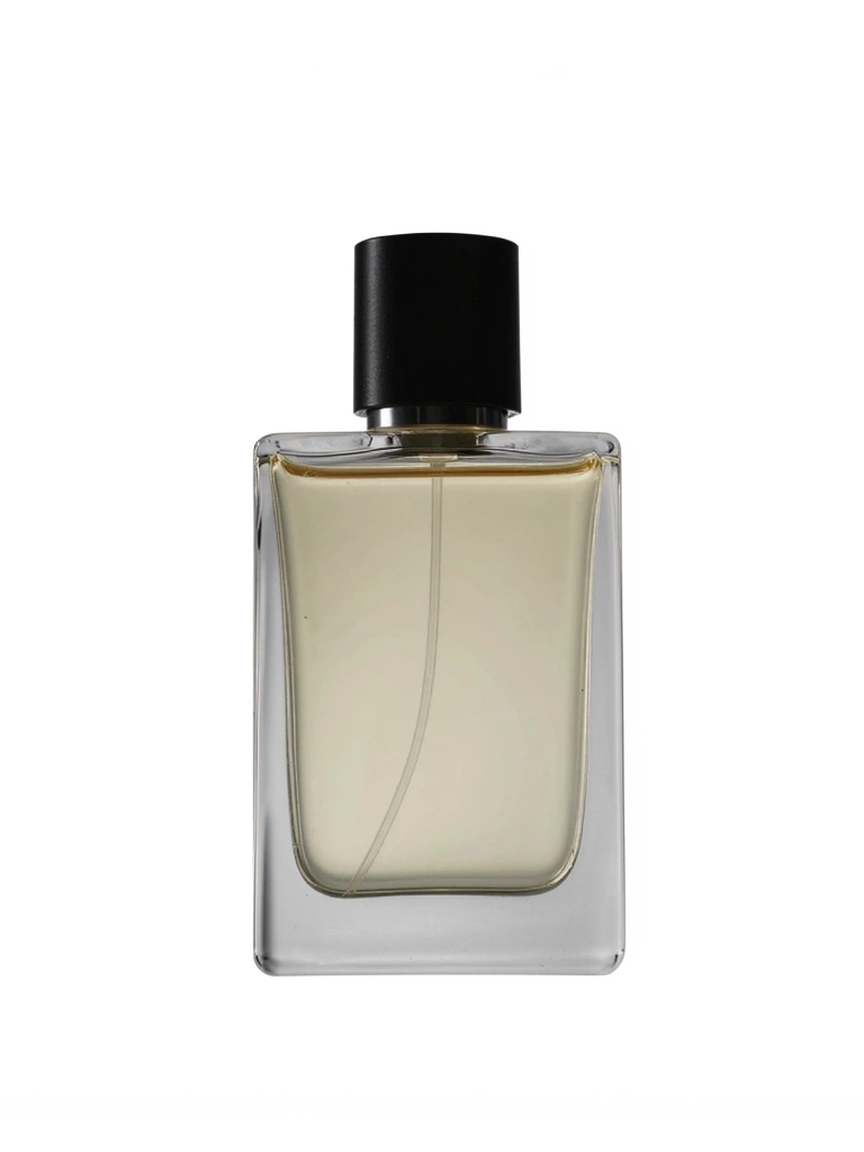
The perfume
The woman
Related Models





README
WaveSpeedAI SAM3 Video Video-to-Video
WaveSpeedAI SAM3 Video Video-to-Video is a prompt-based video segmentation and mask-guided editing model. Provide a video and a short text prompt to target specific subjects across frames, then choose whether to apply the mask to the video output or return a mask-style result for downstream workflows.
Why Choose This?
-
Prompt-based target selection
Use natural language to identify the subject or object to segment, such asperson,woman,red car, orbackpack. -
Multi-object targeting
Target multiple objects in one request by listing them in the prompt. -
Mask-guided video output
Useapply_maskto control whether the detected mask is applied to the video or returned as a mask-style output. -
Temporal video consistency
Track selected subjects across frames for more stable video segmentation workflows. -
Editing and compositing workflows
Prepare masks or localized video outputs for object removal, background cleanup, subject isolation, and downstream compositing.
Parameters
| Parameter | Required | Description |
|---|---|---|
| video | Yes | Input video file or public video URL. |
| prompt | Yes | Text prompt describing the subject or object to target. Use short, concrete labels such as person, car, or dog. |
| apply_mask | No | Whether to apply the mask to the video output. Default: true. When disabled, the output is a mask-style video: the background is black and the selected region is white. |
How to Use
- Upload a video — Provide the source video you want to process.
- Write a target prompt — Describe the subject or object to segment, such as
the woman,red car, orperson, backpack. - Choose mask behavior — Keep
apply_maskenabled to apply the mask to the video output. Disable it when you need a black-and-white mask-style output. - Submit — Generate the processed video result.
Pricing
Pricing is based on input video duration.
Billed duration is rounded up to the next whole second, with a minimum billed duration of 3 seconds and a maximum billed duration of 600 seconds. Pricing is charged in 5-second units at $0.05 per 5 seconds.
| Billed Duration | Cost |
|---|---|
| 3s | $0.03 |
| 5s | $0.05 |
| 10s | $0.10 |
| 60s | $0.60 |
| 600s | $6.00 |
prompt and apply_mask do not add separate charges.
Best Use Cases
- Video segmentation — Segment people, objects, animals, clothing, vehicles, or other visible subjects across frames.
- Subject isolation — Isolate a target subject for compositing or downstream editing.
- Mask generation — Create black-and-white mask-style video outputs for external editing pipelines.
- Object-focused editing — Prepare localized regions for removal, cleanup, or replacement workflows.
- Background cleanup — Target foreground subjects or unwanted background objects with prompt guidance.
- Multi-target workflows — Segment multiple objects in one run when the prompt clearly identifies each target.
Pro Tips
- Use short, concrete target descriptions for better segmentation.
- For multiple objects, use comma-separated labels such as
person, backpack, bicycle. - Keep the prompt focused on what should be targeted.
- Use
apply_mask=truewhen you want the mask applied to the video output. - Use
apply_mask=falsewhen you need a black-background mask output with the selected region shown in white. - Use stable footage with clear subject separation for better results.
- Reduce the number of targets if the model selects the wrong object or drifts across frames.
Notes
videoandpromptare required.apply_maskdefaults totrue.- When
apply_maskis disabled, the output is a mask-style video with a black background and the selected region in white. - Billed duration is rounded up and clamped to
3–600seconds. - Very short videos are billed as
3seconds. - Videos longer than
600seconds are billed at the 600-second cap.
Related Models
- WaveSpeedAI Video Eraser — Remove unwanted objects or people from videos using mask-based guidance.
- Wan 2.2 Video Edit — Edit video content with text instructions.
- WaveSpeedAI Video Watermark Remover — Remove logos, captions, or watermarks from videos.
- WaveSpeedAI Video Outpainter — Expand video borders for reframing and aspect-ratio changes.
Sam3 Video API — Quick start
Grab a WaveSpeedAI API key, then call POST https://api.wavespeed.ai/api/v3/wavespeed-ai/sam3-video with your input as JSON. The endpoint returns a prediction id. Start polling the result endpoint around every 2 seconds, increase the interval for long-running tasks, and stop on any terminal status. On completed, read output values from data.outputs. Examples for Sam3 Video below.
HTTP example
set -euo pipefail

: "${WAVESPEED_API_KEY:?Set WAVESPEED_API_KEY}"

REQUEST_BODY=$(cat <<'JSON'
{
    "prompt": "A cinematic shot of a city at sunset, soft golden light",
    "video": "https://interactive-examples.mdn.mozilla.net/media/cc0-videos/flower.mp4",
    "apply_mask": true
}
JSON
)

# 1. Submit the prediction.
SUBMIT_RESPONSE=$(curl --silent --show-error --fail-with-body \
  -X POST "https://api.wavespeed.ai/api/v3/wavespeed-ai/sam3-video" \
  -H "Content-Type: application/json" \
  -H "Authorization: Bearer $WAVESPEED_API_KEY" \
  -d "$REQUEST_BODY")

TASK=$(printf '%s' "$SUBMIT_RESPONSE" | jq 'if has("data") then .data else . end')
PREDICTION_ID=$(printf '%s' "$TASK" | jq -r '.id')
if [ -z "$PREDICTION_ID" ] || [ "$PREDICTION_ID" = "null" ]; then
  printf 'Submission response did not contain a prediction id
' >&2
  exit 1
fi
RESULT_URL="https://api.wavespeed.ai/api/v3/predictions/$PREDICTION_ID/result"

# 2. Poll until the prediction finishes.
while true; do
  RESPONSE=$(curl --silent --show-error --fail-with-body "$RESULT_URL" \
    -H "Authorization: Bearer $WAVESPEED_API_KEY")
  RESULT=$(printf '%s' "$RESPONSE" | jq 'if has("data") then .data else . end')
  STATUS=$(printf '%s' "$RESULT" | jq -r '.status')
  case "$STATUS" in
    completed) printf '%s\n' "$RESULT" | jq '.outputs'; break ;;
    failed|cancelled|timeout|deleted) printf '%s\n' "$RESULT" | jq . >&2; exit 1 ;;
    *) sleep 2 ;;
  esac
done
Node.js example
const submitUrl = "https://api.wavespeed.ai/api/v3/wavespeed-ai/sam3-video";
const apiKey = process.env.WAVESPEED_API_KEY;
if (!apiKey) throw new Error('Set WAVESPEED_API_KEY');

async function requestJson(url, options = {}) {
  const response = await fetch(url, options);
  if (!response.ok) throw new Error(await response.text());
  return response.json();
}

// 1. Submit the prediction.
const body = await requestJson(submitUrl, {
  method: "POST",
  headers: {
    "Authorization": `Bearer ${apiKey}`,
    "Content-Type": "application/json",
  },
  body: JSON.stringify({
        "prompt": "A cinematic shot of a city at sunset, soft golden light",
        "video": "https://interactive-examples.mdn.mozilla.net/media/cc0-videos/flower.mp4",
        "apply_mask": true
}),
});
const task = body.data ?? body;
if (!task.id) throw new Error("Submission response did not contain a prediction id");
const resultUrl = `https://api.wavespeed.ai/api/v3/predictions/${task.id}/result`;

// 2. Poll until the prediction finishes.
while (true) {
  const resultBody = await requestJson(resultUrl, {
    headers: { "Authorization": `Bearer ${apiKey}` },
  });
  const result = resultBody.data ?? resultBody;
  if (result.status === "completed") {
    console.log(result.outputs);
    break;
  }
  if (["failed", "cancelled", "timeout", "deleted"].includes(result.status)) throw new Error(JSON.stringify(result));
  await new Promise(resolve => setTimeout(resolve, 2000));
}
Python example
import json
import os
import time
from urllib.request import Request, urlopen

api_key = os.environ["WAVESPEED_API_KEY"]
headers = {"Authorization": f"Bearer {api_key}", "Content-Type": "application/json"}
payload = {
    "prompt": "A cinematic shot of a city at sunset, soft golden light",
    "video": "https://interactive-examples.mdn.mozilla.net/media/cc0-videos/flower.mp4",
    "apply_mask": True
}

def request_json(url, data=None):
    request = Request(url, data=data, headers=headers, method="POST" if data else "GET")
    with urlopen(request) as response:
        return json.load(response)

# 1. Submit the prediction.
body = request_json("https://api.wavespeed.ai/api/v3/wavespeed-ai/sam3-video", json.dumps(payload).encode())
task = body.get("data", body)
if not task.get("id"):
    raise RuntimeError("Submission response did not contain a prediction id")
result_url = f"https://api.wavespeed.ai/api/v3/predictions/{task['id']}/result"

# 2. Poll until the prediction finishes.
while True:
    result_body = request_json(result_url)
    result = result_body.get("data", result_body)
    status = result.get("status")
    if status == "completed":
        print(result.get("outputs", []))
        break
    if status in {"failed", "cancelled", "timeout", "deleted"}:
        raise RuntimeError(result)
    time.sleep(2)
Sam3 Video API — Frequently asked questions
What is the Sam3 Video API?
Sam3 Video is a WaveSpeedAI model for video editing, exposed as a REST API on WaveSpeedAI. SAM3 Video is a unified foundation model for prompt-based video segmentation. Provide text, point, box, or mask prompts and the model segments and tracks targets across frames with strong temporal consistency. Supports concept-level (“segment anything with concepts”) and multi-object masks for editing, analytics, and VFX. Ready-to-use REST inference API with fast response, no cold starts, and affordable pricing. You can call it programmatically or try it from the playground above.
How do I call the Sam3 Video API?
POST your input parameters to the model's REST endpoint (shown in the API tab of this playground) with your WaveSpeedAI API key in the Authorization header. Submission returns a prediction ID. Poll the result endpoint starting around every 2 seconds, increase the interval for long-running tasks, and stop on any terminal status. The playground generates Python, JavaScript, and cURL examples for submitting requests and polling results. Full request/response shape is documented at https://wavespeed.ai/docs/docs-api/wavespeed-ai/sam3-video.
How much does Sam3 Video cost per run?
Sam3 Video starts at $0.05 per run. That figure is the base price — the final charge scales with the parameters you set in the form (output size, length, count, references, or whatever knobs this model exposes), so a higher-quality or larger output costs more than a minimal one. The exact cost for your current input is shown live next to the Generate button before you submit, and the actual per-call charge is recorded on the prediction afterwards.
What inputs does Sam3 Video accept?
Key inputs: `prompt`, `video`, `apply_mask`. The full JSON schema (types, defaults, allowed values) is rendered above the Generate button and mirrored in the API reference at https://wavespeed.ai/docs/docs-api/wavespeed-ai/sam3-video.
How long does Sam3 Video take to generate?
Reported generation time on WaveSpeedAI is around 61 seconds per request. This is an estimate, not a latency guarantee; queue time and input settings can change the total wait. live status is visible in the prediction record.
Can I use Sam3 Video outputs commercially?
Commercial usage rights depend on the model's license, set by its provider (WaveSpeedAI). Check the provider's applicable terms and WaveSpeedAI's Terms of Service before commercial use.