Pick an example or write code
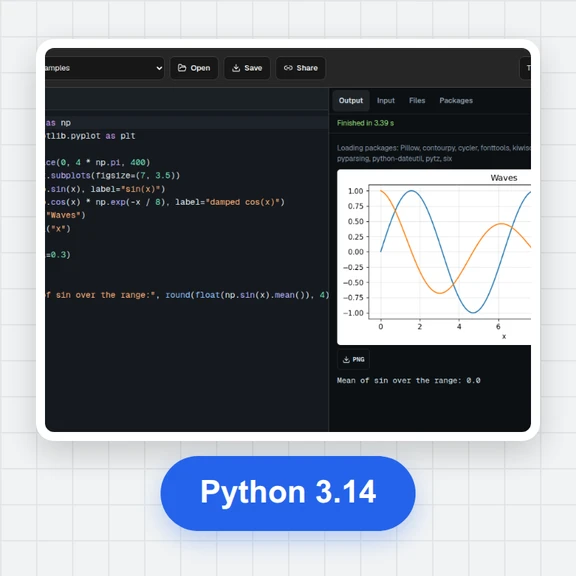
Start from blink, a traffic light, a button, a fading LED or a knob, or write your own MicroPython in the editor.
Write MicroPython, press Run and watch LEDs blink, read buttons and knobs, and talk to the board in its REPL.
Or load your own .uf2 firmware. It all runs in your browser, no board needed.
Start from blink, a traffic light, a button, a fading LED or a knob, or write your own MicroPython in the editor.
Add LEDs, push buttons, switches and knobs and choose the GPIO pin each one connects to. The board shows what every pin is doing.
Press Run and the code runs on MicroPython on the simulated chip. Press buttons, turn knobs and type into the REPL while it runs.
Make visuals and short clips for your electronics projects with WaveSpeed AI.
Make a product shot of your gadget from a prompt.
Turn a photo of your build into a short clip.
Turn a sketch of your enclosure into a 3D model.
$1 in free credits for eligible new accounts. No card needed. Generators have separate account and credit requirements. The Pico simulator is free.
Yes. It's a free online Pico simulator with no account, no time limit and nothing to install. It runs in your browser.
Pick an example or write your own MicroPython, wire LEDs, buttons, switches and knobs to GPIO pins, and press Run. Watch the board react and type into the REPL while your code runs.
Yes. The simulator runs the official MicroPython 1.29 firmware for the Raspberry Pi Pico, unchanged, on an emulated RP2040 processor (Arm Cortex-M0+). The REPL, the machine module, the file system and the error messages are the real thing.
The RP2040's GPIO, timers, PWM, the ADC (GP26–GP28 and the temperature sensor), UART, SPI and I2C controllers, DMA, PIO and USB serial. Outside the chip you can wire LEDs, buttons, switches and knobs to any GPIO pin.
Yes. Load a .uf2 or .bin built for the Raspberry Pi Pico (RP2040): a C/C++ program from the Pico SDK or Arduino, or a MicroPython or CircuitPython build. The console shows its USB serial and UART0 output. The file is read in your browser and never uploaded.
Yes. Code that sleeps or waits runs in real time, and time.ticks_ms() follows the simulated clock, so the timing in your program stays consistent. The status bar shows the current speed.
On the simulated board, files survive Reset, and Save as main.py makes your code run at every start, until you erase the flash or close the page. The code in the editor and your wiring are saved in your browser.
A button connects its pin to GND (or to 3.3 V) while pressed. With a button to GND, turn on the pull-up in code (Pin.PULL_UP): the pin reads 1 when released and 0 when pressed. Hold buttons with the mouse, by touch or with the number keys 1–9.
Yes. The firmware is downloaded once; your code, wiring and files then stay on your device. Nothing you write is sent anywhere.
No. It's an independent simulator. Raspberry Pi and Pico are trademarks of Raspberry Pi Ltd. The simulator's boot ROM is our own code and doesn't contain Raspberry Pi's ROM.
Free, private and nothing to install.
/filters:quality(82)/media/images/1791123751656780930_IfFPY7R0.webp)
/filters:quality(82)/media/images/1791123737177812425_RjKT3cku.webp)
/filters:quality(82)/media/images/1791123748309870128_xlkNgK8N.webp)
/filters:quality(82)/media/images/1791123738630744263_oR09R0aj.webp)
/filters:quality(82)/media/images/1791177033162457776_uQ09OY7g.webp)
/filters:quality(82)/media/images/1791123734319125607_JdnwGPY7.webp)
/filters:quality(82)/media/images/1791123746355630206_udnxGPY7.webp)
/filters:quality(82)/media/images/1791123744771362580_yC0sPezZ.webp)
/filters:quality(82)/media/images/1791123738606970169_5KIR1ais.webp)
/filters:quality(82)/media/images/1791123748197655725_EUmuFNW6.webp)