Lay out the dominoes
Pick a tool and drag on the canvas: a line, a freehand curve, a spiral or a whole field. In the machine view, add balls, ramps, see-saws, pendulums and bells.
Draw lines, curves, spirals and whole fields of dominoes on a table, or build a side-view machine with balls, ramps, see-saws, pendulums and bells.
Push the first one, watch the wave in slow motion and save the run as a vertical, square or wide video with sound.
Loading the domino sandbox…
Pick a tool and drag on the canvas: a line, a freehand curve, a spiral or a whole field. In the machine view, add balls, ramps, see-saws, pendulums and bells.
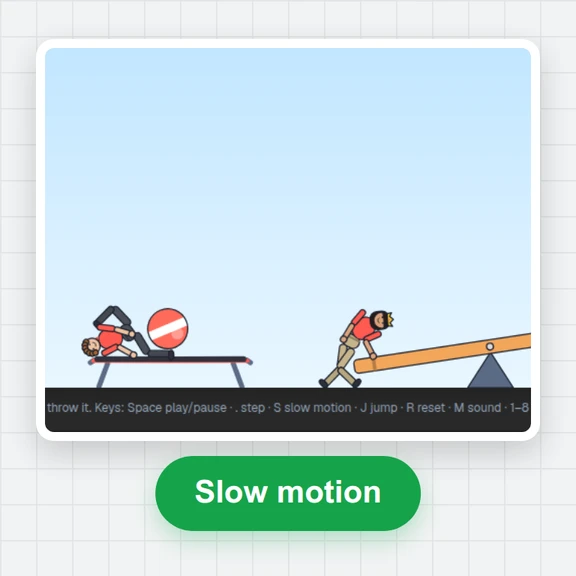
The first run you draw gets a push arrow. Press Start, slow it down to half or quarter speed, or step frame by frame.
Open Video, choose vertical, square or wide, a speed and the sound, then download the MP4 with every click in time.
Small layout choices make the difference between a run that stops and one that keeps everyone watching.
Dominoes about half their height apart topple briskly. Wider spacing is faster but leaves less room for error; much closer and the wave slows down.
Start two runs just past the end of a line, one either side. The last domino strikes both and the wave splits in two.
In a staggered field each domino knocks over two in front, so a single push opens into a widening triangle.
Balls on a slope roll by themselves; a ball or a domino on flat ground needs a push arrow. Use the Push tool to add or flip one.
In the machine view, a row stands on whatever is under the line you draw: the floor, a ramp, or a staircase of shelves.
Export at half or quarter speed for close-ups. The camera follows the action and the clicks stay in sync.
Make a thumbnail, an intro or a whole scene around your clip with WaveSpeed AI.
Make a bold thumbnail or a cover for your domino video.
Generate a short intro or a scene to cut before the run.
Turn a picture into a 3D model for your next build.
$1 in free credits for eligible new accounts. No card needed. Generators have separate account and credit requirements. The domino chain reaction simulator is free.
A sandbox where you set up dominoes and other parts on screen and watch them knock each other over with real physics. This one runs free in your browser, with nothing to install.
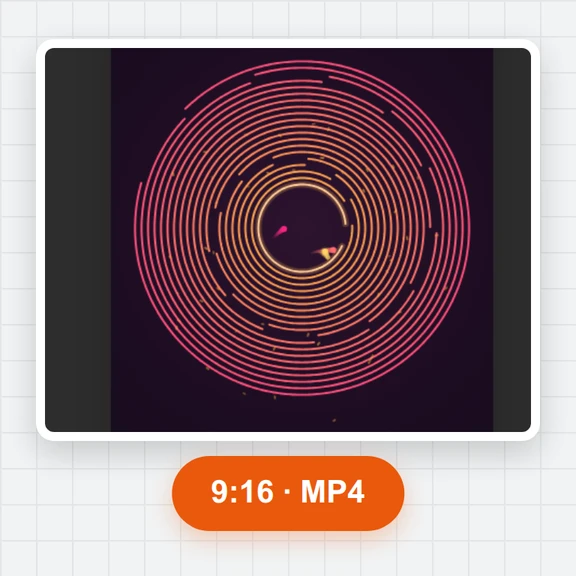
Yes. The Spiral tool lays an inward spiral at the size you drag, and the Field tool fills a rectangle with staggered rows that fall in a spreading wedge. Lines and freehand curves work too.
Switch to the machine view and combine domino rows, balls, ramps, see-saws, pendulums, bumpers, spinning paddles and a bell. Start from the Chain reaction scene and change it to learn how the parts connect.
Yes. Choose 9:16 (1080×1920), 1:1 or 16:9, 30 or 60 fps and normal or slow-motion speed, then download an MP4 with sound. Free, no sign-up and no watermark.
Every domino hit is synthesized as a wooden click, or as a note of a rising and falling scale if you pick Notes. Balls, bumpers and bells have their own sounds. You can also export without sound.
Yes. The simulation uses a fixed time step and no randomness, so a layout replays identically, and the exported video matches what you watched.
Copy link puts the whole scene in the address, so anyone who opens it gets the same layout. You can also save it as a JSON file and open it again later.
Yes. Draw with one finger, pan and zoom with two, and use the tool bar above the canvas. Exports run on your device.
Free, no sign-up, no watermark.
/filters:quality(82)/media/images/1791123751656780930_IfFPY7R0.webp)
/filters:quality(82)/media/images/1791123737177812425_RjKT3cku.webp)
/filters:quality(82)/media/images/1791123748309870128_xlkNgK8N.webp)
/filters:quality(82)/media/images/1791123738630744263_oR09R0aj.webp)
/filters:quality(82)/media/images/1791177033162457776_uQ09OY7g.webp)
/filters:quality(82)/media/images/1791123734319125607_JdnwGPY7.webp)
/filters:quality(82)/media/images/1791123746355630206_udnxGPY7.webp)
/filters:quality(82)/media/images/1791123744771362580_yC0sPezZ.webp)
/filters:quality(82)/media/images/1791123738606970169_5KIR1ais.webp)
/filters:quality(82)/media/images/1791123748197655725_EUmuFNW6.webp)