Dreamina V3.0 is a text-to-image model emphasizing upgraded visual effects, richer detail, and improved style accuracy to generate more aesthetic, faithful images from text prompts. Ready-to-use REST inference API, best performance, no coldstarts, affordable pricing.
就绪
$0.027每次运行·~37 / $1
示例查看全部
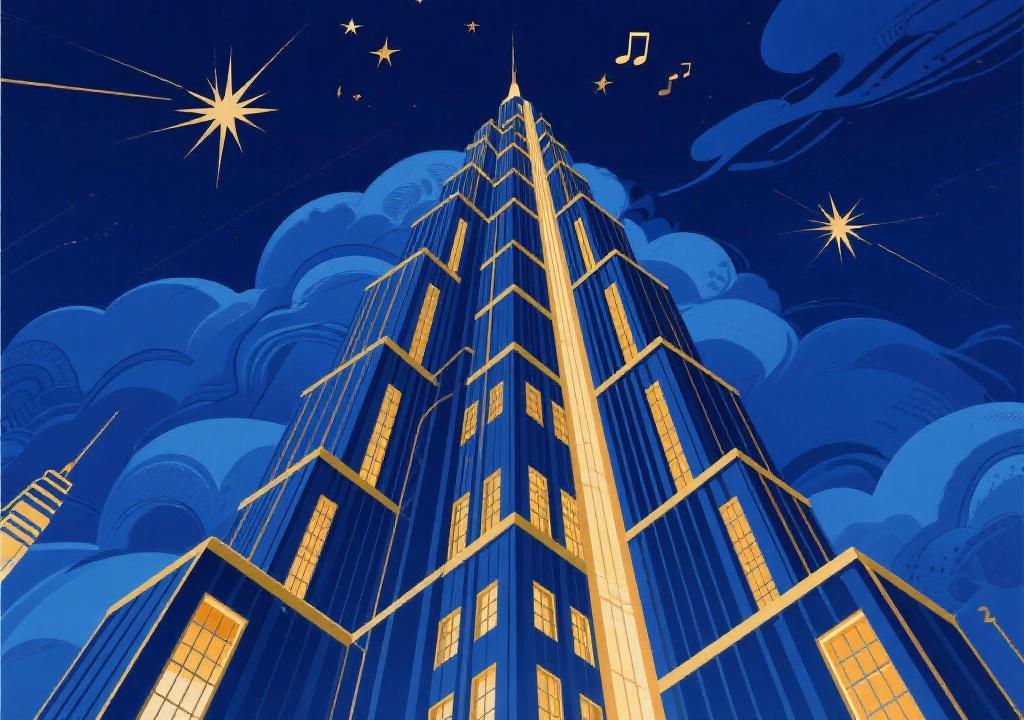
An Art Deco poster illustration of a fantastical skyscraper at night, reaching into the clouds. The building features strong geometric shapes and a symmetrical, stepped-back structure. The sky is a deep indigo blue, adorned with stylized stars. Bold golden lines define the building's contours and the light from its windows, creating a sense of luxury, futurism, and the Jazz Age.
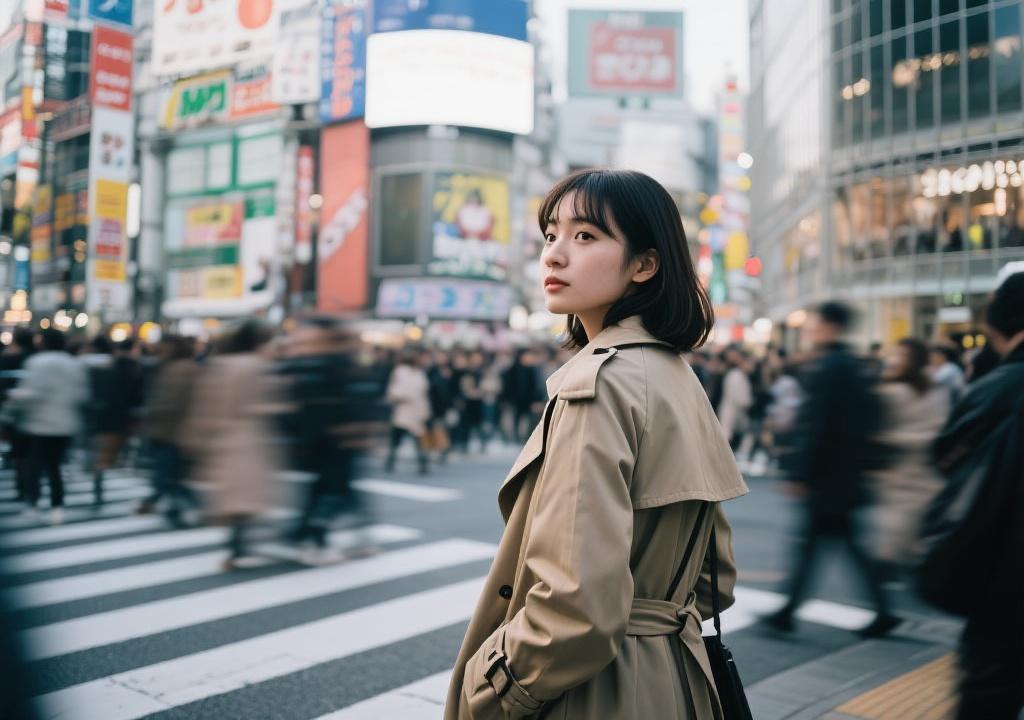
Candid street photograph. A young woman in a stylish trench coat glances back over her shoulder while waiting at the busy Shibuya Crossing in Tokyo. Her expression is calm. The background is a motion blur of the crowd on the crosswalk and vibrant billboards. Documentary style with noticeable film grain.
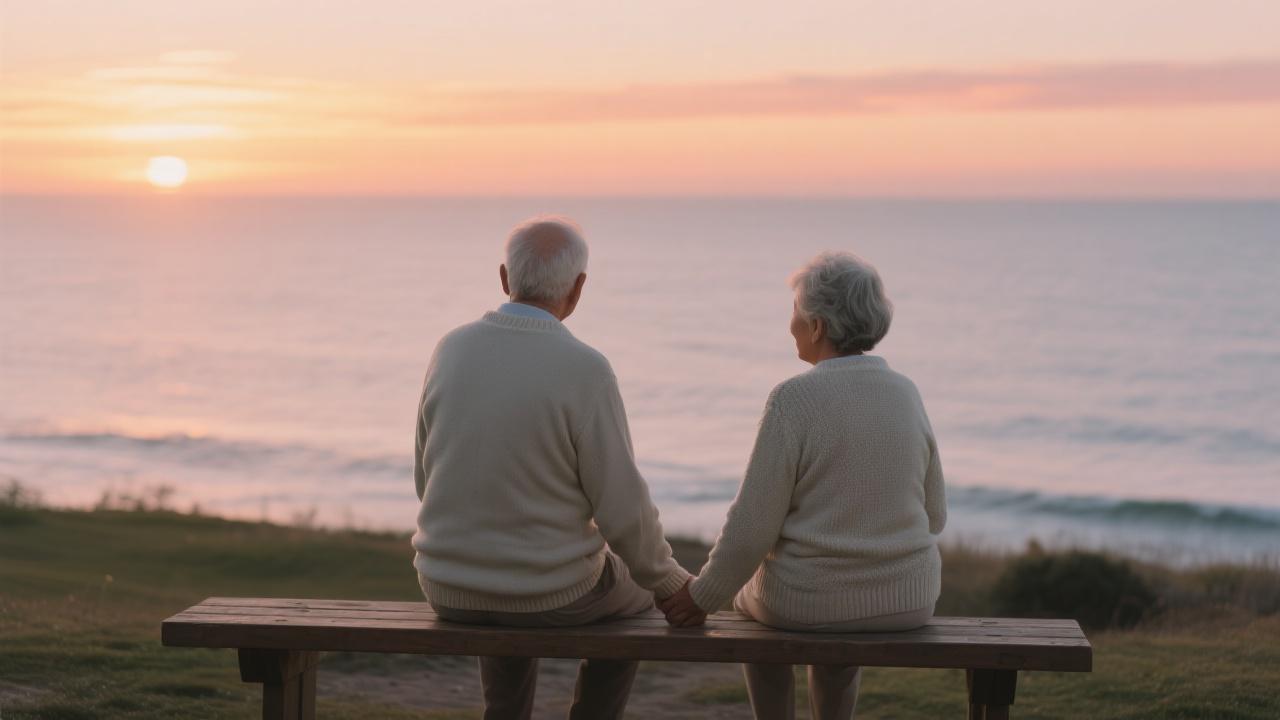
An elderly couple sitting on a wooden bench facing the sea, holding hands, both wearing light sweaters, the horizon glowing with the colors of sunset, peaceful and heartwarming atmosphere.
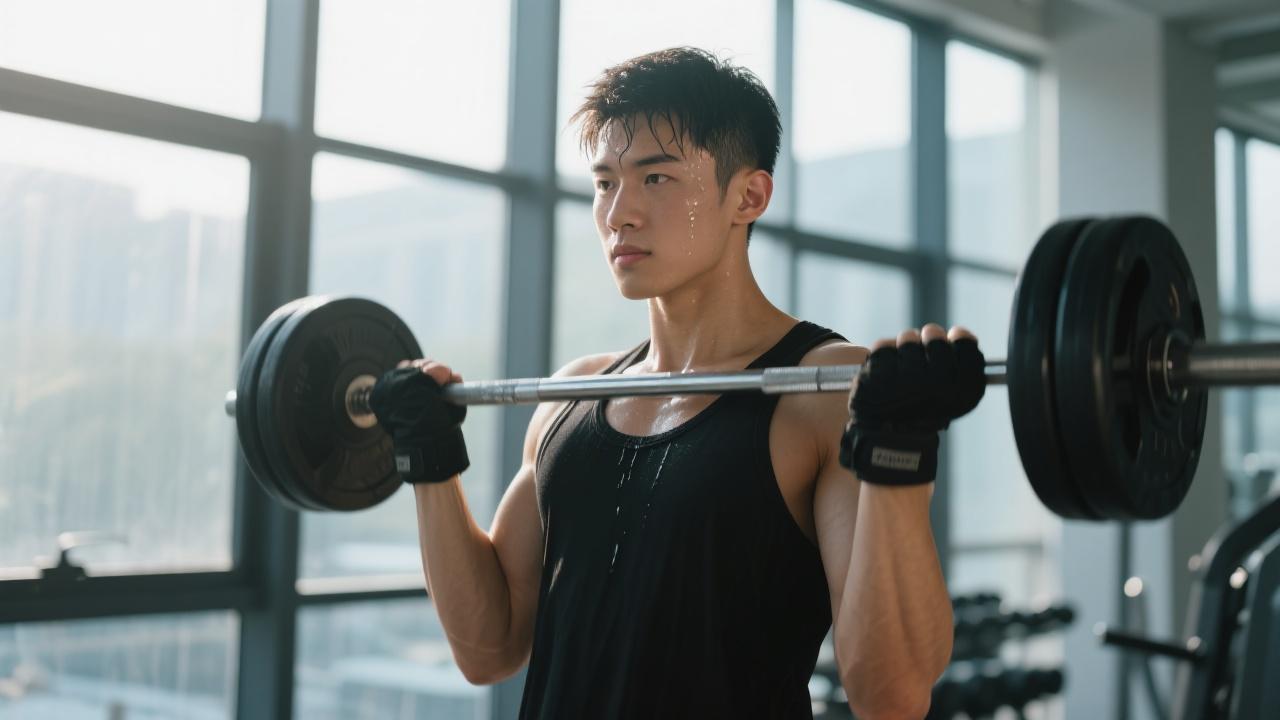
A young man lifting weights in a modern gym, sweat dripping down his forehead, wearing a black tank top and gloves, sunlight shining through the large glass windows, realistic sports photography style..
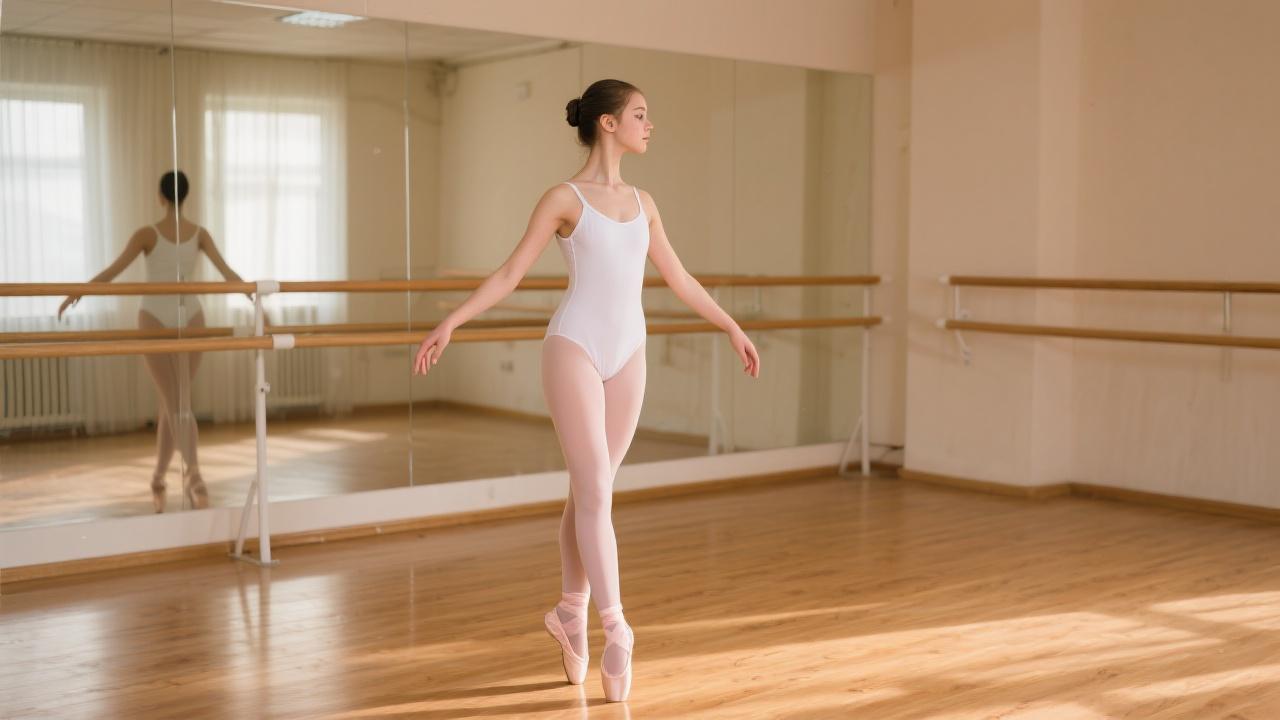
A teenage girl practicing ballet in a rehearsal studio, wearing a white leotard and soft pink ballet shoes, standing in front of a mirror with graceful posture, wooden floor reflecting warm light.
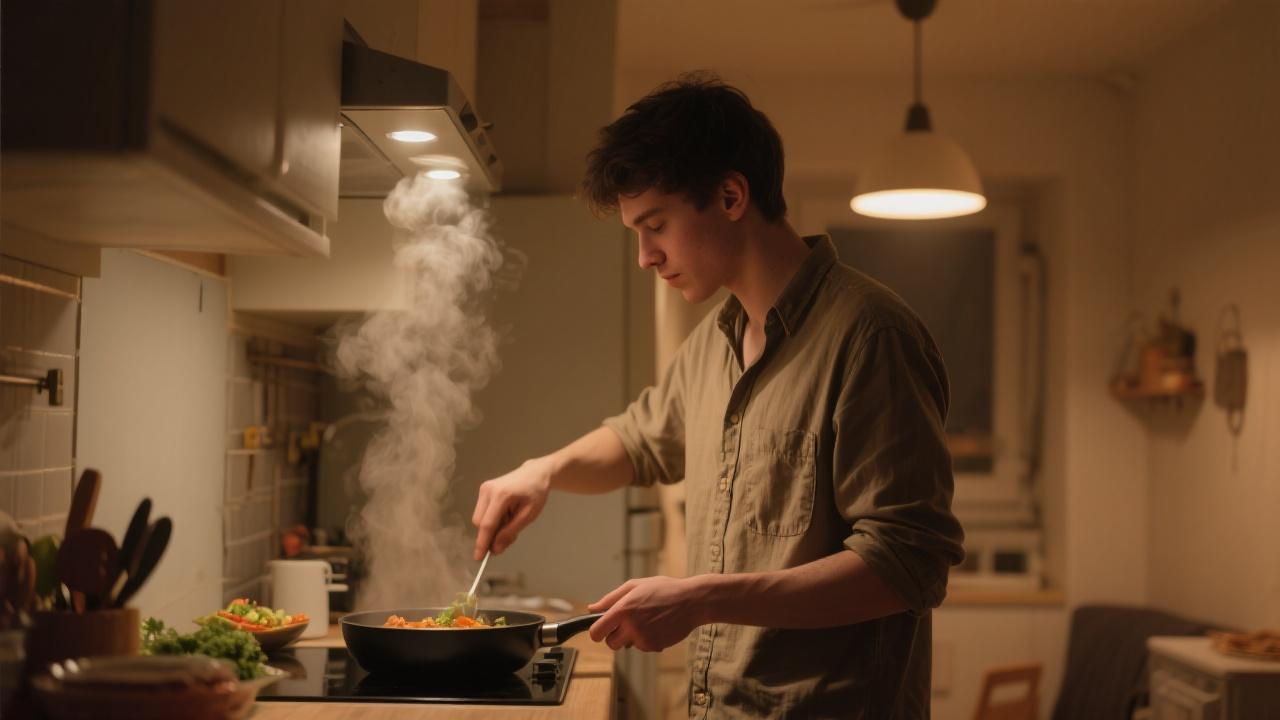
A young man cooking dinner in a small apartment kitchen, steam rising from the pan, warm light from overhead lamps, casual and intimate atmosphere.

Two coworkers chatting casually in the office break room, holding coffee mugs, bulletin board with colorful notes behind them.
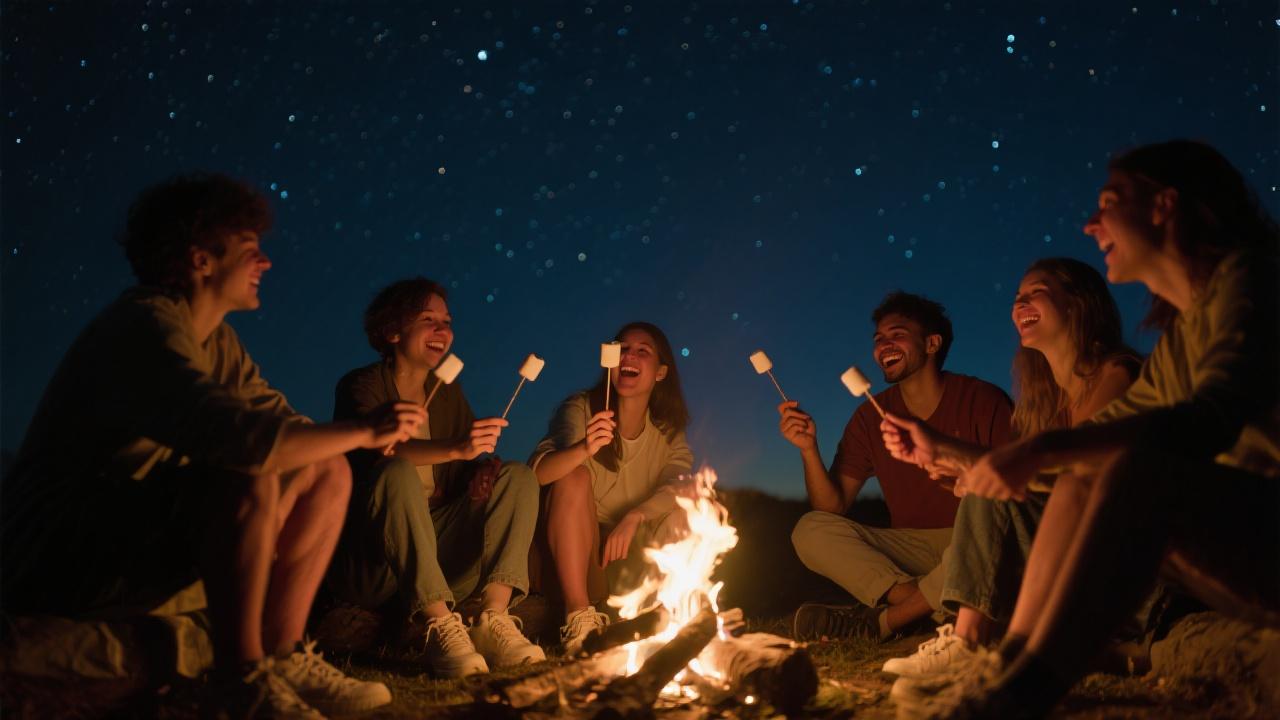
A group of friends sitting around a campfire at night, roasting marshmallows, laughter and storytelling under a starry sky.
相关模型
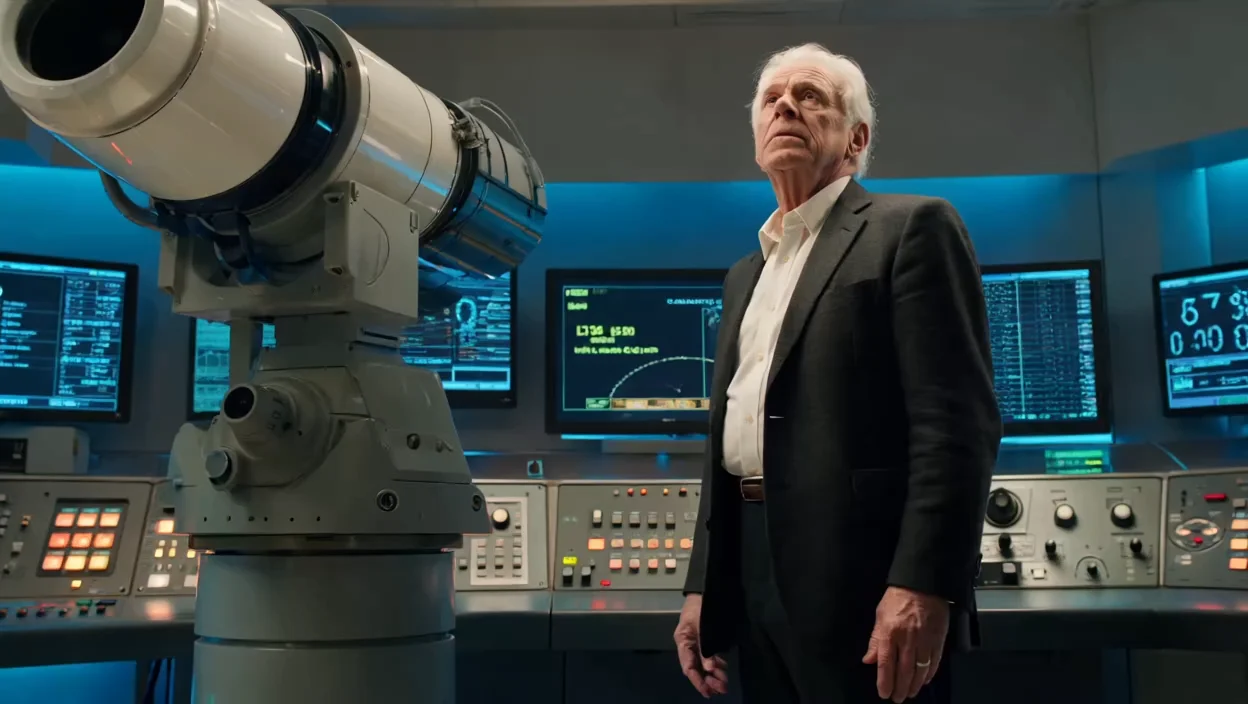
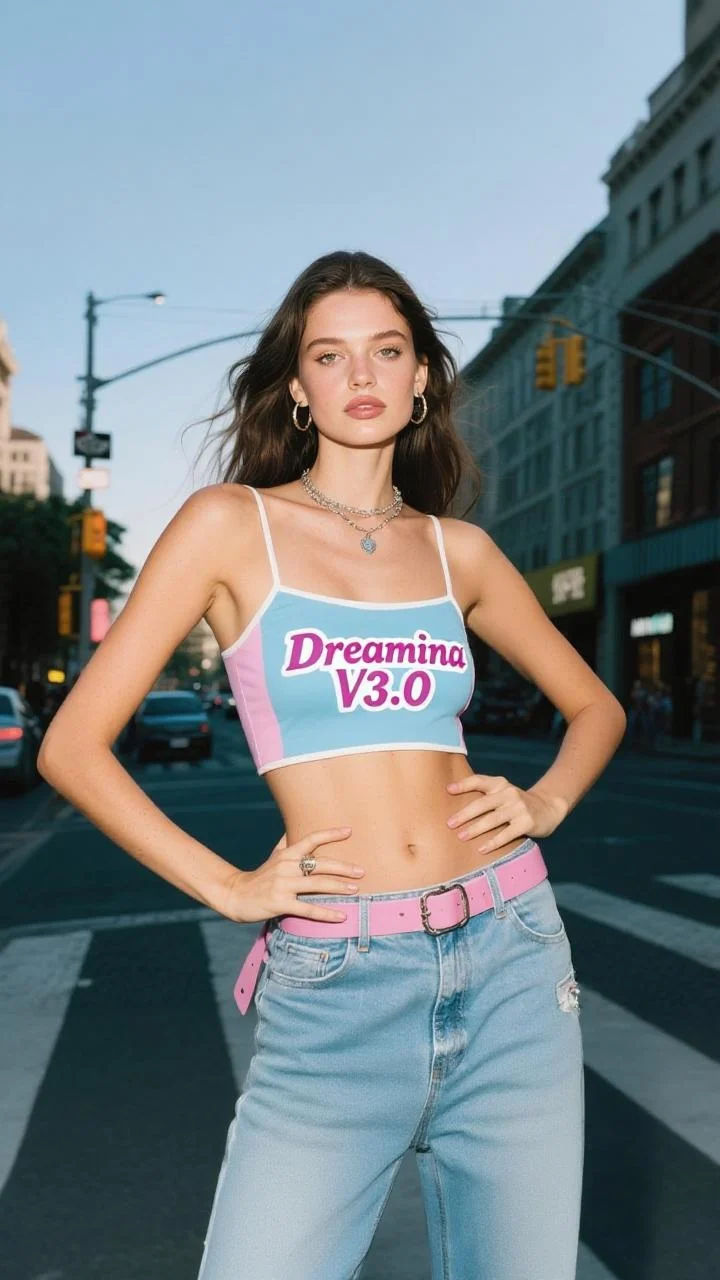
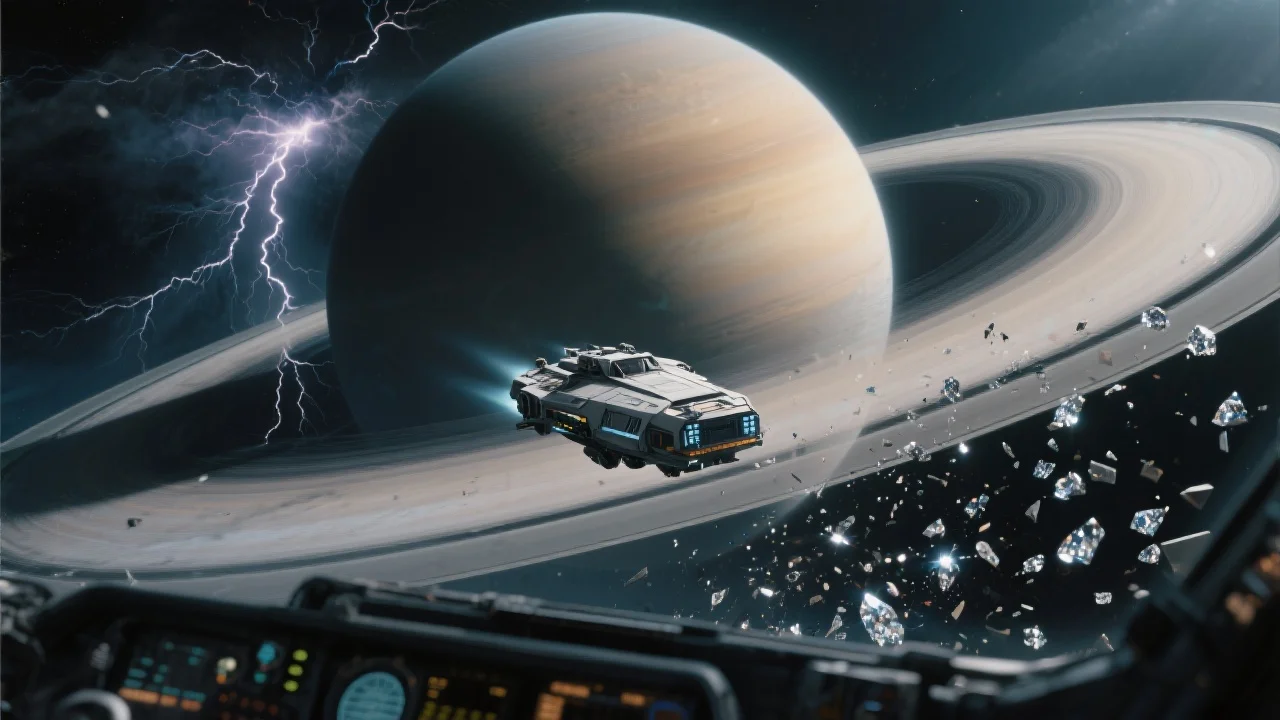
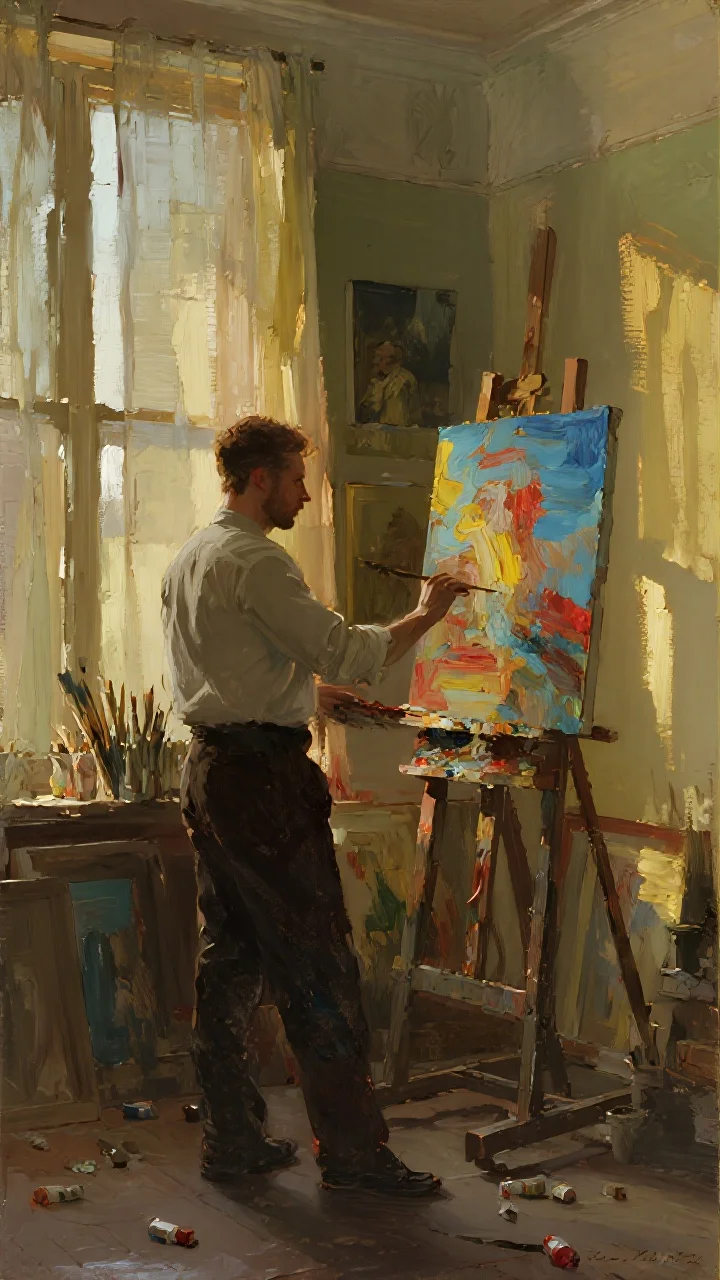
README
Dreamina v3.0 Text-to-Image
Transform your ideas into stunning visuals with Dreamina v3.0 text-to-image model. Featuring flexible custom dimensions and strong artistic capabilities, it excels at creating stylized illustrations, posters, and creative imagery at an affordable price.
Looking for the latest version? Try Dreamina v3.1 Text-to-Image for enhanced generation quality.
Why It Looks Great
- Strong artistic style: Excels at stylized illustrations, poster designs, and graphic artwork.
- Custom dimensions: Precise control over width and height for any aspect ratio or resolution.
- Prompt Enhancer: Built-in tool to automatically refine and expand your descriptions.
- Prompt expansion option: Enable automatic prompt enhancement for richer outputs.
- Reproducible results: Use the seed parameter to recreate exact outputs or explore variations.
- Budget-friendly: High-quality stylized generation at a competitive price point.
Parameters
| Parameter | Required | Description |
|---|---|---|
| prompt | Yes | Text description of the image you want to generate. |
| size | No | Custom dimensions with separate width and height controls. |
| width | No | Output width in pixels (e.g., 1024). |
| height | No | Output height in pixels (e.g., 720). |
| seed | No | Random seed for reproducibility. Use -1 for random. |
| enable_prompt_expansion | No | API only: Waits for image generation and returns it directly in the response. |
How to Use
- Write your prompt — describe your image with details about subject, style, colors, and composition.
- Use Prompt Enhancer (optional) — click to automatically enrich your description.
- Set dimensions — adjust width and height sliders to your desired resolution and aspect ratio.
- Set seed (optional) — use -1 for random, or a specific number to reproduce results.
- Run — click the button to generate.
- Download — preview and save your image.
Pricing
Flat rate per image generation.
| Output | Cost |
|---|---|
| Per image | $0.027 |
Best Use Cases
- Poster & Graphic Design — Create stylized posters, Art Deco illustrations, and graphic artwork.
- Illustration — Generate artistic illustrations with bold shapes and distinctive styles.
- Concept Art — Visualize architectural concepts, fantasy environments, and creative ideas.
- Marketing Materials — Produce eye-catching visuals for campaigns and promotional content.
- Social Media Graphics — Create platform-optimized visuals with custom dimensions.
Example Prompts
- "An Art Deco poster illustration of a fantastical skyscraper at night, reaching into the clouds. The building features strong geometric shapes and a symmetrical, stepped-back structure. The sky is a deep indigo blue, adorned with stylized stars. Bold golden lines."
- "Vintage travel poster of a tropical island, retro color palette, bold typography space, mid-century modern illustration style"
- "Minimalist geometric portrait, overlapping shapes in warm earth tones, Bauhaus-inspired design"
- "Fantasy castle on a floating island, watercolor illustration style, dreamy pastel colors, whimsical atmosphere"
- "Noir detective scene in a rainy city, dramatic shadows, monochromatic with selective red highlights, graphic novel aesthetic"
Pro Tips for Best Results
- Specify artistic styles explicitly — "Art Deco", "minimalist", "vintage poster", "geometric".
- Describe color palettes — "bold golden lines", "deep indigo blue", "warm earth tones".
- Include composition details — "symmetrical", "stepped-back structure", "geometric shapes".
- Use the Prompt Enhancer to add stylistic details you might not have considered.
- Landscape dimensions (1024×720) work great for posters and banners.
- Keep the seed constant when testing prompt variations to isolate changes.
Notes
- The enable_prompt_expansion option is only available through the API.
- Generation time may vary based on resolution and current queue load.
- The model excels at stylized and illustrative content — lean into artistic prompts.
Dreamina v3.0 Text To Image API — Quick start
Grab a WaveSpeedAI API key, then call POST https://api.wavespeed.ai/api/v3/bytedance/dreamina-v3.0/text-to-image with your input as JSON. The endpoint returns a prediction id; poll the prediction endpoint until status flips to completed, then read the output URL from data.outputs[0]. Examples for Dreamina v3.0 Text To Image below.
HTTP example
# Submit the prediction
curl -X POST "https://api.wavespeed.ai/api/v3/bytedance/dreamina-v3.0/text-to-image" \
  -H "Content-Type: application/json" \
  -H "Authorization: Bearer $WAVESPEED_API_KEY" \
  -d '{
    "prompt": "A cinematic shot of a city at sunset, soft golden light",
    "size": "1328*1328",
    "seed": -1,
    "enable_prompt_expansion": true,
    "enable_base64_output": false,
    "enable_sync_mode": false
}'

# Response includes a prediction id. Poll for the result:
curl -X GET "https://api.wavespeed.ai/api/v3/predictions/{request_id}/result" \
  -H "Authorization: Bearer $WAVESPEED_API_KEY"

# When status is "completed", read the output from data.outputs[0].
Node.js example
// npm install wavespeed
const WaveSpeed = require('wavespeed');

const client = new WaveSpeed(); // reads WAVESPEED_API_KEY from env

const result = await client.run("bytedance/dreamina-v3.0/text-to-image", {
        "prompt": "A cinematic shot of a city at sunset, soft golden light",
        "size": "1328*1328",
        "seed": -1,
        "enable_prompt_expansion": true,
        "enable_base64_output": false,
        "enable_sync_mode": false
});

console.log(result.outputs[0]); // → URL of the generated output
Python example
# pip install wavespeed
import wavespeed

output = wavespeed.run(
    "bytedance/dreamina-v3.0/text-to-image",
    {
    "prompt": "A cinematic shot of a city at sunset, soft golden light",
    "size": "1328*1328",
    "seed": -1,
    "enable_prompt_expansion": true,
    "enable_base64_output": false,
    "enable_sync_mode": false
}
)

print(output["outputs"][0])  # → URL of the generated output
Dreamina v3.0 Text To Image API — Frequently asked questions
What is the Dreamina v3.0 Text To Image API?
Dreamina v3.0 Text To Image is a ByteDance model for image generation, exposed as a REST API on WaveSpeedAI. Dreamina V3.0 is a text-to-image model emphasizing upgraded visual effects, richer detail, and improved style accuracy to generate more aesthetic, faithful images from text prompts. Ready-to-use REST inference API, best performance, no coldstarts, affordable pricing. You can call it programmatically or try it from the playground above.
How do I call the Dreamina v3.0 Text To Image API?
POST your input parameters to the model's REST endpoint (shown in the API tab of this playground) with your WaveSpeedAI API key in the Authorization header. Submission returns a prediction ID; poll the prediction endpoint until status flips to "completed", then read the output URL from the result. The playground generates a ready-to-paste code sample in Python, JavaScript, or cURL for whatever inputs you've set. Full request/response shape is documented at https://wavespeed.ai/docs/docs-api/bytedance/bytedance-dreamina-v3.0-text-to-image.
How much does Dreamina v3.0 Text To Image cost per run?
Dreamina v3.0 Text To Image starts at $0.027 per run. That figure is the base price — the final charge scales with the parameters you set in the form (output size, length, count, references, or whatever knobs this model exposes), so a higher-quality or larger output costs more than a minimal one. The exact cost for your current input is shown live next to the Generate button before you submit, and the actual per-call charge is recorded on the prediction afterwards.
What inputs does Dreamina v3.0 Text To Image accept?
Key inputs: `prompt`, `size`, `seed`, `enable_base64_output`, `enable_prompt_expansion`, `enable_sync_mode`. The full JSON schema (types, defaults, allowed values) is rendered above the Generate button and mirrored in the API reference at https://wavespeed.ai/docs/docs-api/bytedance/bytedance-dreamina-v3.0-text-to-image.
How long does Dreamina v3.0 Text To Image take to generate?
Average end-to-end generation time on WaveSpeedAI is around 15 seconds per request — measured across recent runs. Queue time scales with global demand; live status is visible in the prediction record.
Can I use Dreamina v3.0 Text To Image outputs commercially?
Commercial usage rights depend on the model's license, set by its provider (ByteDance). The license summary appears on the model card above; see WaveSpeedAI's Terms of Service for platform-level conditions.