Dreamina V3.1 is a text-to-image model with enhanced aesthetics and style accuracy, producing richer, more polished images. Ready-to-use REST inference API, best performance, no coldstarts, affordable pricing.
Idle

$0.027per run·~37 / $1
ExamplesView all
A painter working in a sunlit studio, large canvas filled with abstract colors, brushes and paint tubes scattered on the floor, creative atmosphere.
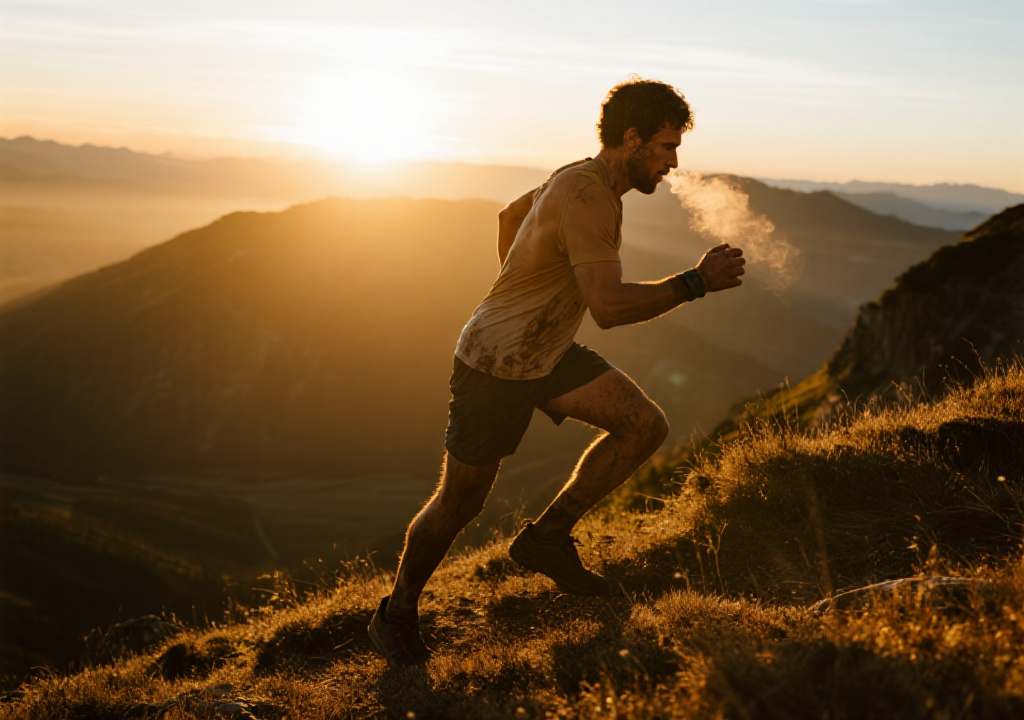
An action shot of a male trail runner ascending a mountain ridge path at sunset. He is covered in dirt and sweat, his expression is determined, and his breath is visible in the cool air. The golden sunset light comes from behind, creating a strong rim light on his muscular silhouette. The background is rolling mountains and a spectacular sky.
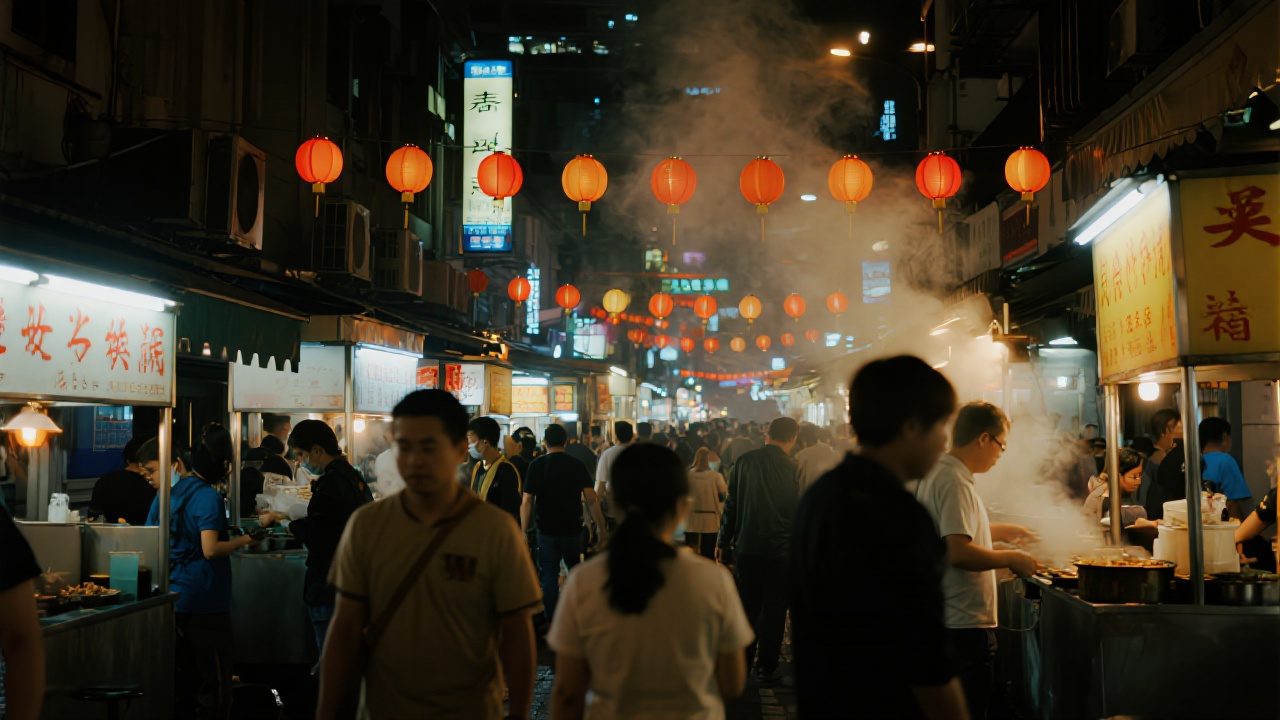
Wide-angle view of a bustling night market, colorful lanterns hanging above, smoke rising from food stalls, people moving in blurred motion.

A candid portrait of an elderly woman sitting by a window, soft daylight on her face, hands gently holding a teacup, timeless and emotional feel.
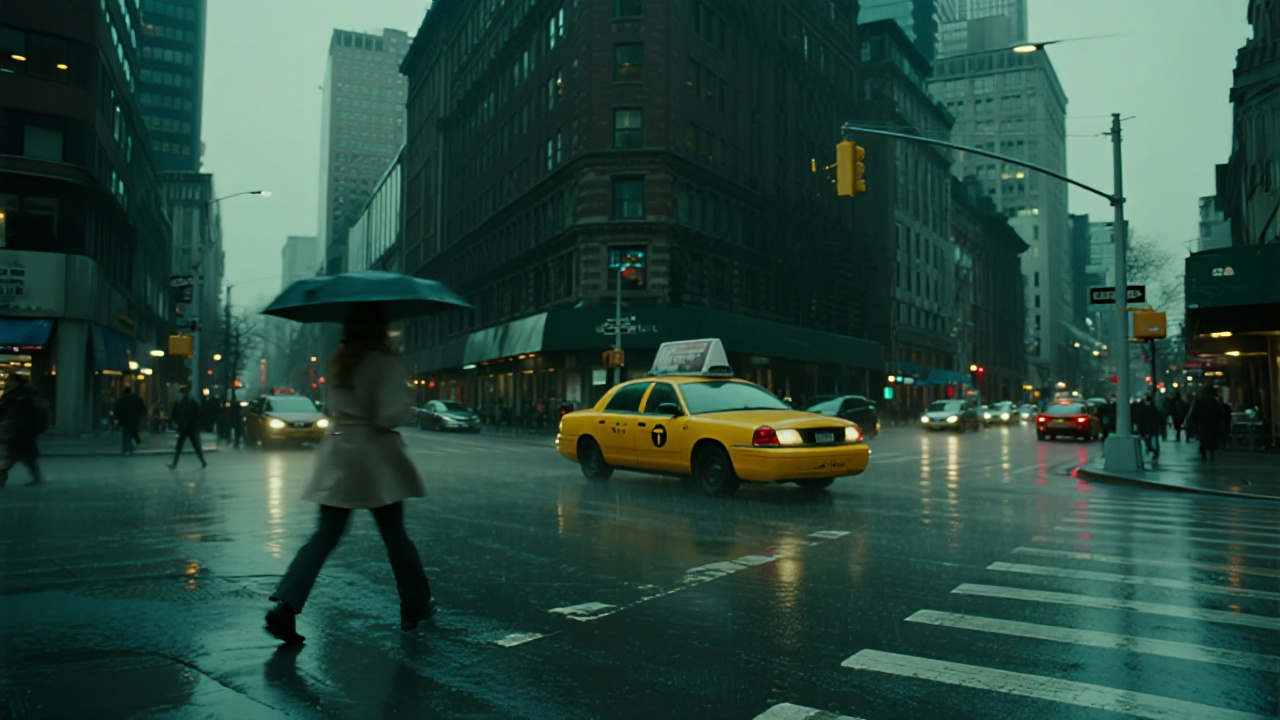
A rainy evening in New York, yellow taxis reflecting on wet asphalt, a woman crossing the street with an umbrella, cinematic street photography style.
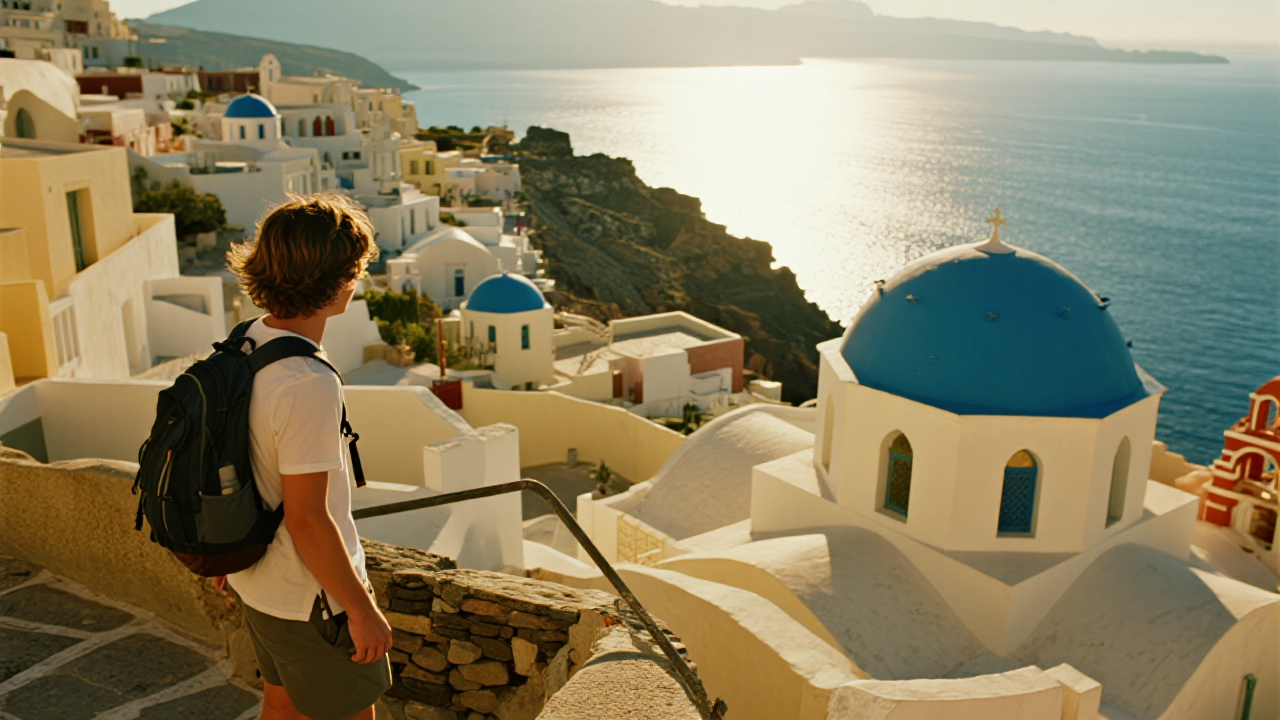
A young backpacker standing on top of a cliff in Santorini, overlooking whitewashed houses with blue domes, bright Mediterranean sunlight and deep blue sea.
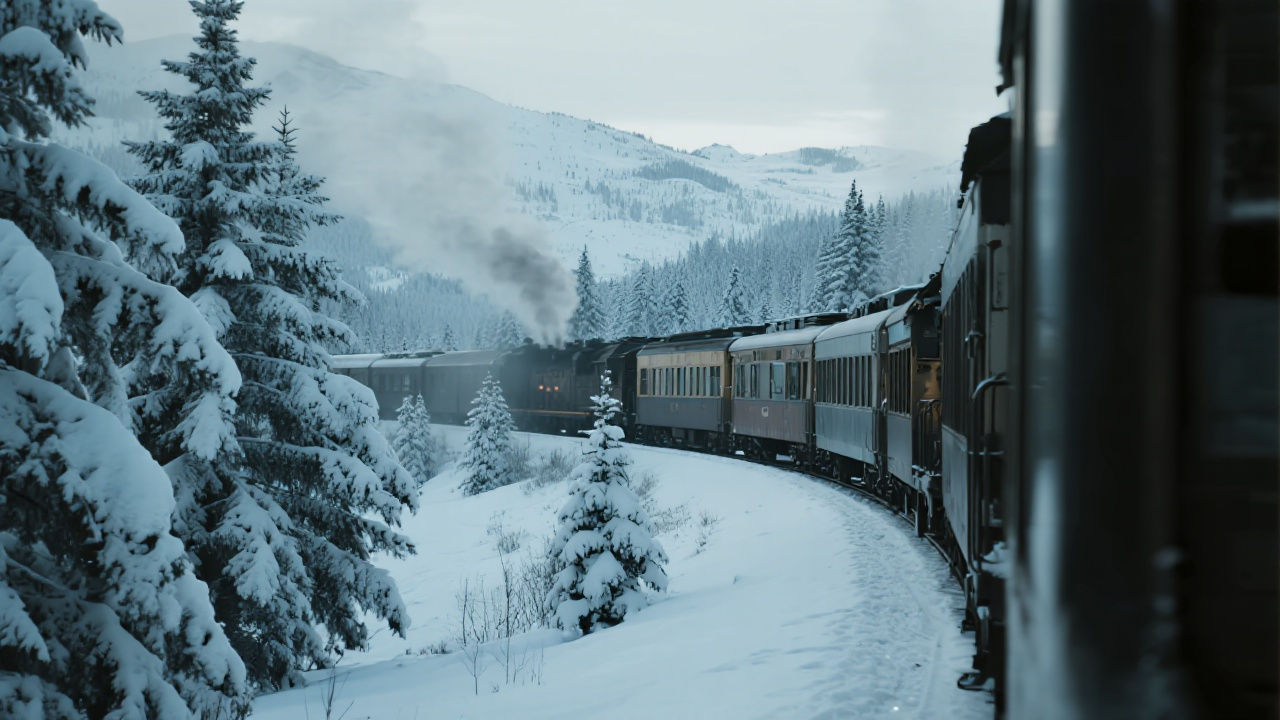
A train passing through snowy mountains, smoke rising from the engine, pine trees covered in snow, cinematic winter travel scene.
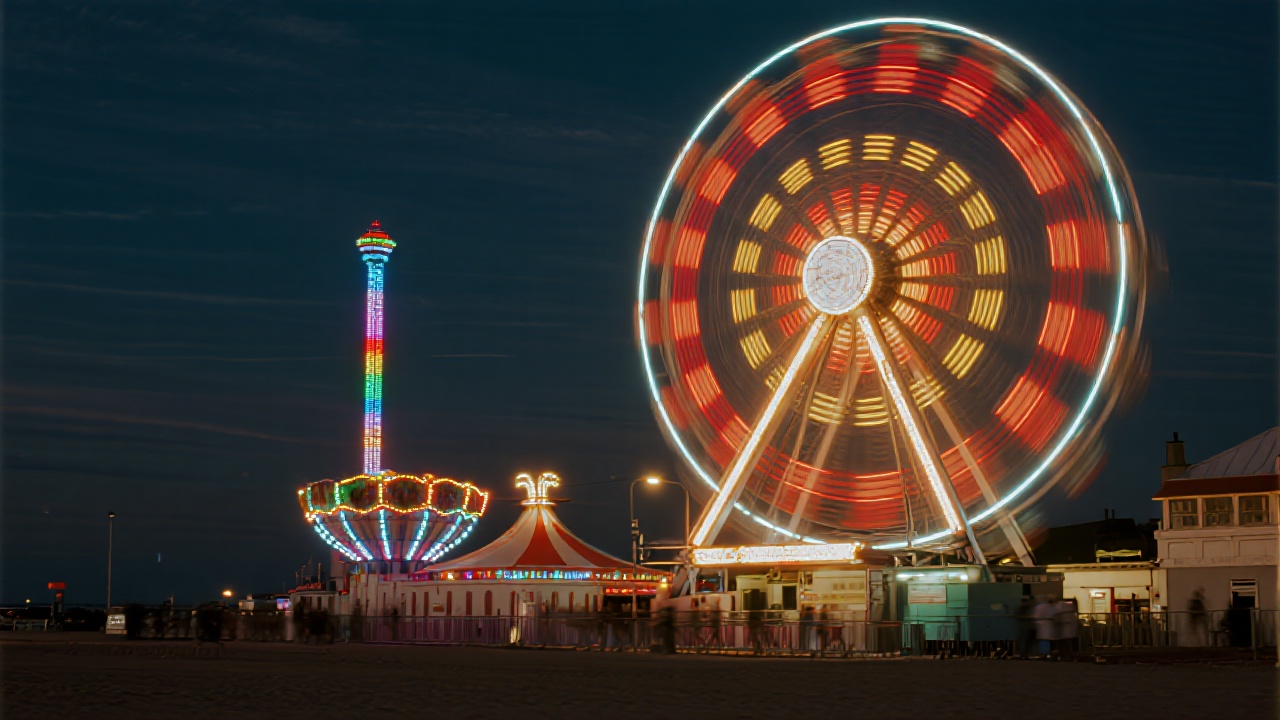
A ferris wheel glowing at a seaside carnival, long exposure shot capturing colorful light trails against the dark sky.

A couple sitting on a rooftop under the night sky, city lights glowing below, Milky Way faintly visible above, romantic cinematic mood.
Related Models
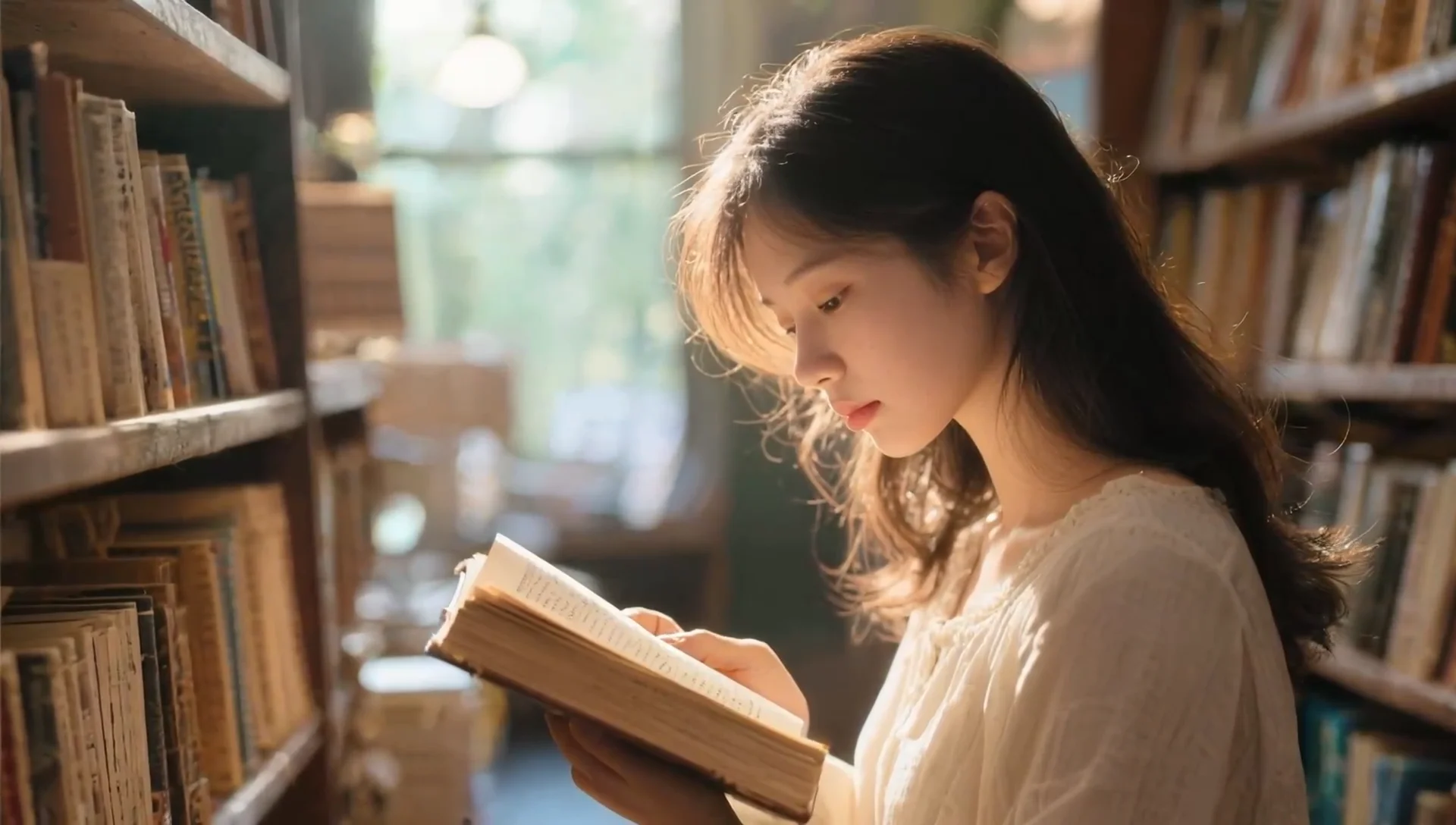
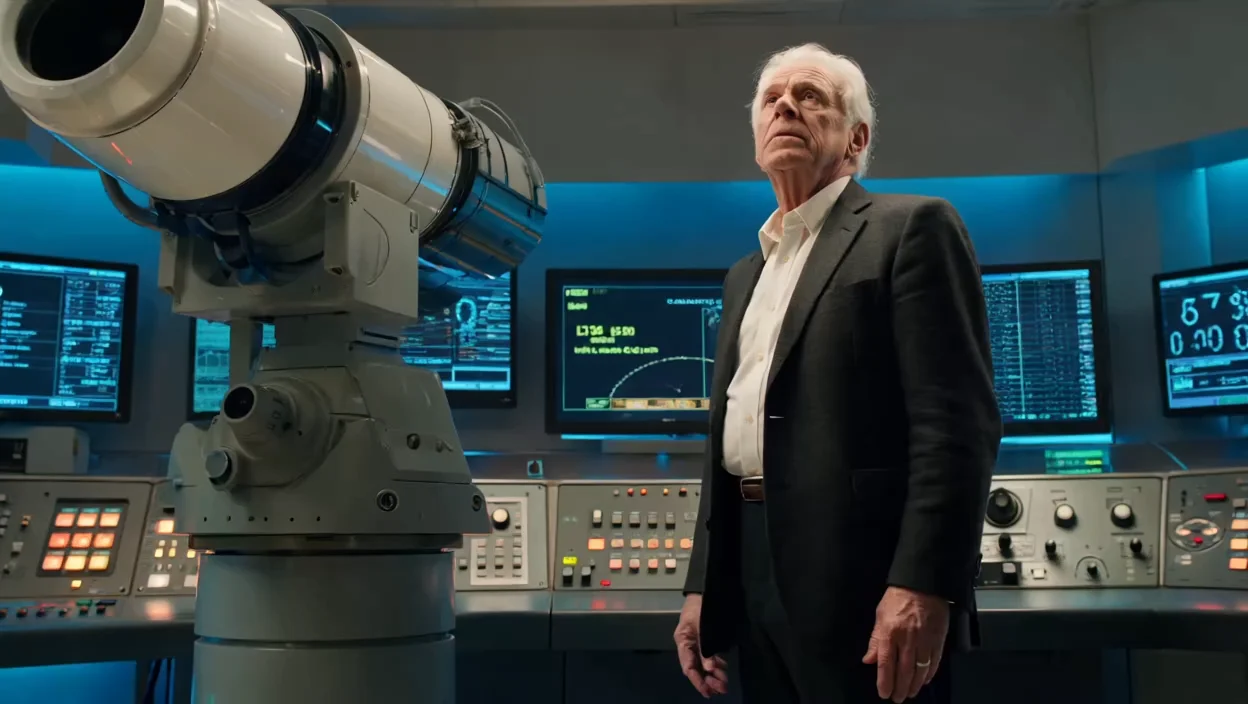
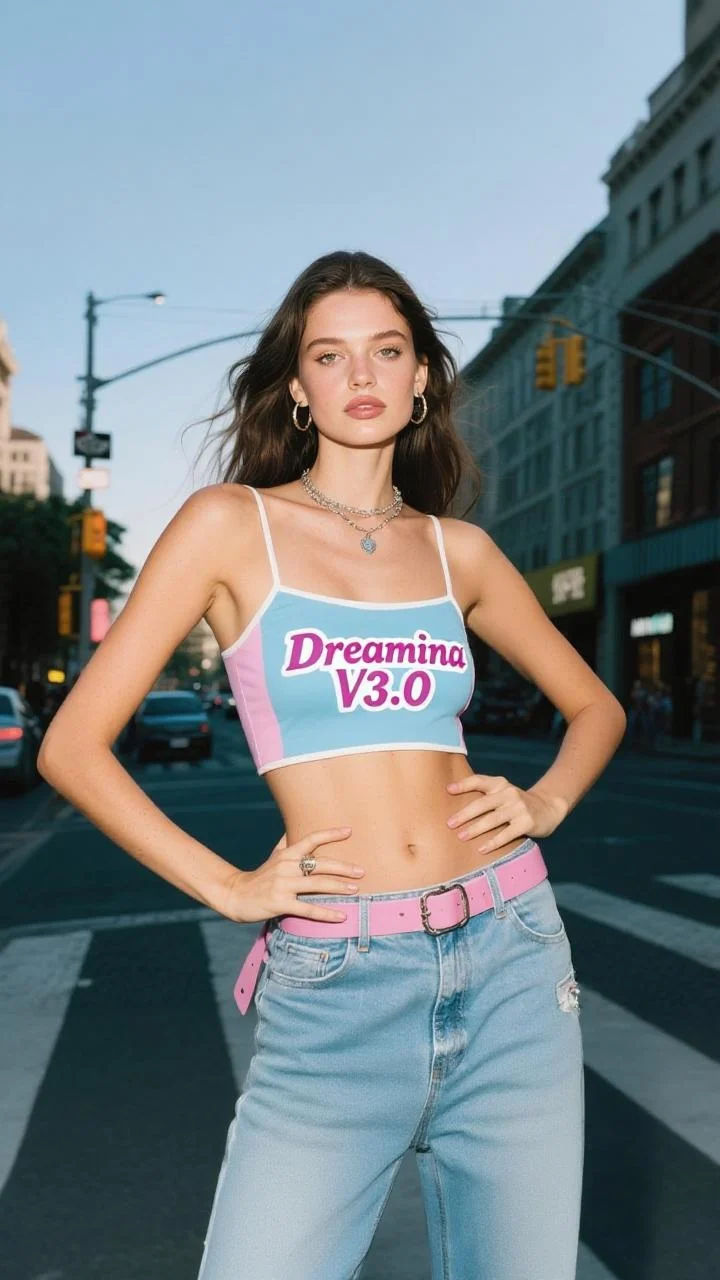
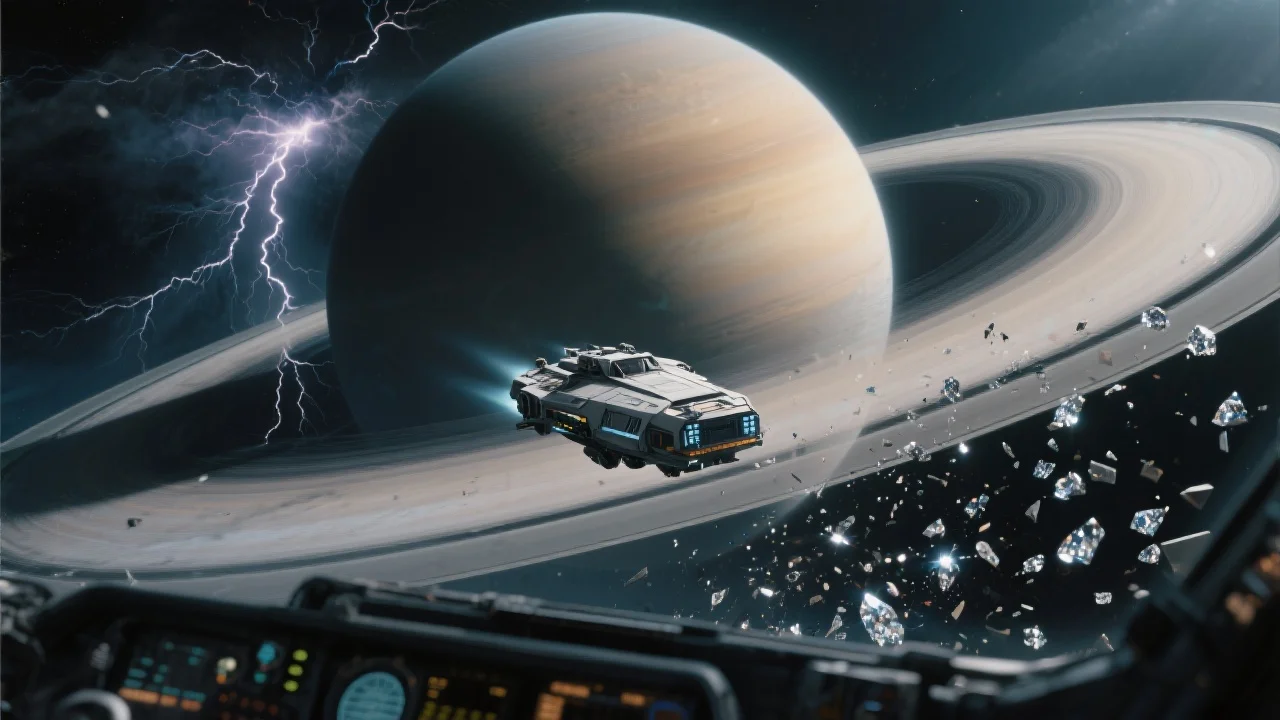
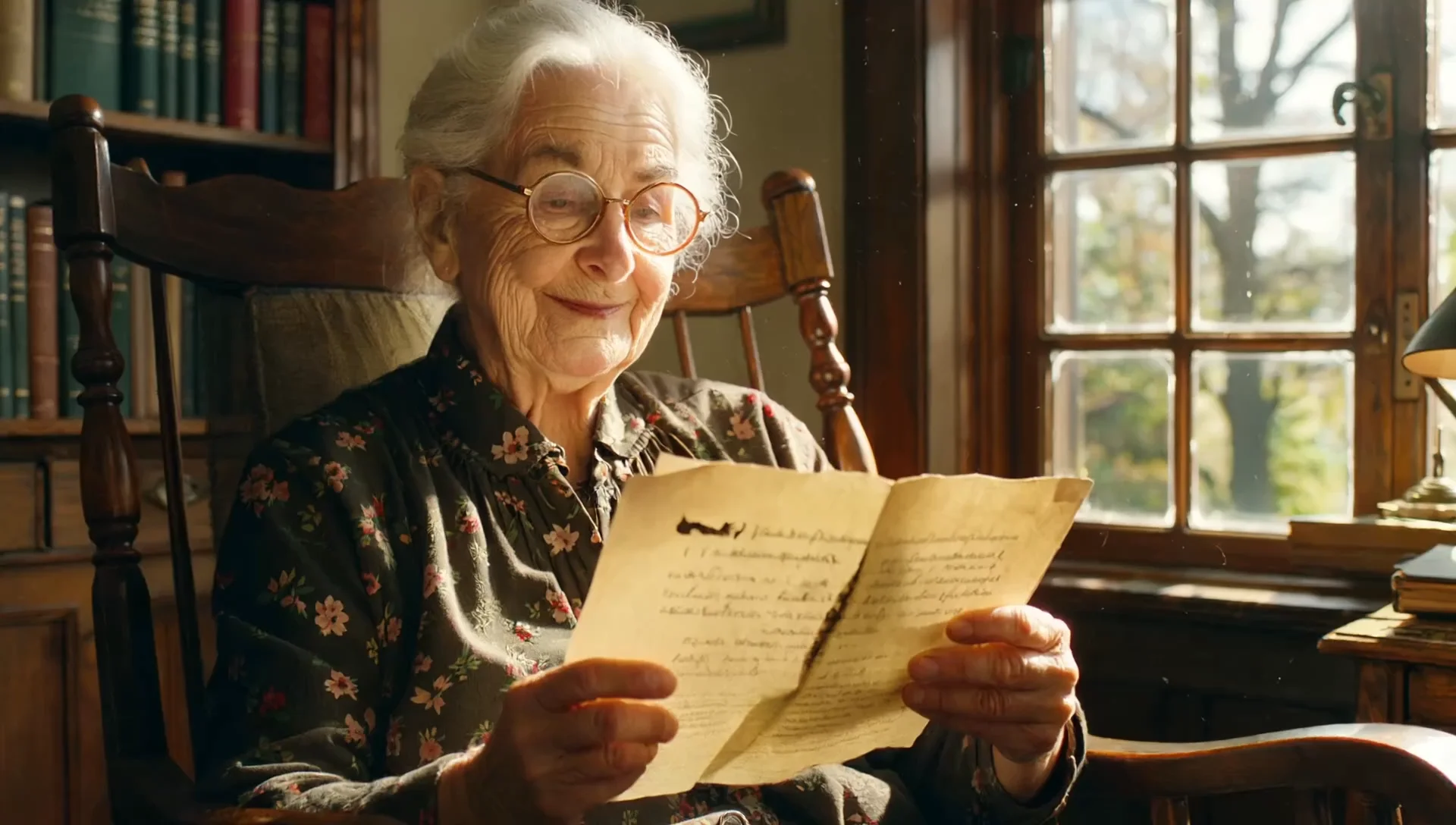

README
Dreamina v3.1 Text-to-Image
Generate beautiful, detailed images from text descriptions with latest Dreamina v3.1 model. Featuring flexible custom dimensions, enhanced prompt understanding, and high-fidelity output — perfect for creating professional visuals at an affordable price.
Why It Looks Great
- Advanced generation: latest v3.1 model delivers improved detail, coherence, and artistic quality.
- Custom dimensions: Precise control over width and height for any aspect ratio or resolution.
- High resolution support: Generate images up to 1328×1328 and beyond.
- Prompt Enhancer: Built-in tool to automatically refine and expand your descriptions.
- Prompt expansion option: Enable automatic prompt enhancement for richer, more detailed outputs.
- Reproducible results: Use the seed parameter to recreate exact outputs or explore variations.
Parameters
| Parameter | Required | Description |
|---|---|---|
| prompt | Yes | Text description of the image you want to generate. |
| size | No | Custom dimensions with separate width and height controls. |
| width | No | Output width in pixels (e.g., 1328). |
| height | No | Output height in pixels (e.g., 1328). |
| seed | No | Random seed for reproducibility. Use -1 for random. |
| enable_prompt_expansion | No | API only: Waits for image generation and returns it directly in the response. |
How to Use
- Write your prompt — describe your image with details about subject, style, lighting, and atmosphere.
- Use Prompt Enhancer (optional) — click to automatically enrich your description.
- Set dimensions — adjust width and height sliders to your desired resolution and aspect ratio.
- Set seed (optional) — use -1 for random, or a specific number to reproduce results.
- Run — click the button to generate.
- Download — preview and save your image.
Pricing
Flat rate per image generation.
| Output | Cost |
|---|---|
| Per image | $0.027 |
Best Use Cases
- Artistic Scenes — Create atmospheric environments, studios, and creative spaces.
- Marketing Visuals — Generate custom imagery for campaigns and brand content.
- Concept Art — Visualize ideas for games, films, and creative projects.
- Social Media Content — Produce eye-catching visuals optimized for any platform format.
- Stock Image Alternative — Create unique, royalty-free imagery on demand.
Example Prompts
- "A painter working in a sunlit studio, large canvas filled with abstract colors, brushes and paint tubes scattered on the floor, creative atmosphere"
- "Cozy coffee shop corner with vintage furniture, morning light streaming through large windows, steam rising from a ceramic cup"
- "Futuristic city rooftop garden at golden hour, glass skyscrapers in background, lush green plants contrasting with urban architecture"
- "Portrait of a jazz musician mid-performance, dramatic stage lighting, saxophone gleaming, smoky club atmosphere"
- "Serene Japanese zen garden with raked sand patterns, moss-covered stones, soft morning mist, minimalist aesthetic"
Pro Tips for Best Results
- Include atmosphere and mood — "creative atmosphere", "warm lighting", "dramatic shadows".
- Describe environmental details — objects, textures, and spatial relationships.
- Use the Prompt Enhancer to add professional details to simple ideas.
- Square dimensions (1328×1328) work well for balanced compositions.
- Adjust dimensions to match your platform: tall for Stories, wide for headers, square for feeds.
- Keep the seed constant when testing prompt variations to isolate changes.
Notes
- The enable_prompt_expansion option is only available through the API.
- Generation time may vary based on resolution and current queue load.
- Higher resolutions produce more detailed results but may take slightly longer.
Dreamina v3.1 Text To Image API — Quick start
Grab a WaveSpeedAI API key, then call POST https://api.wavespeed.ai/api/v3/bytedance/dreamina-v3.1/text-to-image with your input as JSON. The endpoint returns a prediction id; poll the prediction endpoint until status flips to completed, then read the output URL from data.outputs[0]. Examples for Dreamina v3.1 Text To Image below.
HTTP example
# Submit the prediction
curl -X POST "https://api.wavespeed.ai/api/v3/bytedance/dreamina-v3.1/text-to-image" \
  -H "Content-Type: application/json" \
  -H "Authorization: Bearer $WAVESPEED_API_KEY" \
  -d '{
    "prompt": "A cinematic shot of a city at sunset, soft golden light",
    "size": "1328*1328",
    "seed": -1,
    "enable_prompt_expansion": true,
    "enable_base64_output": false,
    "enable_sync_mode": false
}'

# Response includes a prediction id. Poll for the result:
curl -X GET "https://api.wavespeed.ai/api/v3/predictions/{request_id}/result" \
  -H "Authorization: Bearer $WAVESPEED_API_KEY"

# When status is "completed", read the output from data.outputs[0].
Node.js example
// npm install wavespeed
const WaveSpeed = require('wavespeed');

const client = new WaveSpeed(); // reads WAVESPEED_API_KEY from env

const result = await client.run("bytedance/dreamina-v3.1/text-to-image", {
        "prompt": "A cinematic shot of a city at sunset, soft golden light",
        "size": "1328*1328",
        "seed": -1,
        "enable_prompt_expansion": true,
        "enable_base64_output": false,
        "enable_sync_mode": false
});

console.log(result.outputs[0]); // → URL of the generated output
Python example
# pip install wavespeed
import wavespeed

output = wavespeed.run(
    "bytedance/dreamina-v3.1/text-to-image",
    {
    "prompt": "A cinematic shot of a city at sunset, soft golden light",
    "size": "1328*1328",
    "seed": -1,
    "enable_prompt_expansion": true,
    "enable_base64_output": false,
    "enable_sync_mode": false
}
)

print(output["outputs"][0])  # → URL of the generated output
Dreamina v3.1 Text To Image API — Frequently asked questions
What is the Dreamina v3.1 Text To Image API?
Dreamina v3.1 Text To Image is a ByteDance model for image generation, exposed as a REST API on WaveSpeedAI. Dreamina V3.1 is a text-to-image model with enhanced aesthetics and style accuracy, producing richer, more polished images. Ready-to-use REST inference API, best performance, no coldstarts, affordable pricing. You can call it programmatically or try it from the playground above.
How do I call the Dreamina v3.1 Text To Image API?
POST your input parameters to the model's REST endpoint (shown in the API tab of this playground) with your WaveSpeedAI API key in the Authorization header. Submission returns a prediction ID; poll the prediction endpoint until status flips to "completed", then read the output URL from the result. The playground generates a ready-to-paste code sample in Python, JavaScript, or cURL for whatever inputs you've set. Full request/response shape is documented at https://wavespeed.ai/docs/docs-api/bytedance/bytedance-dreamina-v3.1-text-to-image.
How much does Dreamina v3.1 Text To Image cost per run?
Dreamina v3.1 Text To Image starts at $0.027 per run. That figure is the base price — the final charge scales with the parameters you set in the form (output size, length, count, references, or whatever knobs this model exposes), so a higher-quality or larger output costs more than a minimal one. The exact cost for your current input is shown live next to the Generate button before you submit, and the actual per-call charge is recorded on the prediction afterwards.
What inputs does Dreamina v3.1 Text To Image accept?
Key inputs: `prompt`, `size`, `seed`, `enable_base64_output`, `enable_prompt_expansion`, `enable_sync_mode`. The full JSON schema (types, defaults, allowed values) is rendered above the Generate button and mirrored in the API reference at https://wavespeed.ai/docs/docs-api/bytedance/bytedance-dreamina-v3.1-text-to-image.
How long does Dreamina v3.1 Text To Image take to generate?
Average end-to-end generation time on WaveSpeedAI is around 27 seconds per request — measured across recent runs. Queue time scales with global demand; live status is visible in the prediction record.
Can I use Dreamina v3.1 Text To Image outputs commercially?
Commercial usage rights depend on the model's license, set by its provider (ByteDance). The license summary appears on the model card above; see WaveSpeedAI's Terms of Service for platform-level conditions.