Dreamina V3.0 converts text or image prompts into 1080P videos with natural expression, diverse styles, and multi-scene narratives. Ready-to-use REST inference API, best performance, no coldstarts, affordable pricing.
Idle
$0.6per run·~16 / $10
ExamplesView all
In a cozy, sunlit bookstore, a young woman is reading quietly. As she turns a page, the printed words gently lift off the paper, transforming into tiny, glowing butterflies that flutter around her head for a moment before vanishing. A soft glow emanates from the ancient book. The scene is still, capturing this quiet miracle.
Egyptian mythology. Deep inside a golden temple covered in hieroglyphs, Anubis, the jackal-headed god of death, holds a scale, weighing a heart against the feather of truth. As the scale slowly comes to a perfect balance, the hieroglyphs on the temple walls begin to glow softly and flow like a river of light.
A massive steampunk airship, adorned with intricate brass gears and steam-billowing pipes, rises slowly over a Victorian London skyline. Below, on the cobblestone streets, inventors and ladies in corsets look up in awe. The setting sun glints warmly off the airship's polished copper hull.
The scene opens on a simple, 8-bit pixel art hero walking through a pixelated world. As he moves forward, the entire art style of the world begins to smoothly transition, evolving into 16-bit, then to toon shading, and finally into a next-gen, photorealistic 3D style akin to Unreal Engine. The hero's appearance and gear become progressively more detailed and complex with each evolution.
At a crowded train station, a young woman scans the crowd anxiously, her face filled with disappointment and on the verge of giving up. Suddenly, her eyes lock onto something off-screen. Her expression instantly lights up, disappointment replaced by incredulous surprise. She breaks into a radiant smile, begins running toward the camera, and is finally overcome with tears of joy.
Visualize the improvisational solo of a saxophone in a jazz piece. In a deep blue space, a warm, golden line of light, like a living vine, weaves, spirals, and leaps freely and improvisationally. As the pitch rises, the line becomes brighter and sharper; as the rhythm quickens, it splits into several beams that dance rapidly, full of fluidity and emotion.
In a sun-drenched kitchen, a pair of hands are kneading dough. Flour dusts the air lightly, and sunlight streams through the window, creating warm patterns of light and shadow on the wooden table. The camera is a close-up on the hands' movements, where every press and fold is full of strength and gentleness. A peaceful morning filled with the essence of daily life.
The seashore just before a storm. Dark clouds roll rapidly across the sky. Massive waves crash against black reefs again and again, sending up white spray. The wind whips through the dry wild grass on the shore. The entire scene has a cool, somber color palette, filled with the raw power of nature.
An elderly watchmaker sits at his workbench, wearing a monocle loupe. He uses tweezers to carefully install a tiny gear. His desk is covered with various precision tools. Shot from a low angle from his side, focusing on his concentrated expression and nimble hands.
High noon. The main street of a desolate western town is empty. A cowboy, his hand hovering over the revolver at his hip, is in a tense showdown with a rival in the distance. The wind kicks up dust, and a tumbleweed rolls between them. The camera slowly pushes in from an extreme long shot, focusing on the cowboy's squinting eyes. The image is grainy with the texture of faded film.
Related Models
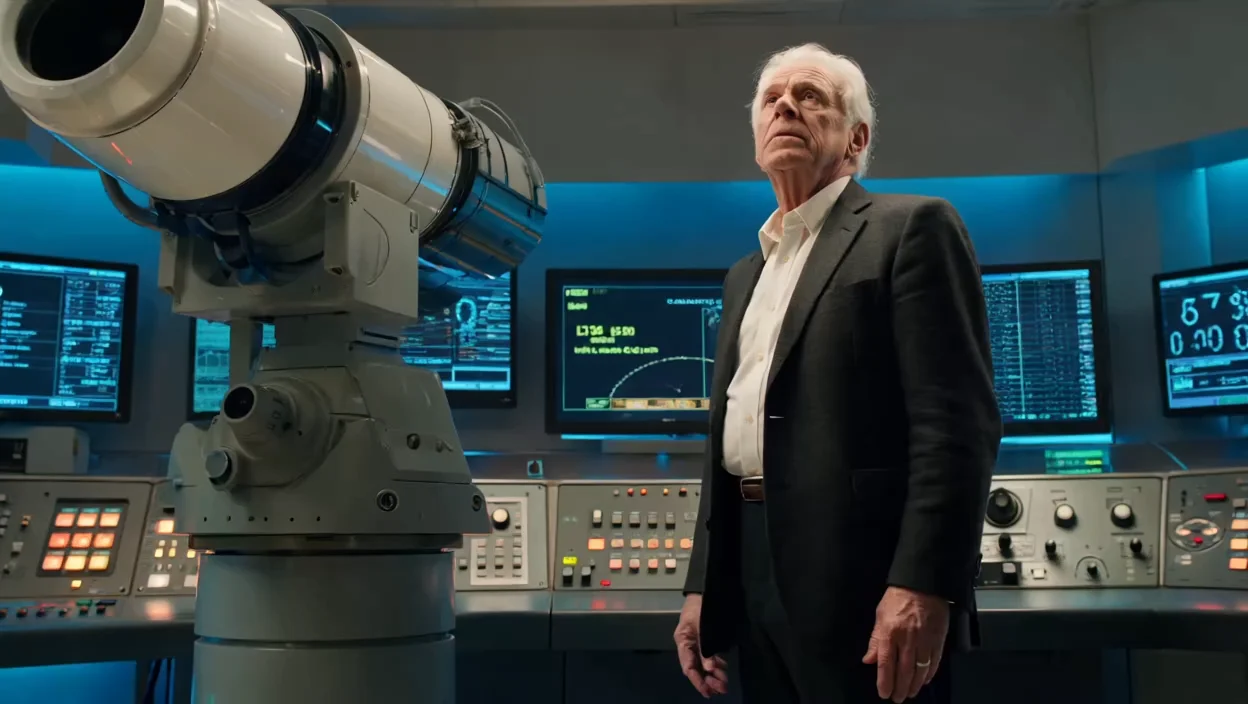
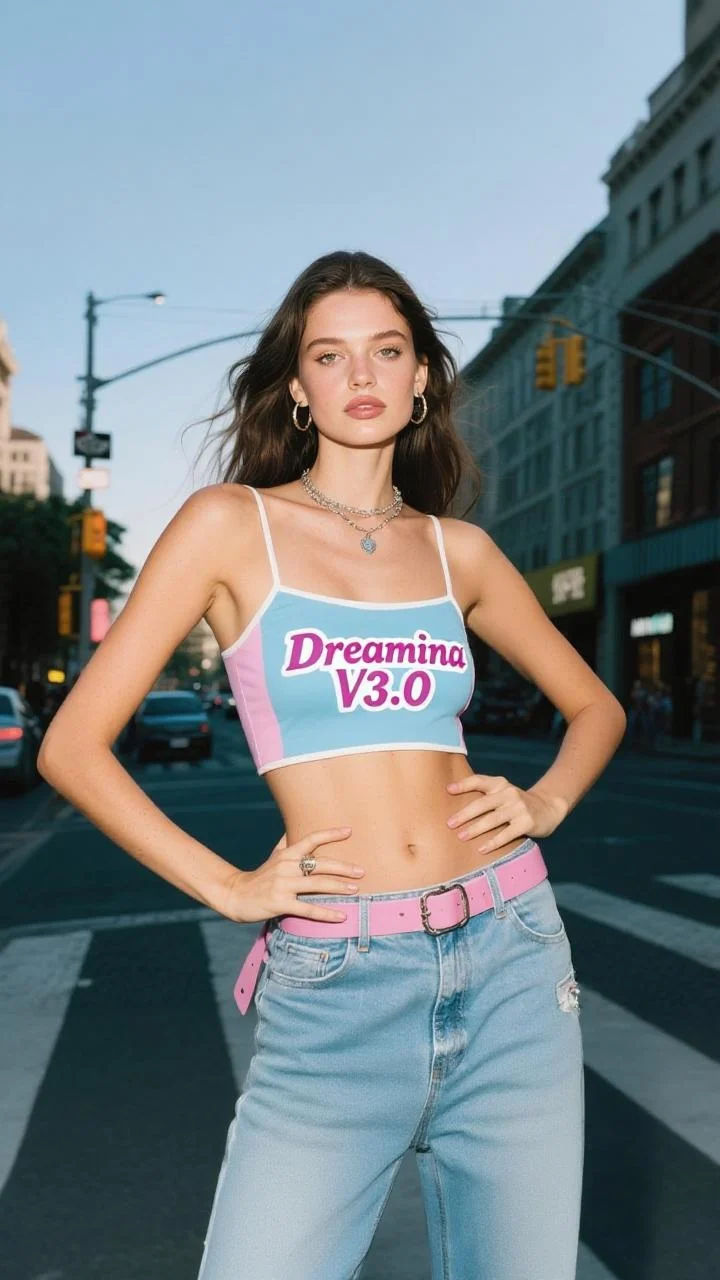
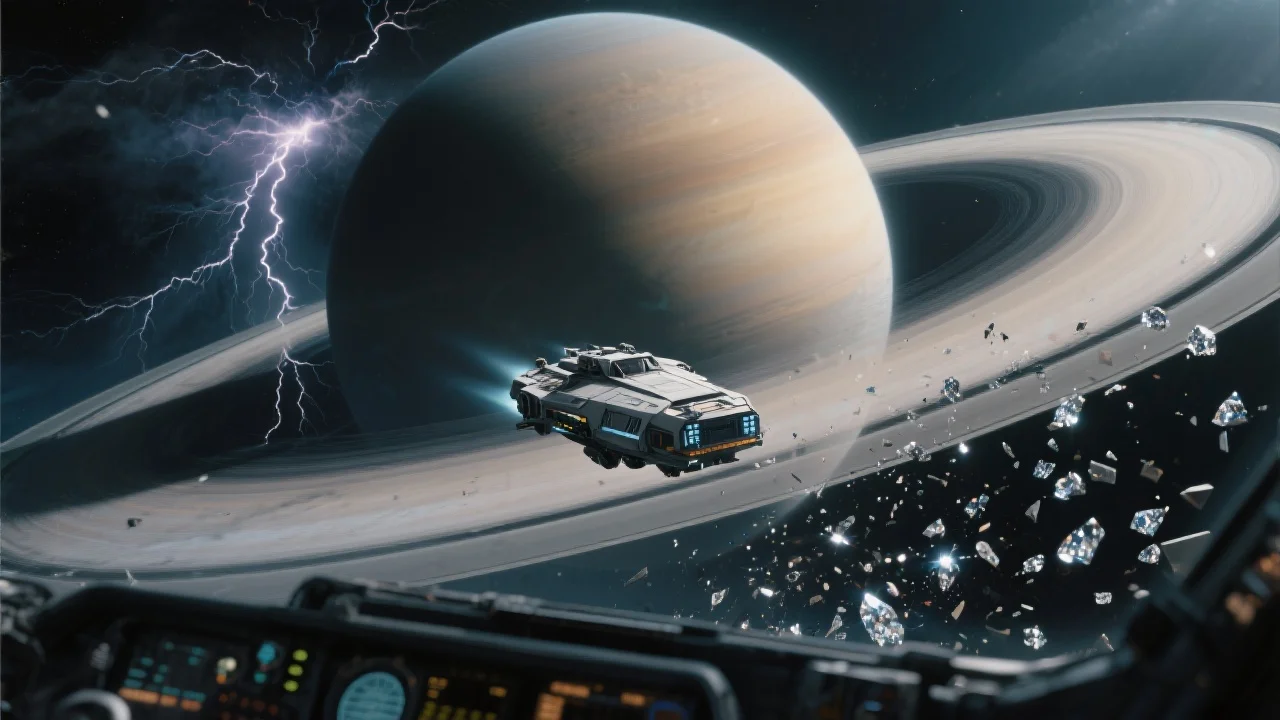
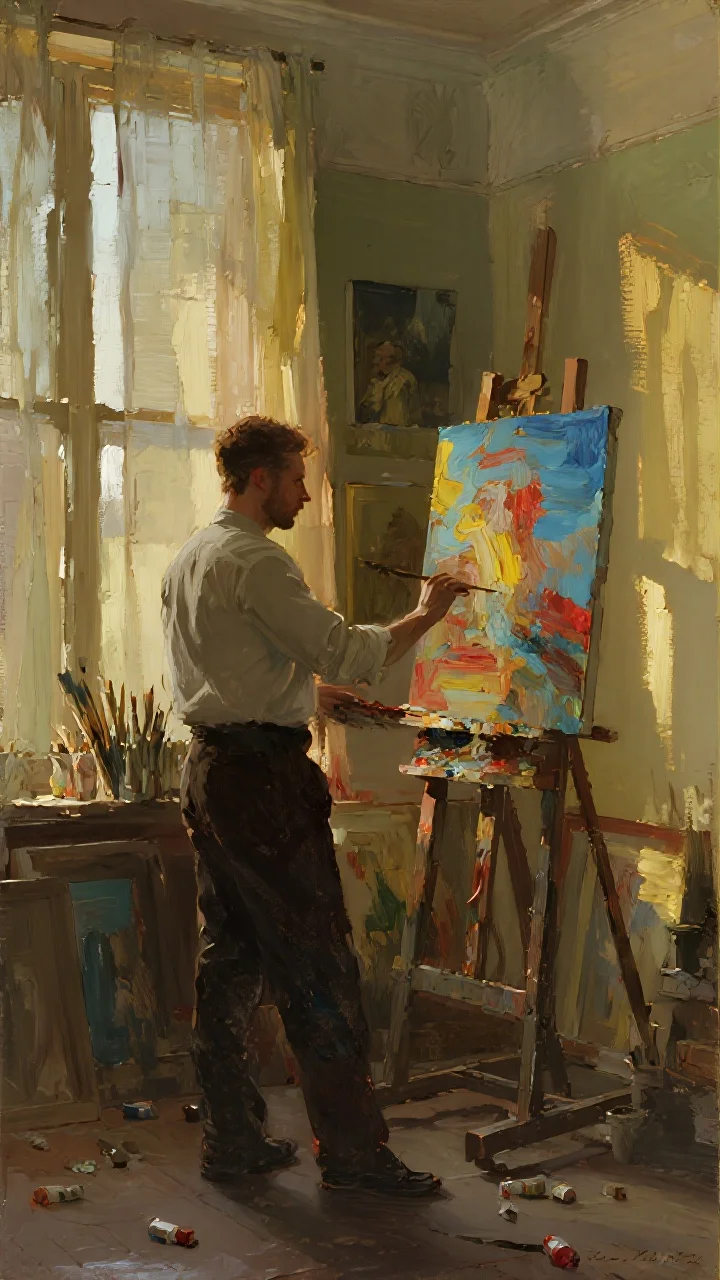

README
Dreamina v3.0 Image-to-Video 1080p
Transform your images into cinematic 1080p videos with Dreamina v3.0. This powerful image-to-video model brings static images to life with fluid, natural motion guided by your text descriptions — perfect for creating engaging visual content with professional quality.
Why It Looks Great
- 1080p output: Full HD resolution for crisp, professional-quality video results.
- Narrative motion: Describe complex actions and the AI generates coherent, story-driven movement.
- Prompt Enhancer: Built-in tool to refine and expand your motion descriptions automatically.
- Flexible duration: Control how long your generated video runs.
- Reproducible results: Use the seed parameter to recreate exact outputs or explore variations.
- quality: Powered by advanced video generation technology from a leading AI research team.
Parameters
| Parameter | Required | Description |
|---|---|---|
| prompt | Yes | Text description of the motion, action, and atmosphere you want in the video. |
| image | Yes | Source image to animate (upload or public URL). |
| seed | No | Random seed for reproducibility. Use -1 for random. |
| duration | No | Video length in seconds. Default: 5. |
How to Use
- Write your prompt — describe the motion, actions, and cinematic details you want.
- Use Prompt Enhancer (optional) — click to automatically enrich your motion description.
- Upload your image — drag and drop or paste a public URL.
- Set duration — choose how long you want the video to be.
- Set seed (optional) — use -1 for random, or a specific number to reproduce results.
- Run — click the button to generate.
- Download — preview and save your 1080p video.
Pricing
Flat rate per video generation.
| Output | Cost |
|---|---|
| Per video | $0.60 |
Examples
| Videos Generated | Total Cost |
|---|---|
| 1 | $0.60 |
| 5 | $3.00 |
| 10 | $6.00 |
| 20 | $12.00 |
Best Use Cases
- Storytelling & Narrative — Create short cinematic sequences from key story moments.
- Social Media Content — Transform photos into engaging video content for higher engagement.
- Product Showcases — Animate product images with dynamic camera movements and effects.
- Art & Illustration — Bring artwork to life with magical, fantastical motion.
- Marketing & Advertising — Produce eye-catching video ads from static campaign images.
Example Prompts
- "In a cozy, sunlit bookstore, a young woman is reading quietly. As she turns a page, the printed words gently lift off the paper, transforming into tiny, glowing butterflies that flutter around her head"
- "Slow camera push in as soft morning light streams through the window, dust particles floating gently in the air"
- "The subject smiles warmly and tilts their head slightly, hair moving softly in a gentle breeze"
- "Dramatic camera orbit around the product as spotlights create dynamic reflections on the surface"
- "Ocean waves crash against the rocky shore, sea spray rising into the misty air, cinematic slow motion"
Pro Tips for Best Results
- Describe both subject motion and camera movement for more dynamic results.
- Include atmospheric details — lighting changes, particle effects, environmental motion.
- Use cinematic language: "slow motion", "camera push in", "dramatic lighting", "soft focus".
- High-quality source images with clear subjects produce the smoothest animations.
- The Prompt Enhancer excels at adding professional cinematography details.
- Start with shorter durations to test your concept before generating longer videos.
Notes
- If using a URL for the image, ensure it is publicly accessible. A preview thumbnail confirms successful loading.
- Processing time may vary based on duration and current queue load.
- Complex motion descriptions may require iteration to achieve the desired effect.
- Best results come from images with clear subjects and room for implied motion.
Dreamina v3.0 Image To Video 1080p API — Quick start
Grab a WaveSpeedAI API key, then call POST https://api.wavespeed.ai/api/v3/bytedance/dreamina-v3.0/image-to-video-1080p with your input as JSON. The endpoint returns a prediction id; poll the prediction endpoint until status flips to completed, then read the output URL from data.outputs[0]. Examples for Dreamina v3.0 Image To Video 1080p below.
HTTP example
# Submit the prediction
curl -X POST "https://api.wavespeed.ai/api/v3/bytedance/dreamina-v3.0/image-to-video-1080p" \
  -H "Content-Type: application/json" \
  -H "Authorization: Bearer $WAVESPEED_API_KEY" \
  -d '{
    "prompt": "A cinematic shot of a city at sunset, soft golden light",
    "image": "https://example.com/your-input.jpg",
    "seed": -1,
    "duration": 5
}'

# Response includes a prediction id. Poll for the result:
curl -X GET "https://api.wavespeed.ai/api/v3/predictions/{request_id}/result" \
  -H "Authorization: Bearer $WAVESPEED_API_KEY"

# When status is "completed", read the output from data.outputs[0].
Node.js example
// npm install wavespeed
const WaveSpeed = require('wavespeed');

const client = new WaveSpeed(); // reads WAVESPEED_API_KEY from env

const result = await client.run("bytedance/dreamina-v3.0/image-to-video-1080p", {
        "prompt": "A cinematic shot of a city at sunset, soft golden light",
        "image": "https://example.com/your-input.jpg",
        "seed": -1,
        "duration": 5
});

console.log(result.outputs[0]); // → URL of the generated output
Python example
# pip install wavespeed
import wavespeed

output = wavespeed.run(
    "bytedance/dreamina-v3.0/image-to-video-1080p",
    {
    "prompt": "A cinematic shot of a city at sunset, soft golden light",
    "image": "https://example.com/your-input.jpg",
    "seed": -1,
    "duration": 5
}
)

print(output["outputs"][0])  # → URL of the generated output
Dreamina v3.0 Image To Video 1080p API — Frequently asked questions
What is the Dreamina v3.0 Image To Video 1080p API?
Dreamina v3.0 Image To Video 1080p is a ByteDance model for video generation from images, exposed as a REST API on WaveSpeedAI. Dreamina V3.0 converts text or image prompts into 1080P videos with natural expression, diverse styles, and multi-scene narratives. Ready-to-use REST inference API, best performance, no coldstarts, affordable pricing. You can call it programmatically or try it from the playground above.
How do I call the Dreamina v3.0 Image To Video 1080p API?
POST your input parameters to the model's REST endpoint (shown in the API tab of this playground) with your WaveSpeedAI API key in the Authorization header. Submission returns a prediction ID; poll the prediction endpoint until status flips to "completed", then read the output URL from the result. The playground generates a ready-to-paste code sample in Python, JavaScript, or cURL for whatever inputs you've set. Full request/response shape is documented at https://wavespeed.ai/docs/docs-api/bytedance/bytedance-dreamina-v3.0-image-to-video-1080p.
How much does Dreamina v3.0 Image To Video 1080p cost per run?
Dreamina v3.0 Image To Video 1080p starts at $0.60 per run. That figure is the base price — the final charge scales with the parameters you set in the form (output size, length, count, references, or whatever knobs this model exposes), so a higher-quality or larger output costs more than a minimal one. The exact cost for your current input is shown live next to the Generate button before you submit, and the actual per-call charge is recorded on the prediction afterwards.
What inputs does Dreamina v3.0 Image To Video 1080p accept?
Key inputs: `prompt`, `image`, `duration`, `seed`. The full JSON schema (types, defaults, allowed values) is rendered above the Generate button and mirrored in the API reference at https://wavespeed.ai/docs/docs-api/bytedance/bytedance-dreamina-v3.0-image-to-video-1080p.
How long does Dreamina v3.0 Image To Video 1080p take to generate?
Average end-to-end generation time on WaveSpeedAI is around 230 seconds per request — measured across recent runs. Queue time scales with global demand; live status is visible in the prediction record.
Can I use Dreamina v3.0 Image To Video 1080p outputs commercially?
Commercial usage rights depend on the model's license, set by its provider (ByteDance). The license summary appears on the model card above; see WaveSpeedAI's Terms of Service for platform-level conditions.