WAN 2.2 Image-to-Video (i2v) 720p converts images into 720p videos and supports custom LoRAs for style personalization. Ready-to-use REST inference API, best performance, no coldstarts, affordable pricing.
Chờ
$0.35cho mỗi lần chạy·~28 / $10
Ví dụXem tất cả
A handheld camera walks through a busy Middle Eastern bazaar. People bargain, children play, spices and cloths fill the frame. Rich saturated colors, dynamic shadows, shallow depth of field. Natural dialogue sounds faintly in the background. Organic human motion.
The video begins with a lego man. A hydraulic press positioned above slowly descends towards the man. Upon contact, the hydraulic press crushes it, deforming and flattening the man, causing the man to collapse inward until the man is no longer recognizable.
Golden sunlight flickers through the trees as a deer dashes through a dense forest. The camera chases low from behind, dodging between trunks. Dust and pollen glow in the backlight. Leaves swirl in the air. High frame-rate motion blur, natural tones, immersive movement.
Close-up of raindrops sliding down a train window. Outside, blurred countryside rushes past. Camera slowly rack-focuses from glass to the landscape. Soft lighting, cold color palette, moody and cinematic. Inside reflection of a traveler deep in thought.
A winged beast slowly rises from the misty lake at dawn. Camera dollies out and tilts up to reveal its full scale. Feathers shimmer with iridescent light, water drips from its wings. Epic orchestral mood, magical realism, high detail environment.
A diver floats weightlessly near a coral reef. Camera tracks from below, rising slowly. Sunlight filters through the water. Fish swarm past in slow motion. Peaceful, dreamlike, bioluminescent glow accents. Natural physics-based water motion, realistic bubbles and refraction.
A retro-style scientist moves around a 1960s sci-fi lab. Oscilloscopes blink, steam rises from glowing tubes. The camera pans left slowly with a long take. Desaturated retro colors, slight grain, vintage film look. Analog textures and blinking lights everywhere.
POV of a mountain biker speeding down a forest trail. Sudden drops, high-speed turns, dust kicking up. Natural camera shake, motion blur. Light flickers through the trees. Extreme sports realism, immersive audio. High frame rate, narrow FOV.
A log cabin emerges from a blizzard. The camera slowly pulls in through thick snow, flakes sticking to lens. Warm orange glow from the window contrasts with cold blue environment. Footprints in snow. Quiet, isolated, atmospheric.
Close-up of a barista making pour-over coffee in a sunlit kitchen. Steam rises from the kettle, coffee drips slowly into a glass carafe. Natural light hits the wood counter. Shallow depth of field, ASMR vibe, warm tones, real-time motion.
A crowded crosswalk in Tokyo during golden hour. People walk in every direction, warm light reflects off glass buildings. Long shadows stretch across the ground. The camera slowly pans left, revealing neon signs turning on. Urban atmosphere, documentary style.
Mô hình liên quan

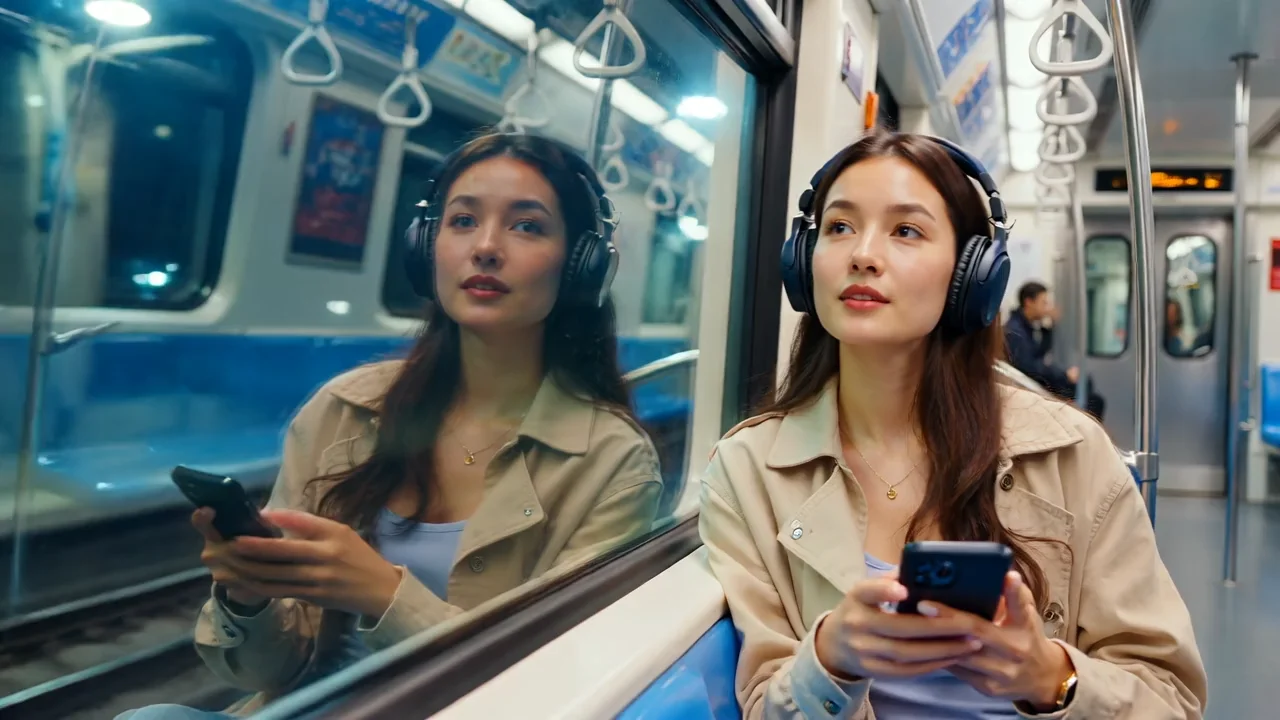

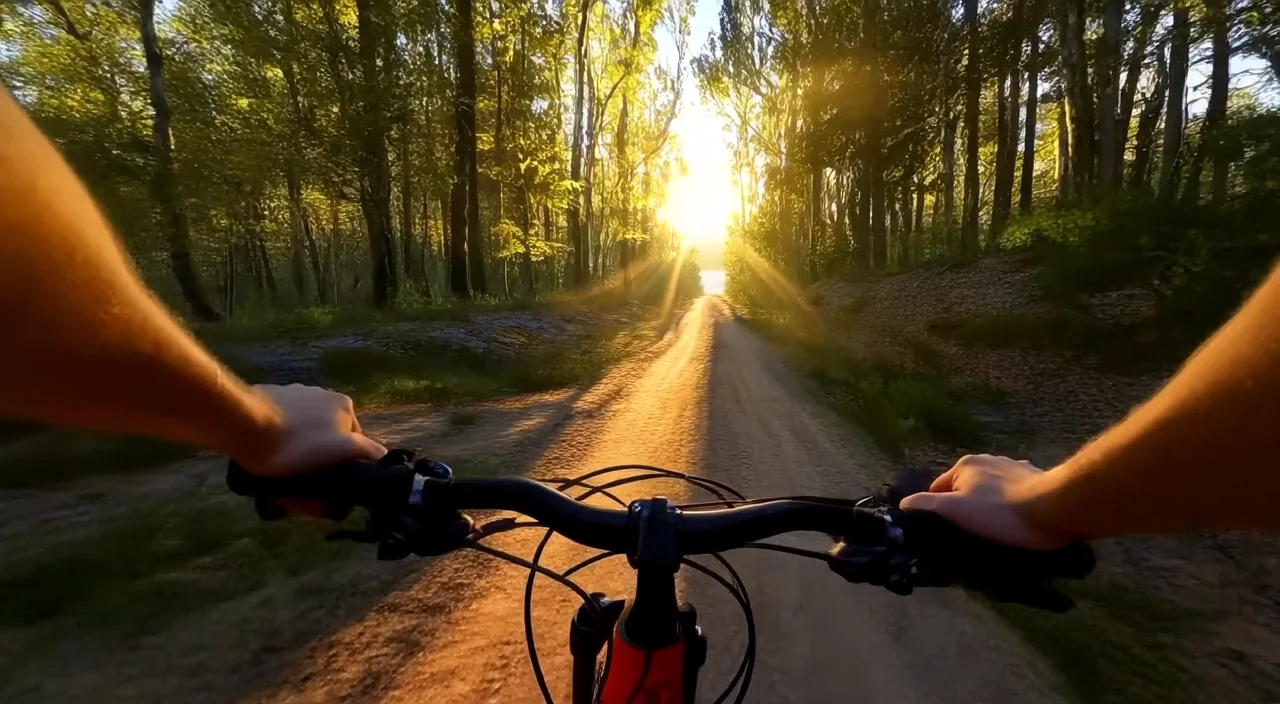

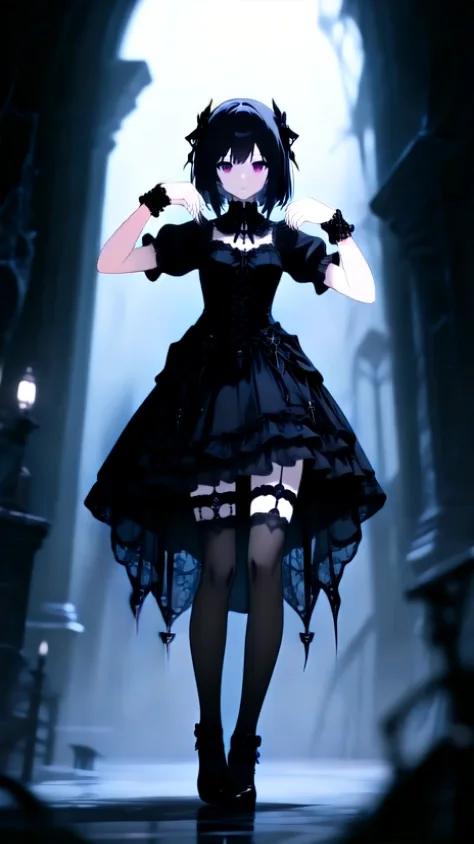
README
Wan 2.2 Image-to-Video 720p LoRA
Generate customized 720p HD videos from images with full LoRA support using Wan 2.2. This premium model delivers high-quality output with three LoRA slots for precise style control — perfect for professional content, cinematic scenes, and custom character animation.
Looking for faster processing? Try Wan 2.2 I2V 720p LoRA Ultra Fast for speed-optimized generation.
Why It Looks Great
- 720p HD output: Sharp, professional-quality video for final deliverables.
- LoRA support: Apply up to 3 custom LoRAs each for standard, high-noise, and low-noise stages.
- Premium quality: Standard processing delivers maximum visual fidelity.
- Start-to-end interpolation: Optionally provide a last frame for smooth transitions.
- Negative prompt support: Exclude unwanted elements for precise control.
- Prompt Enhancer: Built-in tool to refine your motion descriptions automatically.
- Safety Checker: Optional content filtering for appropriate output.
Parameters
| Parameter | Required | Description |
|---|---|---|
| image | Yes | Source/starting image to animate (upload or public URL). |
| prompt | Yes | Text description of the motion and action you want. |
| negative_prompt | No | Elements to avoid in the generated video. |
| last_image | No | Optional ending frame for start-to-end interpolation (upload or URL). |
| duration | No | Video length: 5 or 8 seconds. Default: 5. |
| loras | No | Standard LoRA adapters to apply (up to 3). |
| high_noise_loras | No | LoRAs applied during high-noise denoising stages (up to 3). |
| low_noise_loras | No | LoRAs applied during low-noise denoising stages (up to 3). |
| seed | No | Random seed for reproducibility. Use -1 for random. |
| Enable Safety Checker | No | Toggle content safety filtering. |
How to Use
- Upload your starting image — drag and drop or paste a public URL.
- Write your prompt — describe the motion, style, and action in detail.
- Use Prompt Enhancer (optional) — click to enrich your motion description.
- Add negative prompt (optional) — specify elements to exclude.
- Upload last image (optional) — add an ending frame for interpolation effects.
- Set duration — choose 5 or 8 seconds.
- Add LoRAs (optional) — click "+ Add Item" to include custom LoRA adapters.
- Set seed (optional) — for reproducible results.
- Run — click the button to generate.
- Download — preview and save your video.
Pricing
Per 5-second billing based on duration.
| Duration | Calculation | Cost |
|---|---|---|
| 5 seconds | 5 ÷ 5 × $0.35 | $0.35 |
| 8 seconds | 8 ÷ 5 × $0.35 | $0.56 |
Understanding LoRA Options
This model provides three different LoRA slots that affect different stages of the generation process:
| LoRA Type | When Applied | Best For | Max Count |
|---|---|---|---|
| loras | Throughout generation | General style, character consistency | 3 |
| high_noise_loras | Early denoising (high noise) | Overall composition, major style elements | 3 |
| low_noise_loras | Late denoising (low noise) | Fine details, textures, finishing touches | 3 |
LoRA Strategy Tips
- Single style: Use standard
lorasfor consistent style throughout. - Layered control: Combine high_noise for composition + low_noise for details.
- Character + Style: Use one slot for character LoRA, another for style LoRA.
Best Use Cases
- Cinematic Content — Create professional-quality videos with rich detail and atmosphere.
- Custom Character Animation — Apply character LoRAs for consistent identity across videos.
- Documentary Style — Generate realistic, immersive scenes with natural motion.
- Brand Content — Use trained LoRAs for consistent brand visual identity.
- Final Deliverables — Premium quality suitable for professional distribution.
Example Prompts
- "A handheld camera walks through a busy Middle Eastern bazaar. People bargain, children play, spices and cloths fill the frame. Rich saturated colors, dynamic shadows, shallow depth of field. Natural dialogue sounds faintly in the background. Organic, documentary feel."
- "Cinematic drone shot over misty mountains at sunrise, smooth camera movement, epic scale"
- "Portrait subject looks up slowly, soft window light shifting across face, intimate mood"
- "Product showcase with elegant camera orbit, studio lighting, professional commercial style"
- "Fantasy character casting spell, magical particles swirling, dramatic lighting effects"
Model Comparison
| Model | Cost (5s) | Speed | Best For |
|---|---|---|---|
| I2V 720p LoRA | $0.35 | Standard | Maximum quality, final deliverables |
| I2V 720p LoRA Ultra Fast | $0.15 | Fast | Rapid iteration, testing, high-volume |
How to Use LoRAs
For detailed guides on using and training custom LoRAs:
Pro Tips for Best Results
- Use this model for final deliverables where quality matters most.
- Combine multiple LoRAs strategically — high_noise for style, low_noise for details.
- Don't overload with LoRAs — sometimes 1-2 well-chosen LoRAs work better than many.
- For documentary/cinematic content, describe camera behavior: "handheld", "tracking", "shallow depth of field".
- Use the last_image feature for controlled transitions between scenes or states.
- Test concepts with the Ultra Fast variant first, then generate finals with this model.
Notes
- If using URLs for images, ensure they are publicly accessible. Preview thumbnails confirm successful loading.
- Each LoRA slot (loras, high_noise_loras, low_noise_loras) supports up to 3 LoRAs.
- Enable Safety Checker for content that will be publicly shared.
- Standard processing takes longer but delivers higher quality than Ultra Fast variants.
Wan 2.2 I2v 720p Lora API — Quick start
Grab a WaveSpeedAI API key, then call POST https://api.wavespeed.ai/api/v3/wavespeed-ai/wan-2.2/i2v-720p-lora with your input as JSON. The endpoint returns a prediction id. Start polling the result endpoint around every 2 seconds, increase the interval for long-running tasks, and stop on any terminal status. On completed, read output values from data.outputs. Examples for Wan 2.2 I2v 720p Lora below.
HTTP example
set -euo pipefail

: "${WAVESPEED_API_KEY:?Set WAVESPEED_API_KEY}"

REQUEST_BODY=$(cat <<'JSON'
{
    "prompt": "A cinematic shot of a city at sunset, soft golden light",
    "image": "https://interactive-examples.mdn.mozilla.net/media/cc0-images/painted-hand-298-332.jpg",
    "duration": 5,
    "seed": -1
}
JSON
)

# 1. Submit the prediction.
SUBMIT_RESPONSE=$(curl --silent --show-error --fail-with-body \
  -X POST "https://api.wavespeed.ai/api/v3/wavespeed-ai/wan-2.2/i2v-720p-lora" \
  -H "Content-Type: application/json" \
  -H "Authorization: Bearer $WAVESPEED_API_KEY" \
  -d "$REQUEST_BODY")

TASK=$(printf '%s' "$SUBMIT_RESPONSE" | jq 'if has("data") then .data else . end')
PREDICTION_ID=$(printf '%s' "$TASK" | jq -r '.id')
if [ -z "$PREDICTION_ID" ] || [ "$PREDICTION_ID" = "null" ]; then
  printf 'Submission response did not contain a prediction id
' >&2
  exit 1
fi
RESULT_URL=$(printf '%s' "$TASK" | jq -r '.urls.get // empty')
if [ -z "$RESULT_URL" ]; then
  RESULT_URL="https://api.wavespeed.ai/api/v3/predictions/$PREDICTION_ID/result"
fi

# 2. Poll until the prediction finishes.
while true; do
  RESPONSE=$(curl --silent --show-error --fail-with-body "$RESULT_URL" \
    -H "Authorization: Bearer $WAVESPEED_API_KEY")
  RESULT=$(printf '%s' "$RESPONSE" | jq 'if has("data") then .data else . end')
  STATUS=$(printf '%s' "$RESULT" | jq -r '.status')
  case "$STATUS" in
    completed) printf '%s\n' "$RESULT" | jq '.outputs'; break ;;
    failed|cancelled|timeout) printf '%s\n' "$RESULT" | jq . >&2; exit 1 ;;
    created|processing) sleep 2 ;;
    *) printf 'Unexpected status: %s
' "$STATUS" >&2; exit 1 ;;
  esac
done
Node.js example
const submitUrl = "https://api.wavespeed.ai/api/v3/wavespeed-ai/wan-2.2/i2v-720p-lora";
const apiKey = process.env.WAVESPEED_API_KEY;
if (!apiKey) throw new Error('Set WAVESPEED_API_KEY');

async function requestJson(url, options = {}) {
  const response = await fetch(url, options);
  if (!response.ok) throw new Error(await response.text());
  return response.json();
}

// 1. Submit the prediction.
const body = await requestJson(submitUrl, {
  method: "POST",
  headers: {
    "Authorization": `Bearer ${apiKey}`,
    "Content-Type": "application/json",
  },
  body: JSON.stringify({
        "prompt": "A cinematic shot of a city at sunset, soft golden light",
        "image": "https://interactive-examples.mdn.mozilla.net/media/cc0-images/painted-hand-298-332.jpg",
        "duration": 5,
        "seed": -1
}),
});
const task = body.data ?? body;
if (!task.id) throw new Error("Submission response did not contain a prediction id");
const resultUrl = task.urls?.get ||
  `https://api.wavespeed.ai/api/v3/predictions/${task.id}/result`;

// 2. Poll until the prediction finishes.
while (true) {
  const resultBody = await requestJson(resultUrl, {
    headers: { "Authorization": `Bearer ${apiKey}` },
  });
  const result = resultBody.data ?? resultBody;
  if (result.status === "completed") {
    console.log(result.outputs);
    break;
  }
  if (["failed", "cancelled", "timeout"].includes(result.status)) throw new Error(JSON.stringify(result));
  if (!["created", "processing"].includes(result.status)) throw new Error("Unexpected status: " + result.status);
  await new Promise(resolve => setTimeout(resolve, 2000));
}
Python example
import json
import os
import time
from urllib.request import Request, urlopen

api_key = os.environ["WAVESPEED_API_KEY"]
headers = {"Authorization": f"Bearer {api_key}", "Content-Type": "application/json"}
payload = {
    "prompt": "A cinematic shot of a city at sunset, soft golden light",
    "image": "https://interactive-examples.mdn.mozilla.net/media/cc0-images/painted-hand-298-332.jpg",
    "duration": 5,
    "seed": -1
}

def request_json(url, data=None):
    request = Request(url, data=data, headers=headers, method="POST" if data else "GET")
    with urlopen(request) as response:
        return json.load(response)

# 1. Submit the prediction.
body = request_json("https://api.wavespeed.ai/api/v3/wavespeed-ai/wan-2.2/i2v-720p-lora", json.dumps(payload).encode())
task = body.get("data", body)
if not task.get("id"):
    raise RuntimeError("Submission response did not contain a prediction id")
result_url = task.get("urls", {}).get("get") or f"https://api.wavespeed.ai/api/v3/predictions/{task['id']}/result"

# 2. Poll until the prediction finishes.
while True:
    result_body = request_json(result_url)
    result = result_body.get("data", result_body)
    status = result.get("status")
    if status == "completed":
        print(result.get("outputs", []))
        break
    if status in {"failed", "cancelled", "timeout"}:
        raise RuntimeError(result)
    if status not in {"created", "processing"}:
        raise RuntimeError(f"Unexpected status: {status}")
    time.sleep(2)
Wan 2.2 I2v 720p Lora API — Frequently asked questions
What is the Wan 2.2 I2v 720p Lora API?
Wan 2.2 I2v 720p Lora is a WaveSpeedAI model for AI inference, exposed as a REST API on WaveSpeedAI. WAN 2.2 Image-to-Video (i2v) 720p converts images into 720p videos and supports custom LoRAs for style personalization. Ready-to-use REST inference API, best performance, no coldstarts, affordable pricing. You can call it programmatically or try it from the playground above.
How do I call the Wan 2.2 I2v 720p Lora API?
POST your input parameters to the model's REST endpoint (shown in the API tab of this playground) with your WaveSpeedAI API key in the Authorization header. Submission returns a prediction ID. Poll the result endpoint starting around every 2 seconds, increase the interval for long-running tasks, and stop on any terminal status. The playground generates production-oriented Python, JavaScript, and cURL examples with timeouts, transient-error handling, and safe GET retries. Full request/response shape is documented at https://wavespeed.ai/docs/docs-api/wavespeed-ai/wan-2.2-i2v-720p-lora.
How much does Wan 2.2 I2v 720p Lora cost per run?
Wan 2.2 I2v 720p Lora starts at $0.35 per run. That figure is the base price — the final charge scales with the parameters you set in the form (output size, length, count, references, or whatever knobs this model exposes), so a higher-quality or larger output costs more than a minimal one. The exact cost for your current input is shown live next to the Generate button before you submit, and the actual per-call charge is recorded on the prediction afterwards.
What inputs does Wan 2.2 I2v 720p Lora accept?
Key inputs: `prompt`, `image`, `duration`, `seed`, `negative_prompt`, `high_noise_loras`. The full JSON schema (types, defaults, allowed values) is rendered above the Generate button and mirrored in the API reference at https://wavespeed.ai/docs/docs-api/wavespeed-ai/wan-2.2-i2v-720p-lora.
How long does Wan 2.2 I2v 720p Lora take to generate?
Median end-to-end generation time on WaveSpeedAI is around 241 seconds per request, based on recent successful runs. Queue time varies with global demand; live status is visible in the prediction record.
Can I use Wan 2.2 I2v 720p Lora outputs commercially?
Commercial usage rights depend on the model's license, set by its provider (WaveSpeedAI). The license summary appears on the model card above; see WaveSpeedAI's Terms of Service for platform-level conditions.