Dreamina V3.0 creates 720P videos from text or image prompts with natural dynamic expression, diverse styles, and multi-scene narratives. Ready-to-use REST API, best performance, no coldstarts, affordable pricing.
Idle
$0.3per run·~33 / $10
ExamplesView all
An elderly, white-haired scientist stands beside a massive astronomical telescope, looking up at the starry sky with wonder and awe in his eyes. In the control room, data scrolls across monitors, casting a faint blue glow on his face. Cinematography: Low-angle shot looking up, grand scale, contrast between cool and warm tones, epic and inspiring mood, hyper-realistic quality.
Adrenaline-fueled First-Person-View (FPV) drone footage, flying at breakneck speed through a narrow, winding slot canyon in Utah. The camera banks sharply, rolls, and dives, skimming just inches above the ground and narrowly avoiding the textured red sandstone walls. The sun flares brightly as the drone momentarily glances towards the sky at the top of the canyon.
A cinematic, atmospheric shot of an advanced humanoid android sitting quietly in a minimalist, futuristic room, gazing down at the streams of flying vehicles below. The room is filled with clean, cool, ambient light. Through the android's translucent synthetic skin, faint blue circuits are visible, softly pulsing. Their facial expression is neutral, yet their eyes hold a subtle, almost imperceptible hint of curiosity and melancholy.
A cinematic, powerful shot of a Polynesian Wayfinder navigating the open South Pacific ocean at night. He stands confidently on a traditional double-hulled canoe (a Wa'a Kaulua), his gaze fixed on the brilliant, star-dusted arc of the Milky Way, which he uses for direction. The ocean is calm, and the canoe's wake gently reflects the starlight. His weathered, strong figure is silhouetted against the cosmos, embodying ancient wisdom, courage, and a profound connection to nature.
A middle-aged detective in a dark grey trench coat sits in a dimly lit archive room, his desk cluttered with old photographs and case files. A single beam of light cuts through the blinds, illuminating dust motes and the weary, focused expression on his face. He slowly picks up a black and white photo, his gaze sharp. Cinematography: Medium close-up, shallow depth of field, high contrast, cool color palette, cinematic film grain, 4K.
A young professional woman in business attire leans against the window of a crowded Tokyo subway during rush hour, wearing headphones. The city lights streak by, casting shifting patterns of light and shadow across her face. Her expression is tired but calm and contemplative. Cinematography: Over-the-shoulder shot, realistic lighting, focus on facial micro-expressions, 4K resolution.
A woman in a long, flowing white dress walks slowly through a knee-deep, perfectly still salt flat lake. The sky is a gradient of pink and purple sunset colors, reflecting flawlessly in the mirror-like water to create perfect symmetry. Her movements are graceful and dreamlike. Cinematography: Aerial drone shot, ultra-wide angle, minimalist composition, soft pastel colors, surrealist style, tranquil atmosphere.
In a small, warm, and crowded Izakaya in Tokyo, late at night. A middle-aged salaryman, having just finished work, sits alone at the counter. He has loosened his tie and is quietly sipping sake. Outside, a light rain is falling, blurring the streetlights that reflect on his tired but relaxed face. Cinematography: Static close-up shot, warm tones, shallow depth of field, focus on the character's expression and the ripples in his sake cup, slice-of-life feel, cinematic.
Late at night, in a uniquely designed bookstore in the Kiyosumi-Shirakawa neighborhood, a university student with black-rimmed glasses is engrossed in a thick art history book. A soft spotlight illuminates him and the pages. The surroundings are silent except for the occasional, gentle sound of a page turning. Cinematography: Over-the-shoulder view, shallow depth of field, highlighting the texture of the paper and the character's focused expression, warm tones, literary and artistic mood.
At dusk, in front of the ancient and serene Torii gate of the Tomioka Hachimangu Shrine, a teenager in streetwear fashion is riding a skateboard. He executes a perfect kickflip, his dynamic motion captured against the solemn, traditional architecture in the background, creating a tableau of old and new Japan. Cinematography: Slow motion to capture the peak of the jump, low-angle shot to enhance the visual impact, warm light from the setting sun, film grain texture.
At a humble, street-corner ramen shop in the Monzen-Nakacho area, a diner looks down in astonishment to find that the broth in his bowl is emitting a soft, warm bioluminescent glow. The noodles and toppings are faintly visible within the light, which illuminates the small shop and the surprised faces of the chef and other customers. Cinematography: Starts with a close-up of the diner's shocked expression, then slowly tilts down to the glowing ramen bowl, magical realism style, dreamlike lighting effects, vibrant colors.
Related Models
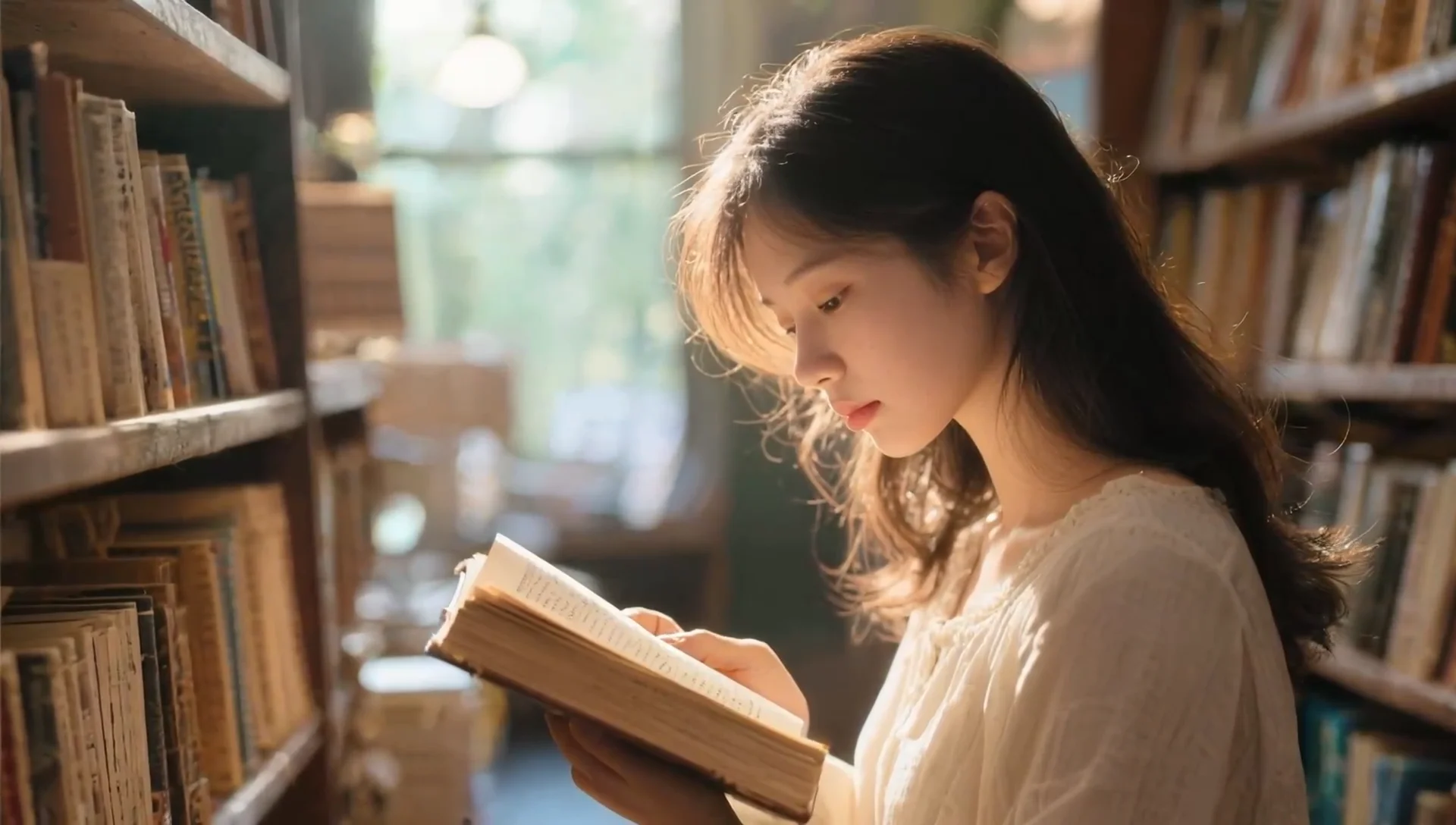
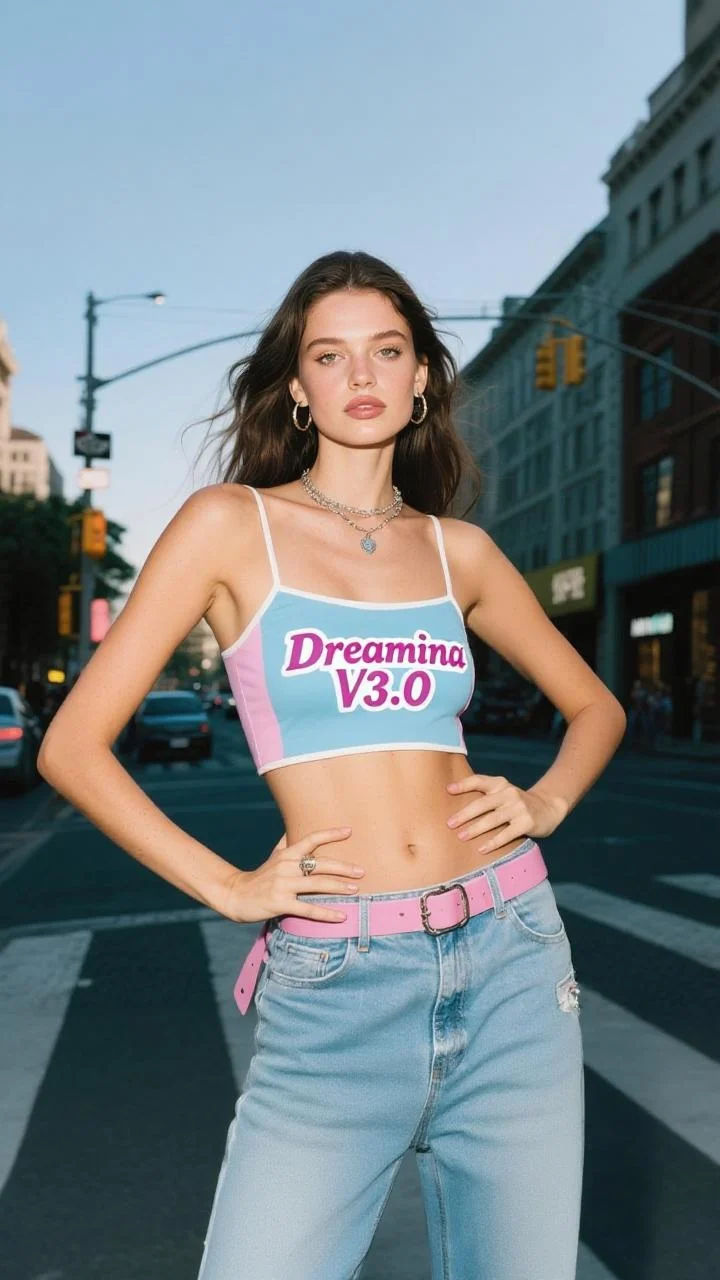
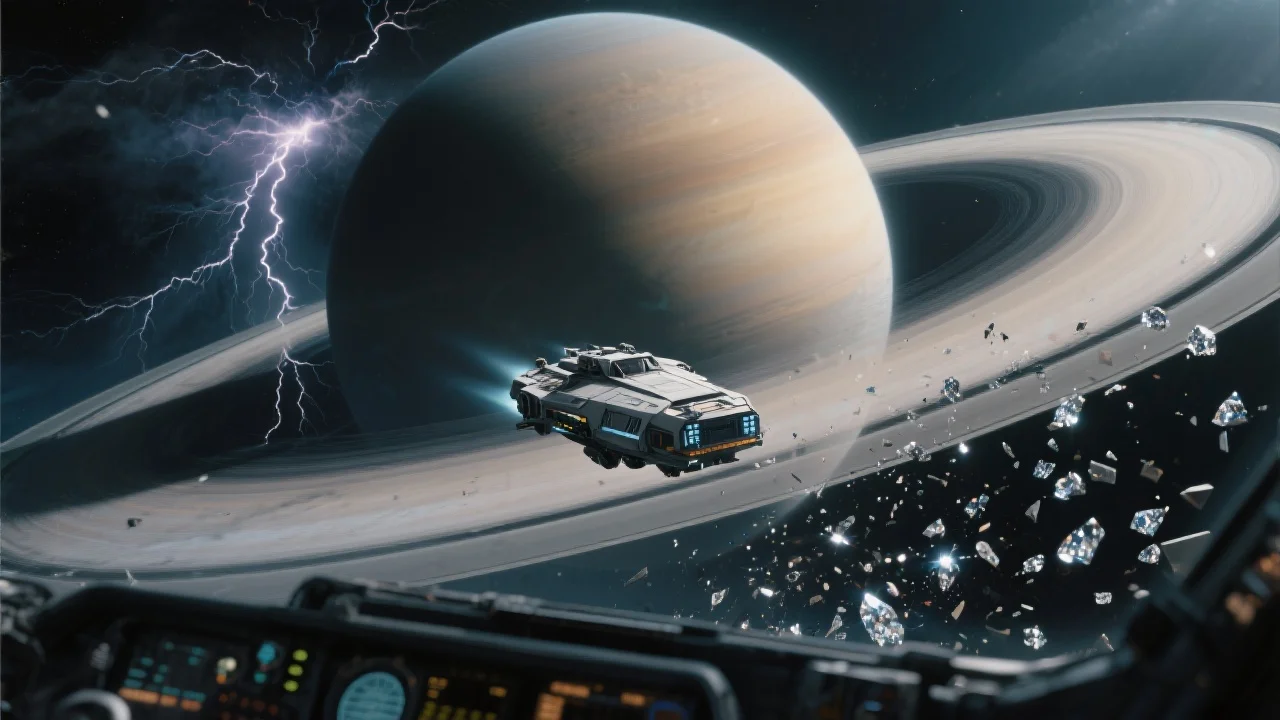
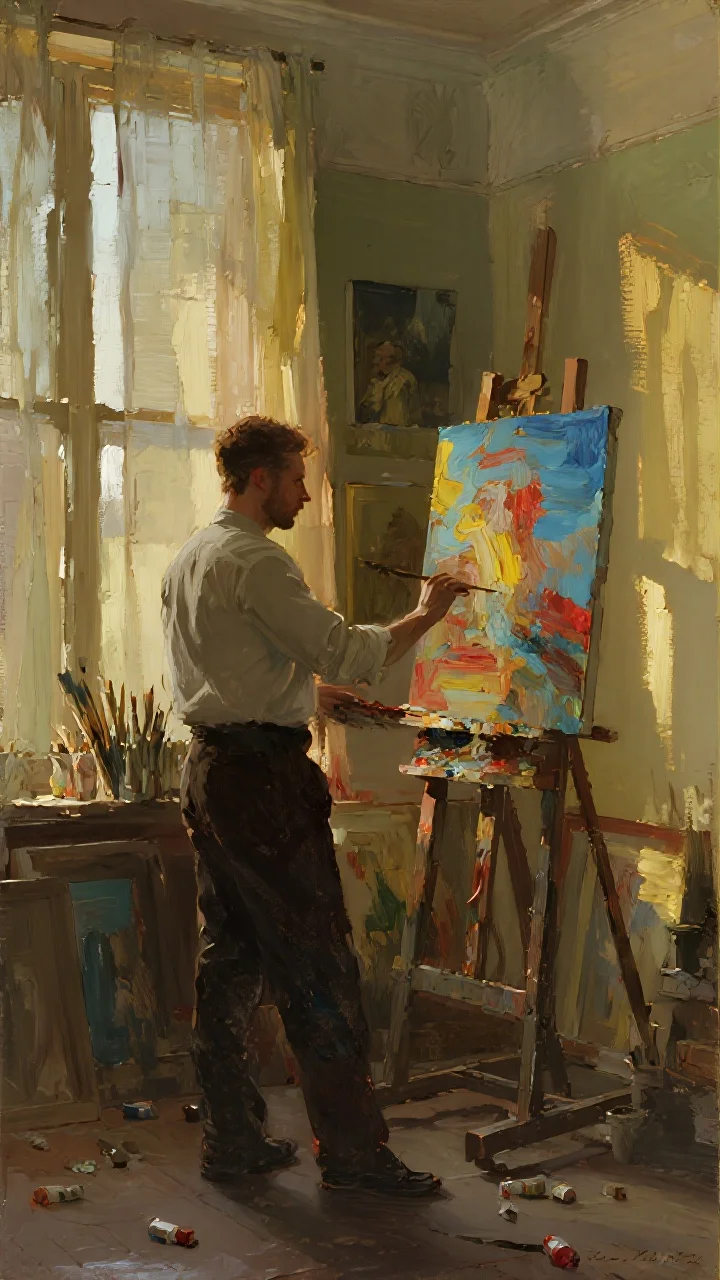
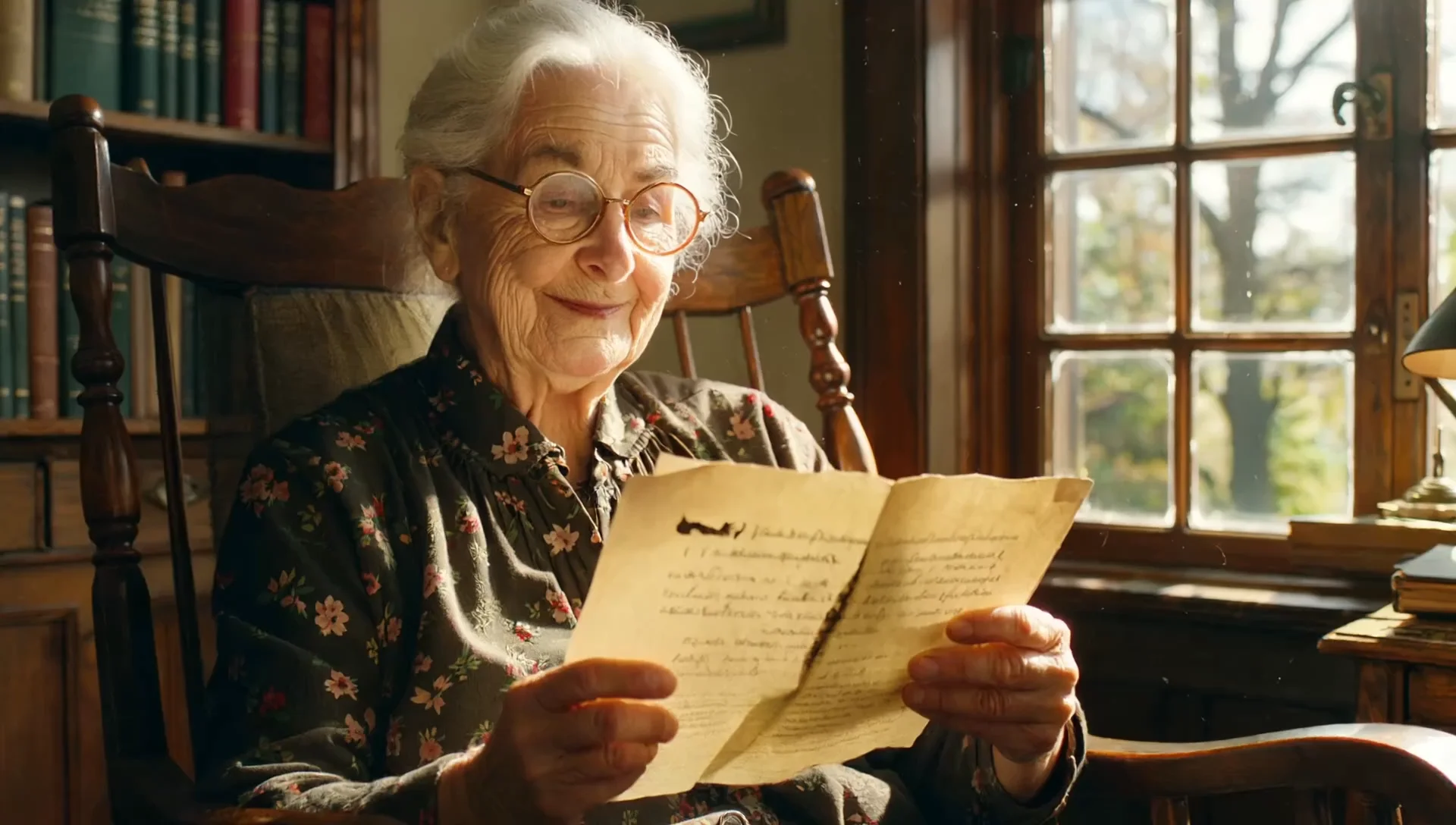
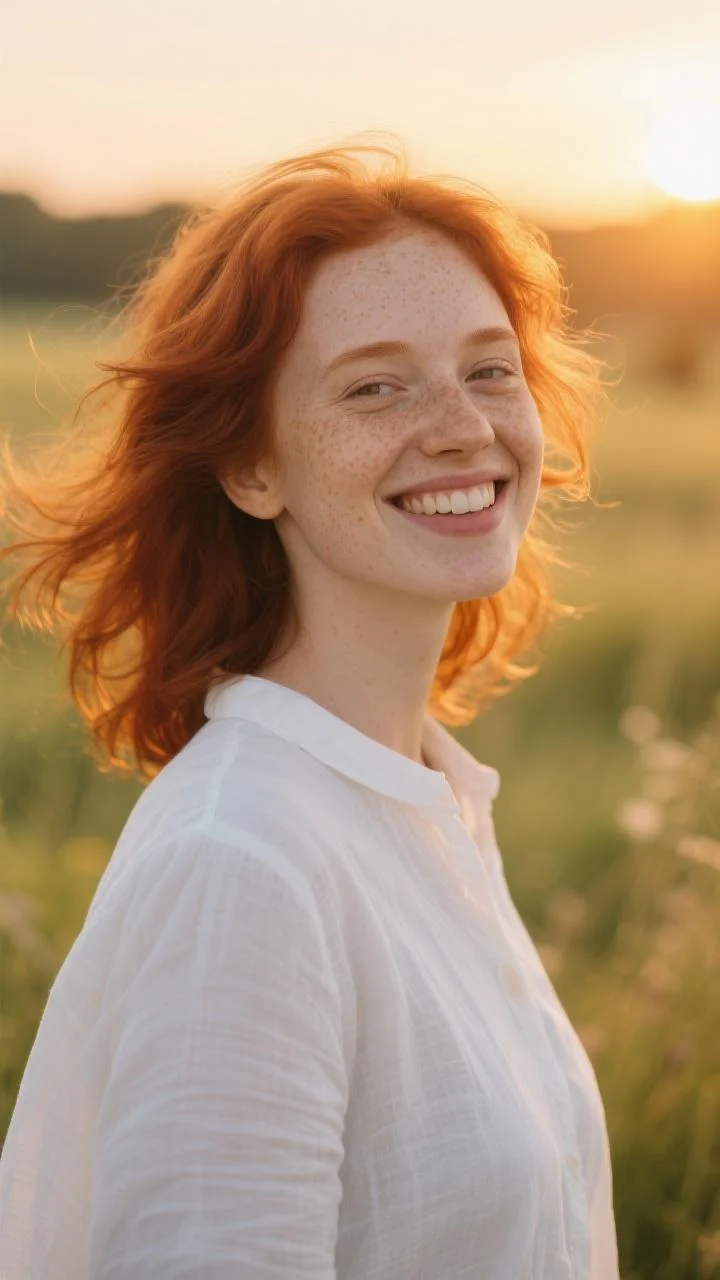
README
Dreamina v3.0 Text-to-Video 720p
Create videos from pure imagination with Dreamina v3.0 text-to-video model. Simply describe your scene in words and watch it come to life — no source images required. Generate cinematic 720p videos with dynamic motion, detailed environments, and compelling narratives.
Why It Looks Great
- Pure text-to-video: Generate complete videos from descriptions alone — no images needed.
- 720p HD output: Sharp, clean video quality suitable for most digital platforms.
- Wide aspect ratio support: Six format options including ultra-wide 21:9 for cinematic content.
- Prompt Enhancer: Built-in tool to refine and expand your descriptions automatically.
- Flexible duration: Control how long your generated video runs.
- Reproducible results: Use the seed parameter to recreate exact outputs or explore variations.
Parameters
| Parameter | Required | Description |
|---|---|---|
| prompt | Yes | Text description of the scene, action, and cinematography you want. |
| aspect_ratio | No | Output format: 16:9, 4:3, 1:1, 3:4, 9:16, or 21:9. Default: 16:9. |
| seed | No | Random seed for reproducibility. Use -1 for random. |
| duration | No | Video length in seconds. Default: 5. |
How to Use
- Write your prompt — describe the scene, characters, action, lighting, and camera work in detail.
- Use Prompt Enhancer (optional) — click to automatically enrich your description with cinematic details.
- Choose aspect ratio — select the format that fits your platform or creative vision.
- Set duration — choose how long you want the video to be.
- Set seed (optional) — use -1 for random, or a specific number to reproduce results.
- Run — click the button to generate.
- Download — preview and save your 720p video.
Pricing
Flat rate per video generation.
| Output | Cost |
|---|---|
| Per video | $0.30 |
Aspect Ratio Guide
| Ratio | Best For |
|---|---|
| 16:9 | YouTube, presentations, standard video |
| 4:3 | Classic film look, retro content |
| 1:1 | Instagram feed, profile content |
| 3:4 | Portrait photos, Pinterest |
| 9:16 | TikTok, Instagram Reels, Stories |
| 21:9 | Cinematic widescreen, film trailers |
Best Use Cases
- Concept Visualization — Bring ideas to life without any source material.
- Social Media Content — Generate platform-ready videos for TikTok, Reels, and Stories.
- Storyboarding & Pre-vis — Visualize scenes before production.
- Creative Exploration — Experiment with ideas quickly and affordably.
- Marketing & Ads — Create attention-grabbing video content from scratch.
Example Prompts
- "An elderly, white-haired scientist stands beside a massive astronomical telescope, looking up at the starry sky with wonder and awe in his eyes. In the control room, data scrolls across monitors, casting a faint blue glow on his face. Cinematography: Low-angle shot."
- "A lone astronaut walks across a red Martian landscape, dust swirling around their boots, Earth visible as a tiny blue dot in the sky"
- "Timelapse of a flower blooming in a sunlit garden, soft bokeh background, macro cinematography"
- "Neon-lit cyberpunk street at night, rain falling, reflections on wet pavement, camera tracking forward through crowds"
- "Cozy cabin interior with a crackling fireplace, snow falling outside the window, warm ambient lighting"
Pro Tips for Best Results
- Be cinematic — include camera directions like "low-angle", "tracking shot", "slow zoom", "dolly in".
- Describe lighting and atmosphere — "golden hour", "dramatic shadows", "soft diffused light".
- Include environmental details — weather, time of day, ambient elements.
- Use the Prompt Enhancer to add professional film language to simple ideas.
- Match aspect ratio to your platform: 9:16 for TikTok/Reels, 16:9 for YouTube, 21:9 for cinematic trailers.
- Start with shorter durations to test concepts before generating longer videos.
Notes
- Processing time may vary based on duration and current queue load.
- More detailed prompts generally produce better, more coherent results.
- The 21:9 ultra-wide format is perfect for film-style cinematic content.
- For higher resolution needs, check if a 1080p version is available.
Dreamina v3.0 Text To Video 720p API — Quick start
Grab a WaveSpeedAI API key, then call POST https://api.wavespeed.ai/api/v3/bytedance/dreamina-v3.0/text-to-video-720p with your input as JSON. The endpoint returns a prediction id; poll the prediction endpoint until status flips to completed, then read the output URL from data.outputs[0]. Examples for Dreamina v3.0 Text To Video 720p below.
HTTP example
# Submit the prediction
curl -X POST "https://api.wavespeed.ai/api/v3/bytedance/dreamina-v3.0/text-to-video-720p" \
  -H "Content-Type: application/json" \
  -H "Authorization: Bearer $WAVESPEED_API_KEY" \
  -d '{
    "prompt": "A cinematic shot of a city at sunset, soft golden light",
    "aspect_ratio": "16:9",
    "seed": -1,
    "duration": 5
}'

# Response includes a prediction id. Poll for the result:
curl -X GET "https://api.wavespeed.ai/api/v3/predictions/{request_id}/result" \
  -H "Authorization: Bearer $WAVESPEED_API_KEY"

# When status is "completed", read the output from data.outputs[0].
Node.js example
// npm install wavespeed
const WaveSpeed = require('wavespeed');

const client = new WaveSpeed(); // reads WAVESPEED_API_KEY from env

const result = await client.run("bytedance/dreamina-v3.0/text-to-video-720p", {
        "prompt": "A cinematic shot of a city at sunset, soft golden light",
        "aspect_ratio": "16:9",
        "seed": -1,
        "duration": 5
});

console.log(result.outputs[0]); // → URL of the generated output
Python example
# pip install wavespeed
import wavespeed

output = wavespeed.run(
    "bytedance/dreamina-v3.0/text-to-video-720p",
    {
    "prompt": "A cinematic shot of a city at sunset, soft golden light",
    "aspect_ratio": "16:9",
    "seed": -1,
    "duration": 5
}
)

print(output["outputs"][0])  # → URL of the generated output
Dreamina v3.0 Text To Video 720p API — Frequently asked questions
What is the Dreamina v3.0 Text To Video 720p API?
Dreamina v3.0 Text To Video 720p is a ByteDance model for video generation, exposed as a REST API on WaveSpeedAI. Dreamina V3.0 creates 720P videos from text or image prompts with natural dynamic expression, diverse styles, and multi-scene narratives. Ready-to-use REST API, best performance, no coldstarts, affordable pricing. You can call it programmatically or try it from the playground above.
How do I call the Dreamina v3.0 Text To Video 720p API?
POST your input parameters to the model's REST endpoint (shown in the API tab of this playground) with your WaveSpeedAI API key in the Authorization header. Submission returns a prediction ID; poll the prediction endpoint until status flips to "completed", then read the output URL from the result. The playground generates a ready-to-paste code sample in Python, JavaScript, or cURL for whatever inputs you've set. Full request/response shape is documented at https://wavespeed.ai/docs/docs-api/bytedance/bytedance-dreamina-v3.0-text-to-video-720p.
How much does Dreamina v3.0 Text To Video 720p cost per run?
Dreamina v3.0 Text To Video 720p starts at $0.30 per run. That figure is the base price — the final charge scales with the parameters you set in the form (output size, length, count, references, or whatever knobs this model exposes), so a higher-quality or larger output costs more than a minimal one. The exact cost for your current input is shown live next to the Generate button before you submit, and the actual per-call charge is recorded on the prediction afterwards.
What inputs does Dreamina v3.0 Text To Video 720p accept?
Key inputs: `prompt`, `aspect_ratio`, `duration`, `seed`. The full JSON schema (types, defaults, allowed values) is rendered above the Generate button and mirrored in the API reference at https://wavespeed.ai/docs/docs-api/bytedance/bytedance-dreamina-v3.0-text-to-video-720p.
How long does Dreamina v3.0 Text To Video 720p take to generate?
Average end-to-end generation time on WaveSpeedAI is around 28 seconds per request — measured across recent runs. Queue time scales with global demand; live status is visible in the prediction record.
Can I use Dreamina v3.0 Text To Video 720p outputs commercially?
Commercial usage rights depend on the model's license, set by its provider (ByteDance). The license summary appears on the model card above; see WaveSpeedAI's Terms of Service for platform-level conditions.