
Synthesia Text to Video vs WaveSpeed Visual Clips
Compare Synthesia text to video for presenter-led work with WaveSpeed visual shots. Choose by script, avatar, narration, and editing needs.
Create a text-to-video shot in 3 steps
Turn a clear shot brief into a controlled model test, then approve the complete clip rather than a single attractive frame.
Write the shot brief
Define the subject, action, framing, duration, and details that must remain consistent.
Choose and run a model
Match the input and output controls to the shot instead of relying on a generic ranking.
Inspect the full clip
Review motion, continuity, text, audio, and export fit before using or automating it.
Decide whether someone must address the viewer
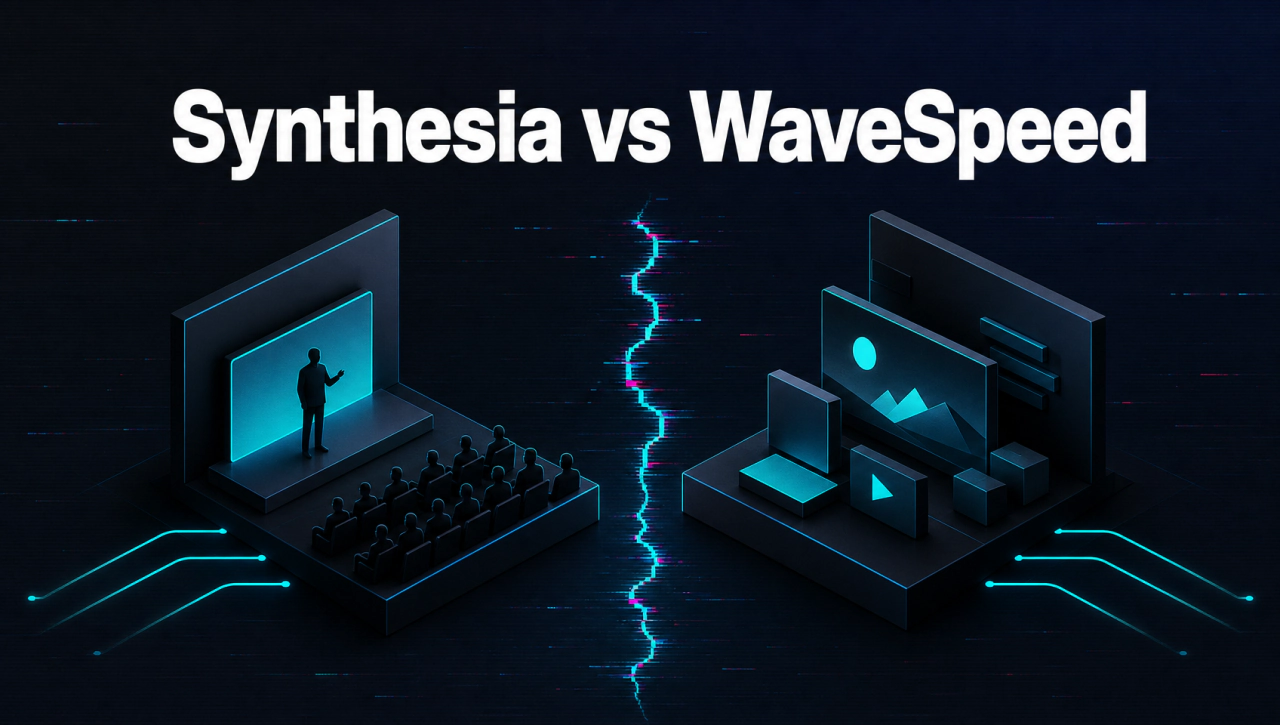
Use one employee-onboarding brief as the running case. It needs an accurate presenter, narration, captions, and easy revisions. A separately generated cutaway can support a line of that script, but it cannot replace the presenter-led communication. Synthesia describes avatars, voices, and document or script inputs. WaveSpeed's general video models should not be portrayed as equivalent avatar-led presentation software. If the audience must see an approved spokesperson or a consistent presenter, make that requirement explicit before selecting a tool.
Compare finished communication, not raw footage
Watch the final export with captions on and off. Check avatar or human likeness rights, spoken accuracy, graphic consistency, and accessibility. A standalone WaveSpeed clip should be evaluated as a source asset, not as if it contains a complete presenter script. Synthesia may be the more direct route for a finished presenter-led training module. The VEED comparison covers another assembled-video workflow. The basic model-clip page is about generating a visual scene.
Keep revisions affordable
Archive script, source clip IDs, avatar or voice selection, final export, and approvals. If a policy line changes, update the spoken and captioned versions together. If only a cutaway is wrong, replace that shot without rebuilding the approved narration. This separation keeps a communication video maintainable.
Continue the workflow
FAQ
Does WaveSpeed's standard video model create a Synthesia avatar presentation?+
Do not assume so. Synthesia's presenter workflow includes avatars and script-led assembly; WaveSpeed model routes have their own task scope.
When is a generated clip useful in a training video?+
As an approved visual illustration or transition placed within an editor-led presentation.
What needs factual review?+
Check narration, captions, product demonstrations, and any generated imagery that could imply a false result.
Can I replace only one visual shot later?+
Yes, if the project retains separate source clips and an editable final assembly.