
AI Audio Generator: Choose Speech, Music, or Sound
An AI audio generator can mean voice, music, or effects. Define the input and finished asset, then choose a WaveSpeed model with matching controls.
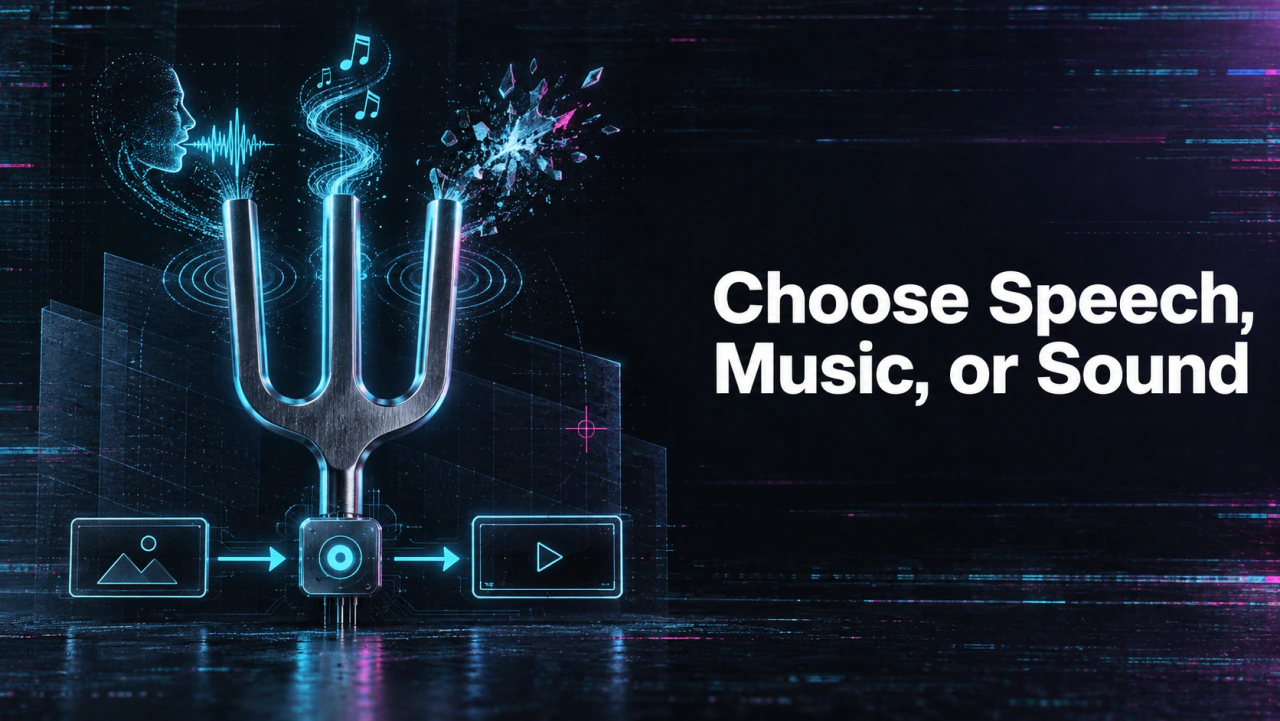
Build an audio-for-video workflow in 3 steps
Start with the real source, make one controlled test, and review the finished audio against the video before scaling.
Choose the audio job
Decide whether the video needs speech, music, effects, synchronization, or a supplied track.
Generate a short test
Use the selected model or editor with one representative scene and controlled settings.
Review the final mix
Check timing, clarity, rights, and export behavior in the actual delivery video.
Name the output before writing a prompt
For spoken instructions, the source is text and the output is speech. For music, the brief might specify mood, duration, or structure. For scene sound, the source may include a video and a prompt describing the desired effect. These workflows should not be collapsed into a generic text-to-speech tutorial. Use one short video of footsteps crossing gravel as the comparison object. The deliverable is synchronized scene sound, not narration or a licensed music track. Then open the model page that claims this input-output relationship and inspect its current schema.
Choose the model by required input
The Seed Speech TTS 2.0 API takes text and voice choices for speech. The MMAudio v2 API generates sound from visual content plus a prompt. An existing music recording leading a generated video is a separate music-video generator. None of these descriptions makes one model a universal audio workstation. Use a model's own published fields rather than assuming settings transfer between speech, Foley, and music. A speed or pitch field on a TTS model does not mean a video-sound model has the same control.
Listen in the intended context
For speech, check names, numbers, emphasis, and pauses. For music, check whether the structure fits the edit and whether a license permits the intended use. For generated scene sound, listen against the picture for timing and unwanted effects. A waveform or successful API response is not enough to approve the result. Keep the output, input text or prompt, chosen model, and reviewer notes together. If an editor later trims the clip, listen again in the final mix because cuts can change timing and meaning.
Build a narrow repeat process
Automate only the task that has passed review. A speech queue needs script version and voice settings; a video-sound queue needs the video source and synchronization check. The text-to-audio page handles narration specifically. Keep the broader audio model selection open when a project changes medium.
Continue the workflow
FAQ
Is every AI audio generator a text-to-speech tool?+
No. Some models produce speech, while others generate music or sound matched to visual content.
Can MMAudio mix my existing licensed song into a video?+
Its documented task is generating synchronized sound from video and a prompt, not arbitrary existing-track overlay.
What should a sound-effect test include?+
Use a short video with a clearly timed event and inspect whether the generated sound matches the action.
What should be saved for review?+
Keep the input asset or script, prompt, model version, output file, and approval notes.